Deleting your account in Hargapedia
You can now delete your Hargapedia account directly from Settings, something Apple is about to require of apps that let people sign up.
There’s a new Delete My Account button at the bottom of Hargapedia’s Settings screen. If you’re signed in, you can now use it to delete your account.
Apple’s App Store Review Guidelines now ask for this.
Last June, Apple updated guideline 5.1.1 to require apps that let people create accounts to also let them initiate account deletion from within the app. In October, Apple announced that the rule would take effect for app submissions from 31 January 2022.
Since Hargapedia lets people sign up using email, Facebook, Google or Apple, the requirement applies to us.
Then, just before the deadline, Apple extended it to 30 June, acknowledging that implementing account deletion could be complicated. We’d already built ours, so it’s going out with this update.
Adding the delete option
The new button sits at the very bottom of Settings, below the other options, and only appears when someone is signed in. Guests won’t see it.
It’s a plain grey button with a note underneath explaining that deleting your account can’t be undone. Even if you delete it accidentally, we won’t be able to restore it.
Tapping Delete My Account brings up a confirmation asking whether you’re sure. If you confirm, the app begins deleting your account.
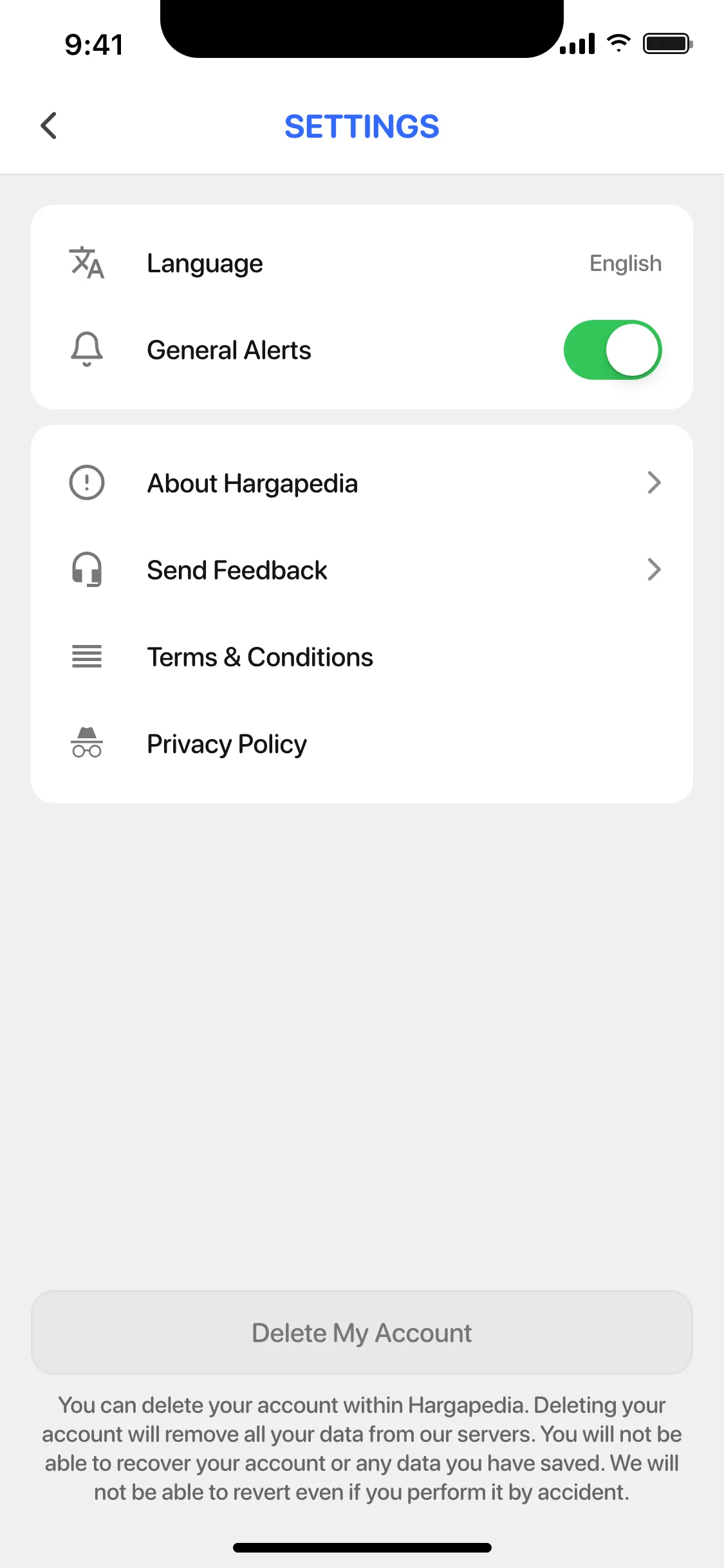
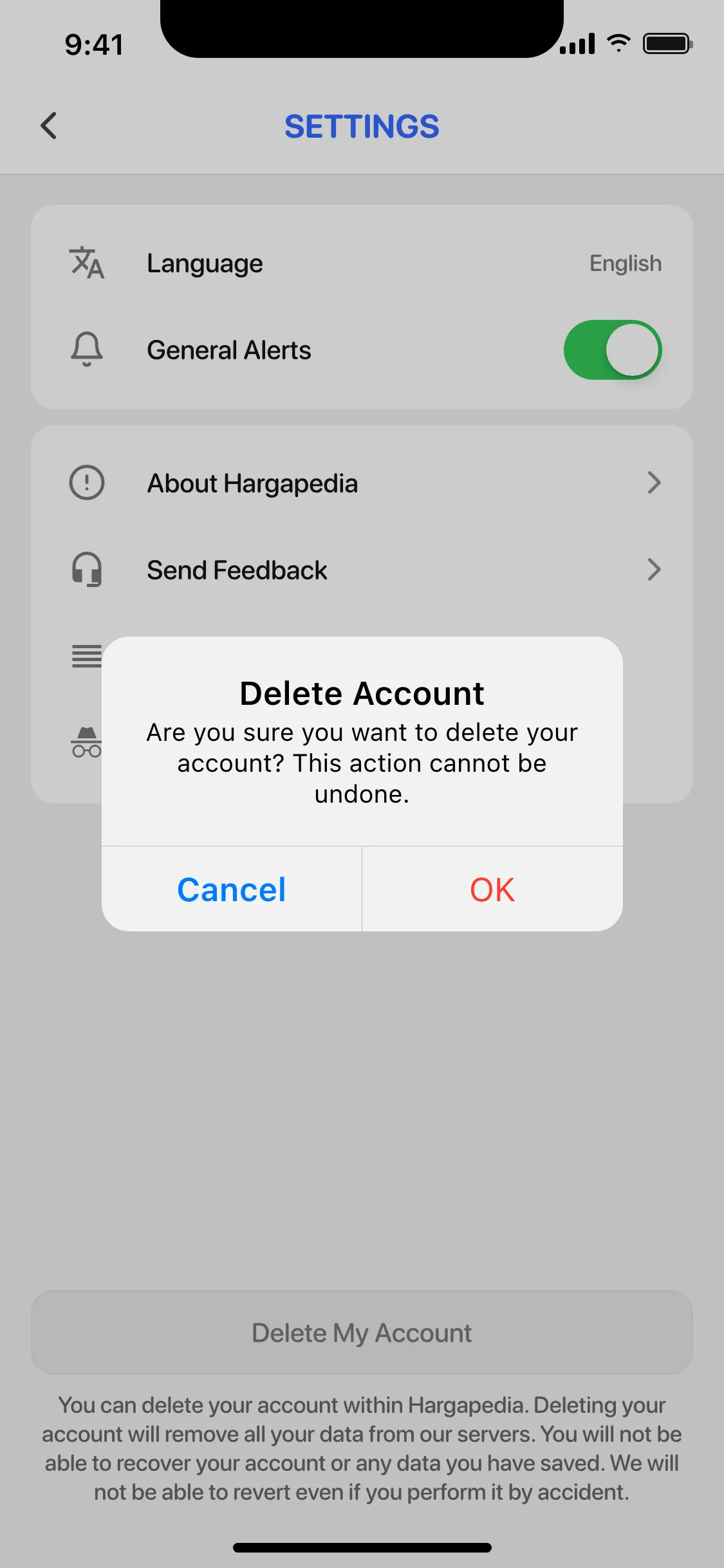
The interface is fairly simple. The part that needed more care was what happens after you tap OK.
An account in two places
Hargapedia uses Firebase Authentication for sign-in, but Firebase doesn’t hold everything associated with your account.
Whether you sign up through Facebook, Google, Apple or email, Firebase manages the authentication side. It knows who you are and handles signing you in.
The rest of your Hargapedia information lives behind our own API. That includes your profile, the products you’ve added to your Price Tracker, vouchers you’ve claimed and notification preferences.
All of those records are linked to your Firebase user.
So deleting your account means removing it from both systems.
The order matters because our API needs you to be authenticated before it accepts the delete request.
We therefore send the deletion request to our own API first, while your Firebase session is still active.
Once the API confirms the deletion, the app asks Firebase Authentication to delete the account itself. Firebase then signs you out, and the app shows an “Account deleted!” message.
There’s one complication with that second step.
When Firebase asks you to sign in again
Firebase treats account deletion as a sensitive operation. It requires a recent sign-in before allowing the account to be deleted.
That makes sense, but Hargapedia normally keeps people signed in. Someone might have opened the app every day without entering their password for months.
If their last authentication was too long ago, Firebase rejects the deletion request with a requires-recent-login error.
We catch that error and show a message asking them to sign out, sign back in and try again.
Signing in again gives Firebase the recent authentication it needs to permit the deletion.
The new Settings button is shared between the iOS and Android versions of Hargapedia, so Android users get the same option even though this particular requirement came from Apple.