Sign in with Apple
Apple gave existing apps with Facebook or Google sign-in until the end of June to support Sign in with Apple. We've added it to Hargapedia with a few days to spare.
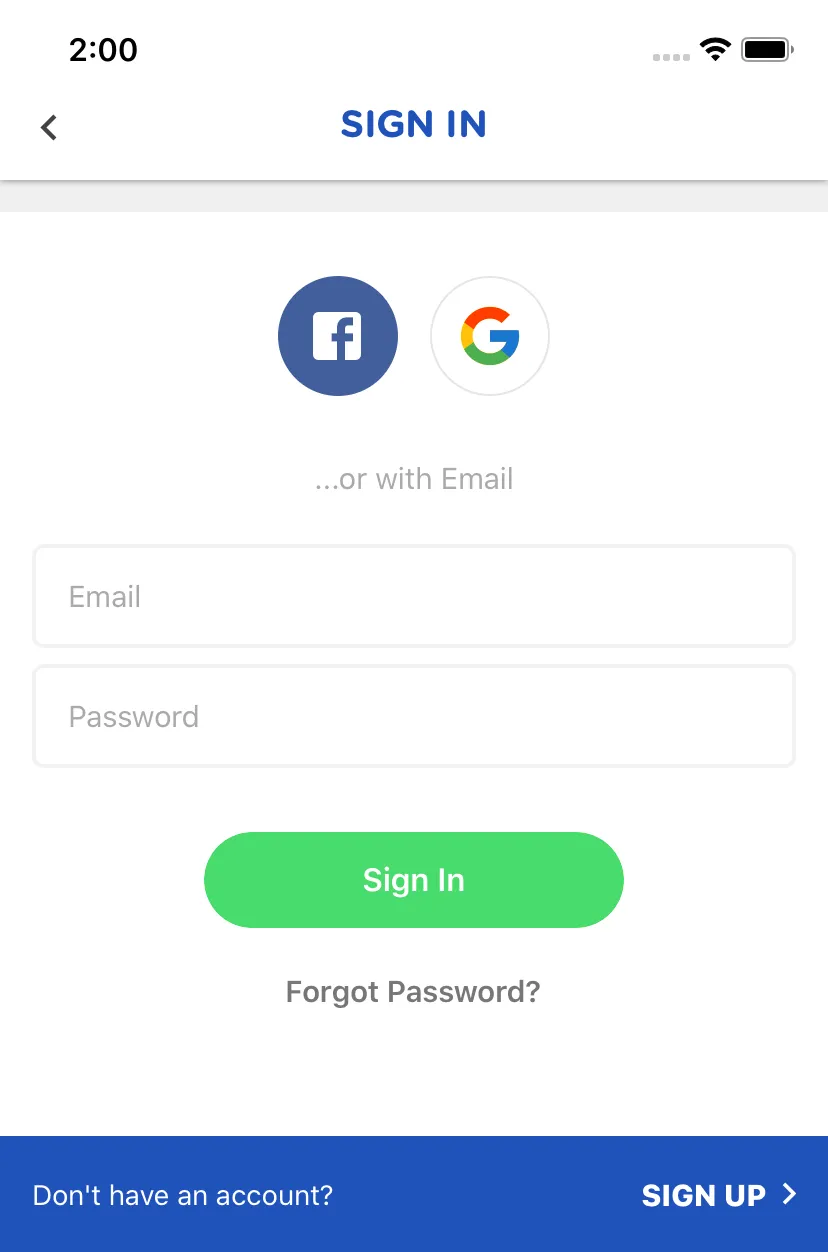
Hargapedia lets people sign in with Facebook, Google or their email address. This week’s update adds another option on iPhone: Sign in with Apple.
It’s not something we decided to add on our own. Apple introduced Sign in with Apple at WWDC last year, then updated its App Store Review Guidelines in September. Apps that use third-party sign-in services such as Facebook or Google to create or access an account must also offer Apple’s equivalent.
New apps had to comply immediately, while existing apps were given until April 2020. In March, Apple extended that deadline to the end of June.
Since Hargapedia supports both Facebook and Google sign-in, we had to add Apple too. The update went out this week, just ahead of the deadline.
Adding Apple to Firebase Authentication
We use Firebase Authentication to manage Hargapedia’s user accounts, so we didn’t need to build a separate authentication system for Apple.
Our existing Facebook and Google sign-in flows work by getting a token from the provider’s SDK and passing it to Firebase as a credential. Firebase then signs in the existing user or creates an account if they’re new.
Apple follows much the same flow.
When someone taps Sign in with Apple, iOS presents Apple’s own sign-in sheet, which supports authentication through Face ID or Touch ID. We request the person’s name and email address, then use Apple’s identity token and a nonce to create a Firebase credential.
From there, Firebase handles the account as it would with our other sign-in providers.
There were a couple of differences to account for, though.
The first is that Apple only provides the person’s full name during their very first authorisation. If they sign in again, the name isn’t returned.
That meant we had to save the name to their Firebase profile as soon as it became available. Otherwise, we’d lose the opportunity to populate it automatically.
Apple also lets people hide their actual email address. If they choose that option, we receive a private relay address instead, which Apple uses to forward emails to their real inbox. Firebase can still use that address for the account, so we don’t need a separate flow for it.
Cancelling isn’t an error
One small thing we had to fix was what happens when someone opens Apple’s sign-in sheet but decides not to continue.
The SDK reports cancellation as an error. In the first implementation, that went through our usual error handler, so someone who simply dismissed the sheet would see a generic error message.
That wasn’t particularly helpful. They hadn’t done anything wrong or encountered a problem. They’d just chosen not to sign in.
We changed the handling so that cancelling quietly returns them to the sign-in screen without displaying anything.
The Apple button only appears on iOS. Since the requirement comes from Apple’s App Store guidelines, there’s no reason to change our Android sign-in screen, which continues to offer Facebook, Google and email.
It’s a fairly small addition to Hargapedia, especially with Firebase already handling authentication. The main work was accounting for the few ways Apple’s sign-in flow behaves differently from the ones we already had.