Tap to Order: queue, order and pay with an NFC tap
For a startup in Singapore we built Tap to Order, an Android app where you tap your phone on an NFC tag to join the queue, tap the menu to order, and pay at the end. It's set up with Ramen Champion, and it's built in PhoneGap.
For the last two months we’ve been building Tap to Order for a startup in Singapore. You tap your phone on an NFC tag at the counter to get a queue number, then tap it on the pictures in the menu to order. It’s an Android app, and we built it in PhoneGap.
NFC payments only went live in Singapore in August, so the timing is good … StarHub launched the first NFC wallet, and SingTel and M1 followed within the month, so with an NFC SIM you can now pay with your phone at EZ-Link and MasterCard PayPass readers. The brief came to us at the end of that month.
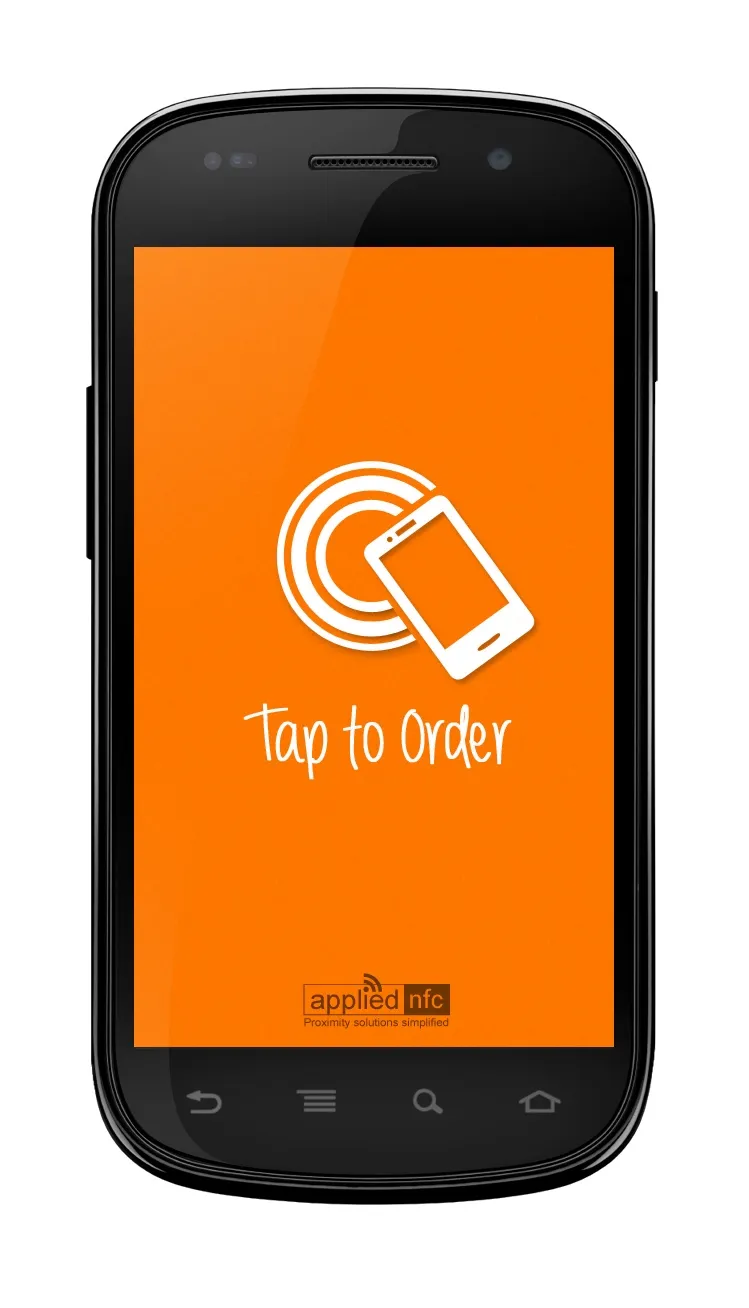
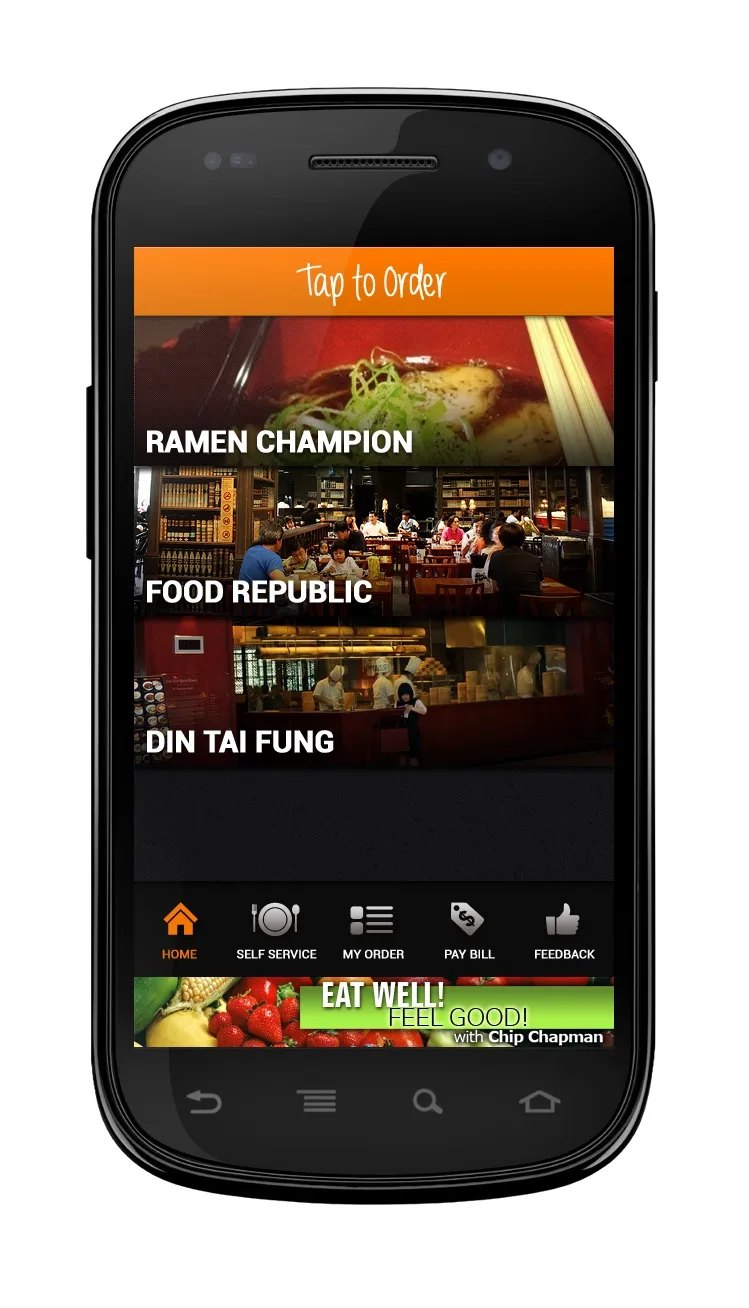
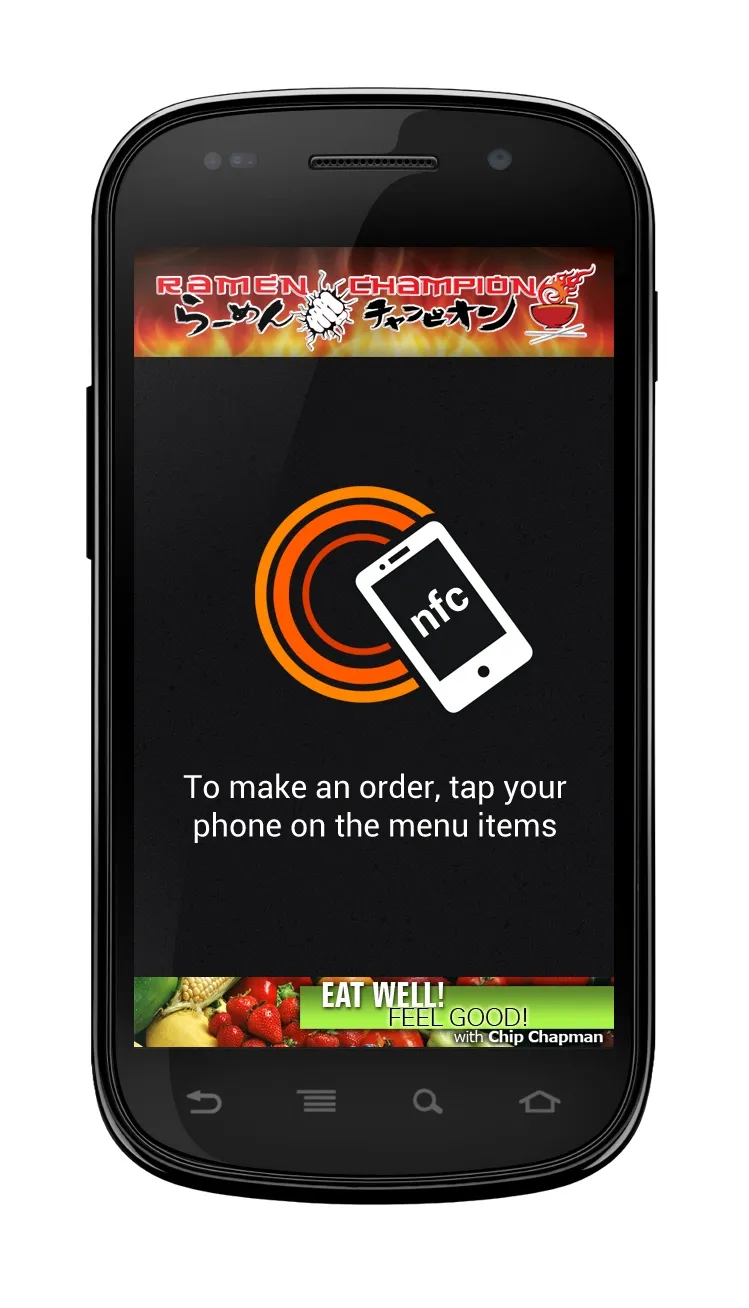
How it works
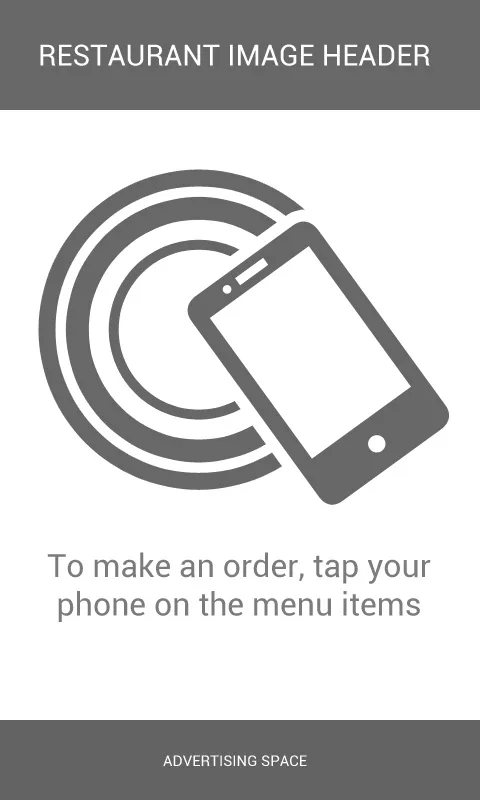
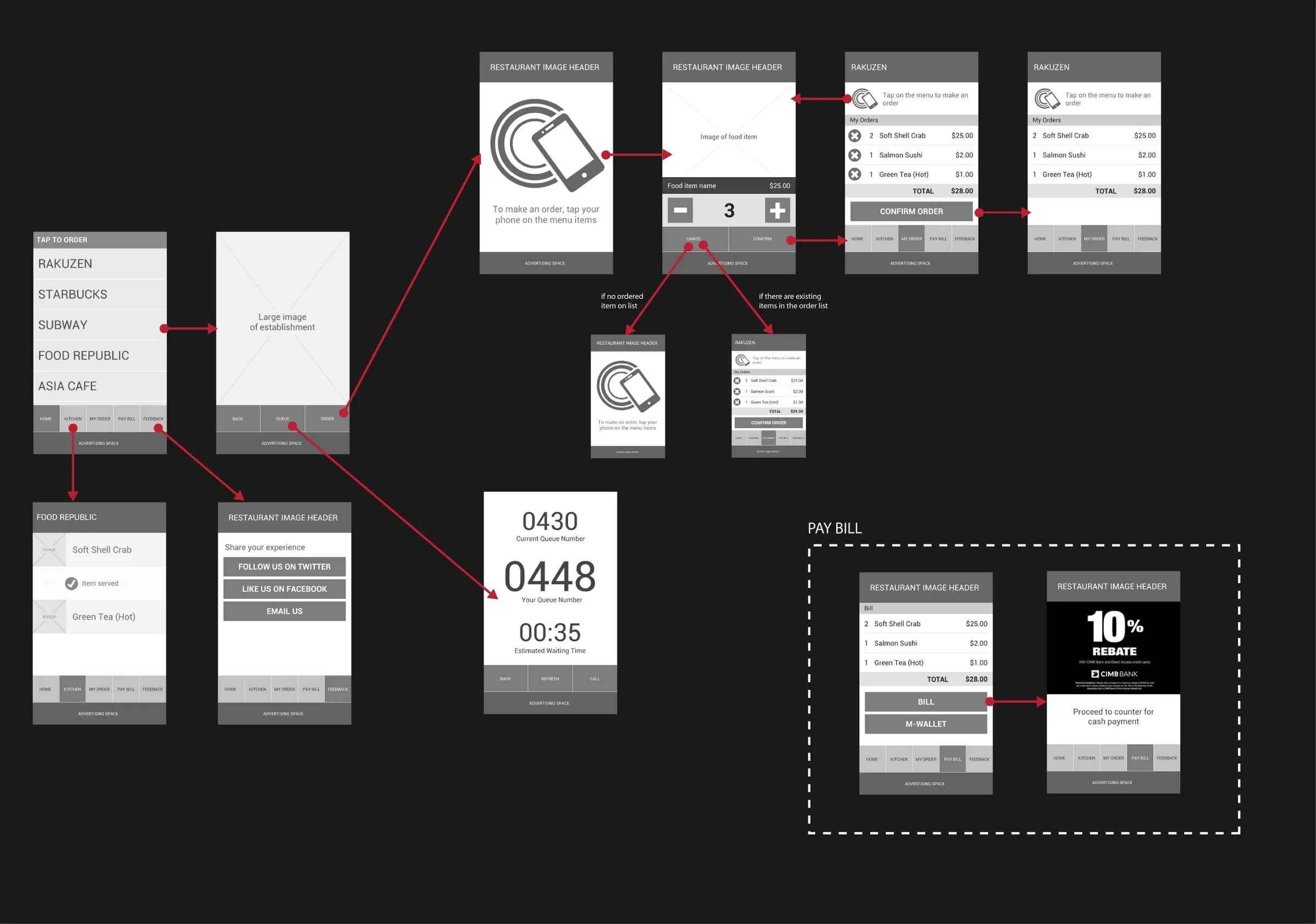
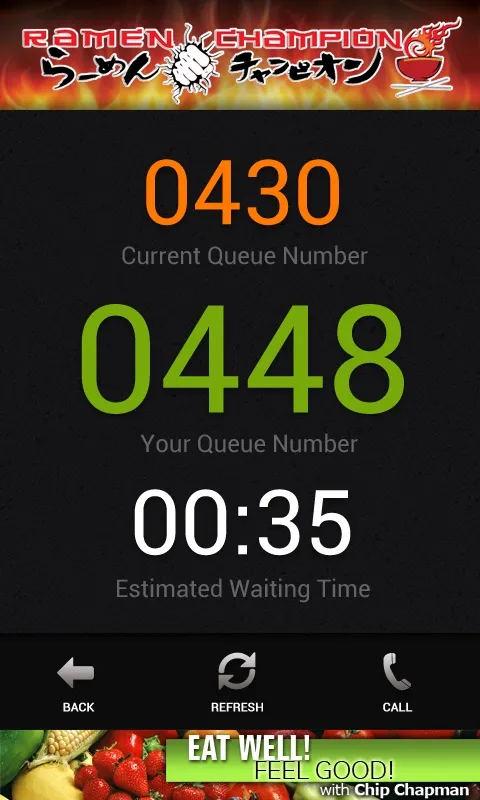
Say there’s a long queue outside the restaurant. You tap the tag at the counter and get your queue number, the number they’re serving now and how long you’ll wait, and the app tells you when it’s your turn. If it’s your first time, the tag sends you to Google Play to get the app.
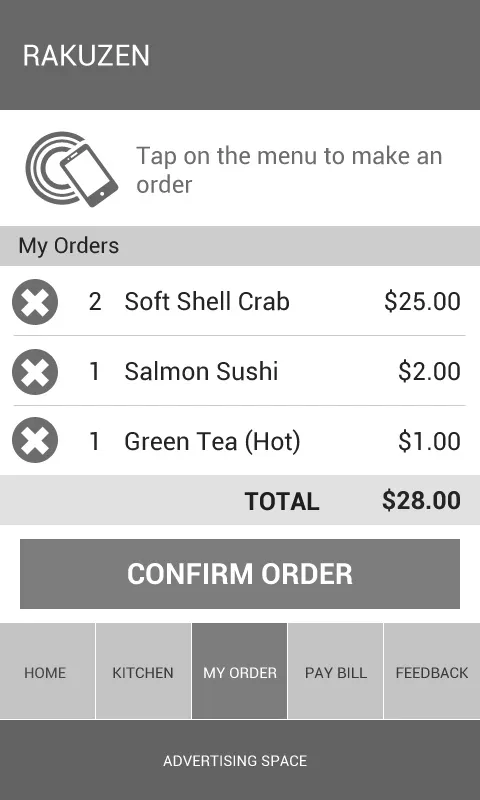
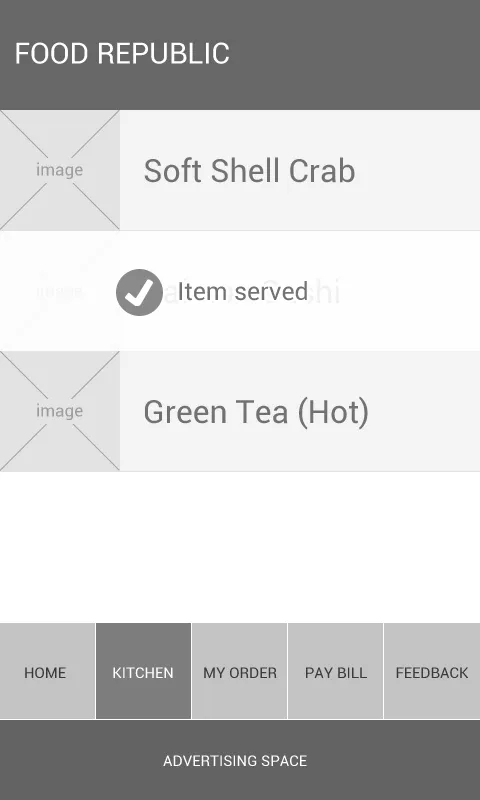
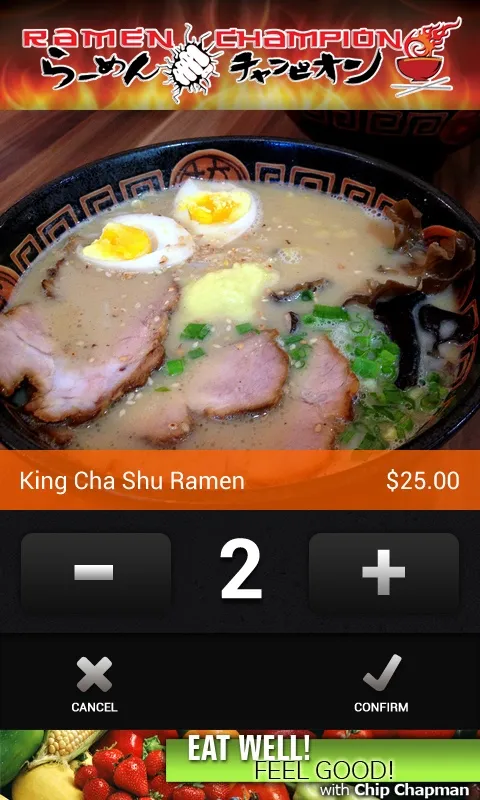
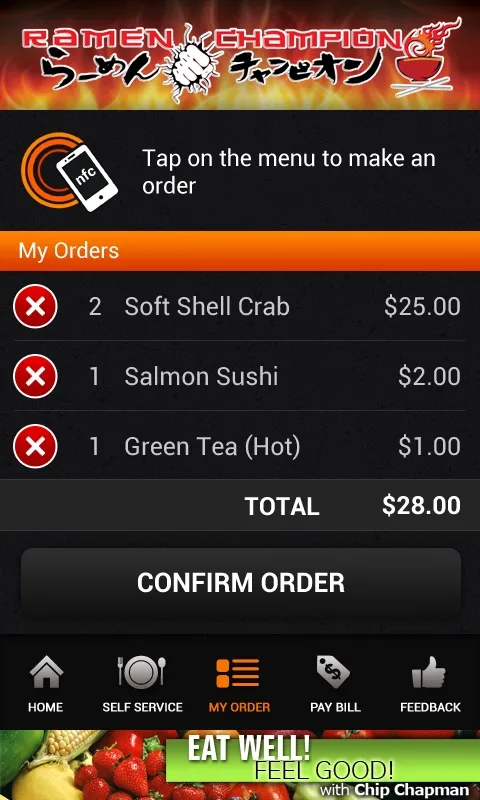
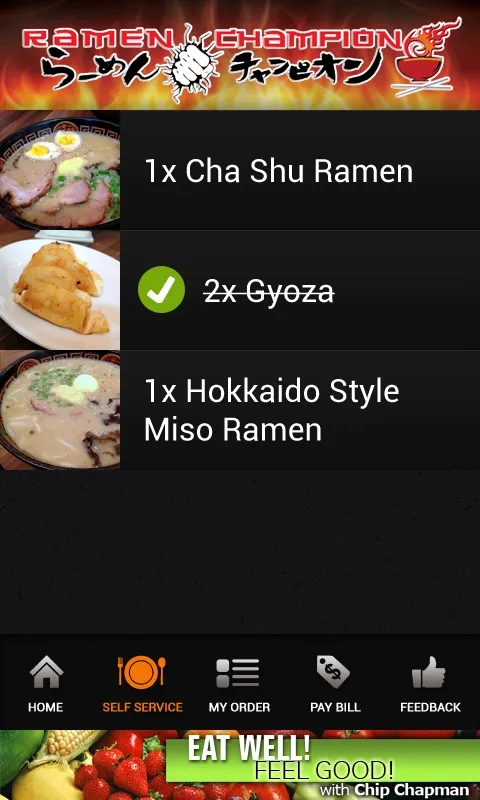
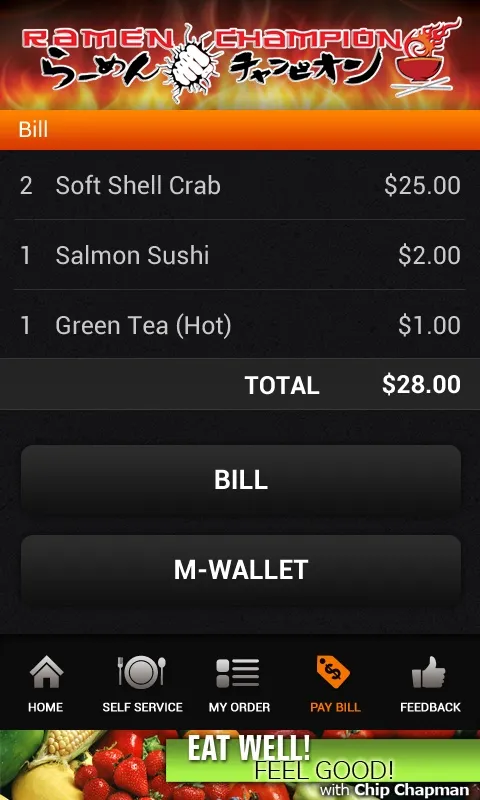
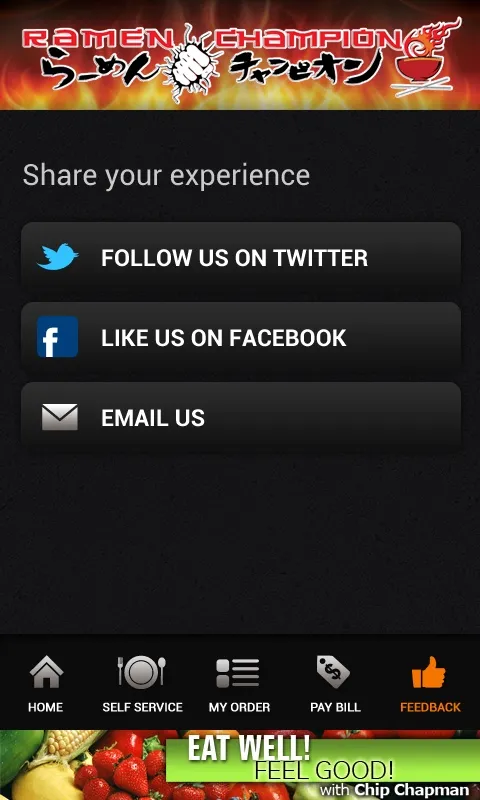
To order, you tap your phone on the picture of a dish on the NFC menu. The dish comes up with its price, you pick how many, and the next dish you tap goes into the same order. Each tag carries the merchant’s ID and the item’s number. When you confirm, the order goes to the kitchen. The app shows what’s still being prepared, and when a dish arrives you tap it to mark it served. At the end you call for the bill or pay with a mobile wallet, and there’s a page to follow the place on Twitter or like it on Facebook.
It works for food courts too. Tap the menu at a different stall and that stall is added to your order, so one order can cover a few stalls, and the bill is split by stall.
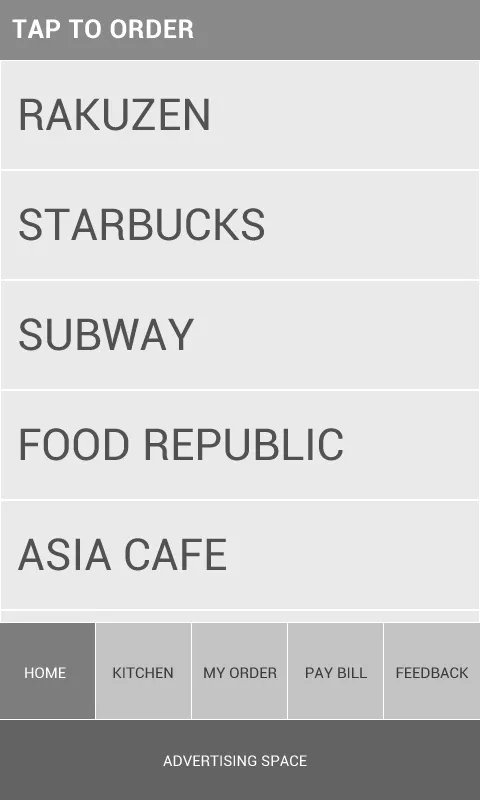
Ramen Champion
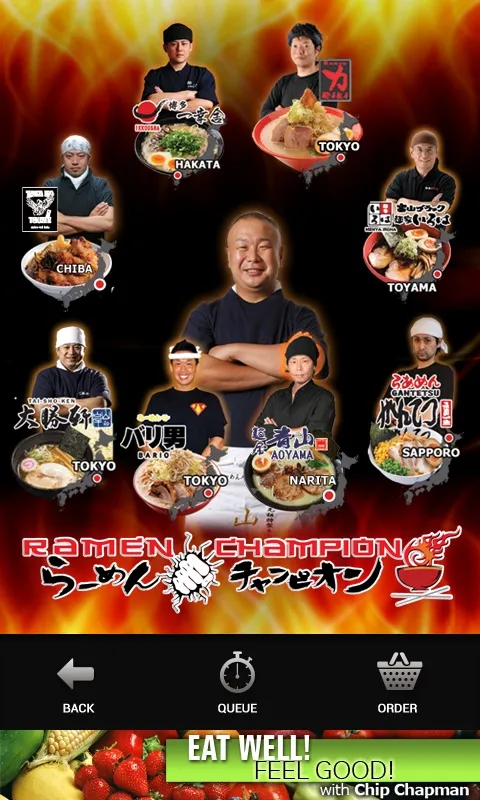
The app is set up with Ramen Champion, and it’s a good fit. Komars brought Ramen Champion to Bugis last year … ramen shops from different parts of Japan under one roof, competing for your vote, so it’s a food court of ramen. Right now you order at the stall and they give you a buzzer that vibrates when your ramen is ready.
PhoneGap
We proposed PhoneGap because it costs less and it’s faster to build. The screens are plain HTML and CSS, with a stylesheet for each screen density. It runs on Android 2.3.3 and up, the version where NFC support got better, on phones like the Galaxy S3 and the Xperia S. They’ve asked whether the same app could run on Windows Phone with NFC too … Windows Phone 8, which has NFC, only came out last week.
The kitchen side is theirs, a web page with the list of orders, and the idea is that when the kitchen marks an order complete, the app updates. There’s room for an ad banner at the bottom of every screen, and the whole thing is meant to be a template they can set up for different restaurants. Last week we put in Ramen Champion’s real menu, with a photo of each ramen.