Two Sophie Cam reviews in one week
All About Windows Phone and All About Symbian both reviewed Sophie Cam this week. Some notes on how a camera filter app ended up on four kinds of Nokia.
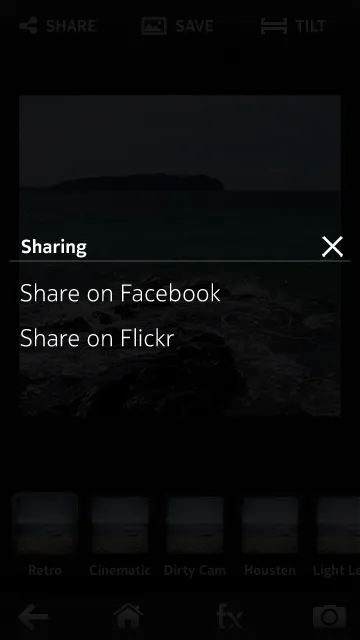
Two reviews of Sophie Cam came out this week, a couple of days apart. All About Windows Phone did the Windows Phone version and gave it 68%. All About Symbian did Sophie Cam 2 and gave it 78%. Both liked the filters and the sharing, and both want a crop that isn’t square … the Windows Phone one also wants zoom.
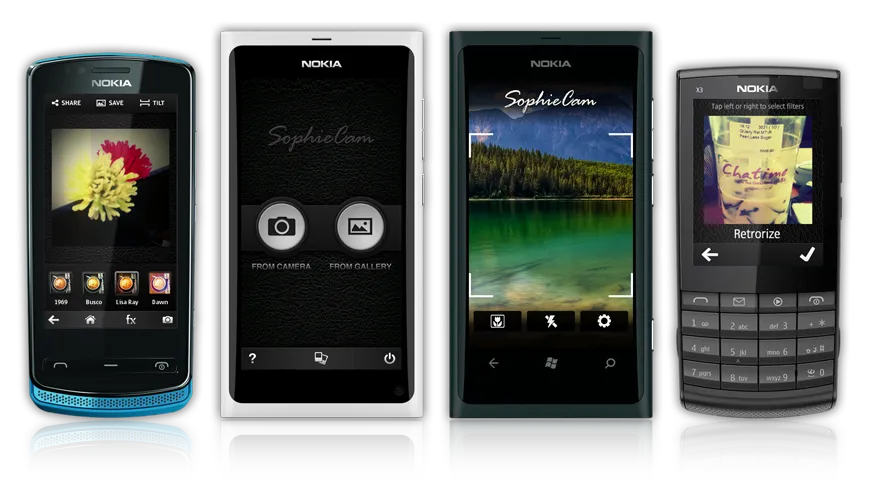
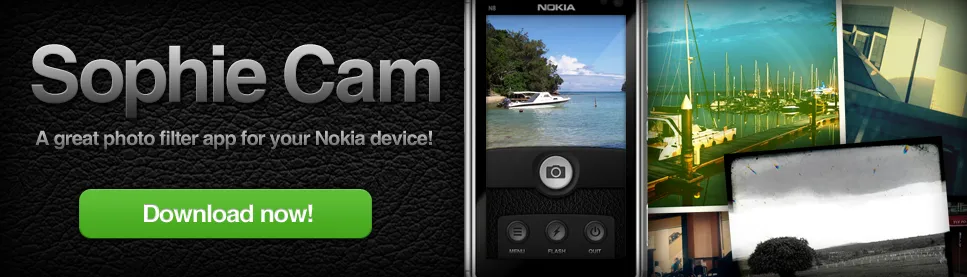
Sophie Cam started because we wanted something like Instagram on our own phones, and there was nothing like it for Nokia. We’re a mobile company, so we built it ourselves. It’s on Symbian, the N9, S40 and Windows Phone now, so this seems like a good time to write down how it got here.
Every filter starts as a Photoshop recipe
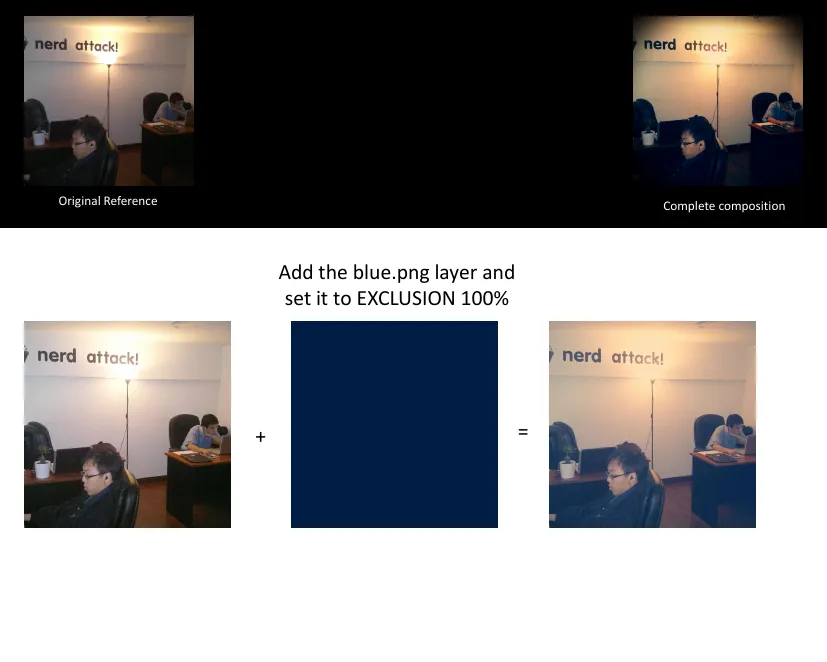
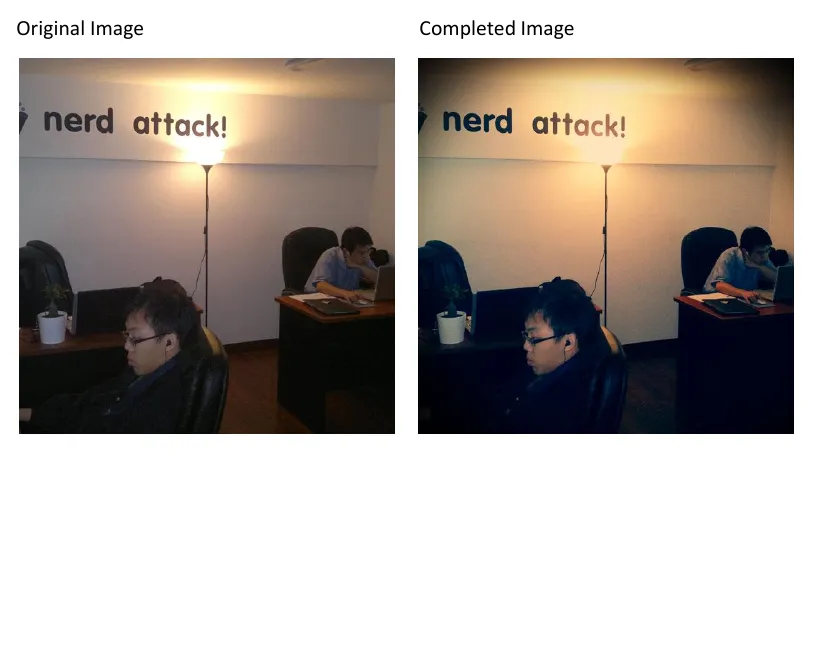
We make each filter in Photoshop first, then write it down one slide per step so the developers can rebuild it in code. Summer 69 goes like this … duplicate the photo and set it to Screen, add a flat blue layer on Exclusion, a cream one on Multiply, sky blue on Colour Burn, light pink on Soft Light, a shadow on top. The first eight went out like that in May last year, Summer 69, Dirty Old Camera, Cinematic, XPro 1, Roid, Housten, Lime Plastic Lens and Light Leak. The test photo for Summer 69 is our own office.
By the Hip Pack last December the recipes had RGB curve points written next to the steps as well.
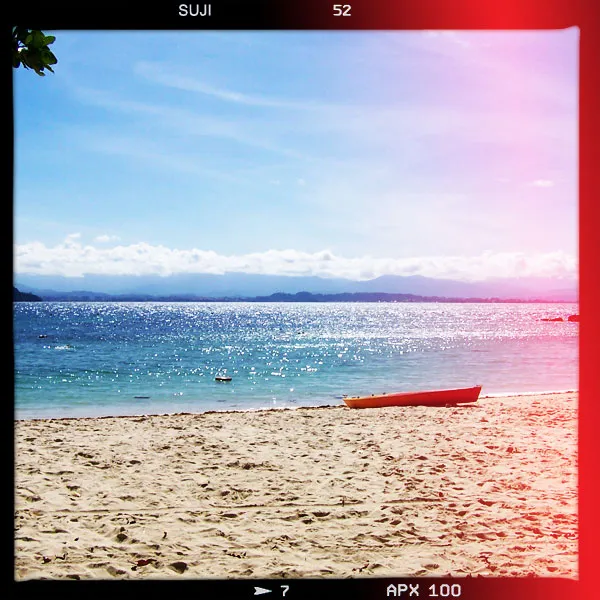
Light Leak works the same way with more layers. A copy of the photo goes on top on Overlay, then a black film border with the frame numbers along the edges, then a light leak on Screen, then two shadow layers on Overlay. We made nine different leaks and the app picks one at random each time, so your photos don’t all get the same leak.
 Original
 Overlay
 Film border
 Light leak
 Shadow
 Shadow
The leaks themselves are glows on a black background, so on Screen the black disappears and only the light comes through. Dirty Old Camera uses a layer of dust and scratches with dark rounded corners.
 Light leak
 Dust and scratches
Each pack has its thumbnails done on one photo. The first set is on a little figurine of a couple in red, and the Hip Pack is on a latte.
 Antique
 Cinematic
 Dirty Old Camera
 Housten
 Lemon
 Light Leak
 Lime Plastic Lens
 Retro
 Roid
 Summer 69
 XPro 1
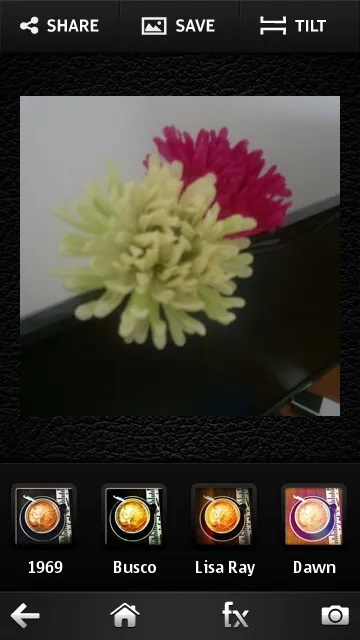
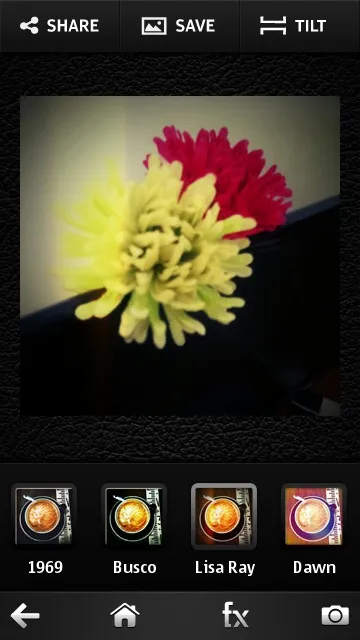
 1969
 Busco
 Lisa Ray
 Morning Glory
 Sun Drop
 Awake
 Caldo
 El Cerdo
 Hindigo
The darkroom
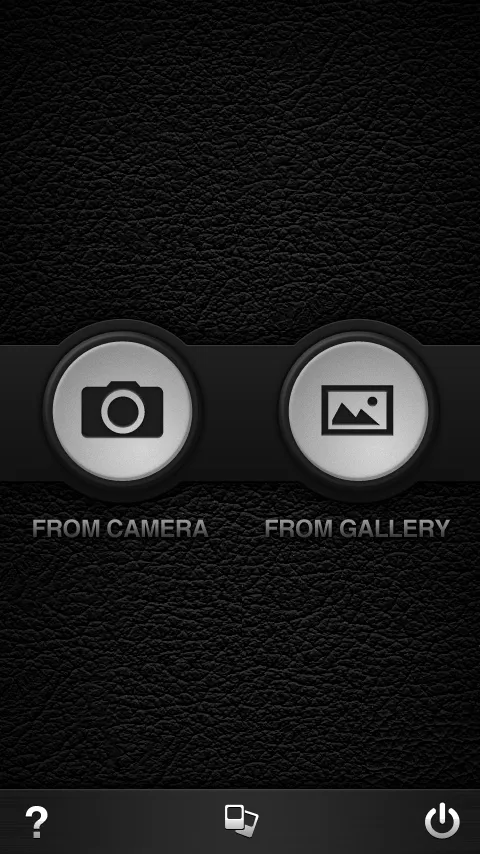
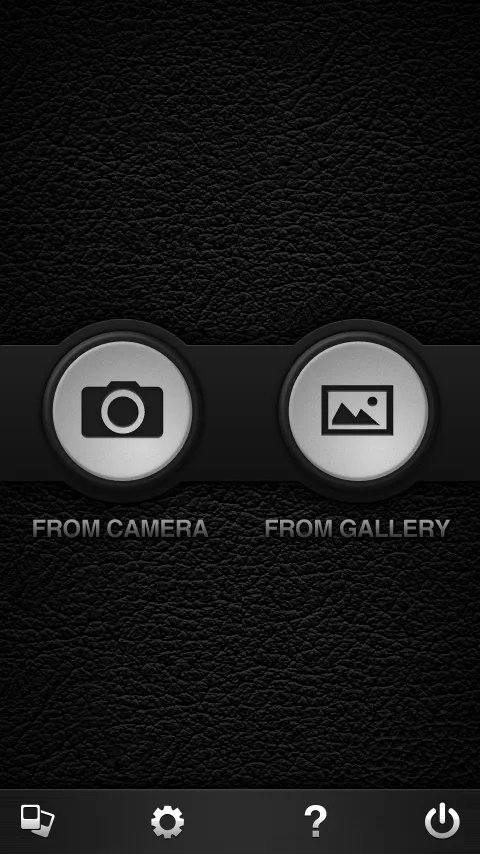
The first version was three steps. Pick a filter, snap, look at your photo. After you snap, the photo goes to a “darkroom” screen where it hangs on a clothes line with a wooden peg, and from there you shoot again, go home or share. Symbian phones ran it sideways, 640 by 360.
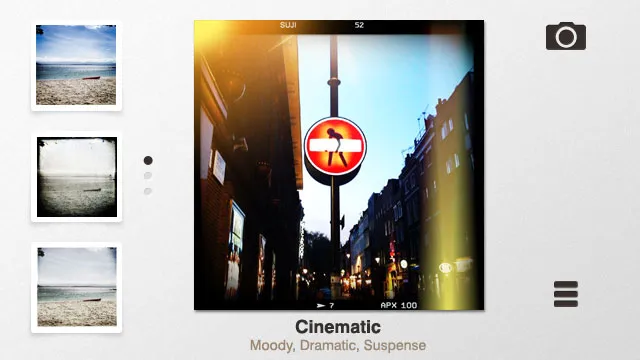
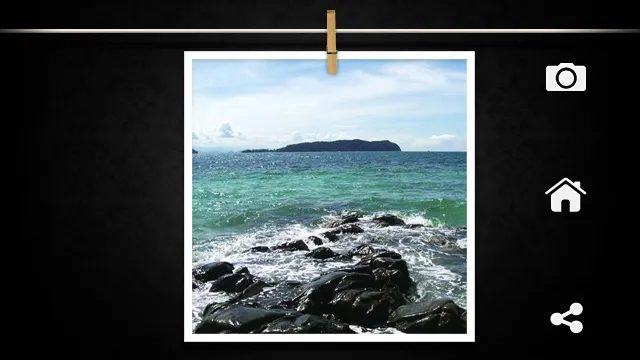
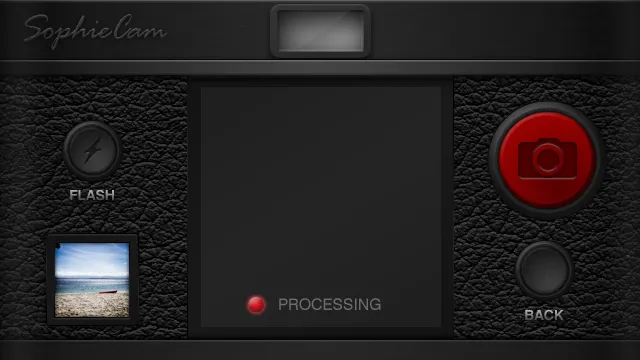
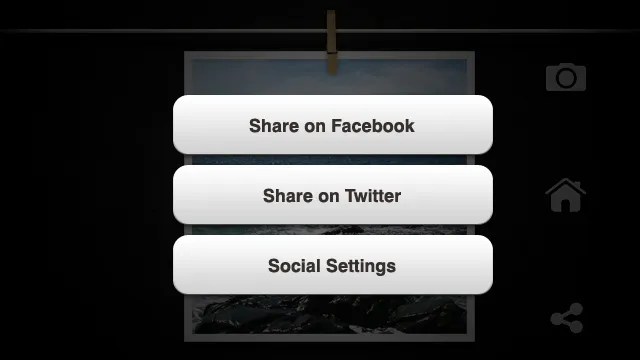
At Nokia Connection in Singapore in June last year, it was on our booth as one of the Qt showcases. Nokia was pushing Qt hard and wanted developers on it, and Sophie Cam was there to show what you could build with it.
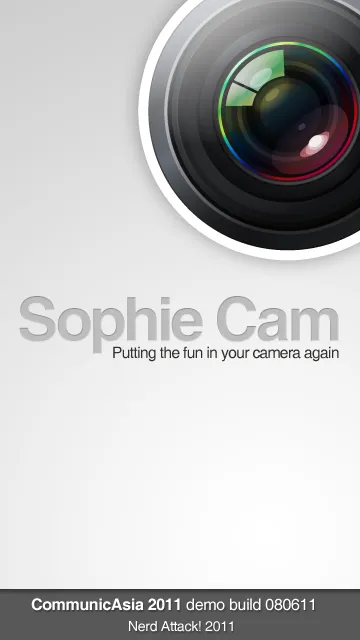
Last September we sent review builds to a few Nokia blogs, each one with the blog’s name on a ribbon across the splash screen, in its own colour.
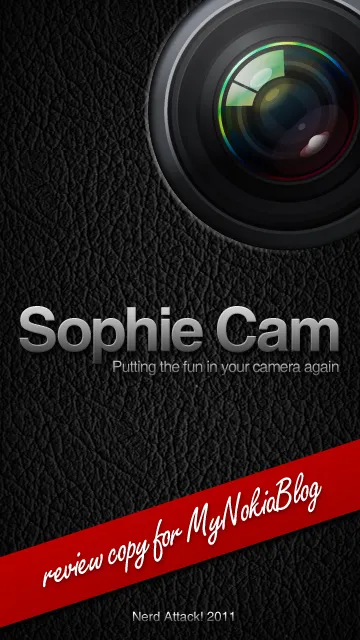
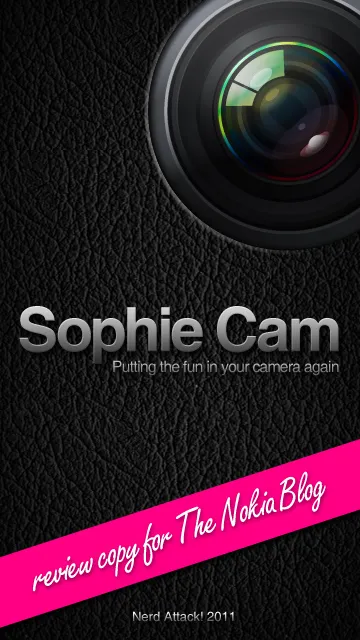
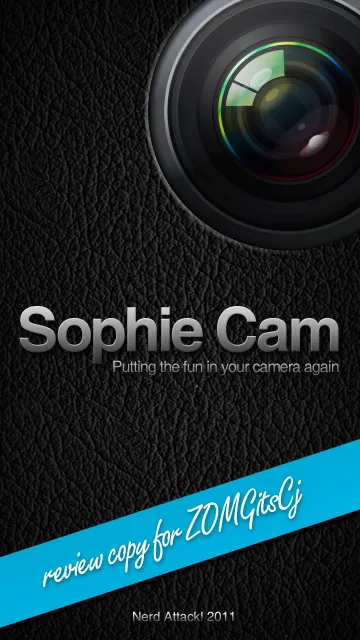
The N9, and a filter you unlock with a tag
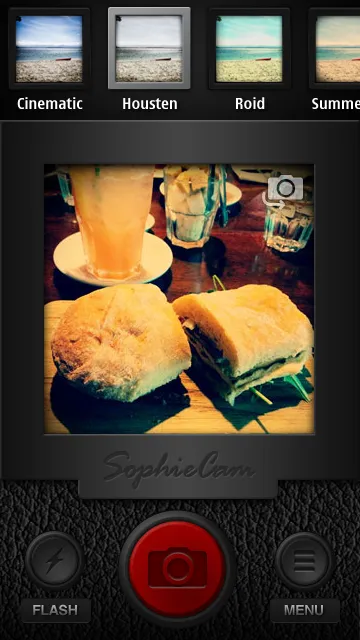
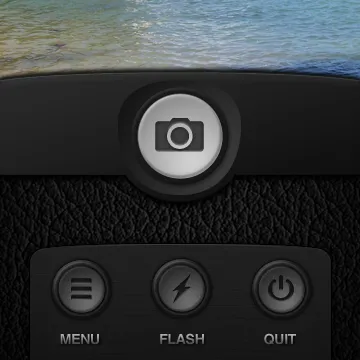
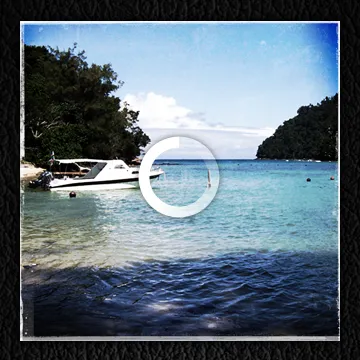
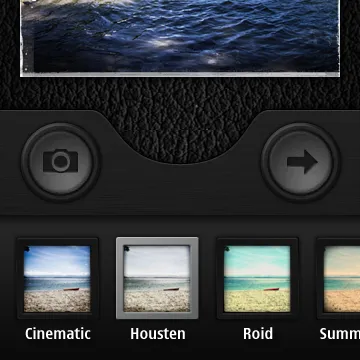
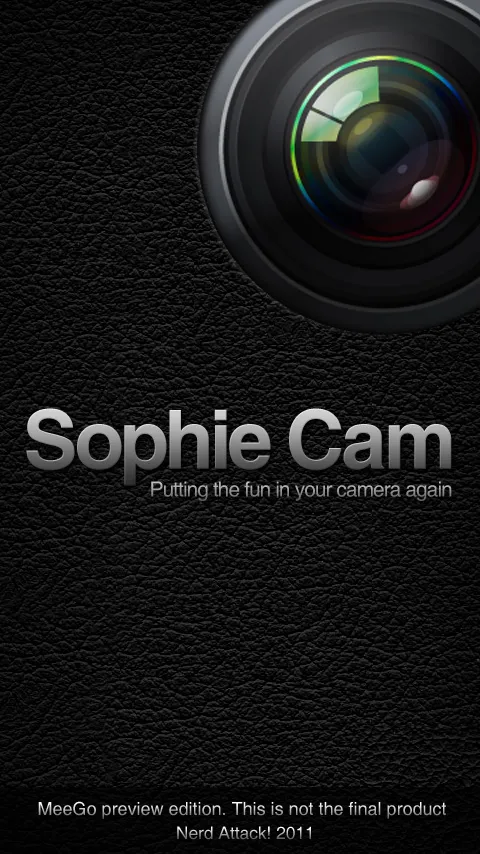
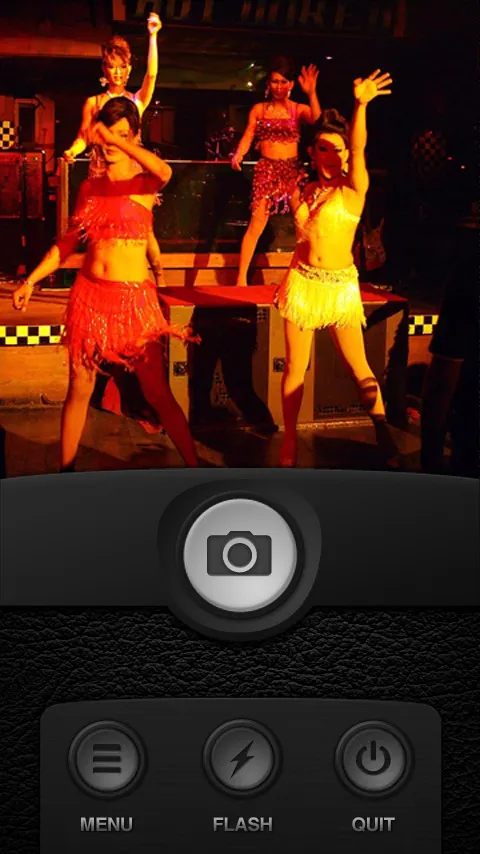
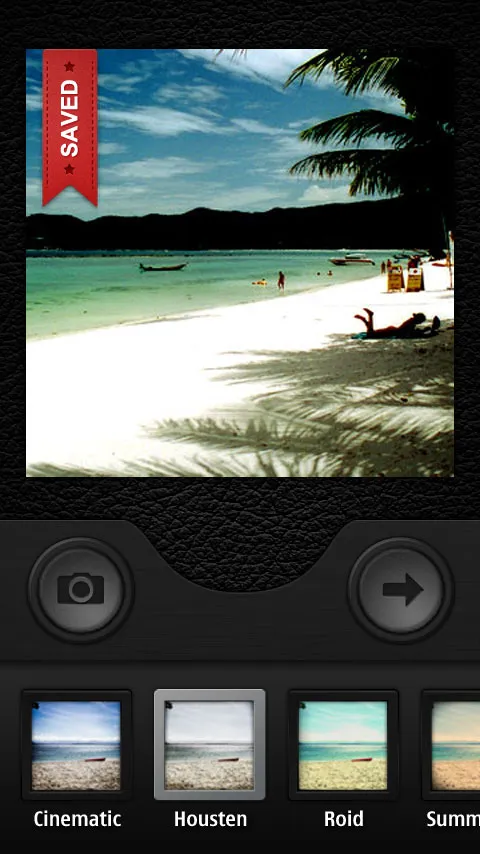
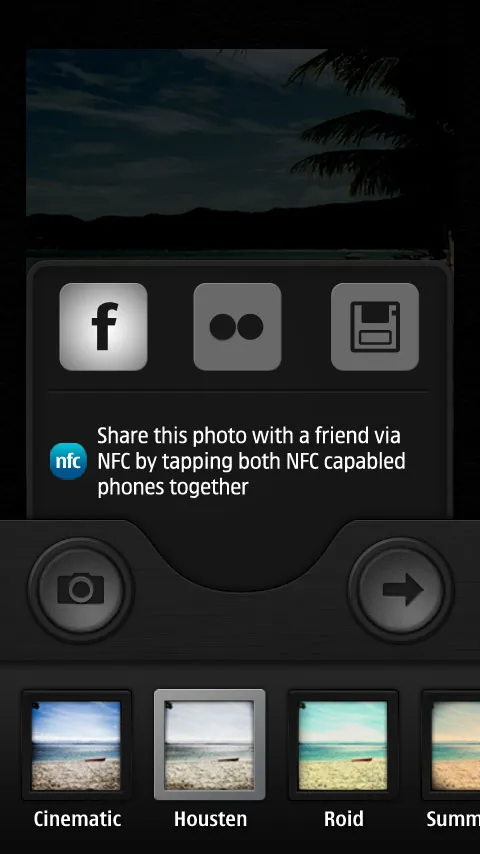
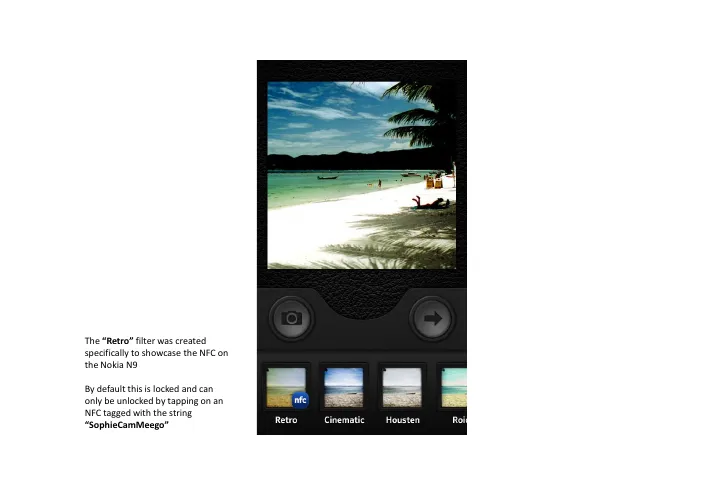
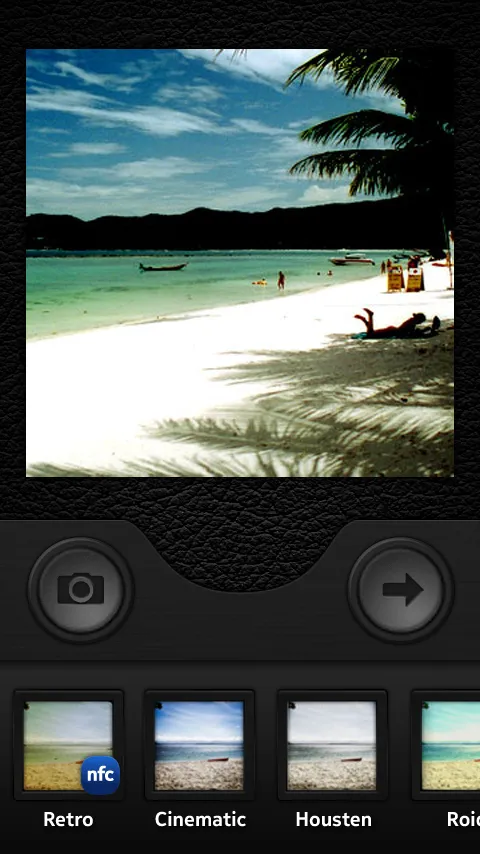
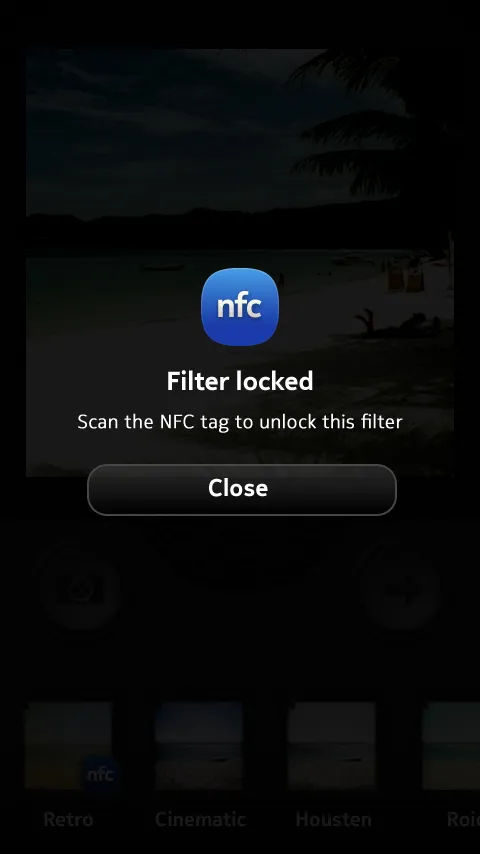
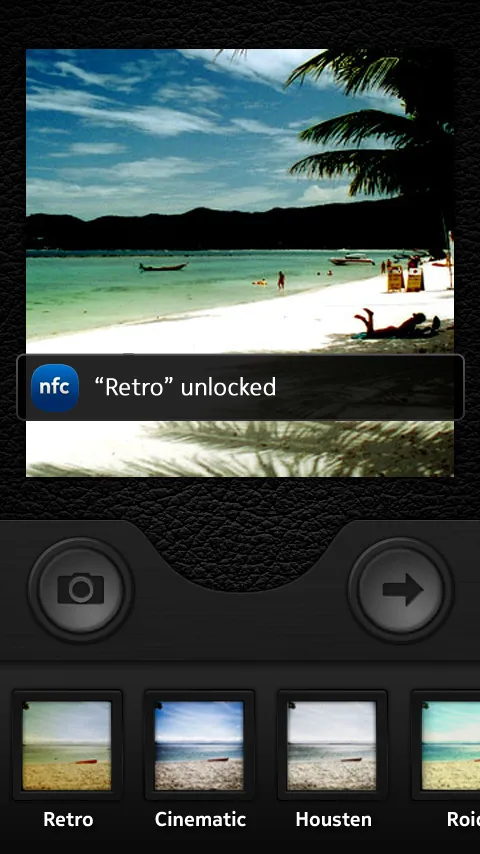
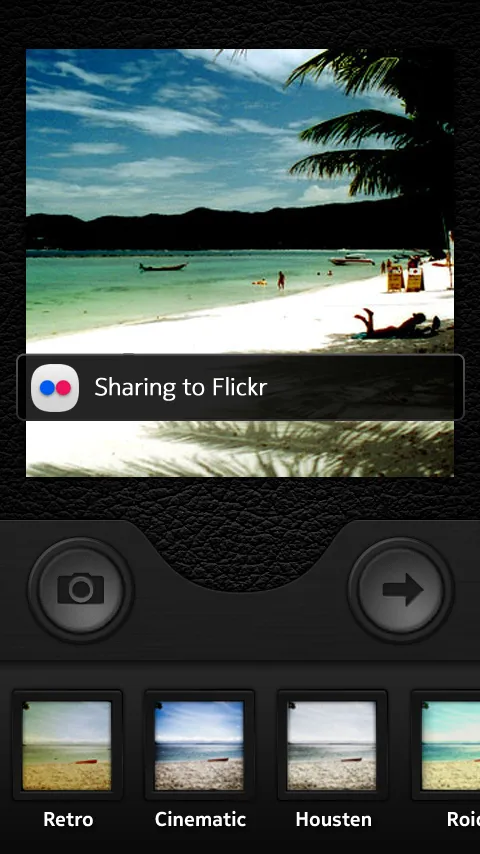
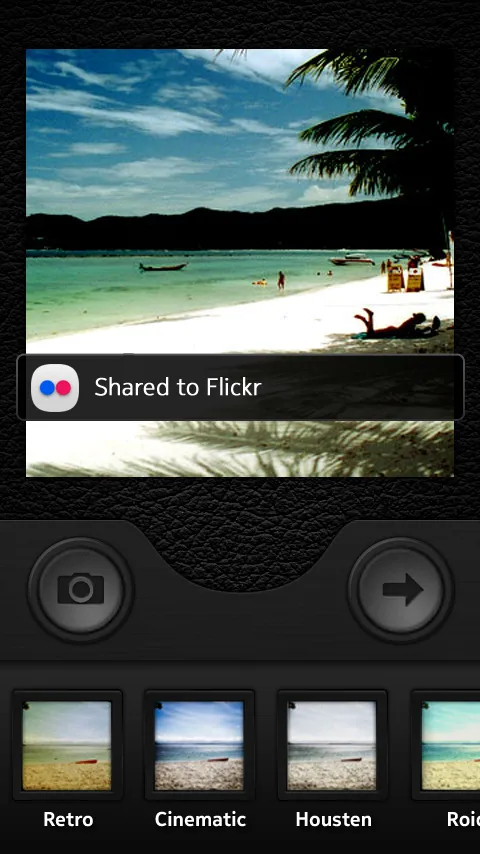
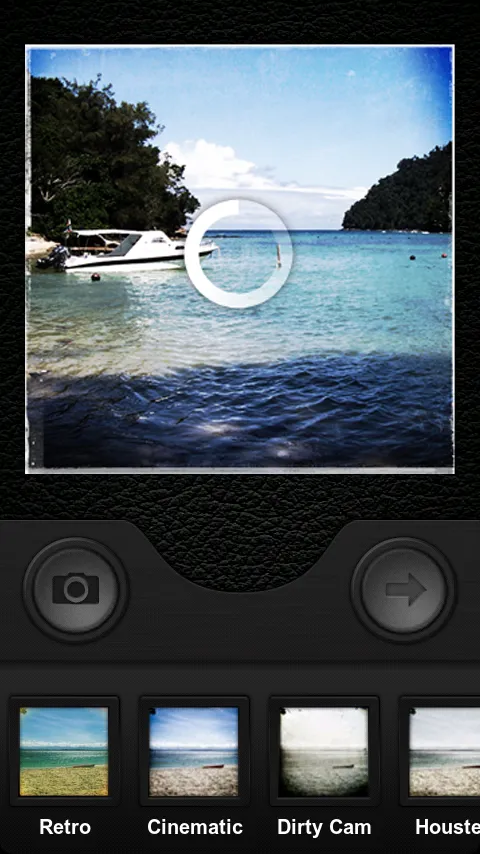
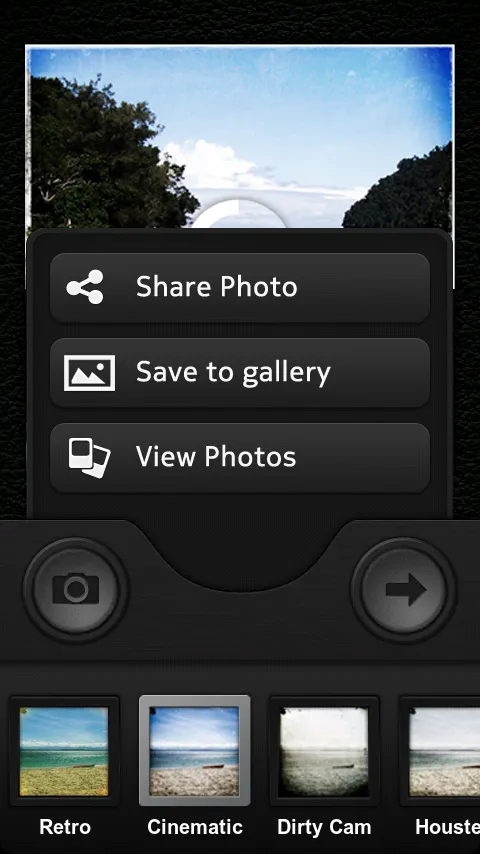
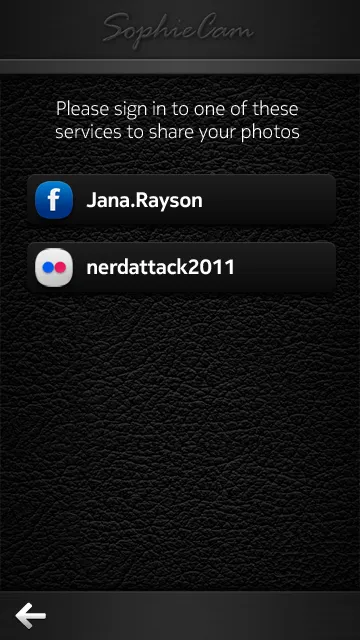
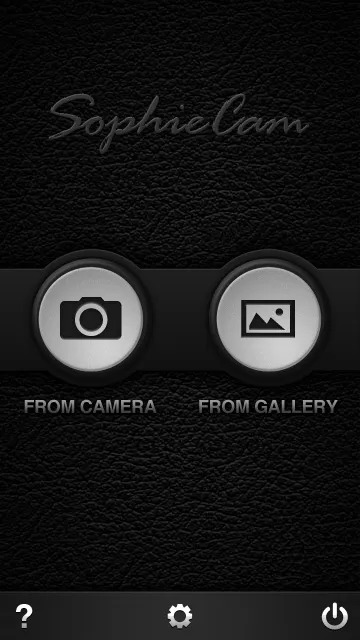
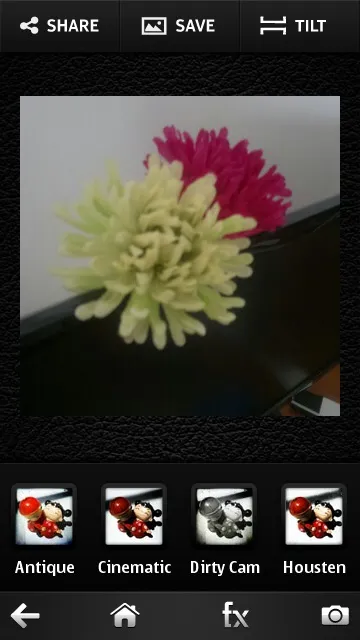
We had two N950s from Nokia for this, the developer version of the N9 with a slide-out keyboard. On the N9 it became a tall app with a leather background and a red “saved” ribbon on the photo. The N9 has NFC, so we made one filter, Retro, that’s locked until you tap the phone on an NFC tag with our string on it. A second tag would post the photo straight to our Flickr … that one was only for demos, it’s not in the store version.
Series 40
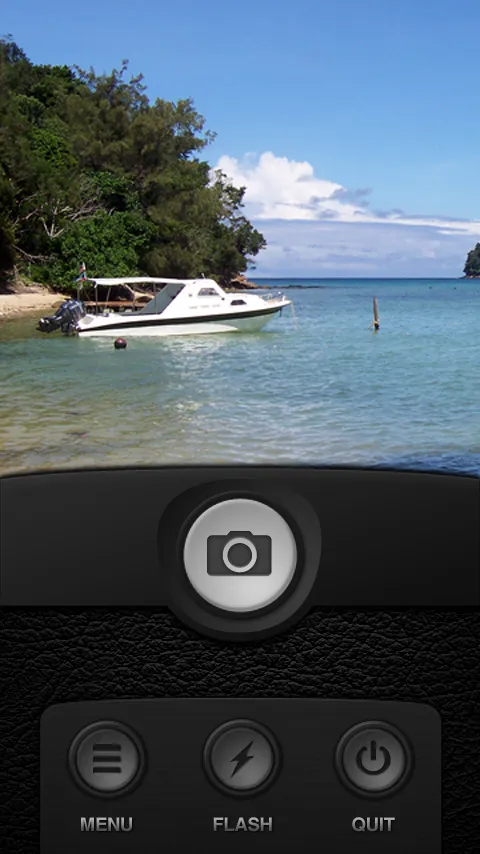
The S40 version is Java, on a 240 by 320 screen. One big shutter button with help and exit on either side, and you swipe left or right to go through the effects. S40 got its own seven filters too, like Retrorize, Holga and Old Kodiak.


Version 1.5
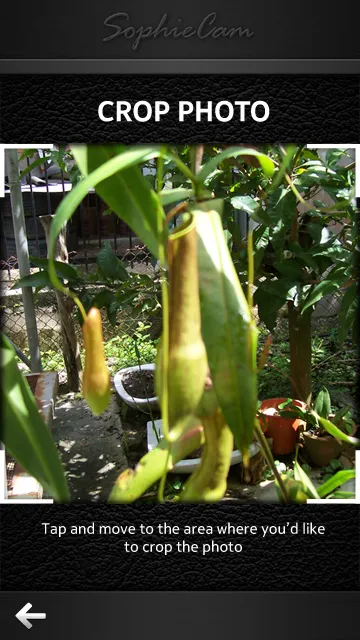
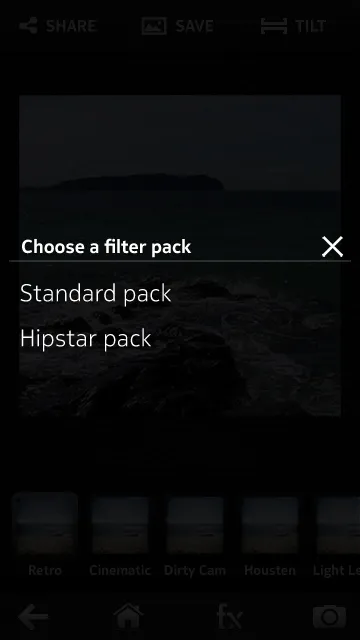
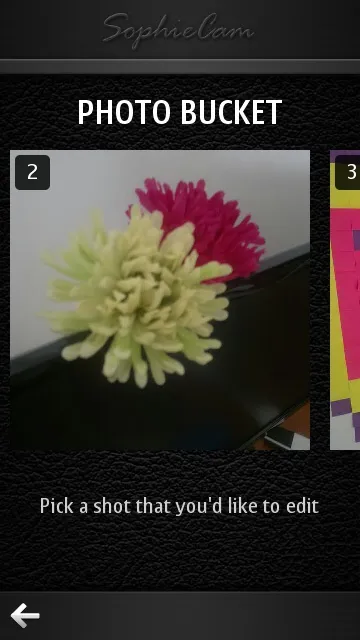
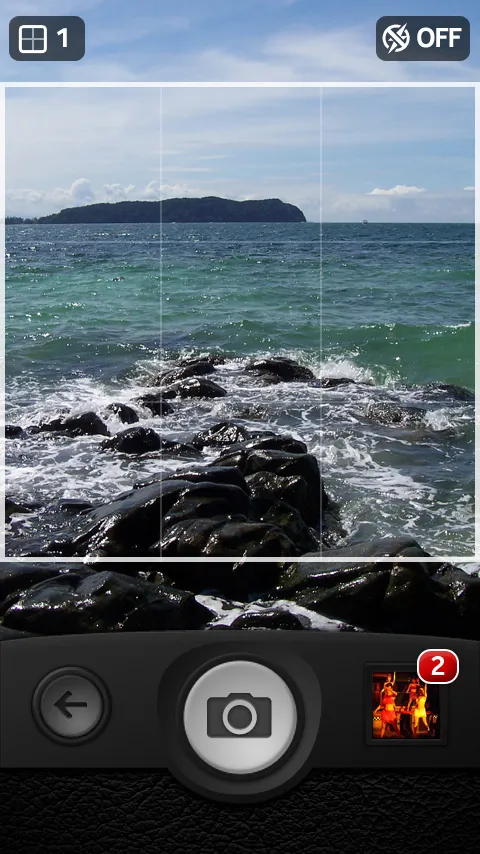
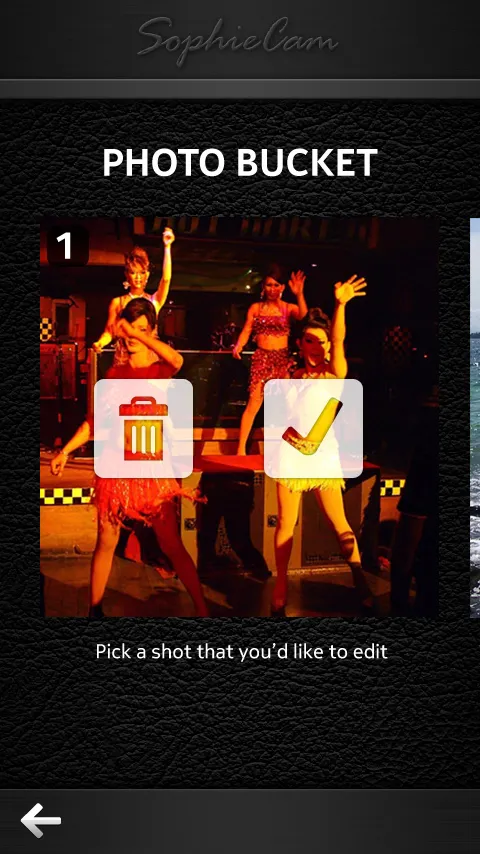
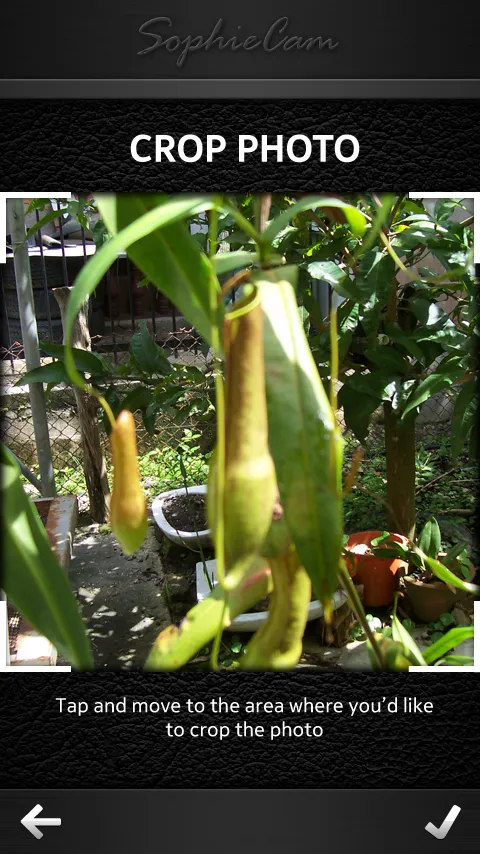
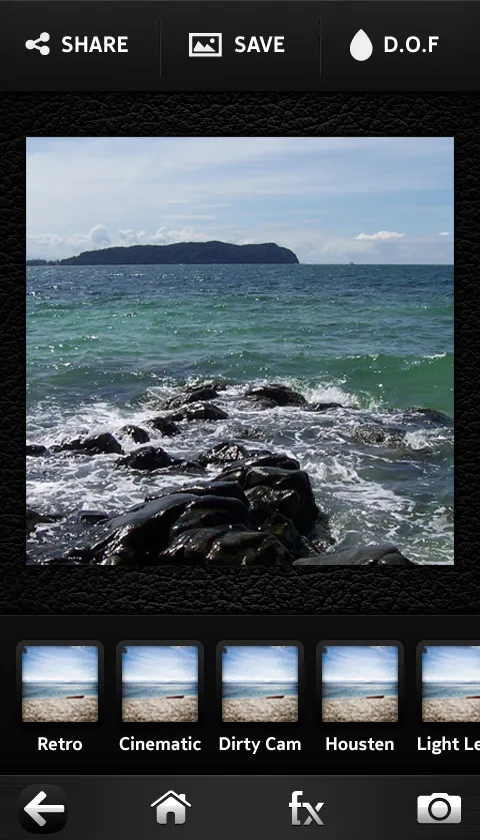
Version 1.5 in December last year added a photo bucket … you can take up to 15 shots, then pick the one you want to edit. It also split the filters into packs, so picking a pack changes the thumbnails underneath, and it has the crop frame, 360 by 360.
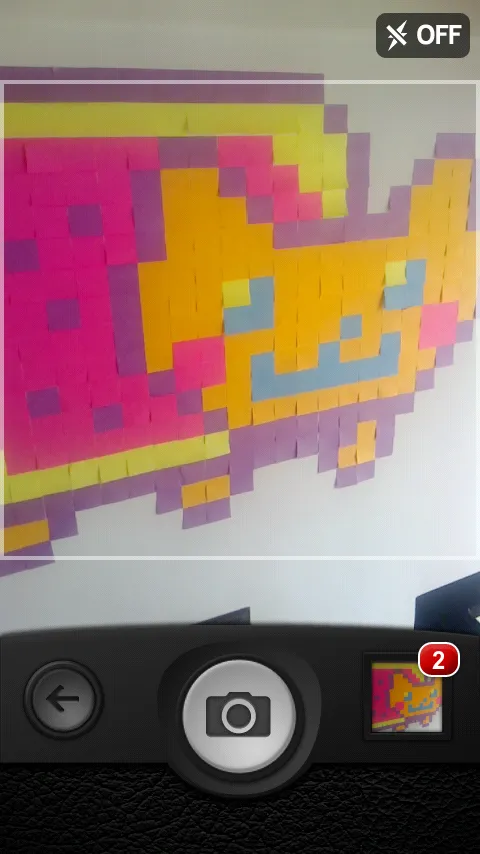
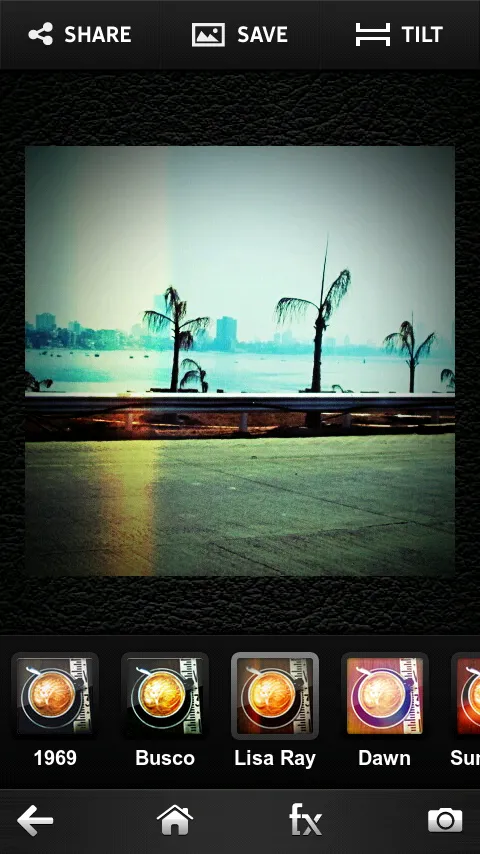
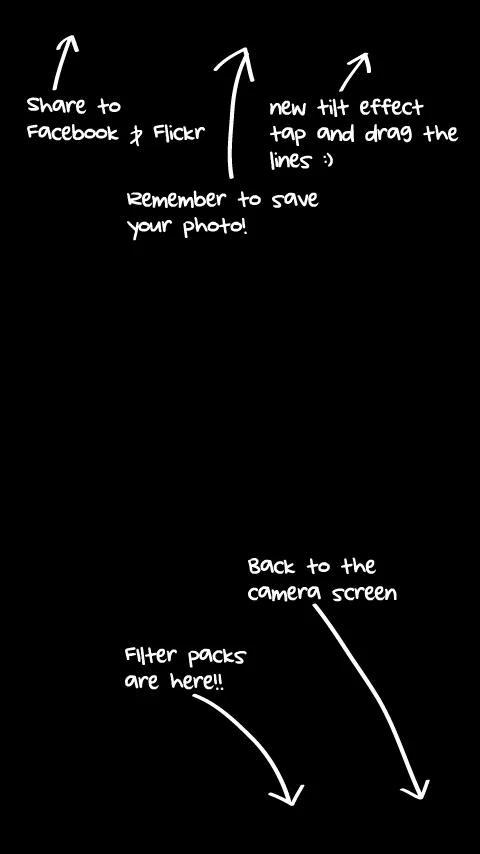
Windows Phone
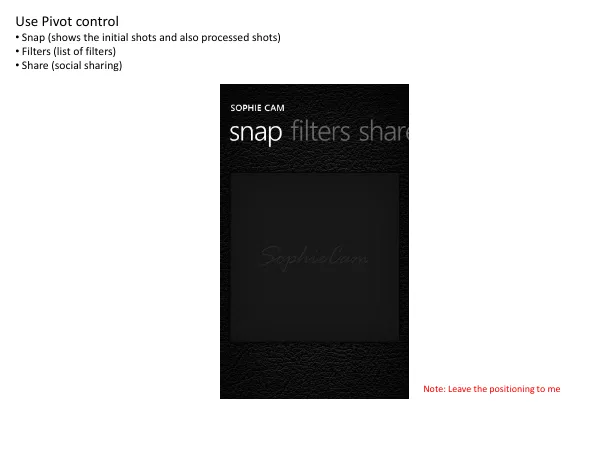
The Windows Phone version uses the pivot. “snap filters share” across the top, the shots under snap, the list of filters under filters, the sharing under share, and a toast when a share goes through. This July it got the Vintage Pack, same as Sophie Cam 2 on Symbian.
The square crop both reviewers want gone is the 360 by 360 crop we put in with 1.5.