KLTraffic, now on the iPhone
KLTraffic is on the iPhone now, and the Android version has a new design. It's the oldest app we have, the one we sent Nokia back in 2009.
KLTraffic is on the iPhone now, and the Android version has a new design. Add Symbian, MeeGo and Windows Phone, and it’s on five platforms now.
It’s the oldest app we have. After Nokia’s One Connected World in 2009, KLTraffic was the app Ow and I spent a week on and sent to Nokia … the one that got us into Forum Nokia Pro. We did an Android version the same year, and since then it’s come along with us everywhere. It was one of our five apps on the N8, and a widget on the N8’s home screen at our first booth. Earlier this year the Windows Phone version won Best UX and Best Use of WP Features at the Lumia League developer competition, and the prize, an Xbox 360 with Kinect, now lives in our office.
The cameras
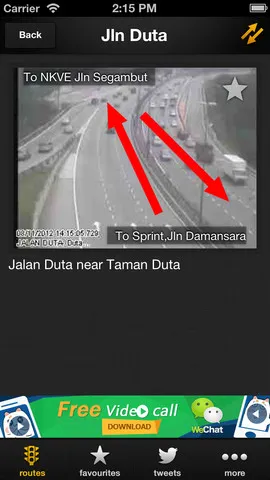
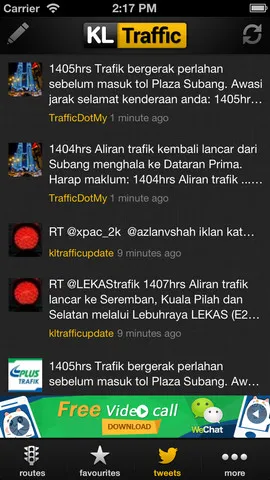
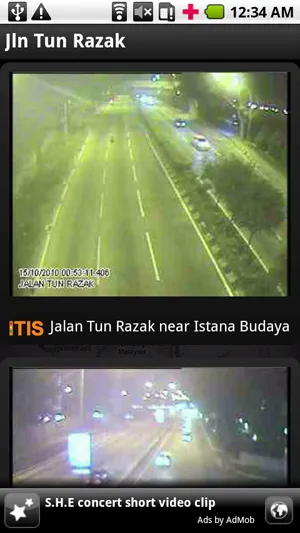
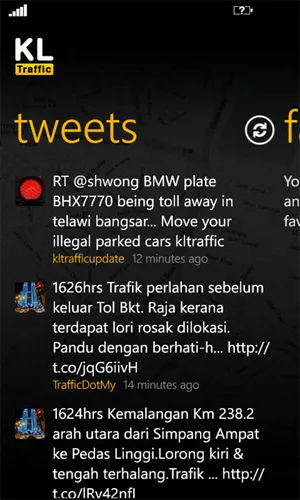
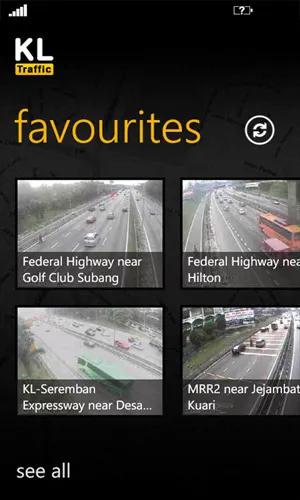
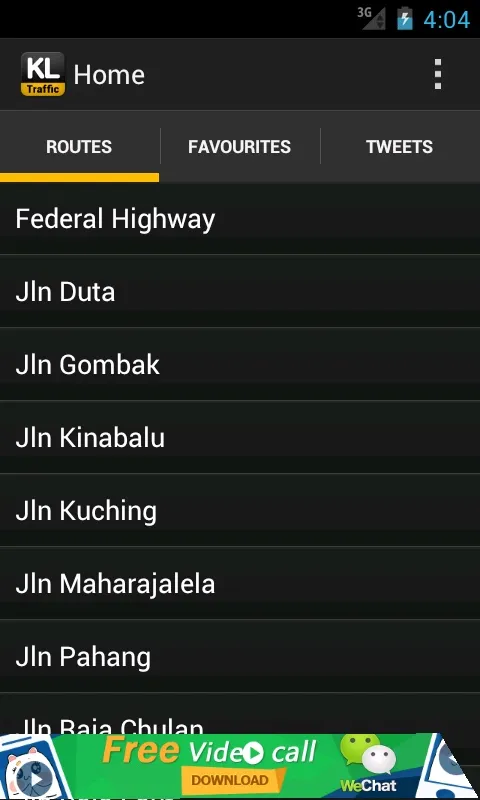
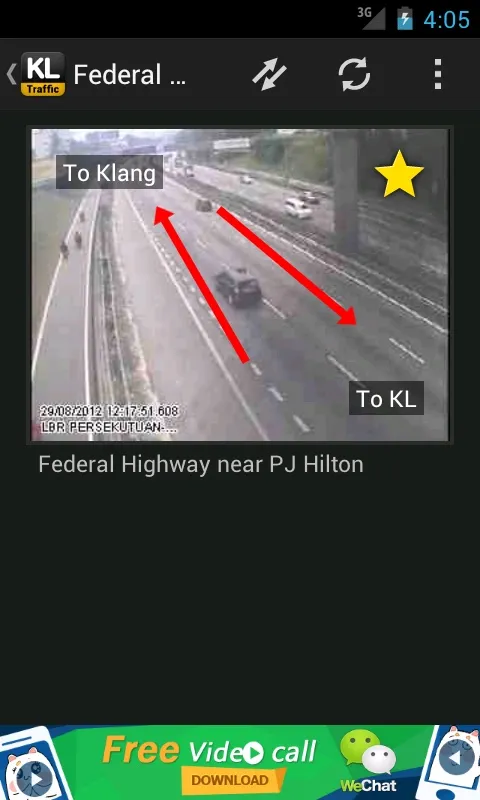
It works the same as on the N8. You pick a road and see the traffic camera pictures for it, with arrows showing which way each side is going, and there’s a tab of tweets from @kltrafficupdate, @TrafficDotMy, @plustrafik and @astrotraffic. The pictures for the city roads come from ITIS, KL’s Integrated Transport Information System, which DBKL set up in 2005 with the highway authority, JKR and the transport ministry.
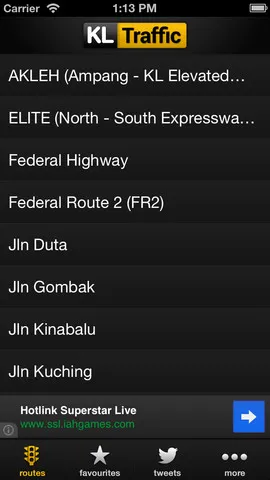
This time round we added the highways too. LLM, the Malaysian Highway Authority, has a mobile site with camera pictures and traffic updates for each highway … AKLEH, ELITE, KESAS, LDP, NKVE, SPRINT, SMART and the rest. We turn those pages into a JSON feed for the app with Dapper.
The new Android design
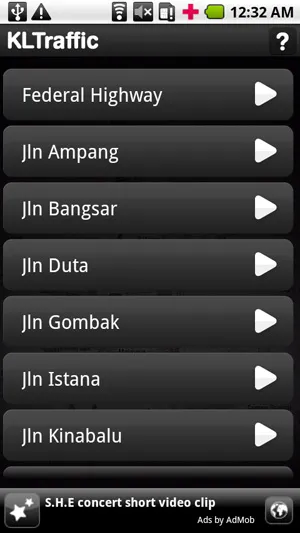
Google put out its Android design guidelines in January, for Android 4, and the new KLTraffic follows them. Routes, favourites and tweets are tabs under the action bar, and the buttons sit in a split action bar. In favourites you can select a few cameras at once and remove them. It’s built on ActionBarSherlock, so phones still on Android 2.3 get the same action bar.
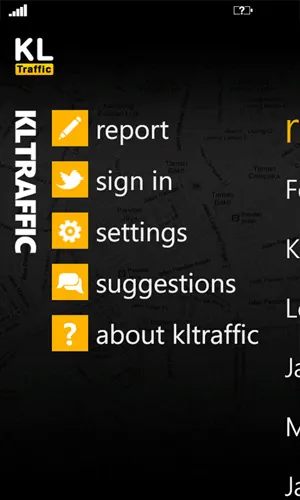
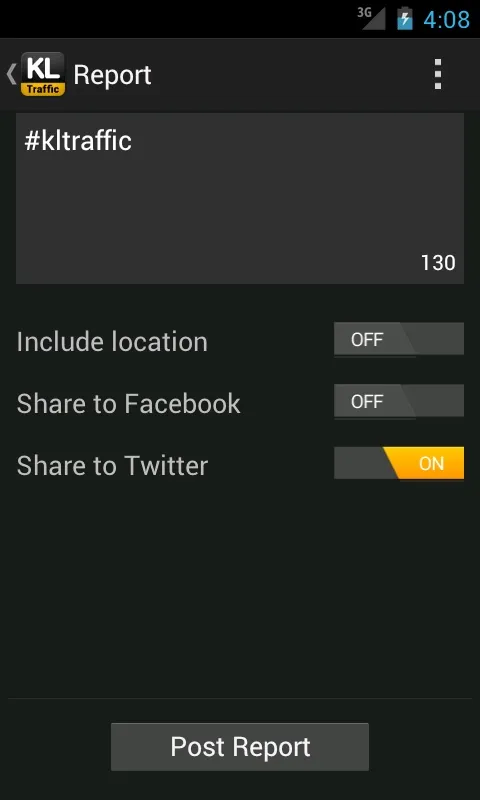
The report screen is where you post your own update. It’s tagged #kltraffic, you can add your location, and it goes to Facebook, Twitter or both.
The iPhone
On the iPhone the tabs go at the bottom, the way iPhone apps do it … routes, favourites, tweets and more. The highways are in the list with the city roads, and there’s a taller splash screen for the iPhone 5.