Sophie Cam 2
Sophie Cam 2 for Symbian is done. Every screen redone, Twitter sharing, a privacy policy and the Vintage Pack.
Sophie Cam 2 for Symbian is done. In the Nokia Store it shows up as version 1.6, but for us it’s 2 … every screen in the app got redone.
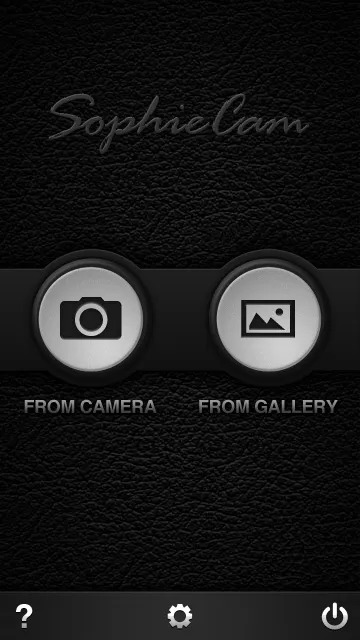
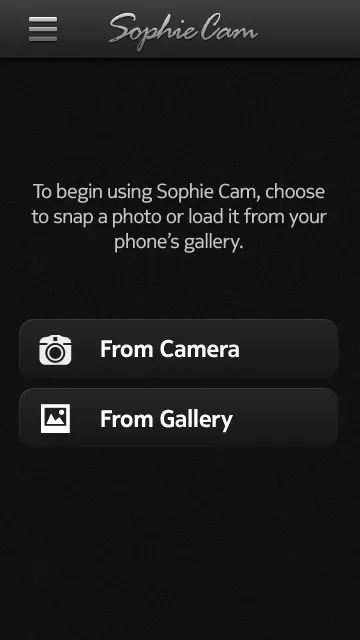
The home screen used to be two big round buttons on leather. Now it’s one line telling you what to do, and two buttons, From Camera and From Gallery. The Sophie Cam script sits in a bar at the top of every screen, with the back arrow on the left.
Camera and bucket
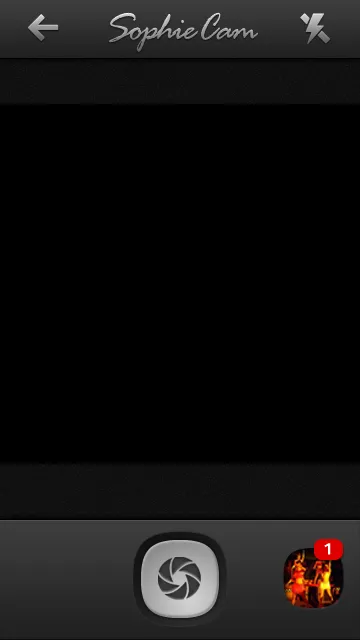
The camera is a square viewfinder with the shutter in the middle of the bottom bar. Your last shot sits on the right with a red count of how many are in the bucket, and flash is at the top right.
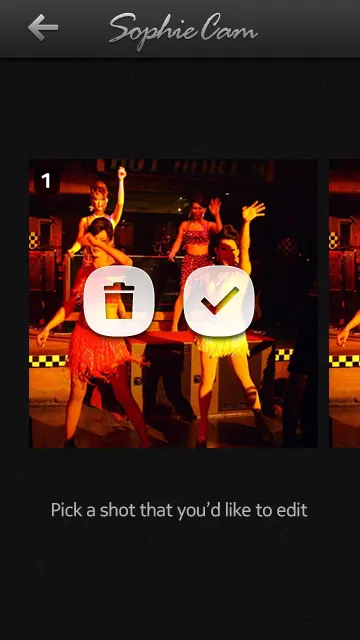
The photo bucket from 1.5 is still there. You see one shot at a time, numbered, with a bin and a tick on it, and the next shot peeks in from the side.
Editing
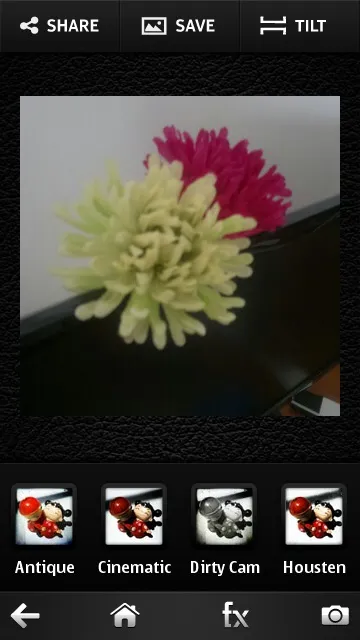
The editing screen has the photo in the middle and the filters under it with their names. Back, home, effects and camera go along the top, and share, save, tilt and frame along the bottom … the two bars swapped places from 1.5.
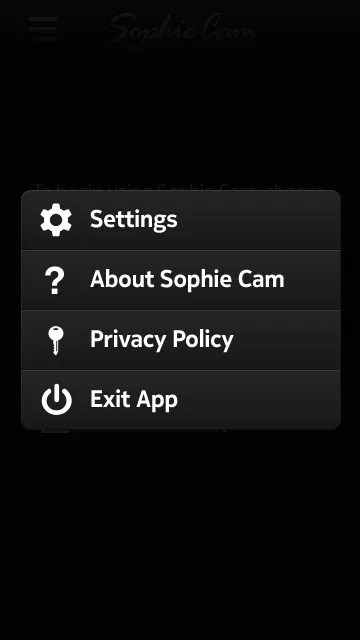
Instead of the help, settings and quit buttons along the bottom of the home screen, there’s a menu at the top left with Settings, About, Privacy Policy and Exit App.
Twitter, and a privacy policy
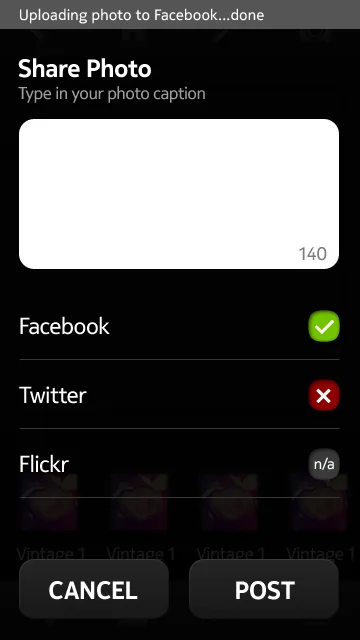
Twitter is back in. The first version had it, but 1.5 only did Facebook and Flickr. You sign in to each one in Settings, and when you share you get one screen … type a caption, up to 140 characters, and tick which ones the photo goes to. If you’re not signed in to one, it says n/a.
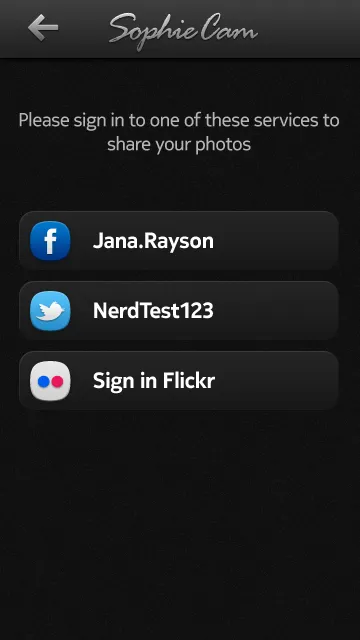
The privacy policy is short. For Facebook, Twitter and Flickr it says the same thing. We get your name so Settings can show which account is signed in, we only post when you tell us to from the Share screen, and nothing from any of them goes to our servers.
Vintage Pack
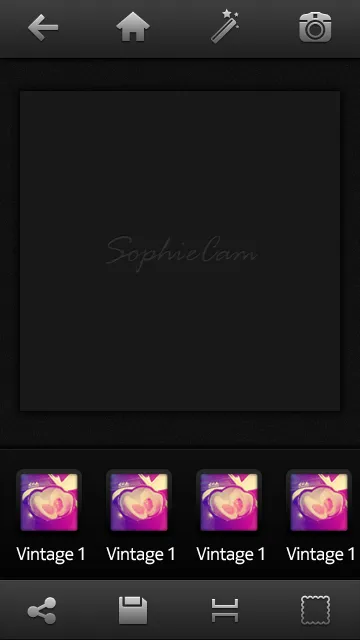
Sophie Cam 2 also comes with the Vintage Pack, five filters, with the thumbnails done on a bowl of ramen eggs. Vintage 1 is a curve on each colour, a navy layer on Exclusion, a gradient on Screen at 85%, then one more curve over everything. The pack is going on Windows Phone too.
 Vintage 1
 Vintage 2
 Vintage 3
 Vintage 4
 Vintage 5