Masterpieces, our first React app
Samsung's Masterpieces digital art gallery opened in Malaysia last week. The website is ours, and we rebuilt its front end in React, which was barely a year old.
Samsung’s Masterpieces opened in Malaysia last week, with a gallery at Galeri Petronas in KLCC until 21 December … eleven Malaysian artists, digital work made on Galaxy Note tablets with the S Pen, and tablets lying around the gallery so you can have a go yourself. Masterpieces started in Singapore last October, at the National Museum, then went to the Philippines, and now it’s here. There’s an app for Samsung phones, tablets and Smart TVs, and there’s a website, masterpiecesart.com. The website is ours, the front end at least … the API behind it, with all the art, is someone else’s.
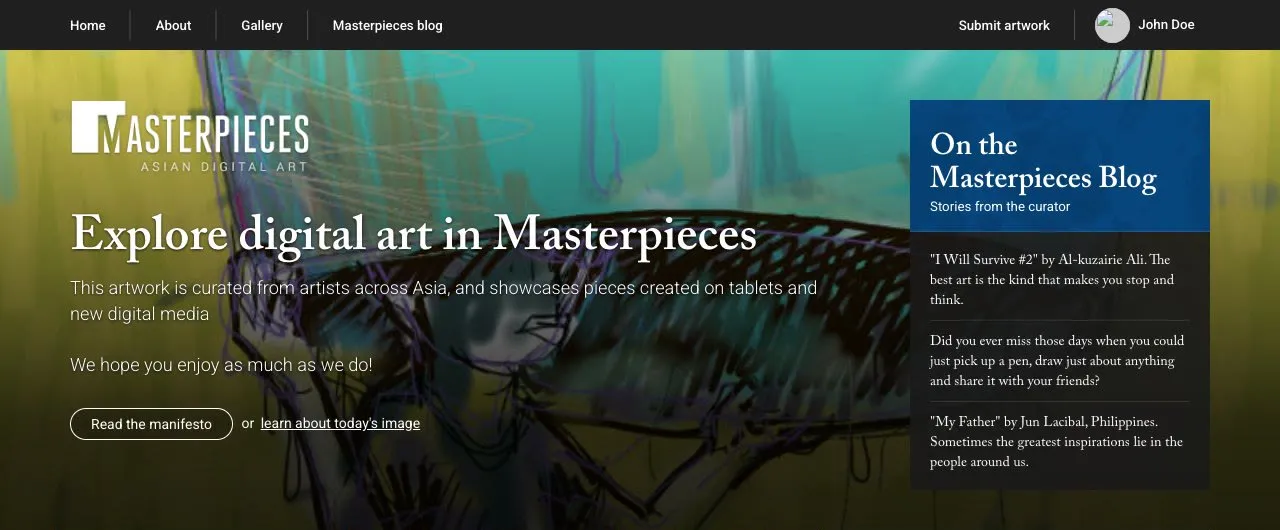
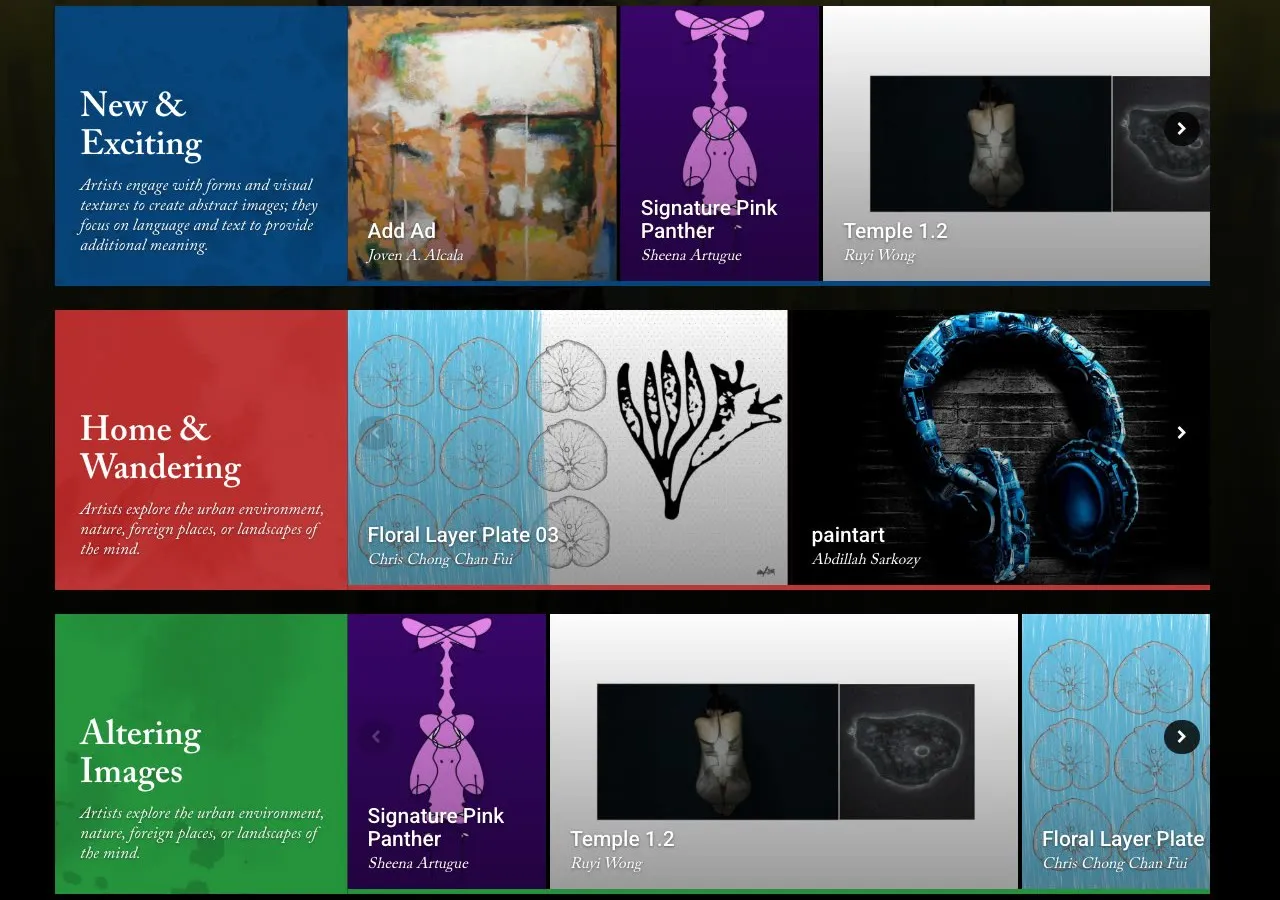
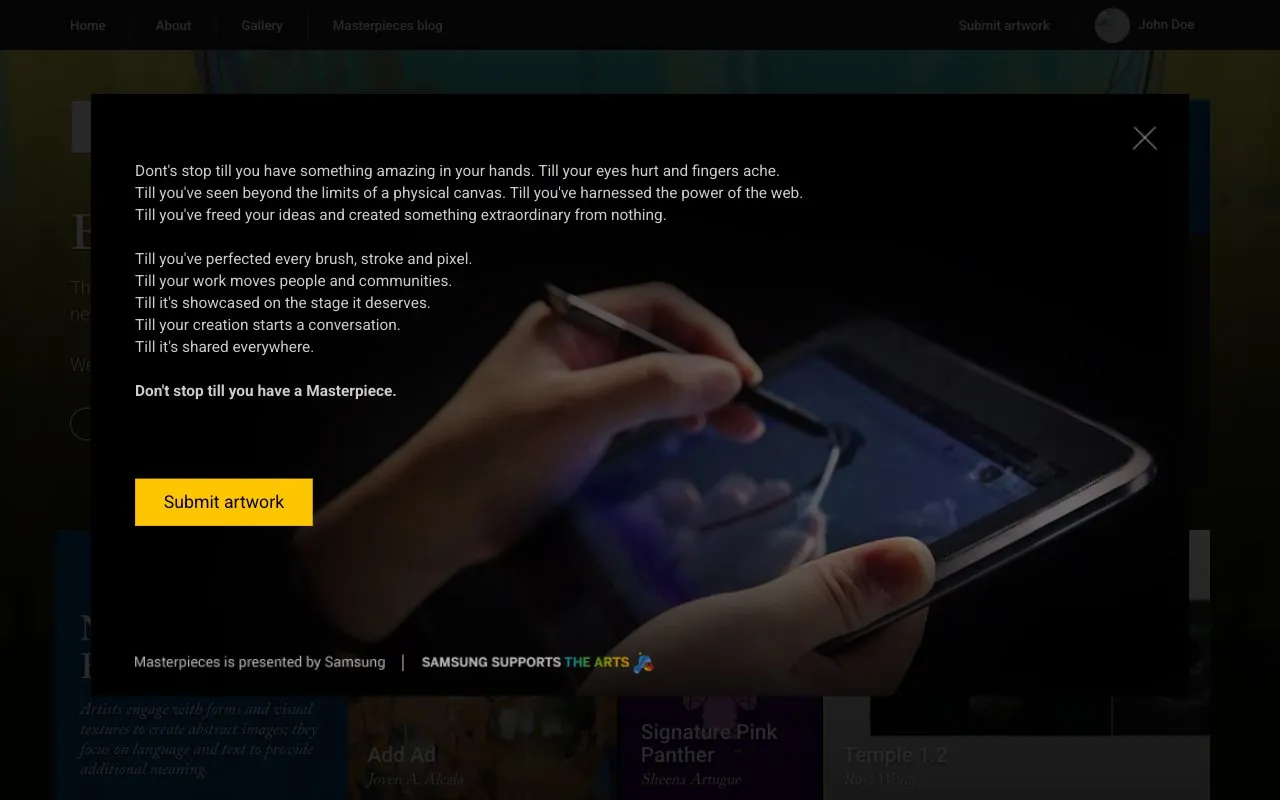
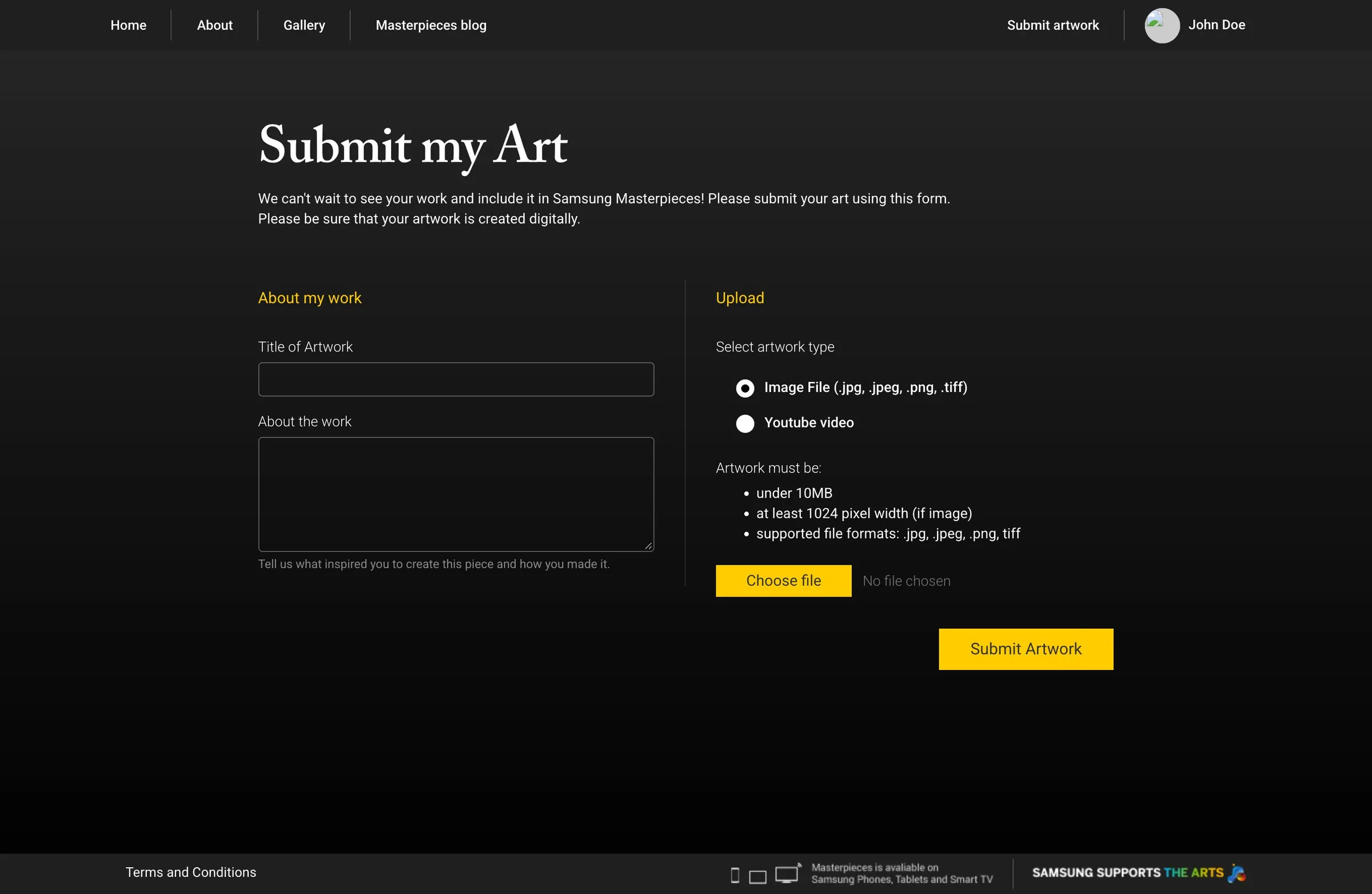
It’s a curated gallery of digital art from across Asia. The home page has sections like New & Exciting and Home & Wandering, each a row of artworks you scroll sideways, plus a picture of the day and the curator’s blog. You can browse by country, open any piece to read about the artist and leave a comment, and if you’re an artist you can sign up, write a bio, and submit your own work … an image of at least 1024 pixels, or a YouTube link if it’s video. There’s a manifesto too, which ends “Don’t stop till you have a Masterpiece.”
React
The first version of the site was Bootstrap and jQuery, like everything else we’ve built for the web. Then we tore the front end out and did it again in React, for no better reason than React was new and we like working on whatever is newest.
React is Facebook’s library for building interfaces. They open-sourced it last year, and Flux, their way of moving data around a React app, only came out a few months ago, so there wasn’t much to go on beyond Facebook’s own examples. Ow set it up with Flux and Immutable.js for the stores, Grunt and browserify to build it and Sass for the styles, and I came in behind him with the design. Most of the code is his, the look is mine, and Enoch did the nav bar. It took us about a month.
Take the gallery rows. In the Bootstrap version the sideways scrolling came from Sly, a jQuery plugin, and the first React prototype just wrapped Sly. Then Ow threw it out and wrote the horizontal list and its scrollbar as React components, so the list knows its own offset, and previous, next, load more and the loading spinner all work off that. Every time the items change, it measures them and works out where each page starts, with the last page pulled back so you never scroll into empty space.
// re-calculate actual width as well as pages
_datasetChanged: function () {
    var actualWidth = 0;
    var curPageStart = 0;
    var lastPageStart = 0;

    this._pages = [];
    this._pages.push(curPageStart)

    var lis = this.refs.container.getDOMNode().querySelectorAll('li');
    for (var i = 0; i < lis.length; i++) {
        var itemActualSize = getListItemSize(lis[i]);
        actualWidth += itemActualSize;

        if (curPageStart + itemActualSize > lastPageStart + this._displayWidth) {
            this._pages.push(curPageStart);
            lastPageStart = curPageStart;
        }

        curPageStart += itemActualSize;
    }

    // re-adjust last page offset so that it won't show empty space
    if (this._pages.length > 1) {
        this._pages[this._pages.length - 1] = actualWidth - this._displayWidth;
    }

    this._actualWidth = actualWidth;
}
Opening an artwork is an overlay with the image sized to the screen, the artist’s card, Facebook comments and prev and next buttons, and it changes the browser history, so every artwork has a link. The overlay doesn’t decide anything itself. A store holds which artwork is open and where it sits in its gallery, and the component asks the store whether there’s a next one.
var ArtStore = merge(EventEmitter.prototype, {
    get: function () {
        return _art;
    },

    getHasNext: function() {
        if (_gallery === null) {
            return false;
        }

        return _artIdx + 1 < _gallery.get('total_items');
    },

    getHasPrev: function() {
        if (_gallery === null) {
            return false;
        }

        return _artIdx > 0;
    }
});
var ViewArtApp = React.createClass({
getInitialState: function () {
return {
art: ArtStore.get(),
hasNext: ArtStore.getHasNext(),
hasPrev: ArtStore.getHasPrev()
};
},
componentDidMount: function () {
ArtStore.addChangeListener(this._onChange);
},
render: function () {
return (
<ViewArtOverlay art={this.state.art} hasNext={this.state.hasNext} hasPrev={this.state.hasPrev} />
);
},
_onChange: function () {
this.setState({
art: ArtStore.get(),
hasNext: ArtStore.getHasNext(),
hasPrev: ArtStore.getHasPrev()
});
}
});The look is my side of it. The site is black, so the only colour on the page comes from the art and the coloured panel on each gallery row, and the type is a serif for the headings and the artists’ names, which is not something we’d normally do for an app. I moved all the styles into Sass, broke them up by component, wrote a few mixins, and replaced the vendor CSS we’d been carrying since the Bootstrap version so there’s one build for everything.
I like working in Sass. Variables for the colours, nesting so the rules sit where the markup does, a mixin for anything I’d otherwise type twice … it makes writing CSS easy, and I get through a lot more of it in a day. The mixins here are mostly for hiding the vendor prefixes, so I only have to write a transition once instead of five times.
@mixin transition($transition-property, $transition-time, $method) {
	-webkit-transition:	$transition-property $transition-time $method;
	-moz-transition: 	$transition-property $transition-time $method;
	-ms-transition: 	$transition-property $transition-time $method;
	-o-transition: 		$transition-property $transition-time $method;
	transition: 		$transition-property $transition-time $method;
}

@mixin opacity($opacity) {
	opacity: $opacity;
	$opacity-ie: $opacity * 100;
	filter: alpha(opacity=$opacity-ie); //IE8
}
Then the artwork overlay. It zooms in from the gallery, sizes the picture to whatever screen you’re on, and has its own scrollbar, close button and previous and next buttons with a disabled state at either end. Long artist bios and small artworks both needed their own handling, the loading indicator got a proper design, and if you try to comment without logging in, you get a message instead of nothing.
The rest was making it work on phones … a mobile menu with the gallery filter in it, the responsive layout, and a page that phones see first, asking you to get the Masterpieces app from Google Play instead, with a link to carry on to the website anyway. And a bug on Firefox with the background size that took longer than it should have.