DiGi LIVE, an events app pitch
We pitched DiGi an app for its DiGi LIVE concerts: the events, an RSVP, a countdown that turns into a live broadcast, and an artist page for everyone on the line-up.
DiGi LIVE is what DiGi calls the concerts it brings in for its customers, like the K-pop showcases. This week we pitched DiGi an app for it. It’s all about the events. You see what’s coming up and what’s past, RSVP to the ones you’re going to, and watch them live when they start. There’s a page for every artist too.
I designed it for the iPhone first, with Android to follow, and kept it to Apple’s and Google’s own guidelines.
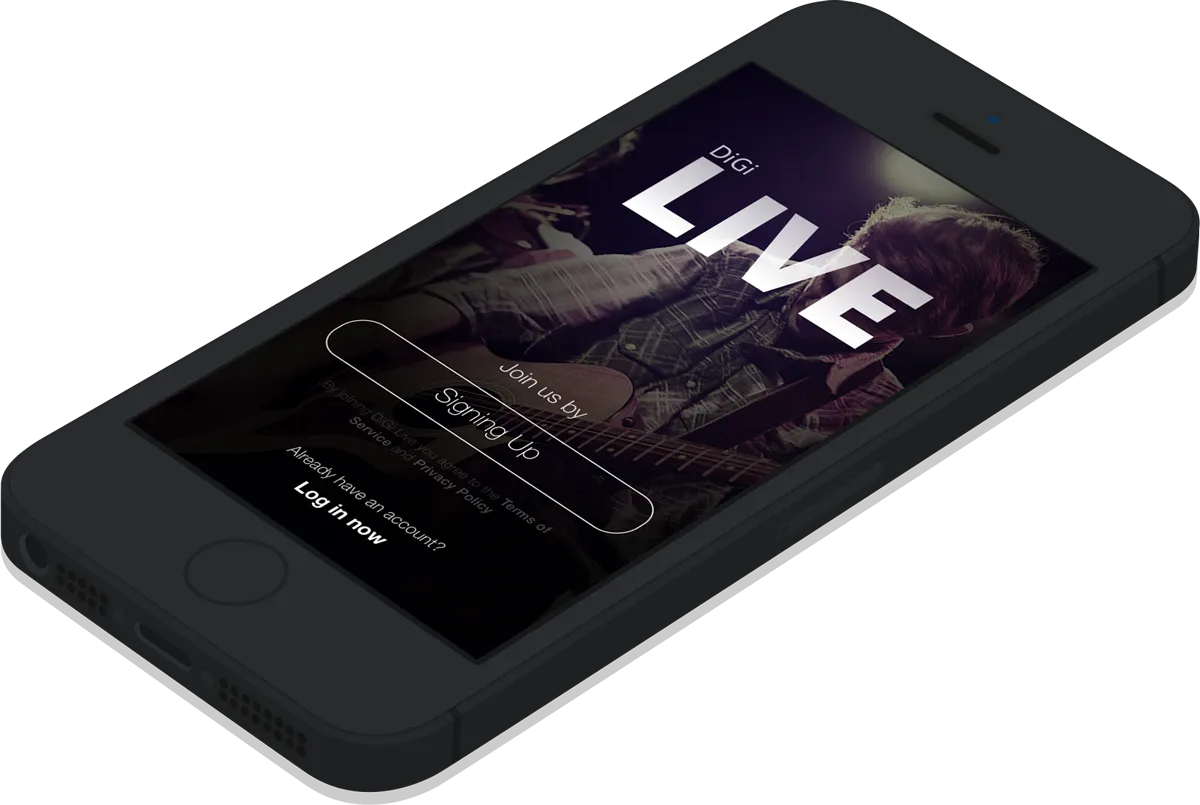
Getting in
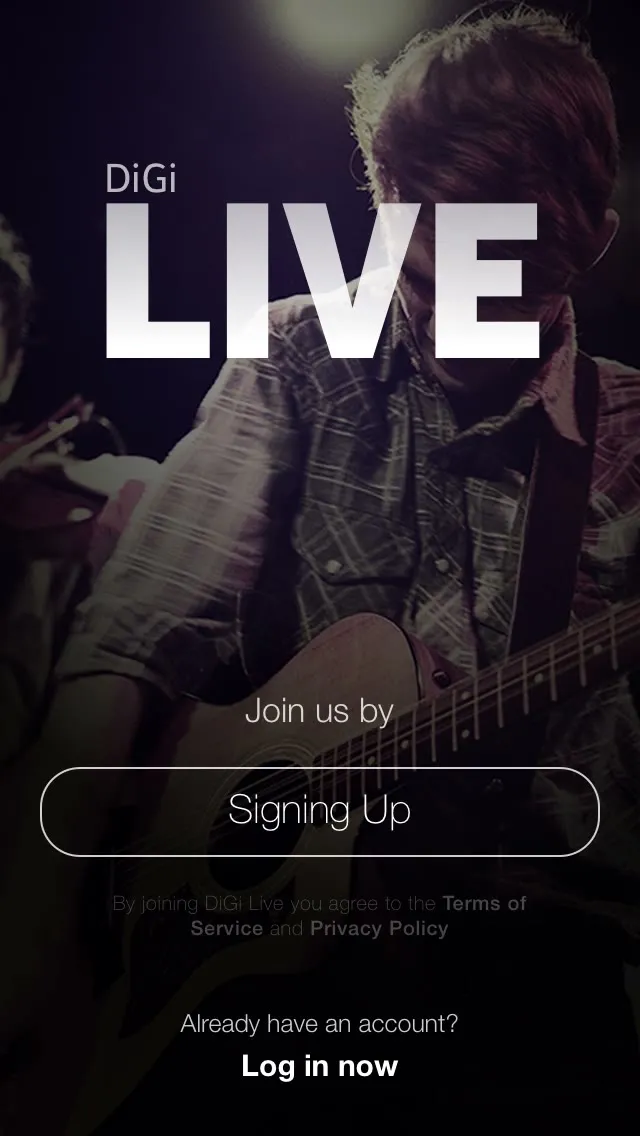
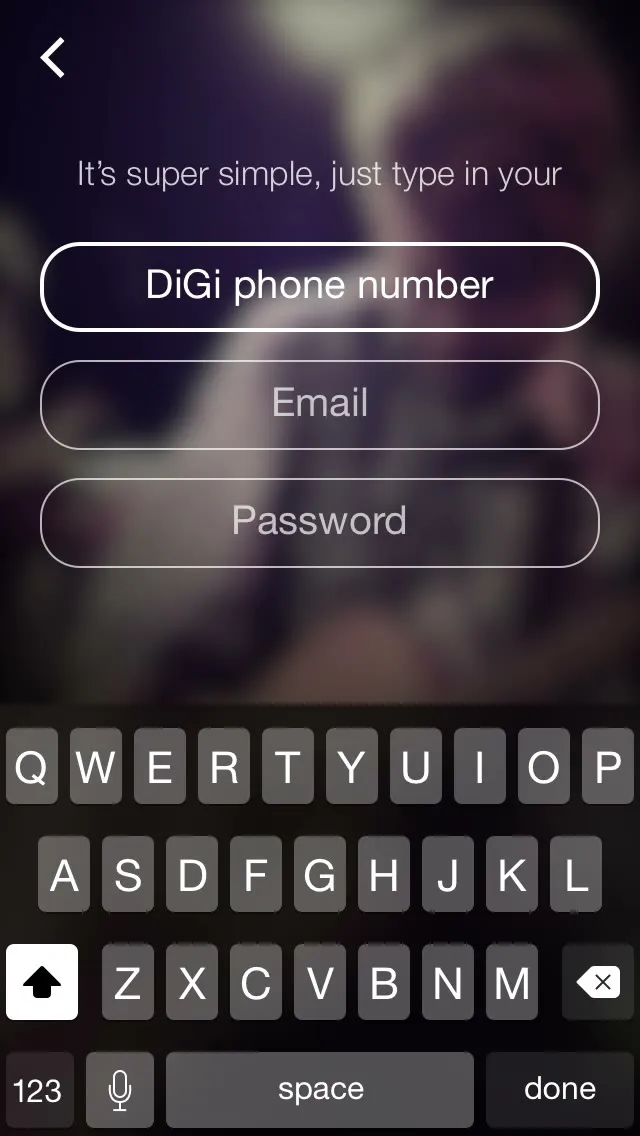
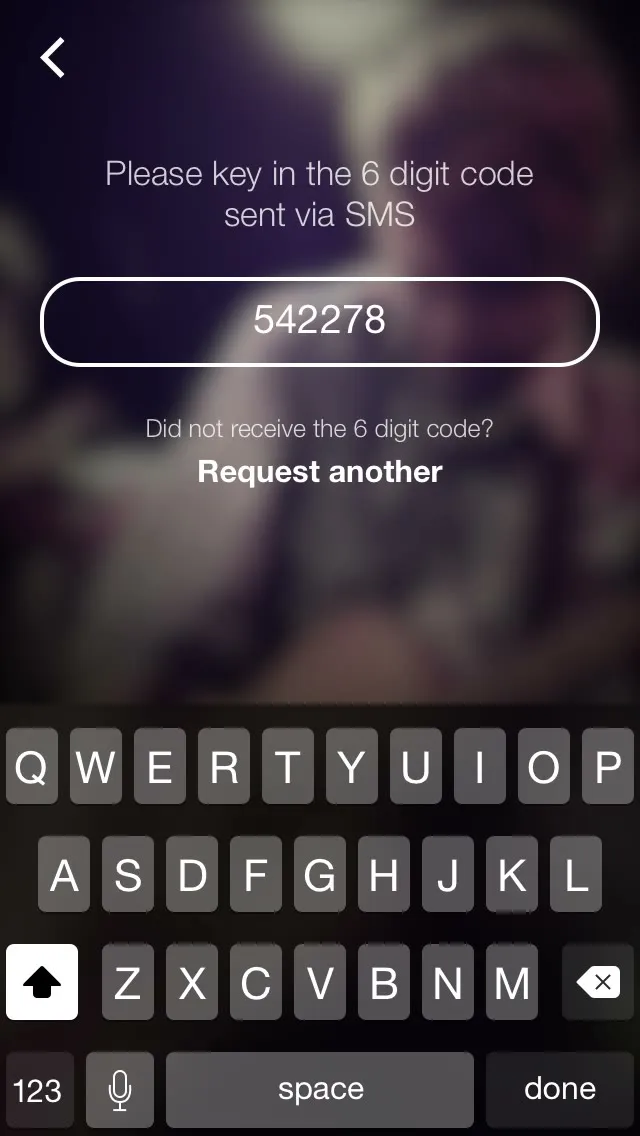
You sign up with your DiGi number, an email and a password. We check that the number is a DiGi one, then send a six-digit code by SMS.
Events
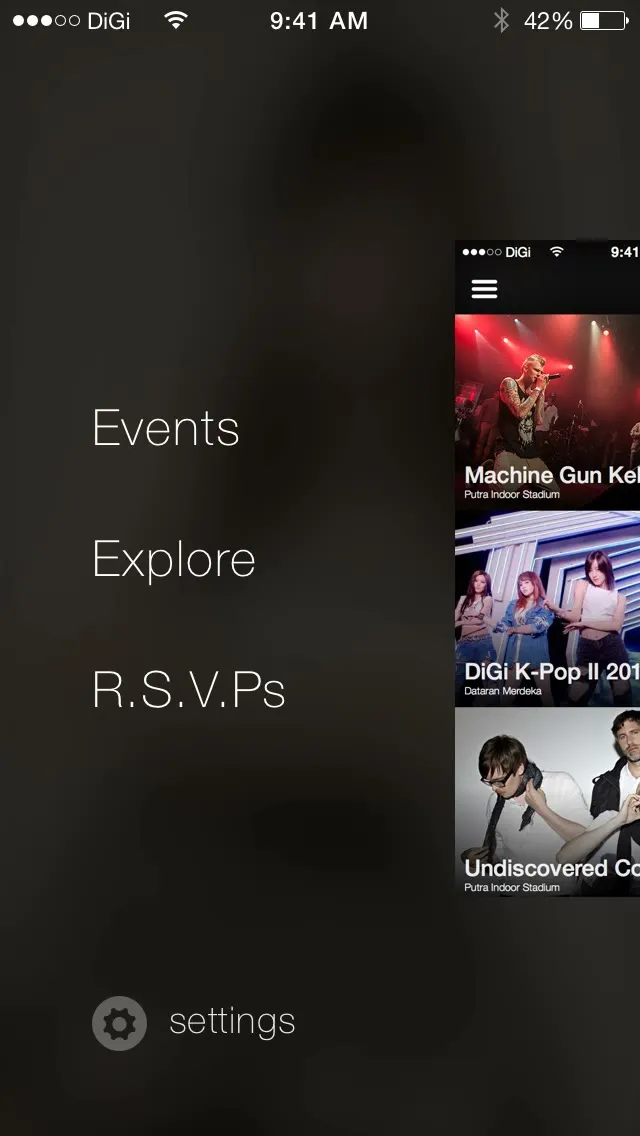
The app opens on the events, each a big photo card with its date. The menu slides out from the side. An event shows the line-up, a write-up, and a countdown to the start with an “I AM GOING!” button. Once it starts, the countdown turns into “Watch it LIVE now!” for the live broadcast.
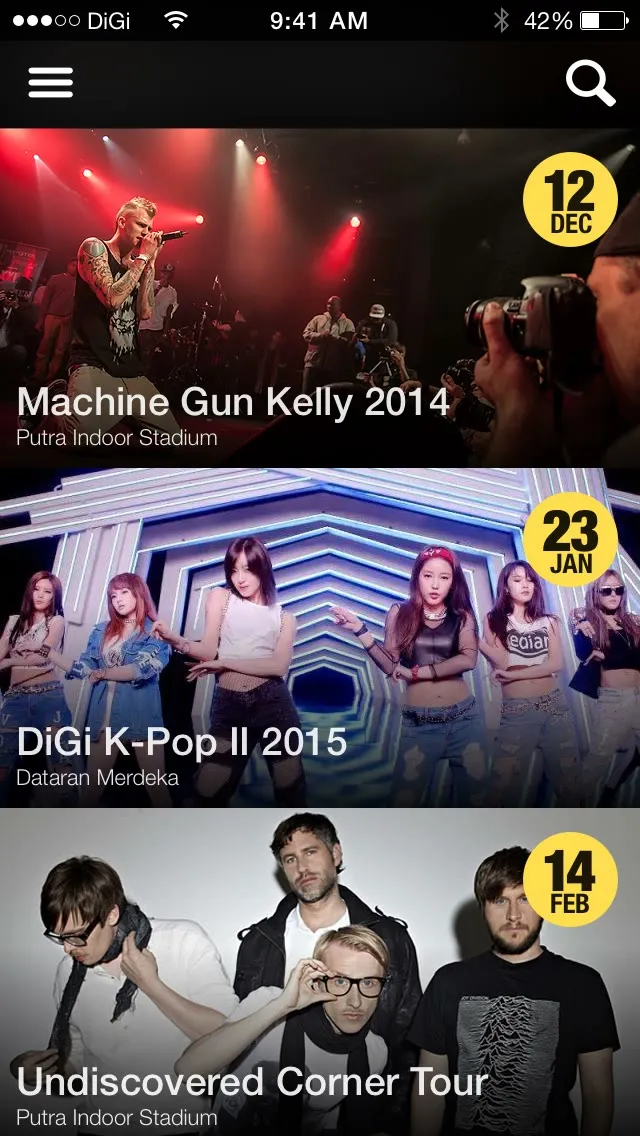
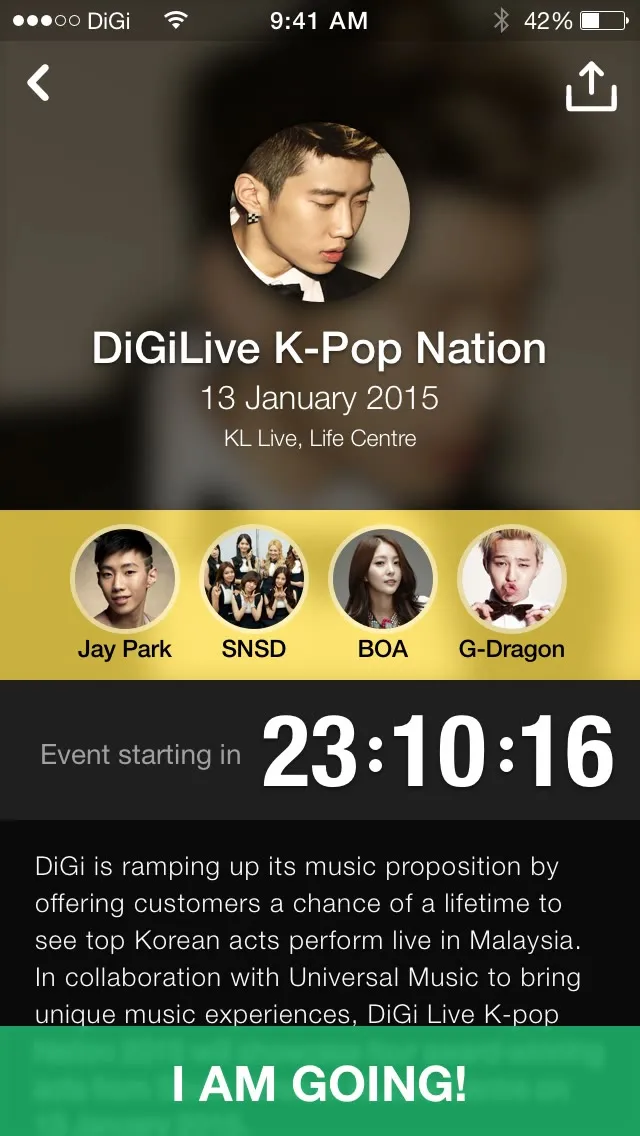
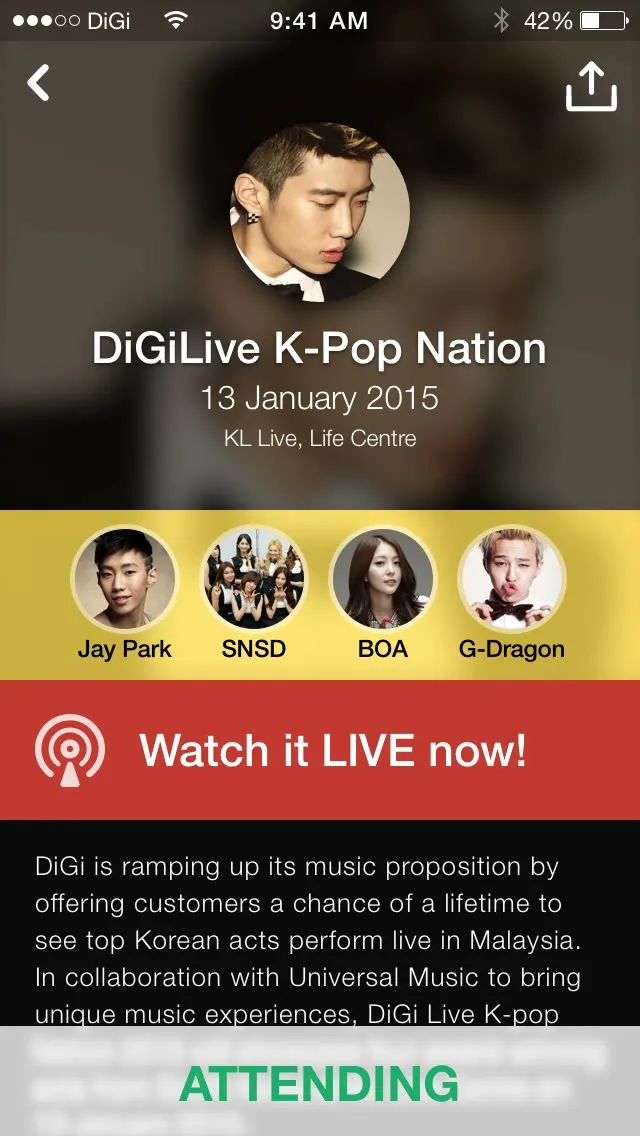
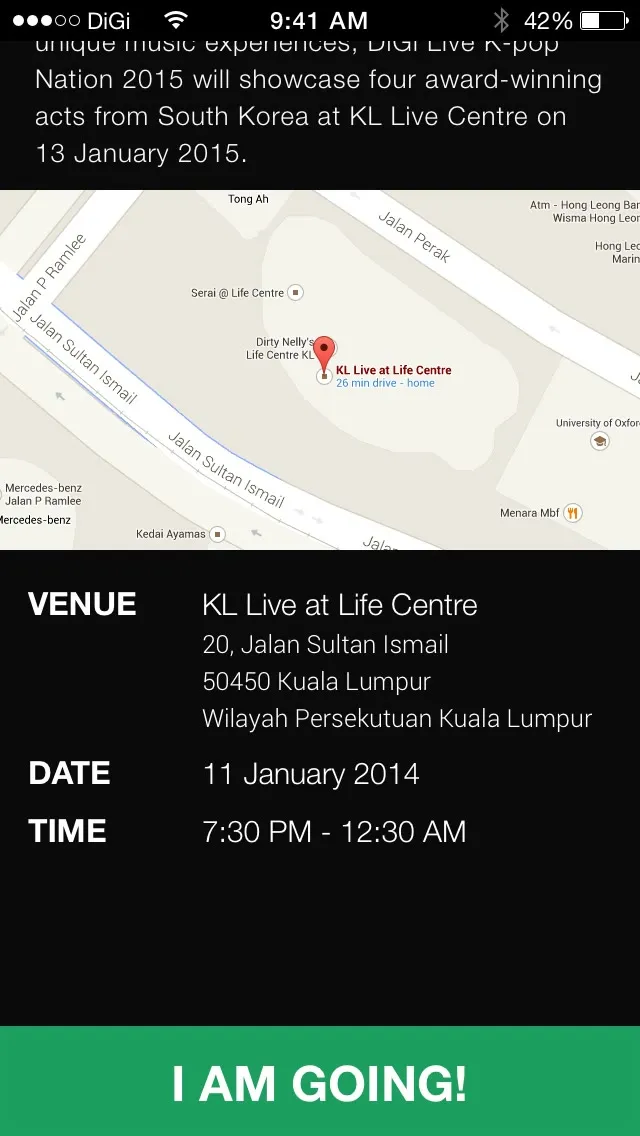
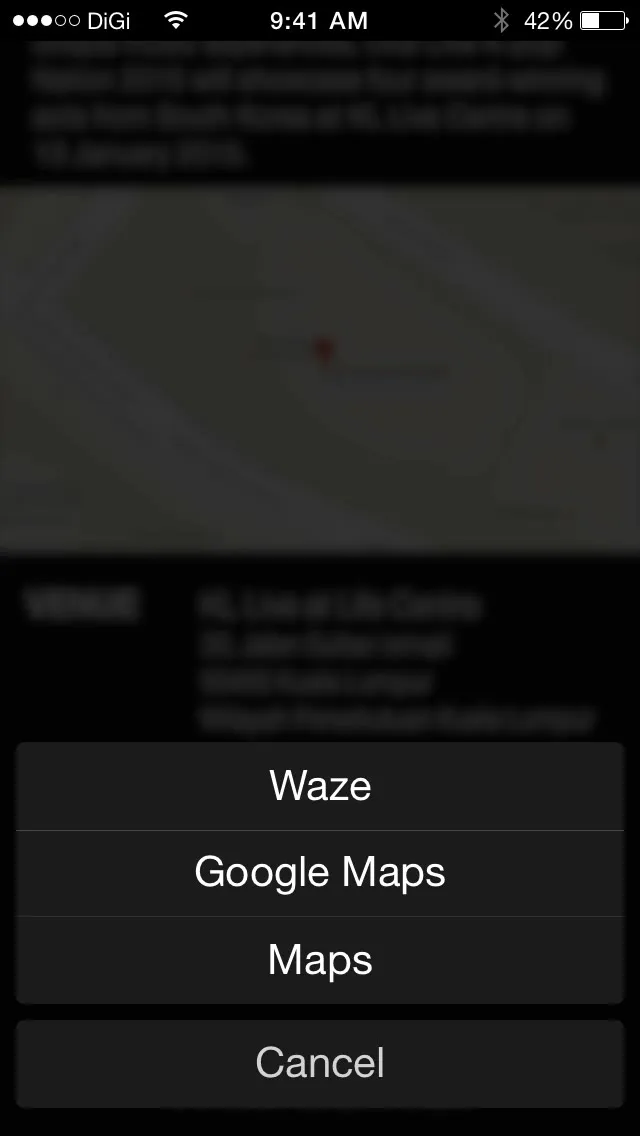
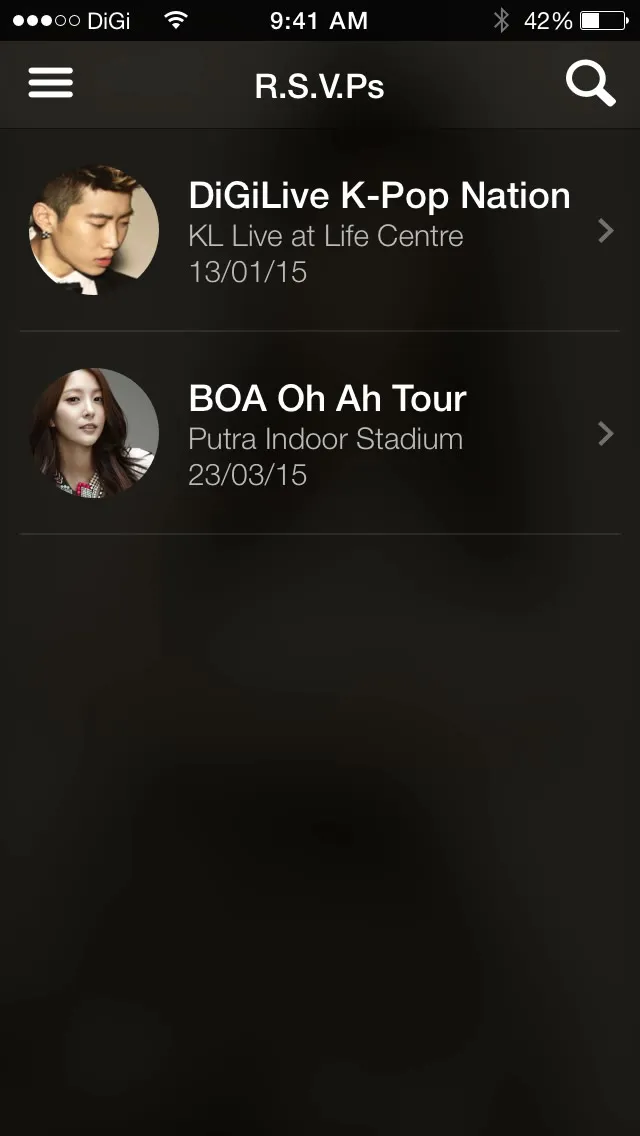
Going adds it to your phone’s calendar and your RSVPs. Below the write-up is the venue on a map, and you can get there with Waze, Google Maps or Maps. The events in it are real ones, used as placeholders.
Artists
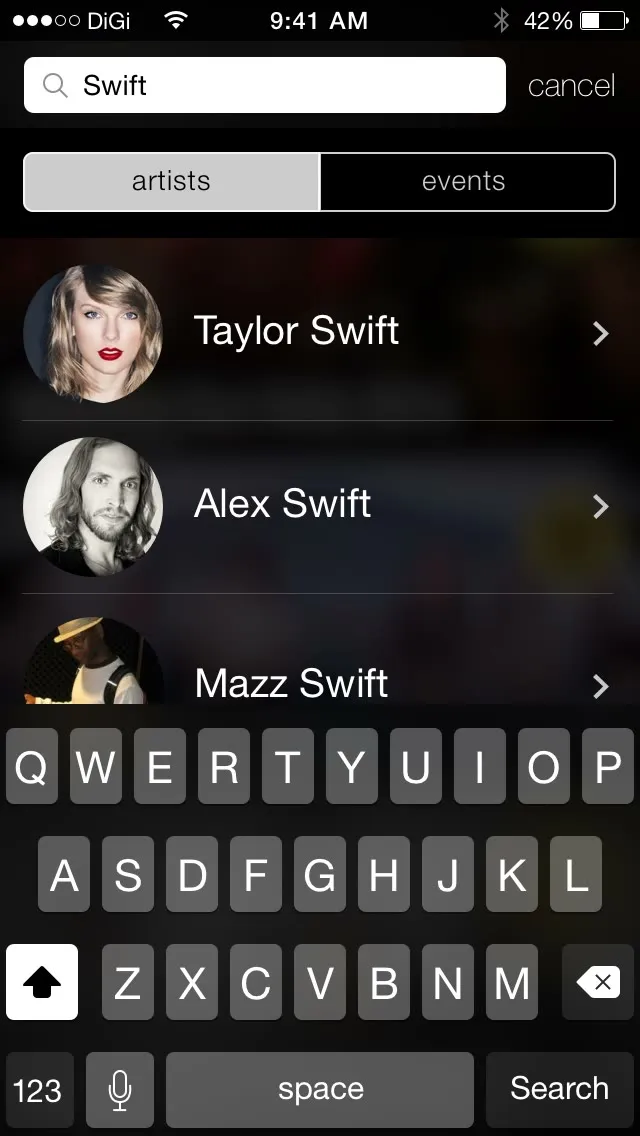
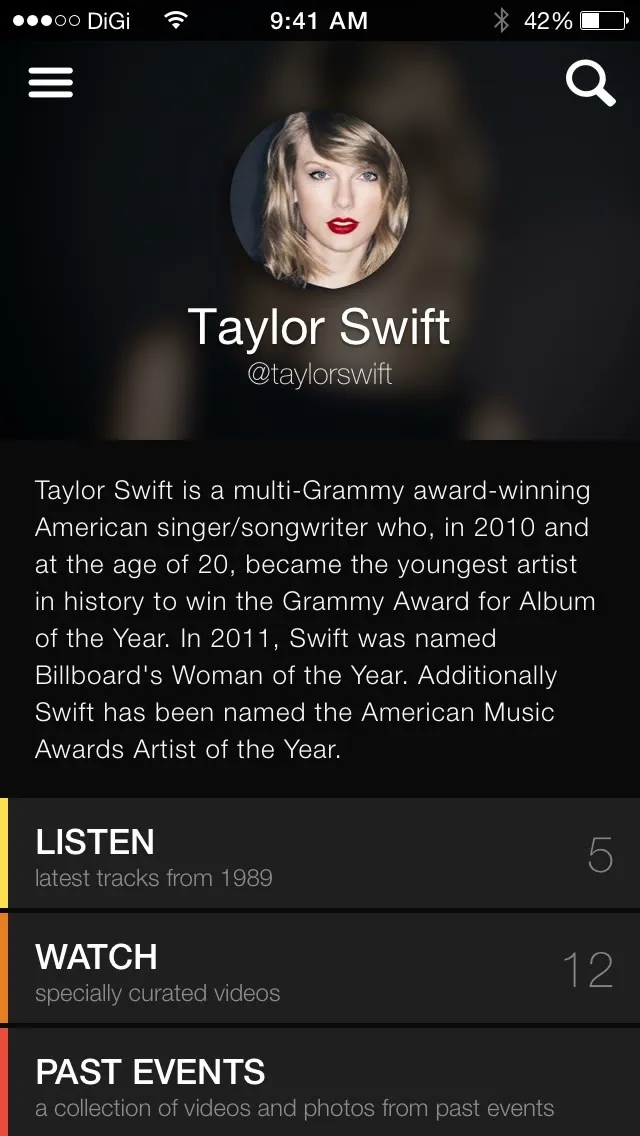
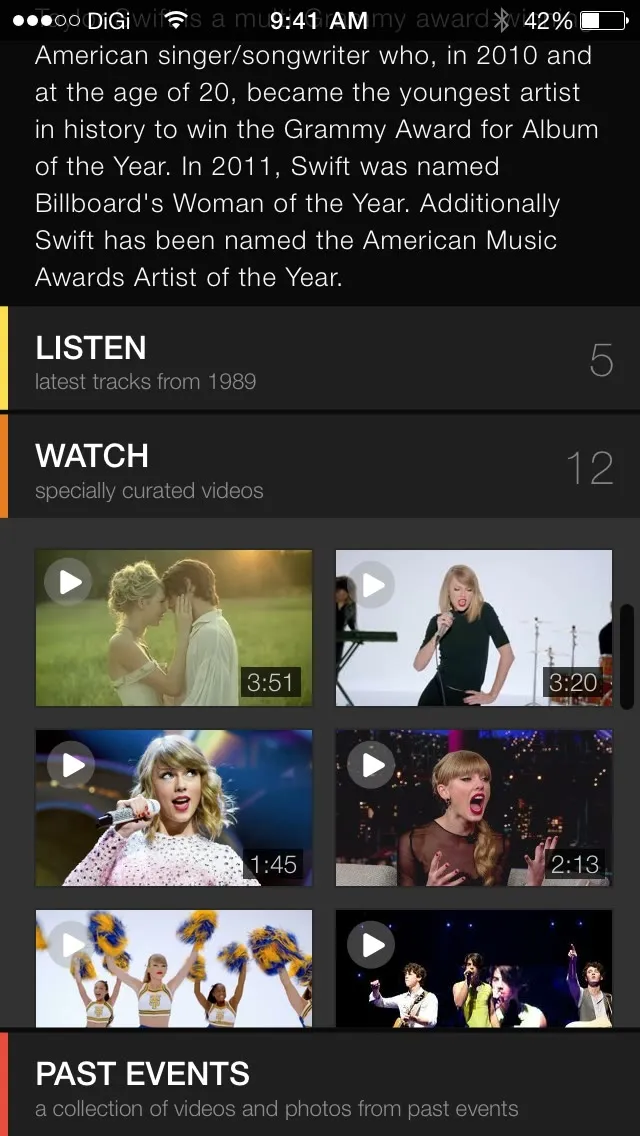
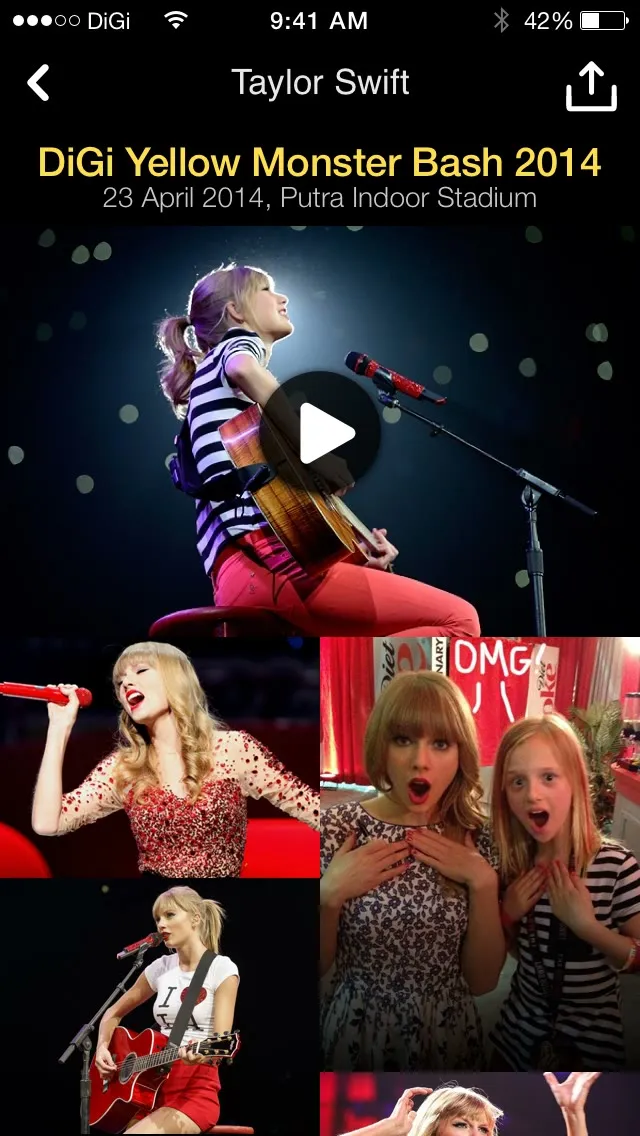
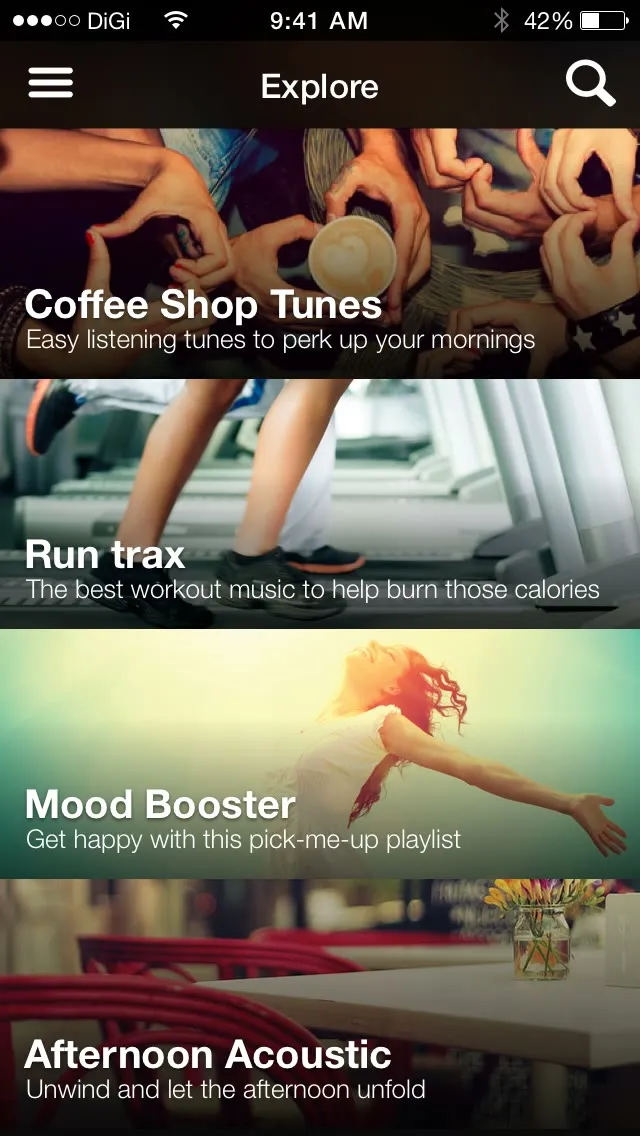
Search finds artists and events. An artist has a bio and their songs, videos and past events, the past events in a grid of photos and videos. Explore has playlists picked by DiGi, like Coffee Shop Tunes and Run trax.
We also put in a list of ideas for later: photos and videos from the crowd at each event, ticketing, polls on which artist DiGi should bring in next, and competitions for backstage passes. One is a countdown in Notification Center’s Today view, which iOS 8 has just opened up to apps.