Janarayson

A carrier launcher for Android

Pitches4 min read

Our idea for telcos: one Android launcher, dressed in each carrier's brand, with their app store, data and billing widgets and offers right on the home screen.

Telcos here sell a lot of Android phones packaged with their plans. So we came up with a launcher they can preload on those phones: one launcher, dressed in each carrier’s brand, with their services right on the home screen. Getting a telco to preload anything is the hard part, and that’s what we’re working on.

Samsung and Nokia have both put out their own launchers this year too.

One launcher, a few carriers

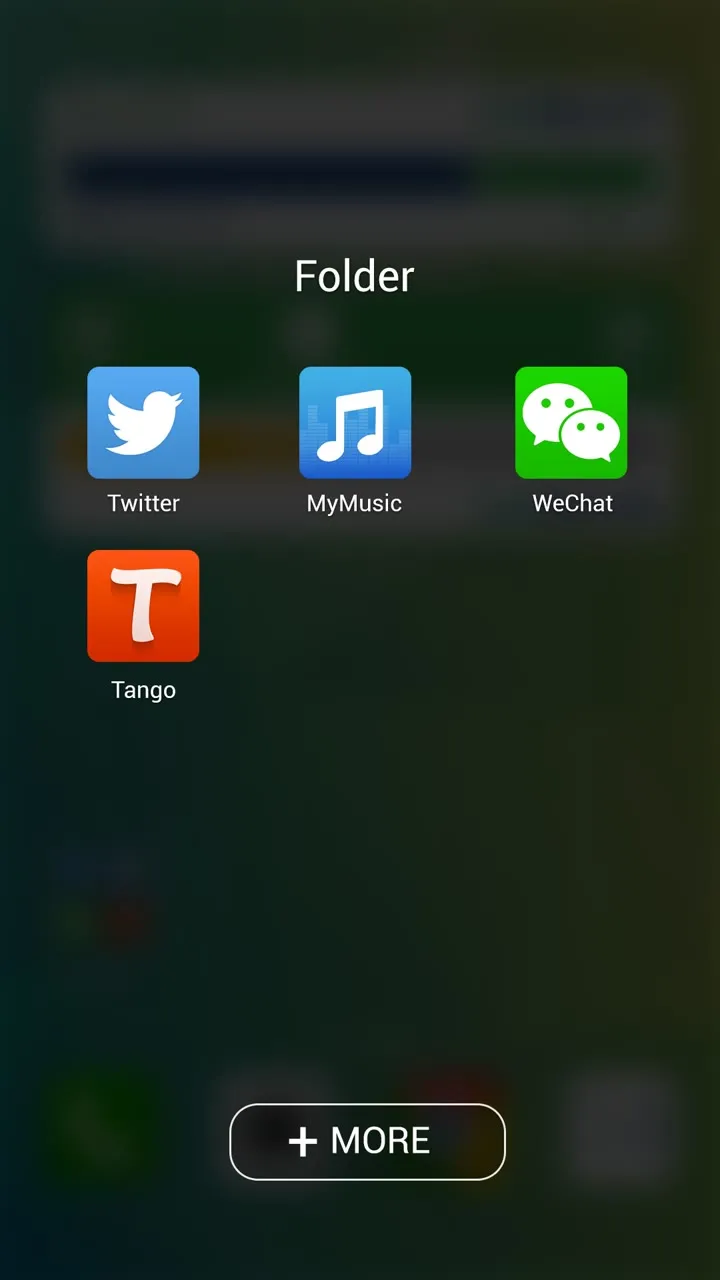
It runs on Android 4.1 and up. Apps sit in folders, and each folder has a ”+ MORE” button that opens the carrier’s own app store. There’s Boostr to free up memory, a battery app, and widgets for how much data you have left, your bill, carrier updates and rewards. The carrier runs it from a backend, where they can switch on a festive theme for Chinese New Year or Christmas, and see how many people use the launcher, which apps get used most and on which phones.

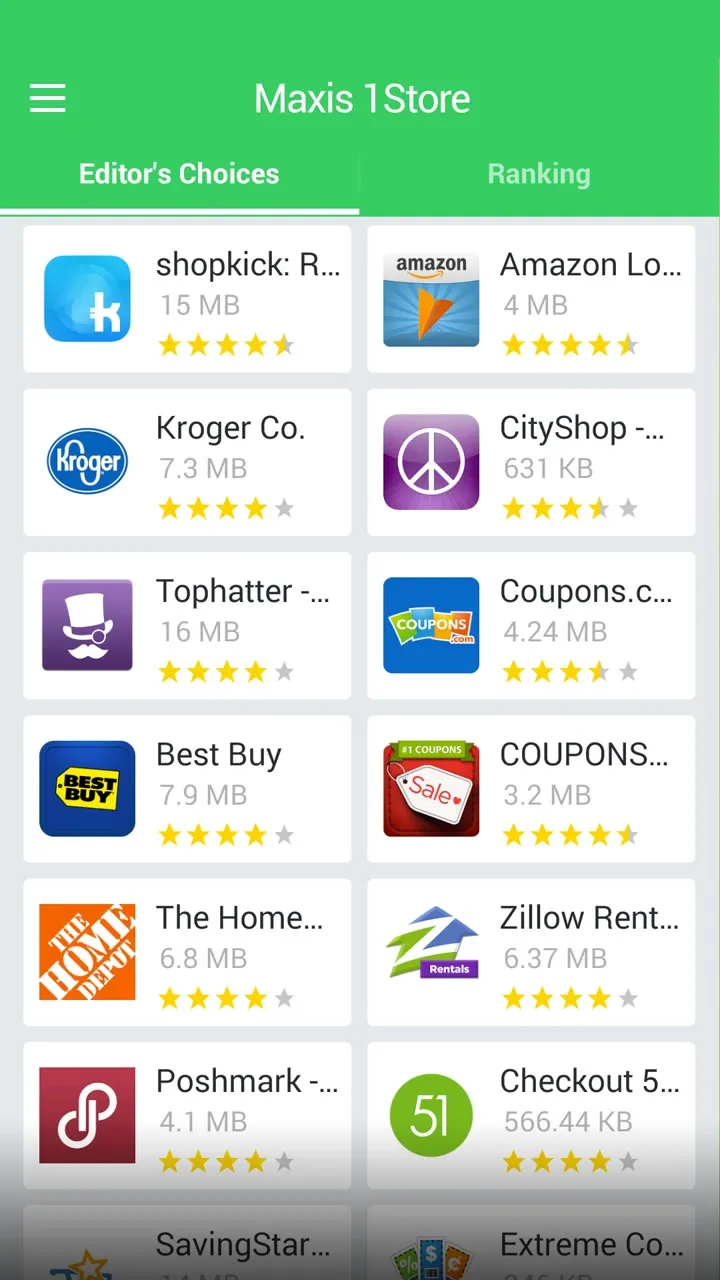
The first one I did was for Maxis, in green, with Maxis 1Store behind the ”+ MORE” button.
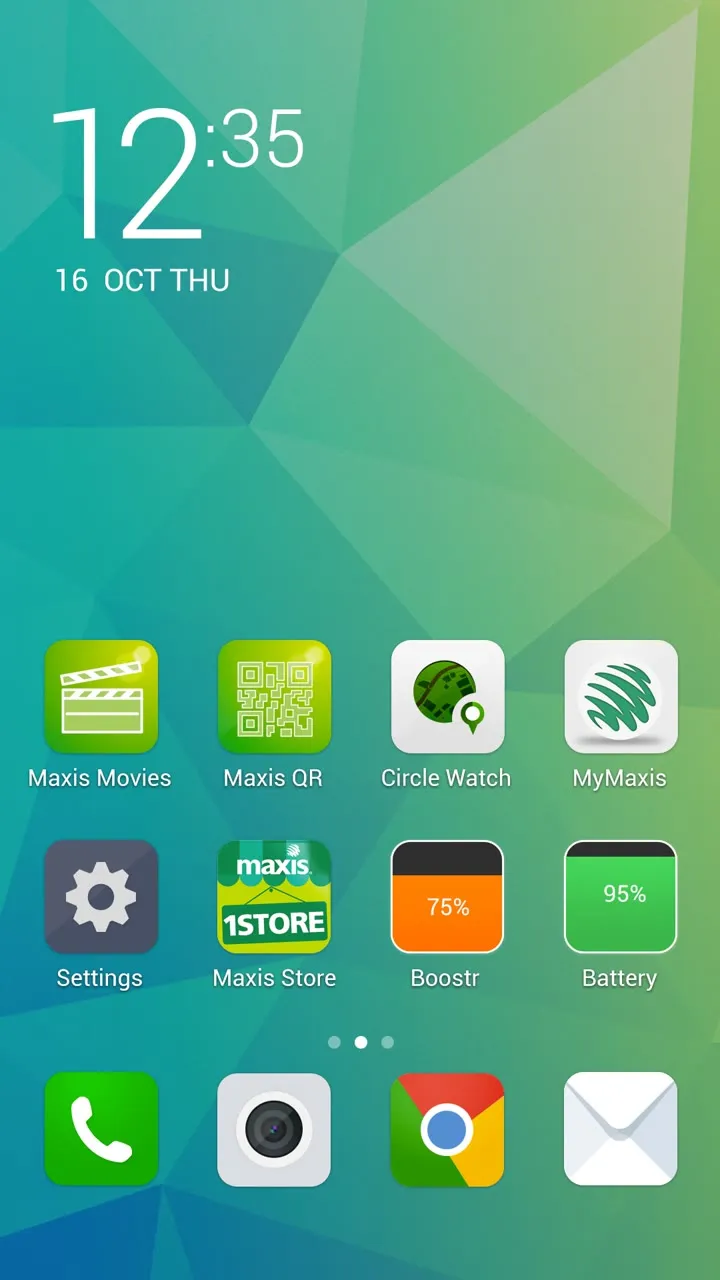
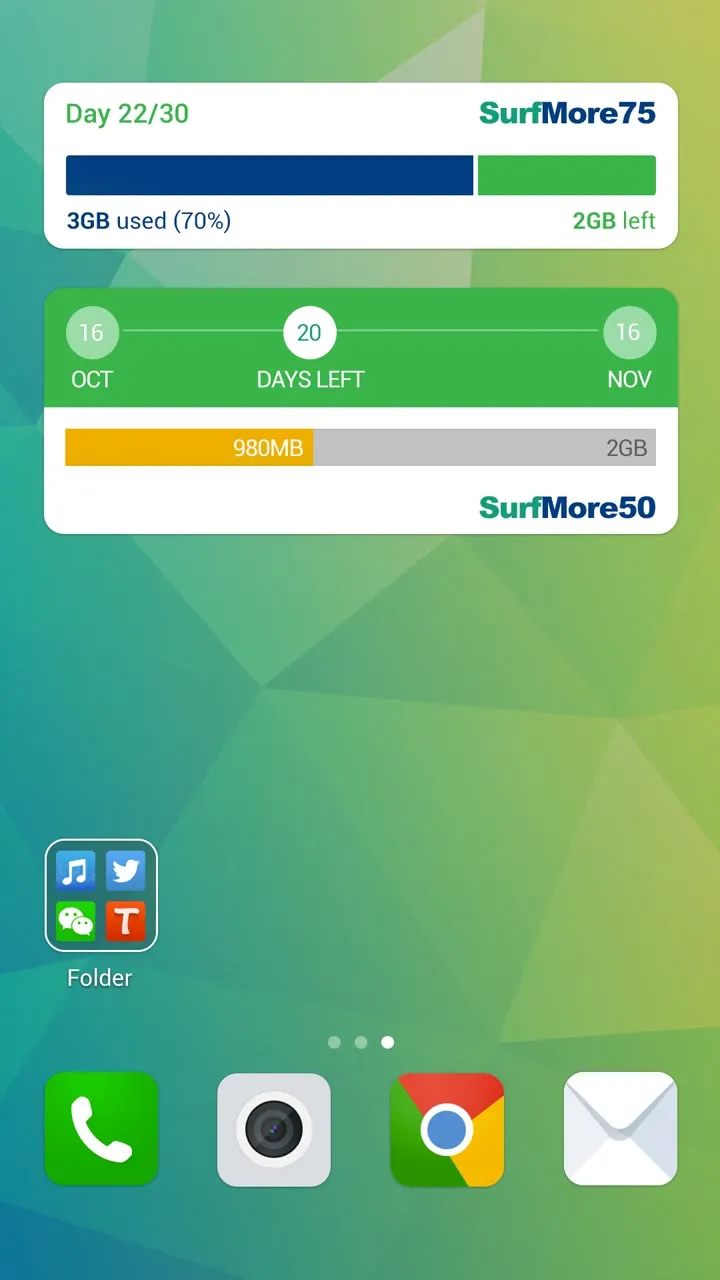
The Maxis home screen on a faceted green background: a big 12:35 clock, Maxis Movies, Maxis QR, Circle Watch, MyMaxis, Settings, Maxis 1Store, Boostr and Battery, and a dock of phone, camera, Chrome and mailData widgets: Day 22/30 on SurfMore75 with 3GB used and 2GB left, and a SurfMore50 bar with 20 days left in the billing cycleAn open folder with Twitter, MyMusic, WeChat and Tango, and a + MORE button at the bottom
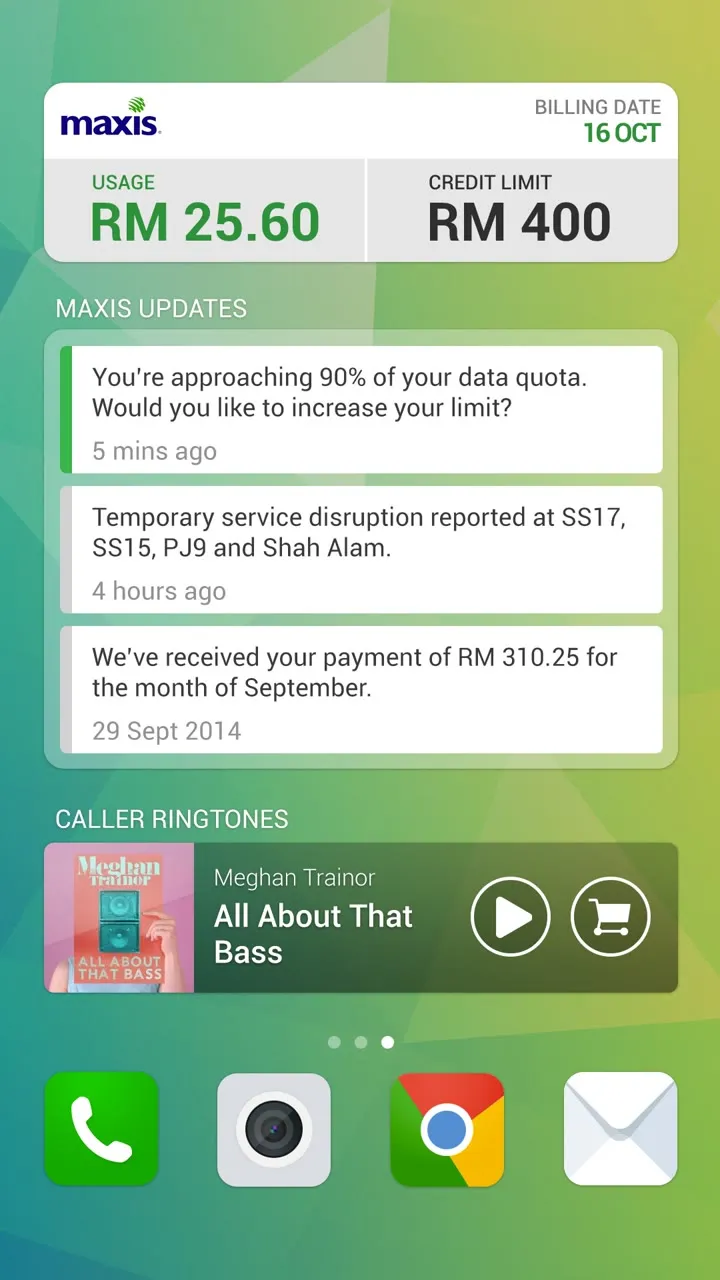
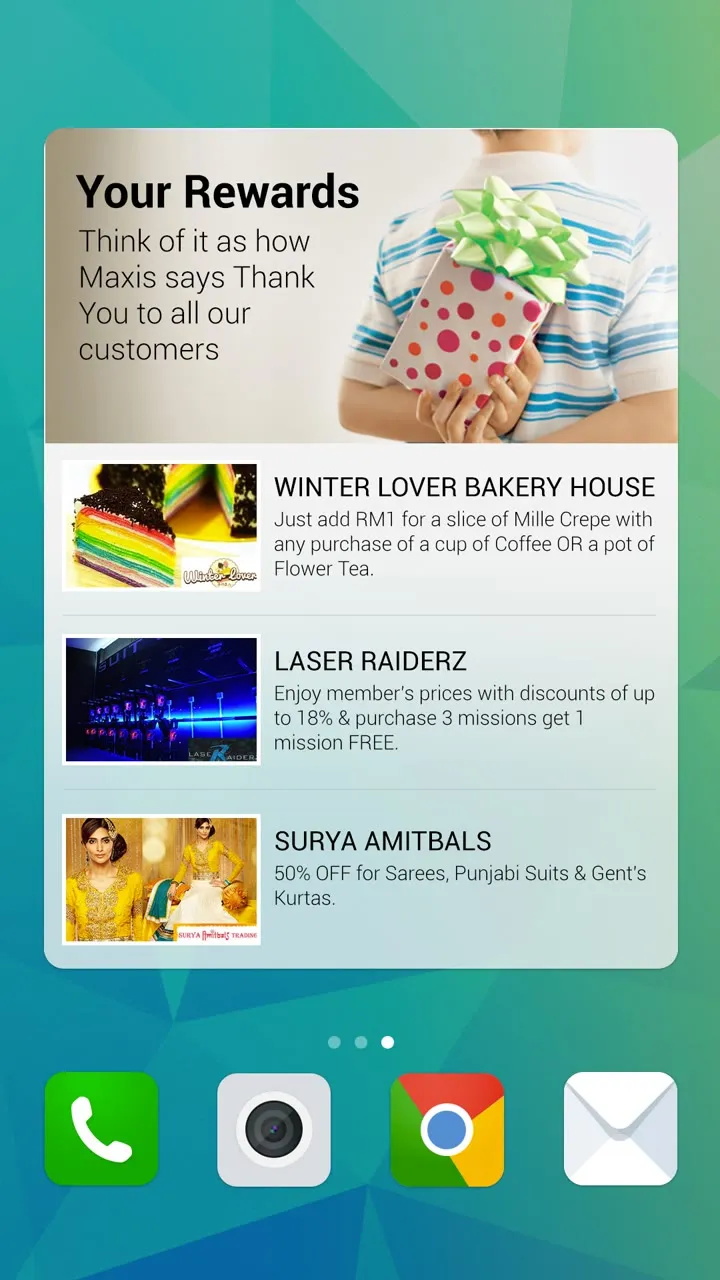
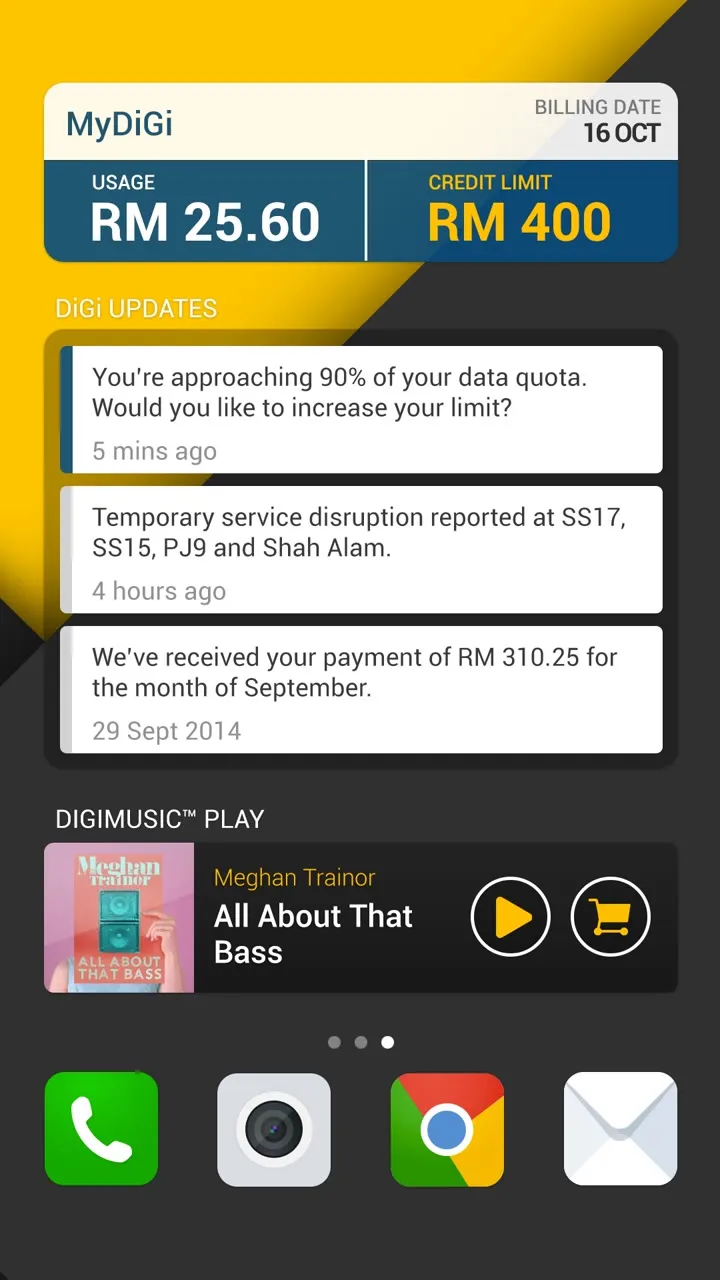
A Maxis billing widget with usage, credit limit and billing date, Maxis updates about data quota and a received payment, and a caller ringtones playerA Your Rewards widget, Think of it as how Maxis says Thank You to all our customers, with deals from a bakery, laser tag and a fashion storeMaxis 1Store with Editor's Choice and Ranking tabs and a grid of apps with ratings
For Maxis.

Then the same launcher for DiGi, in their black and yellow.
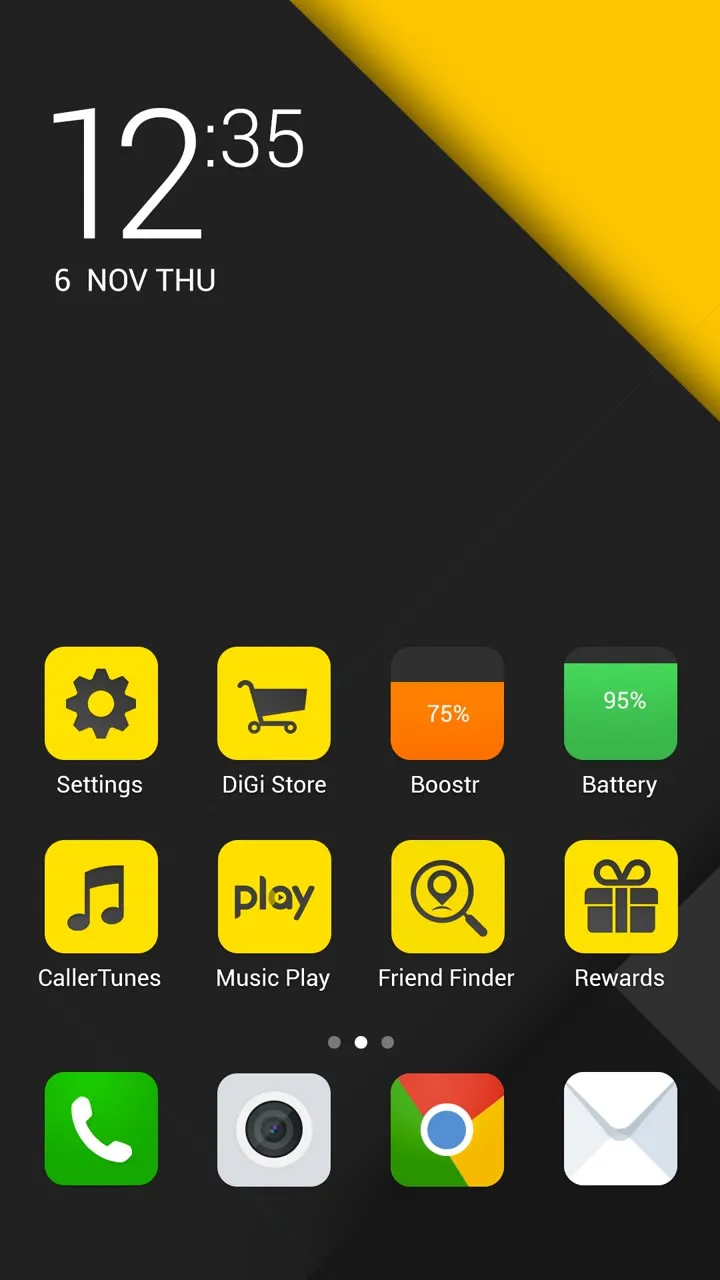
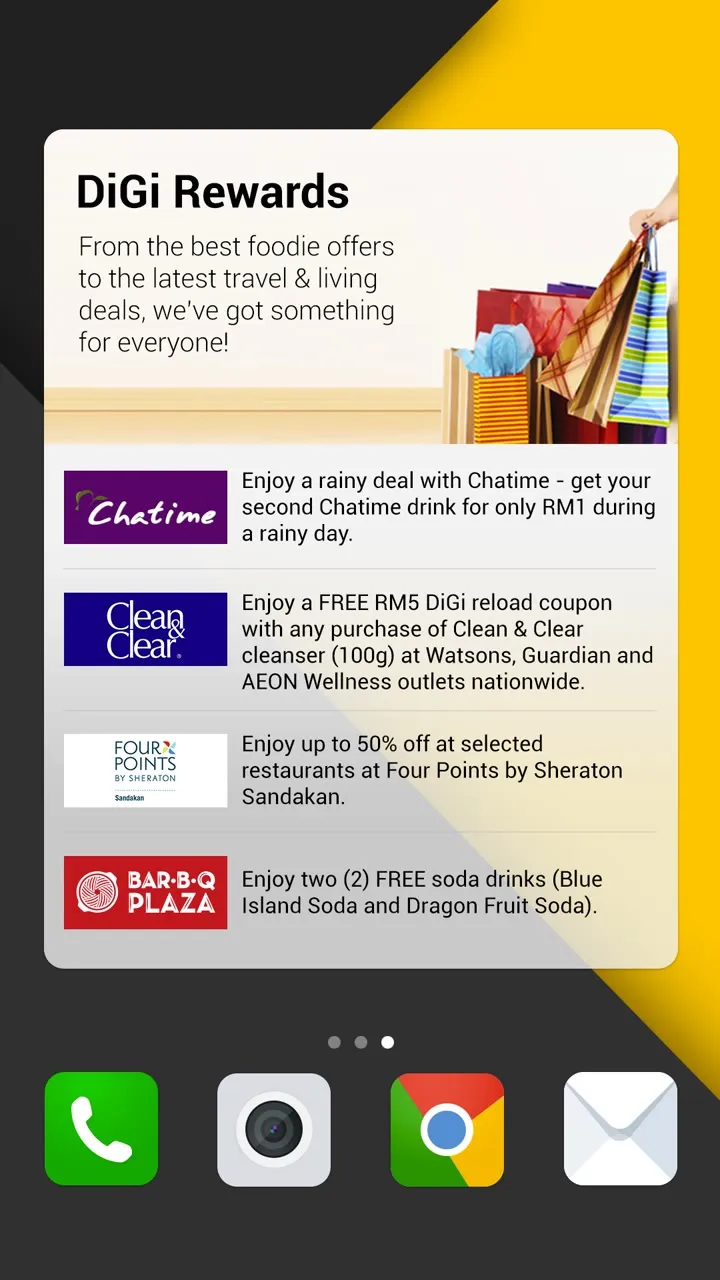
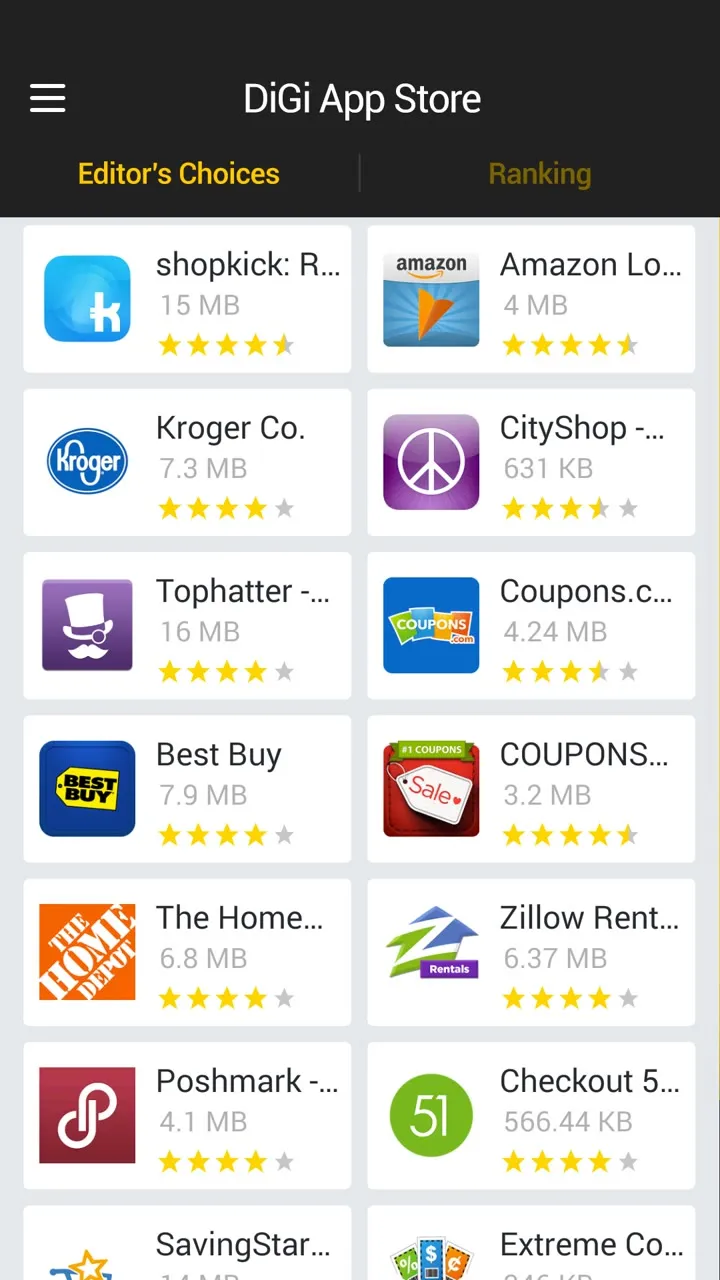
The DiGi home screen on black and yellow diagonals: a 12:35 clock, Settings, DiGi Store, Boostr, Battery, CallerTunes, Music Play, Friend Finder and RewardsMyDiGi billing with usage, credit limit and billing date, DiGi updates, and a DiGiMusic Play playerA DiGi Rewards widget with food and lifestyle dealsThe DiGi App Store with Editor's Choices and Ranking tabs
For DiGi.

More widgets for DiGi

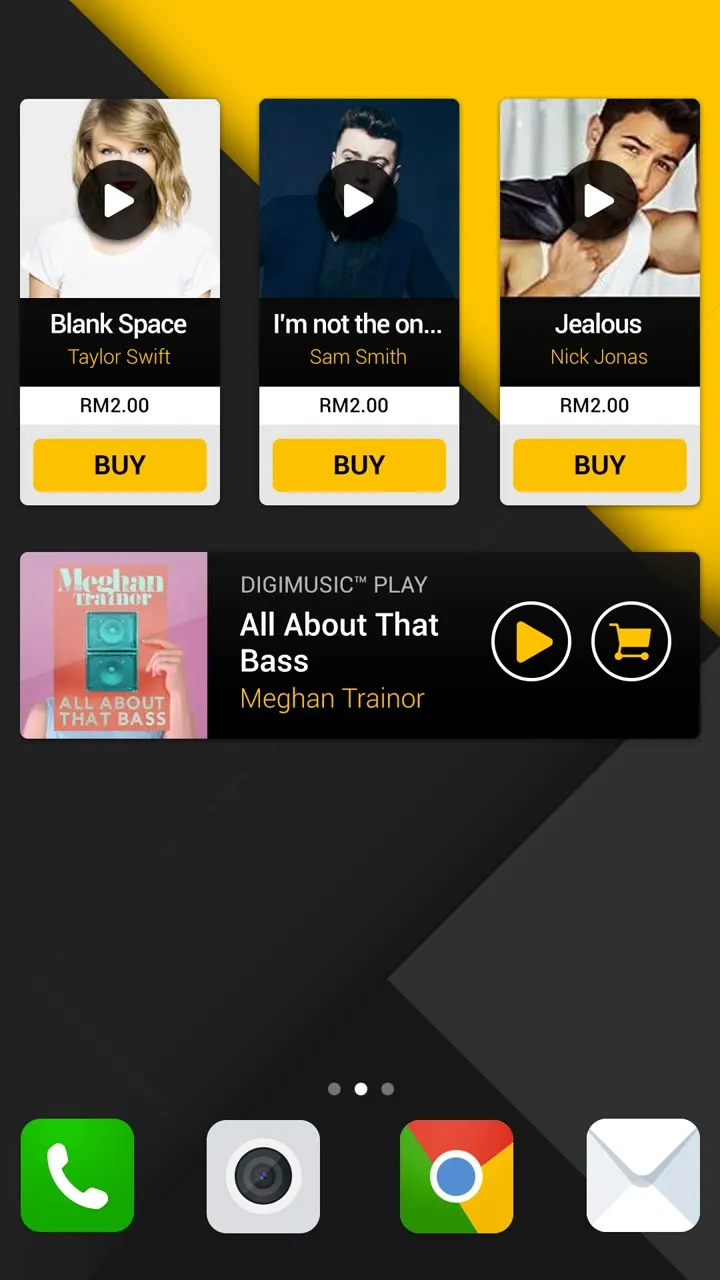
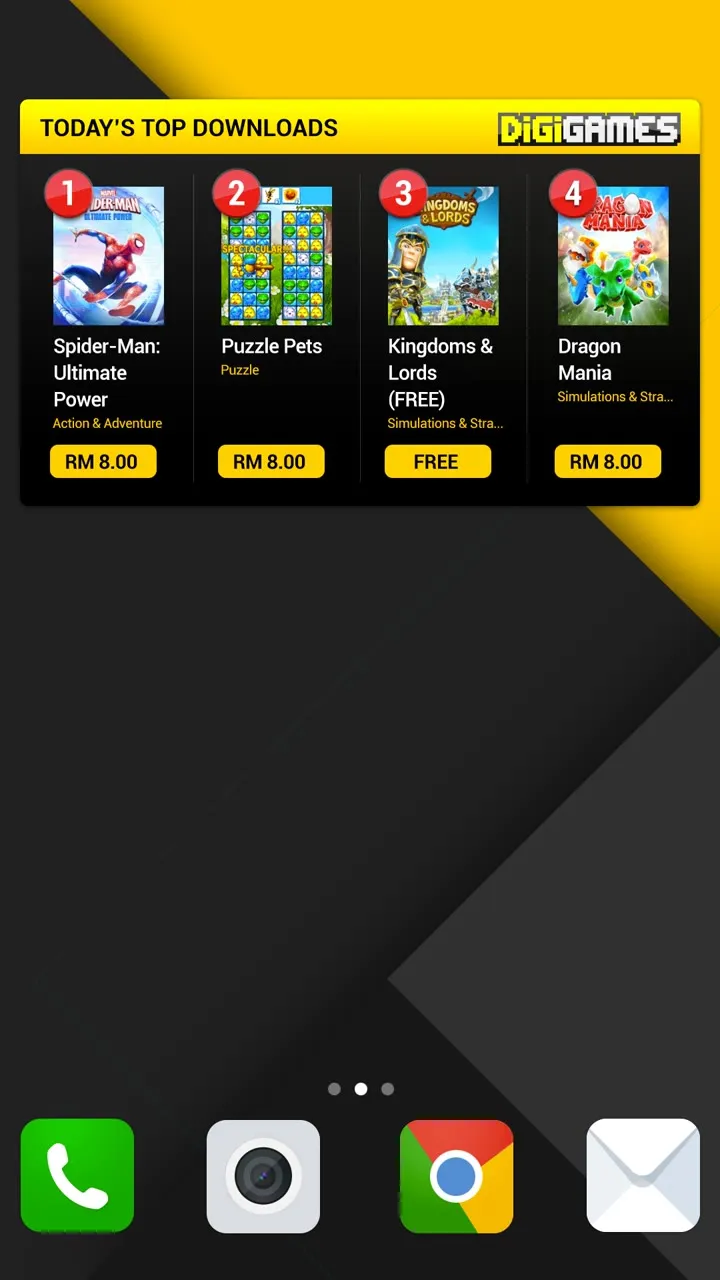
For DiGi I went further with the widgets. Data gets a ring that fills up as you use it, with a button to top up. Your bill is three rings, outstanding, usage and data. Callertunes play right on the home screen with a button to buy, and there’s a row of the day’s top games.
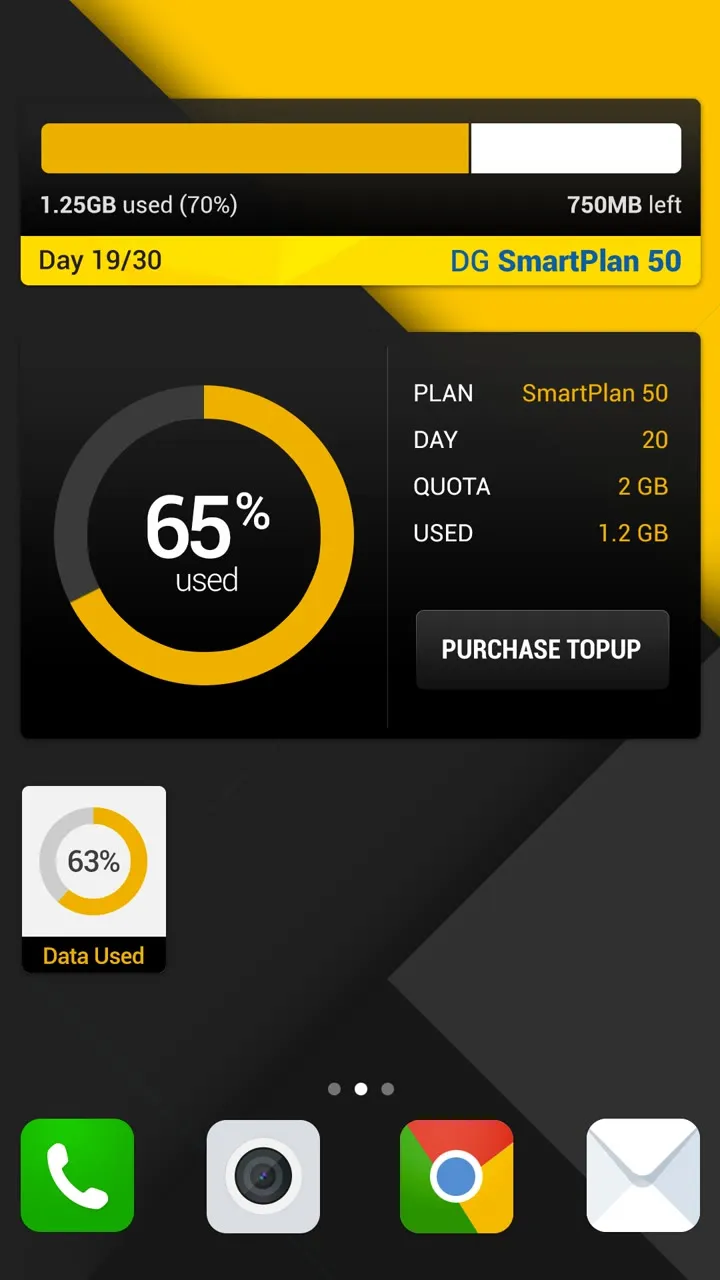
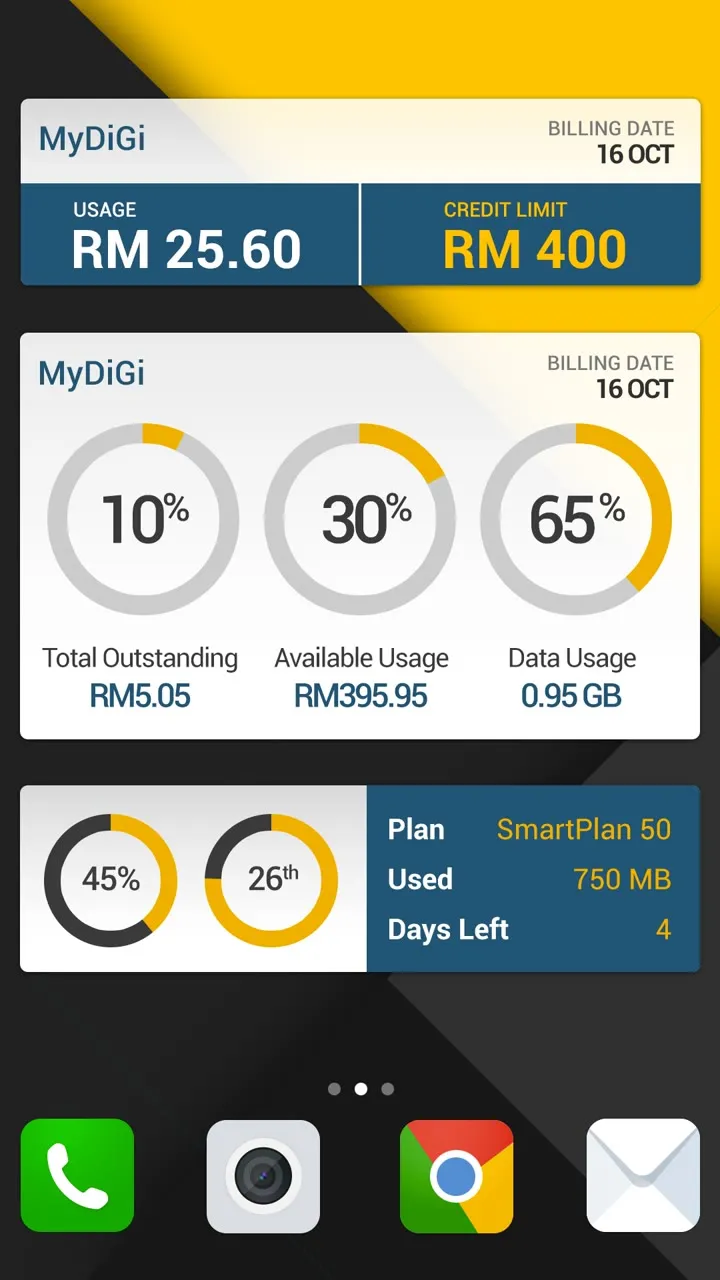
A data widget: a yellow ring at 65% used, with plan, day, quota and usage beside it and a Purchase Topup buttonMyDiGi billing as three rings: 10% of the total outstanding, 30% available usage and 65% data usage, plus smaller rings for plan usage and days leftThree songs with play buttons and Buy buttons, and a DiGiMusic Play player for All About That BassToday's Top Downloads from DiGiGames: four numbered games with Buy and Free buttons
Data, billing, callertunes and games.

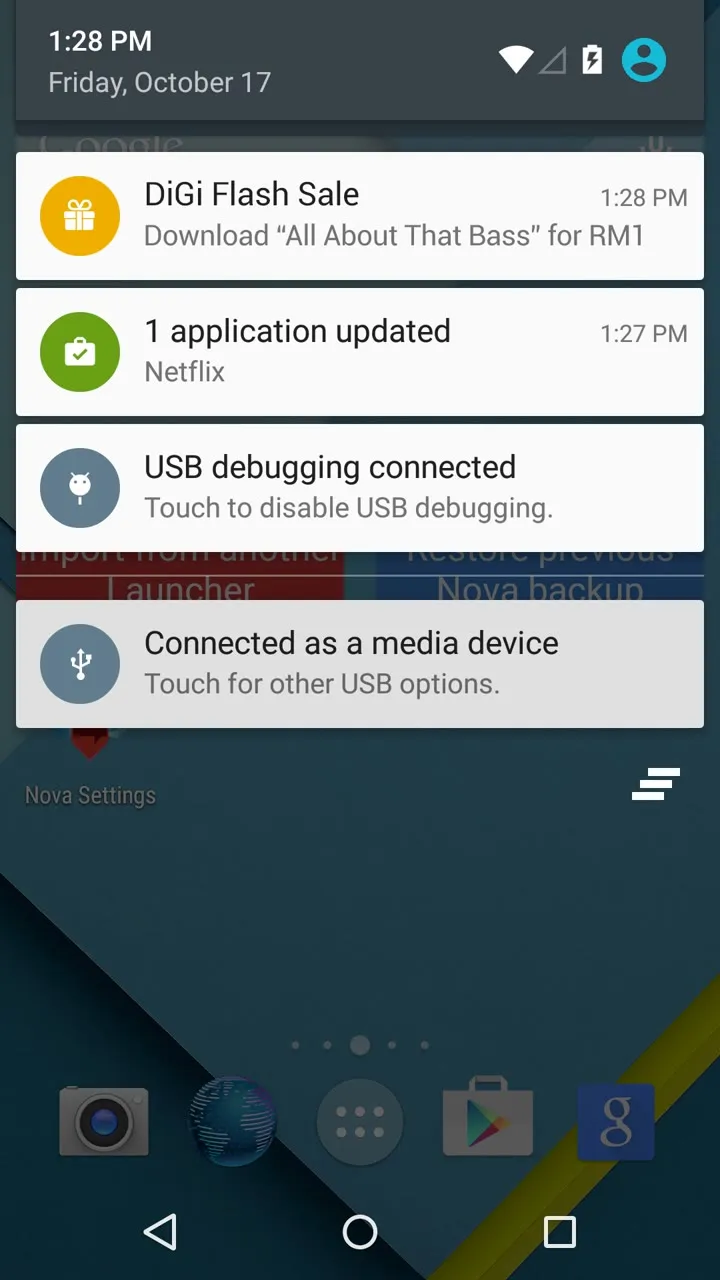
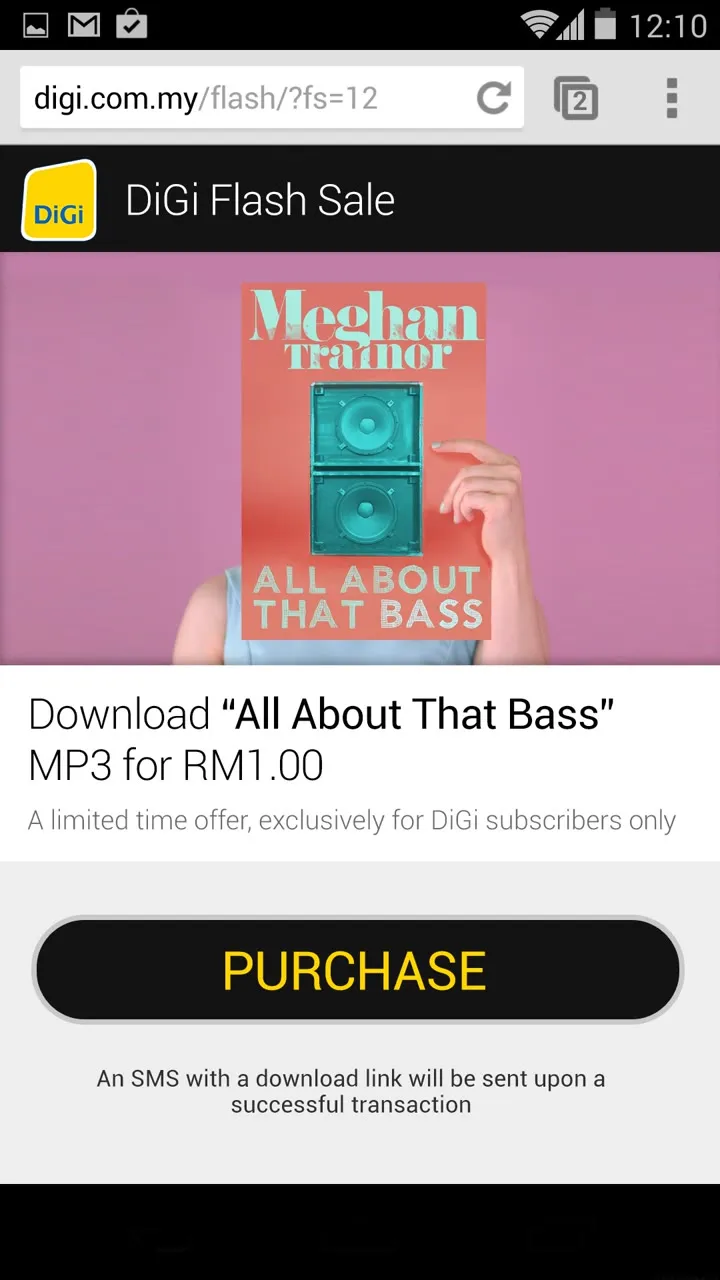
Carrier updates move from SMS to notifications, and the rewards widget tells you when there are deals near you. A flash sale comes in as a notification, opens a page on DiGi’s site, and you pay for it on your phone bill.
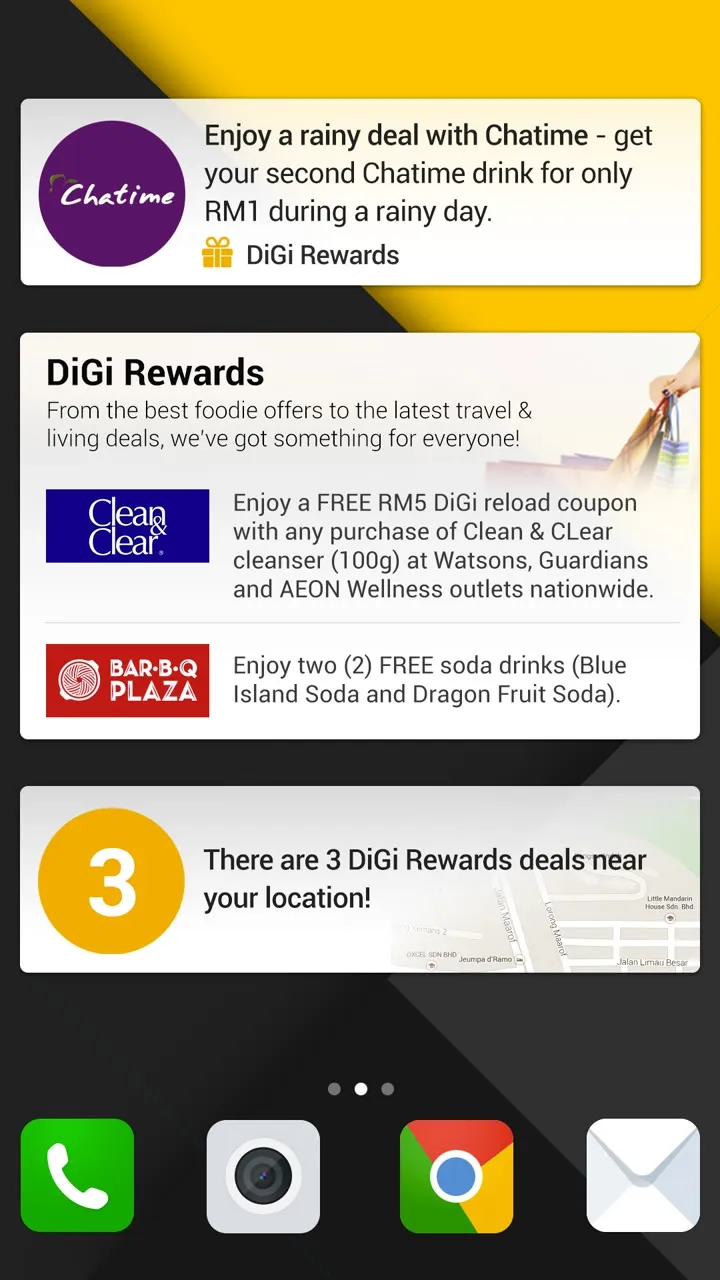
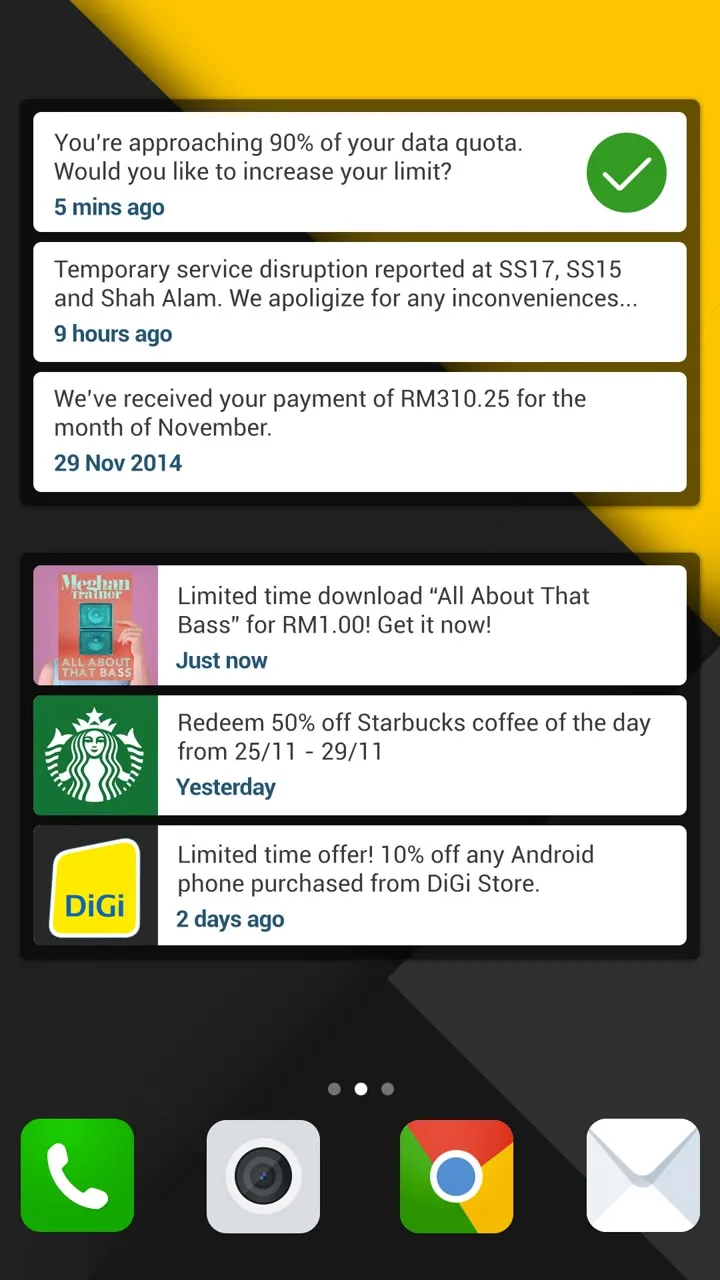
Rewards: a Chatime deal, DiGi Rewards offers, and a yellow 3 with There are 3 DiGi Rewards deals near your locationA stack of carrier updates: approaching your data quota, a service disruption, a payment received, a limited-time song download, a Starbucks deal and a phone offer from the DiGi StoreThe phone's notifications with DiGi Flash Sale, Download All About That Bass for RM1, at the topThe DiGi Flash Sale page in the browser: the All About That Bass cover, Download for RM1.00, and a Purchase button, with an SMS sent once you pay
Rewards nearby, updates, and a flash sale.