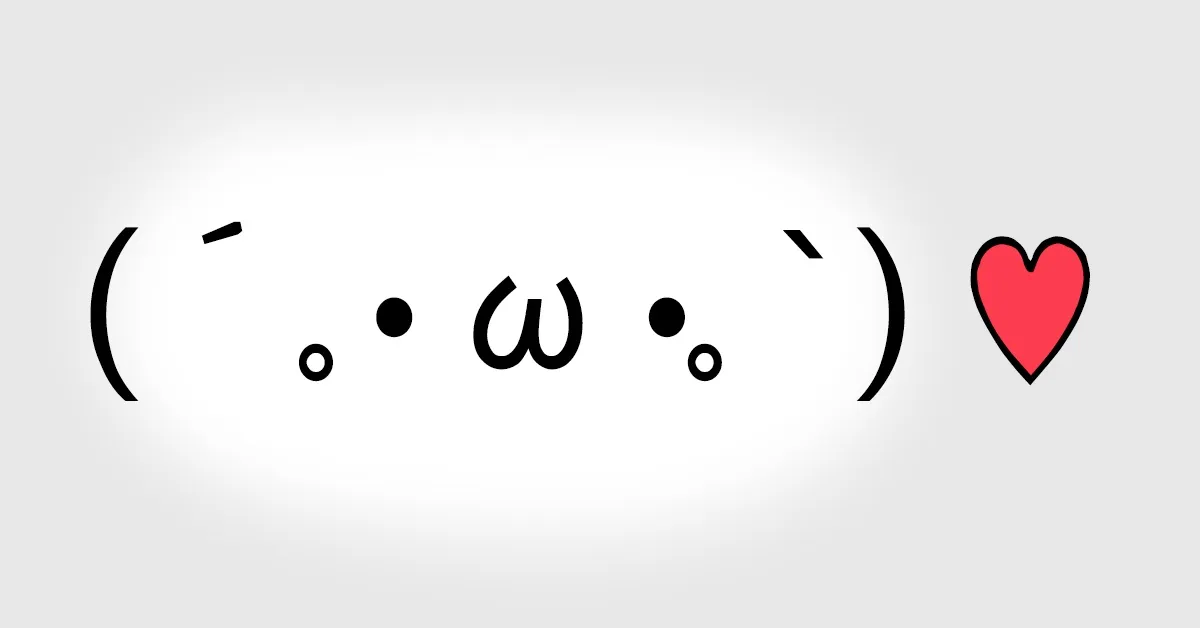
Facemoji, a kaomoji keyboard for the iPhone
Facemoji is out ... our keyboard for the iPhone that types kaomoji, those Japanese faces like (´• ω •`).
Facemoji is in the App Store. It’s a keyboard for the iPhone that types kaomoji, the Japanese faces made out of characters … (´• ω •`), (╯°□°)╯, that sort of thing. My idea, Enoch built most of it, and I did the design.

Until September you couldn’t make a keyboard for the iPhone at all. Apple opened it up at WWDC in June, iOS 8 shipped with it, and the first wave was the typing keyboards from Android, Swype and SwiftKey and Fleksy. The iPhone has had kaomoji all along, if you know they’re hiding behind a ^_^ key on the Japanese keyboard, but who’s going to turn on a Japanese keyboard just for that. So we made a keyboard that’s nothing but faces.
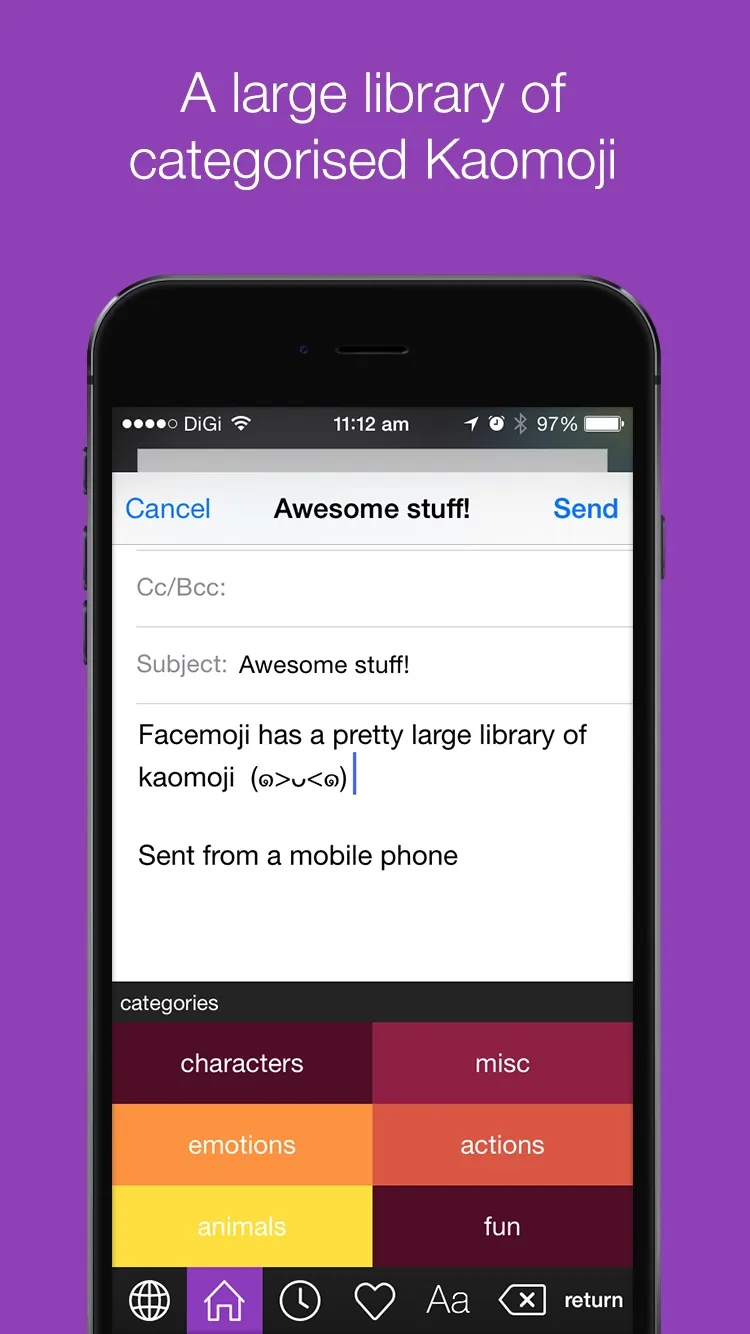
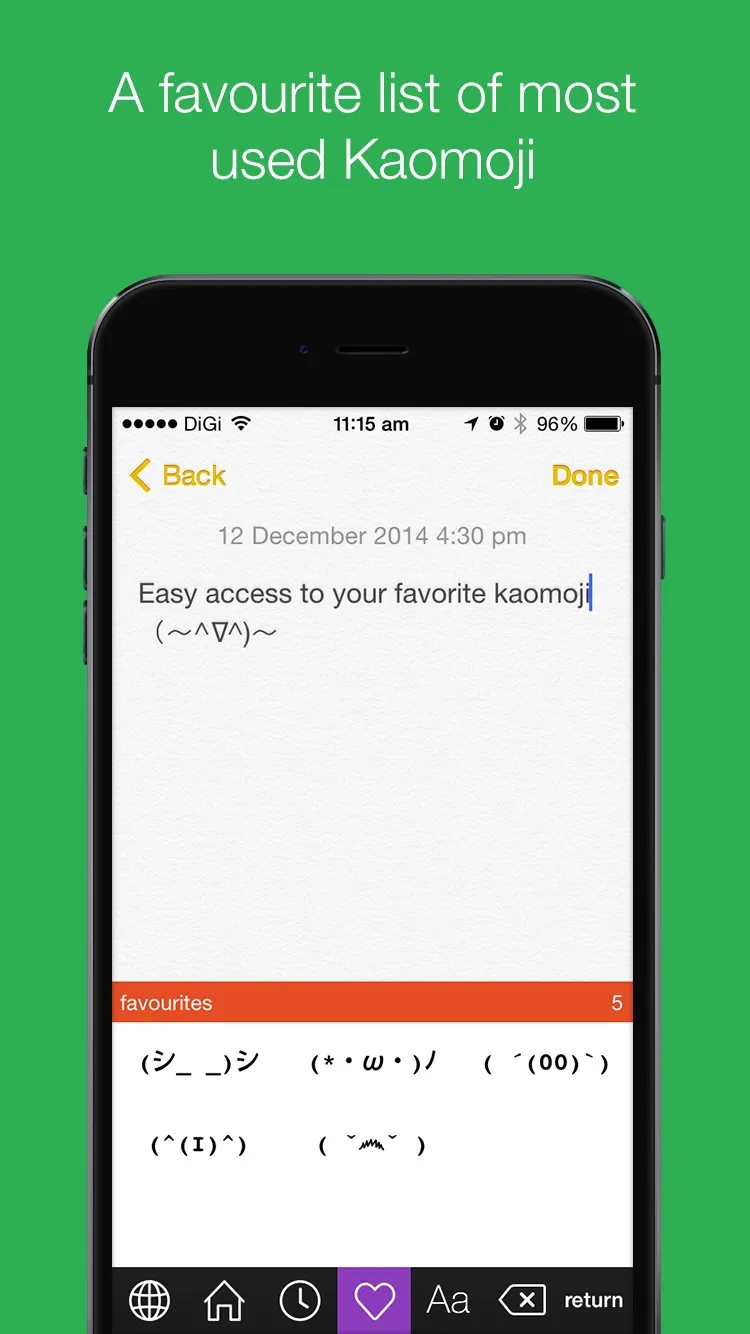
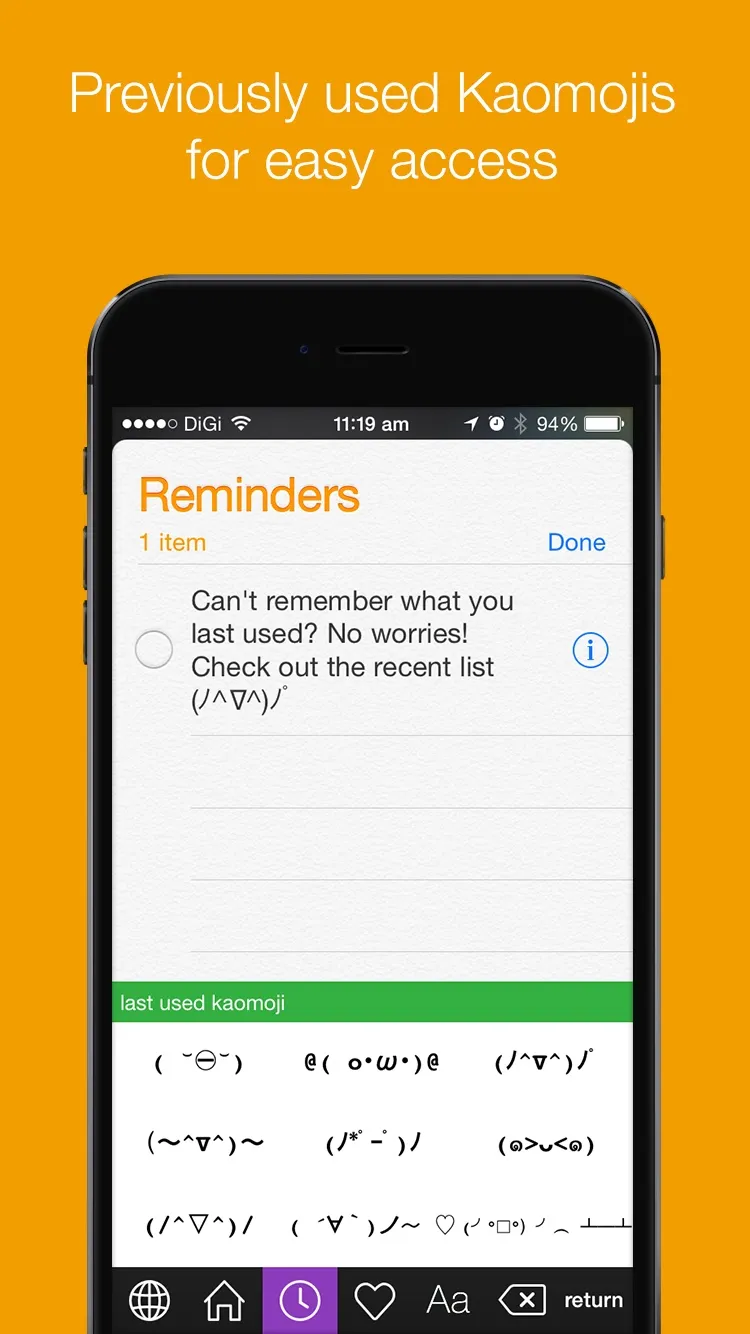
The keyboard
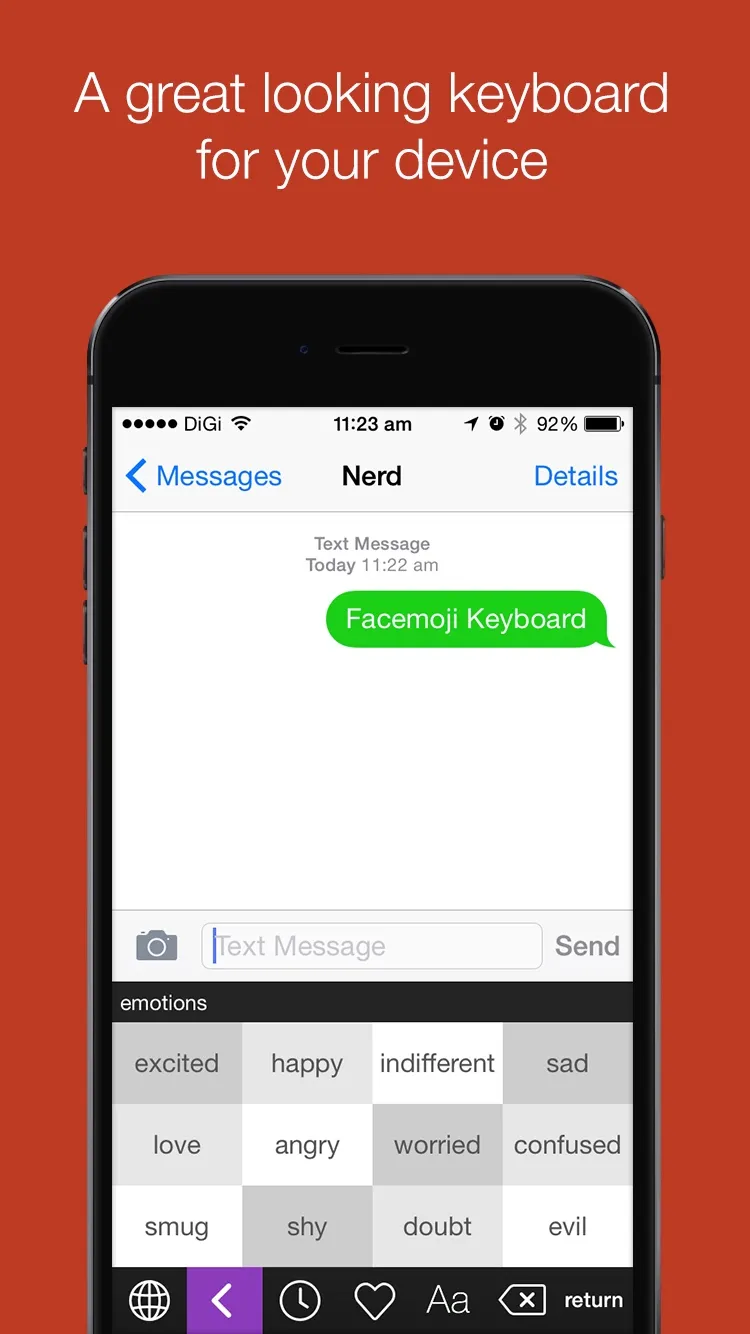
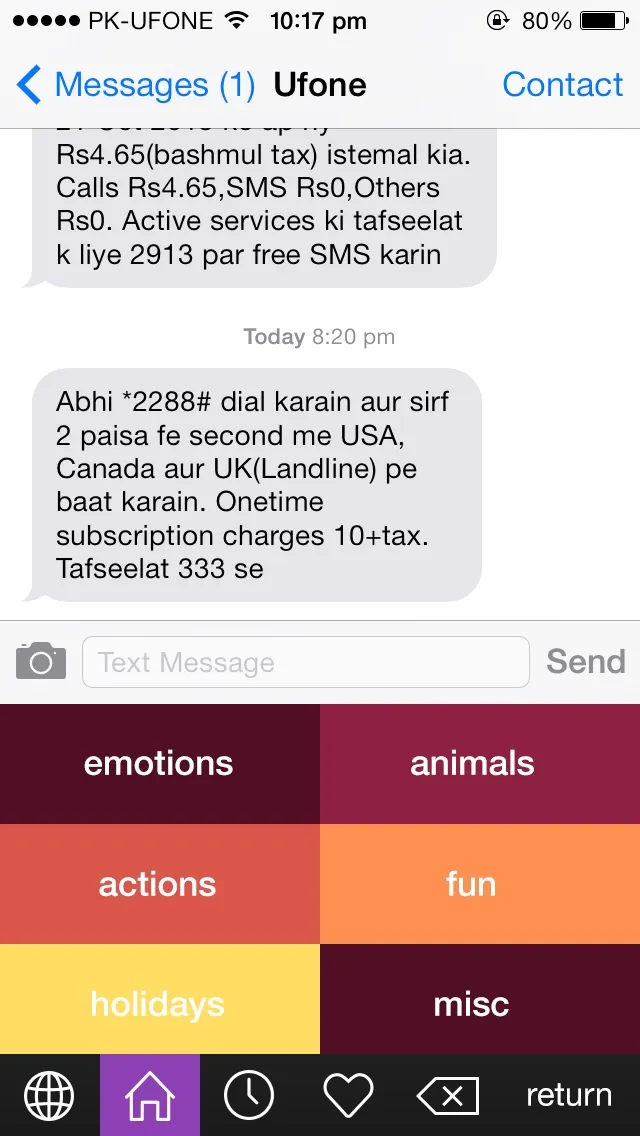
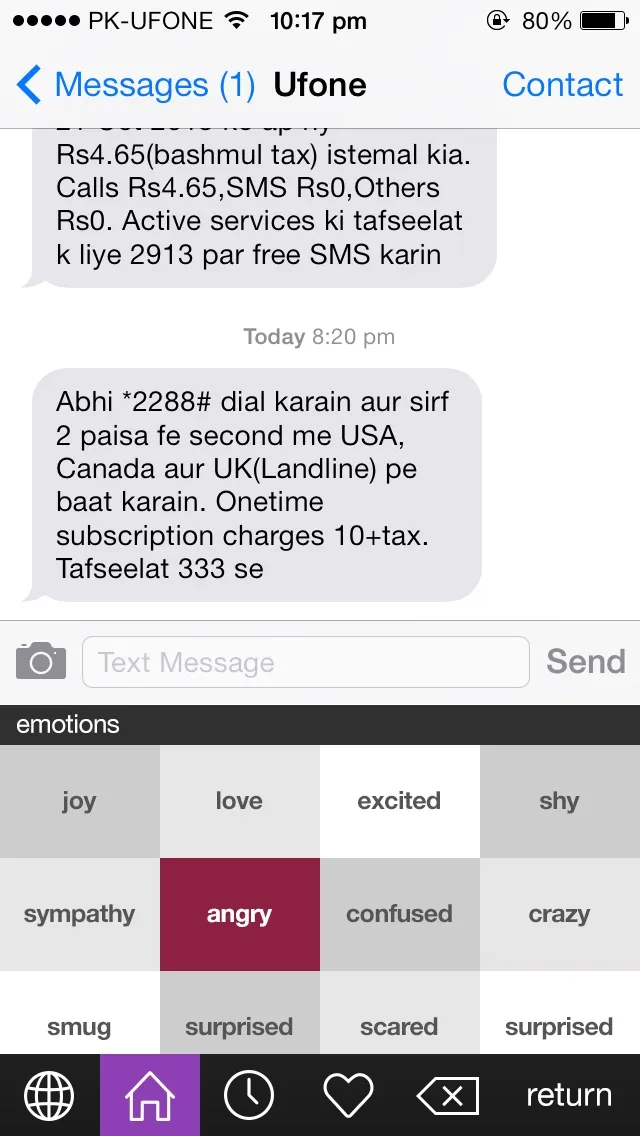
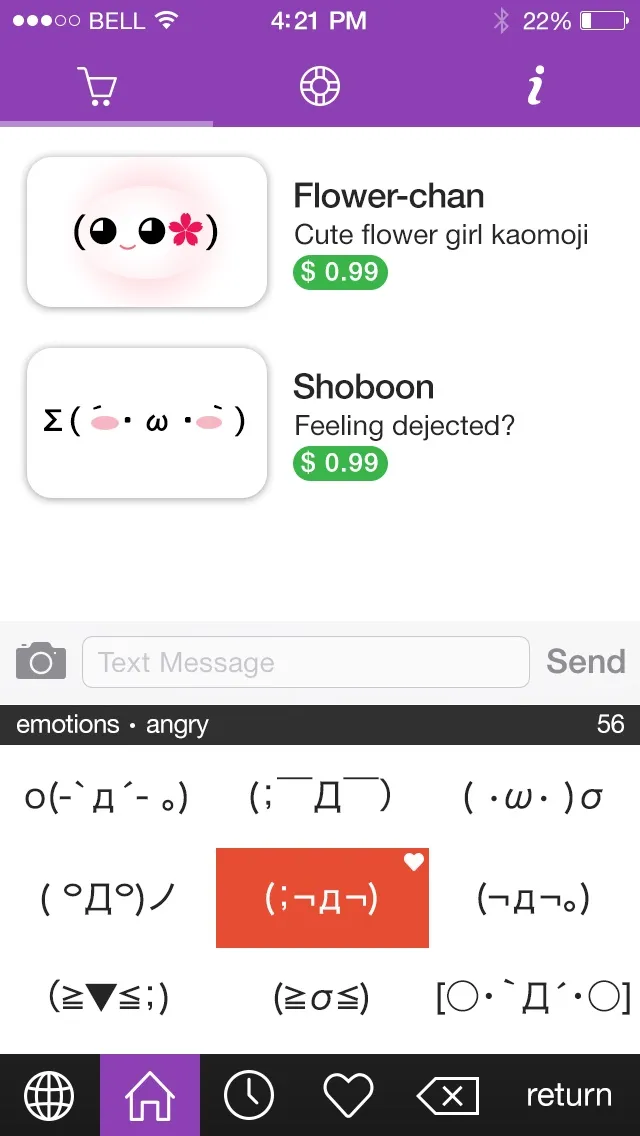
A keyboard gets a strip about a third of the screen high and nothing else, so the whole thing is tiles. The first level is six categories, characters, emotions, actions, animals, fun and misc, each its own colour. Tap one and you get its moods, angry, shy, smug, surprised and so on, then the faces themselves, with a heart on the one you’ve favourited. Along the bottom there’s the globe to get back to your normal keyboard, home, a clock for the ones you used last, a heart for your favourites, backspace and return.
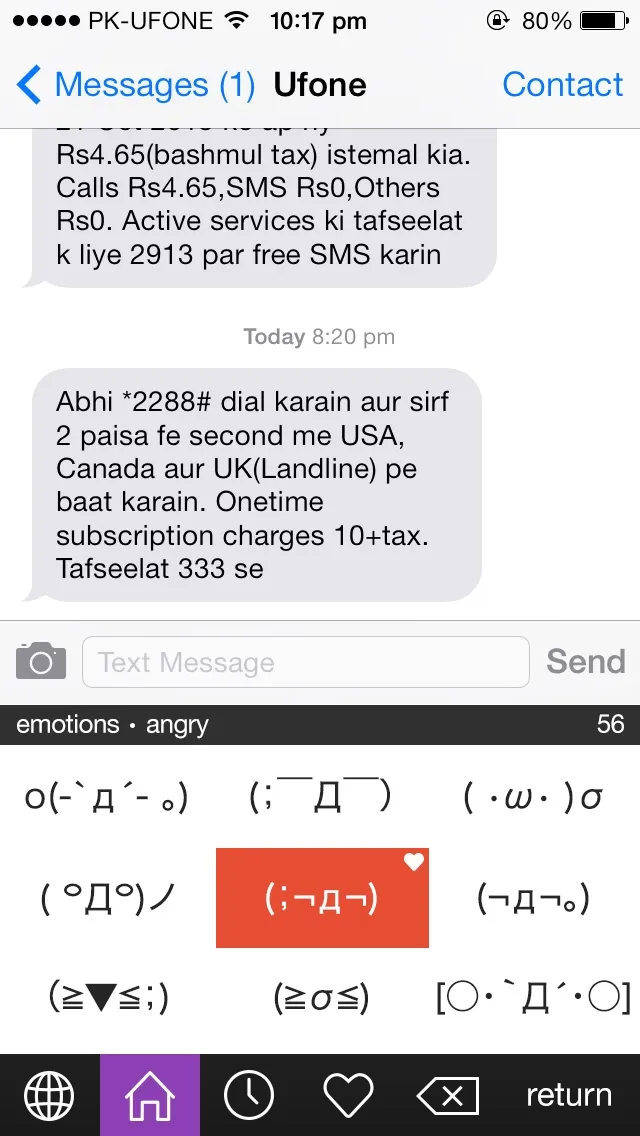
The favourites and the last-used list are the point of it. Nobody wants to scroll through fifty angry faces twice … you find the one you like, heart it, and from then on it’s two taps away.
The app around it
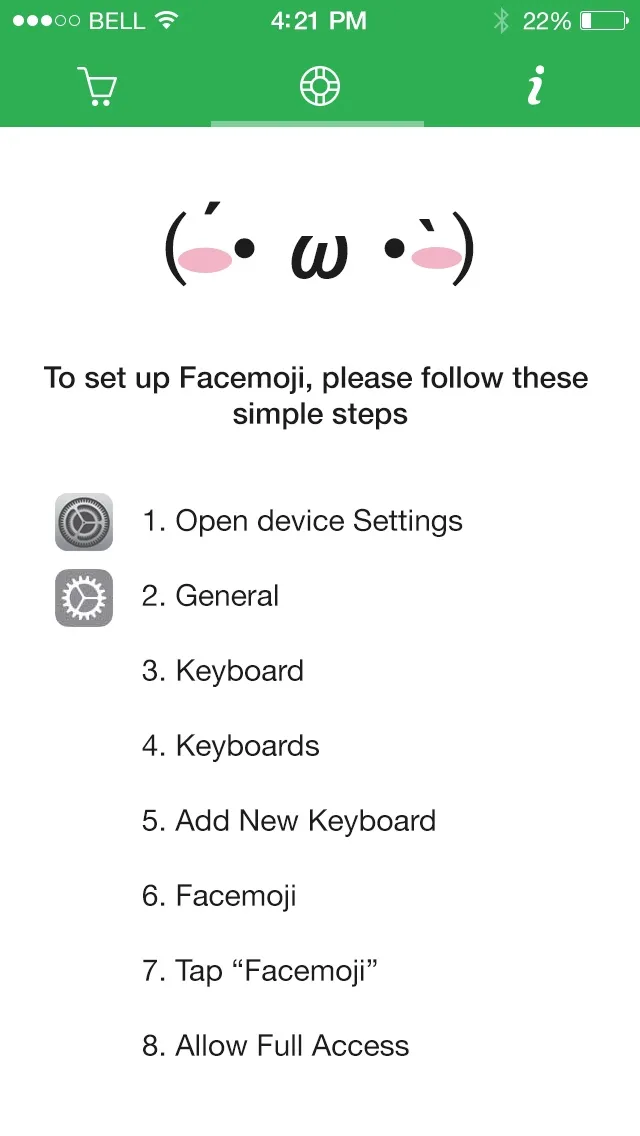
A keyboard can’t be installed on its own, so there’s a small app that comes with it. It walks you through turning the keyboard on, which on iOS 8 is eight steps deep in Settings, the last of them the Allow Full Access switch with the warning that scared everyone in October. Facemoji keeps nothing and needs no internet, and it works without it. The app also sells extra packs of faces at 99 cents each, Flower-chan and Shoboon so far.
This week we put an ad for it on Facebook.