Watch faces for Android Wear
Since January we've made four watch faces for Android Wear ... simOclock, Chronos, modina and now Digilog.
Digilog is done, the fourth watch face we’ve made for Android Wear this year, after simOclock, Chronos and modina. They’re our own, and I designed all of them.
This was something really new for us, especially me. The first Android Wear watches only came out last year, and Google only opened up watch faces properly in December, with an official way to build them. I started on simOclock in January.
Studying watches
Before anything else I had to study and reference a lot of real watches … Fossil, Skagen, Nixon, Danish Design, Alessi, and a pile of concept watches I found online. I also had to understand the different complications. That’s what watchmakers call anything on the dial besides the hours and minutes, like the date window, the day, or the small subdials on a chronograph. On ours they’re mostly the day, the date and the watch’s battery.
Then I had to create something circular, which needed precision. Everything sits around one centre point. The ticks go round it at the right angles, and each hand has to turn on exactly the right spot.
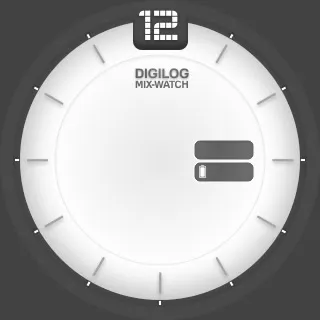
And there isn’t just one shape. The Moto 360 is round with a flat strip cut off the bottom, the LG G Watch R is a full circle, and the LG G Watch, LG’s first, is square, so every face gets drawn three times. Then each one needs an ambient version, for when the watch dims and you’re not looking at it … mostly black, with only the outlines left.
 Round
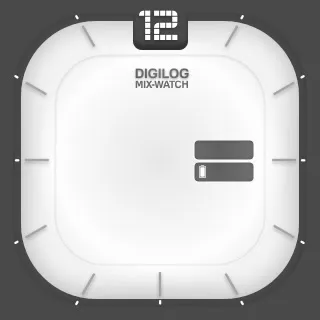 Square
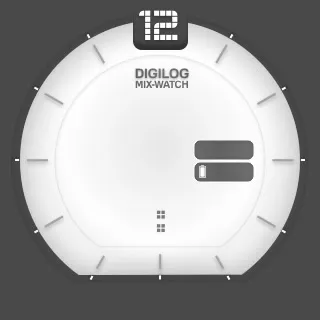 Moto 360
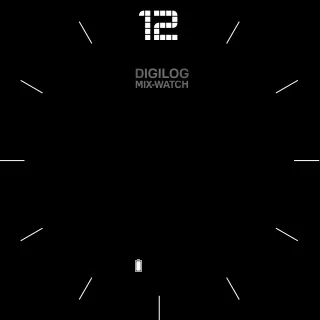 Ambient
An HTML preview
We test on a Moto 360 and the G Watch, but testing on the watch itself has been challenging, so I made an HTML preview of the clock face. It’s a web page with the face on a Moto 360, a G Watch R and a square watch side by side, built from the same images as the app.
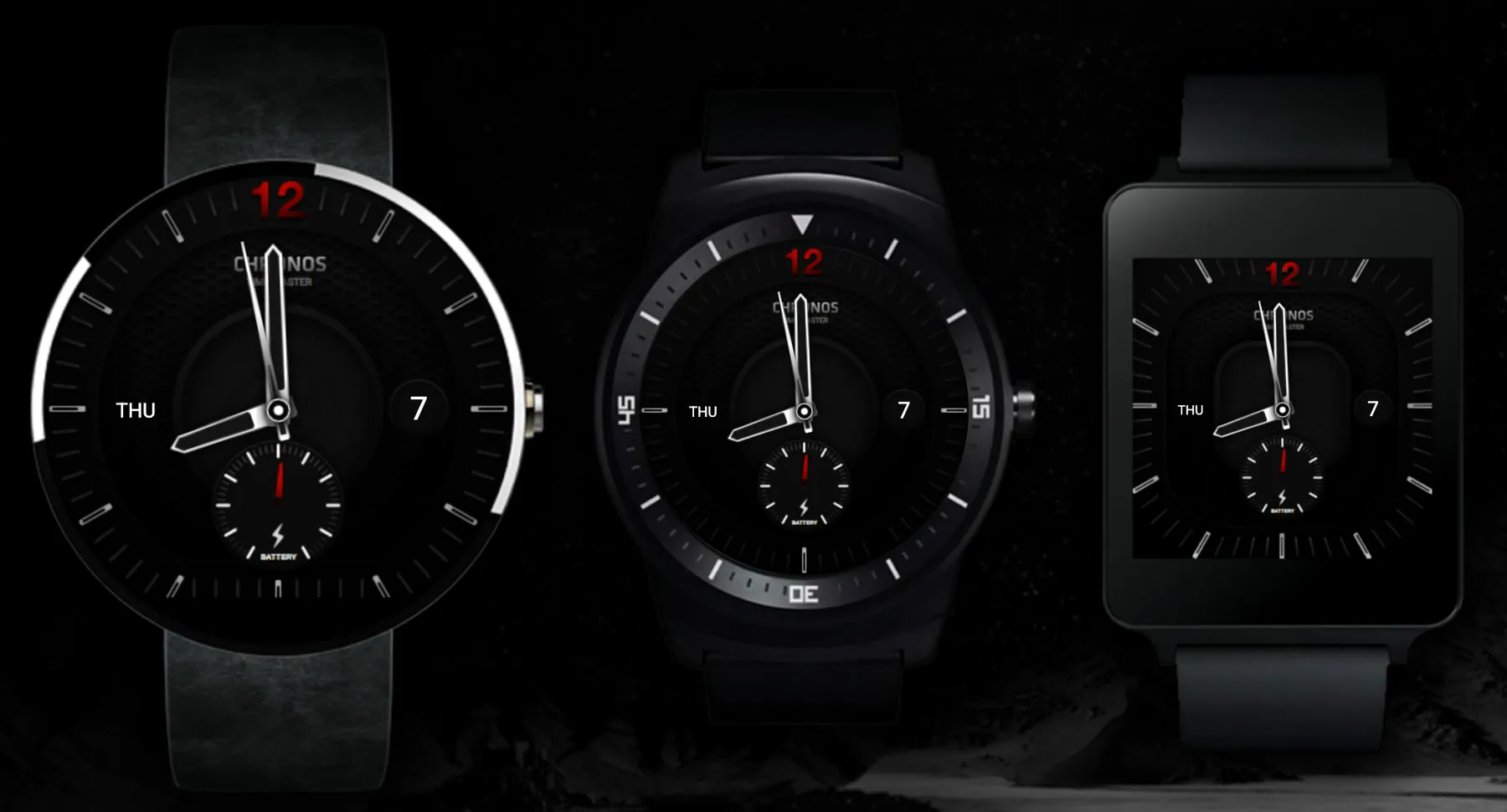
The hands are images rotated with CSS, each turning on its own pivot, and for the round watches the square background is clipped to a circle.
.watchround {
	width: 320px;
	height: 320px;
	background-image: url("img/bg_round.png");
	-webkit-clip-path: circle(160px at center);
}

.hour {
	background-image: url("img/hour.png");
	width: 36px;
	height: 106px;
	-webkit-animation: hour 10s linear infinite;
	-webkit-transform-origin: 50% 84px;
}

.minute {
	background-image: url("img/minute.png");
	width: 30px;
	height: 140px;
	-webkit-animation: minute 7s linear infinite;
	-webkit-transform-origin: 50% 126px;
}

@-webkit-keyframes hour { 100% { -webkit-transform: rotate(360deg); } }

@-webkit-keyframes battery {
  0% { -webkit-transform: rotate(-150deg); }
  25% { -webkit-transform: rotate(0deg); }
  50% { -webkit-transform: rotate(150deg); }
  75% { -webkit-transform: rotate(-0deg); }
  100% { -webkit-transform: rotate(-150deg); }
}
Everything runs fast … the hands spin, the battery needle swings back and forth, the date counts up and the day keeps flipping, so I can see every date, every day and every battery level on all three watches without waiting.
$('.date').jQuerySimpleCounter({
	start: 0,
	end: 31,
	easing: 'linear',
	duration: 31000
});

$(".rotate").textrotator({
	animation: "flipUp",
	separator: ",",
	speed: 2000
});
Once I had the hang of it, the next few faces were easy.
simOclock
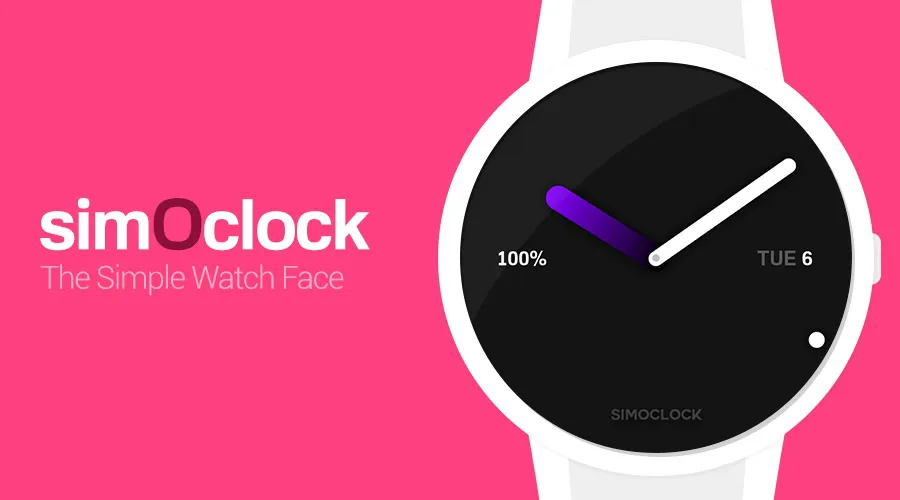
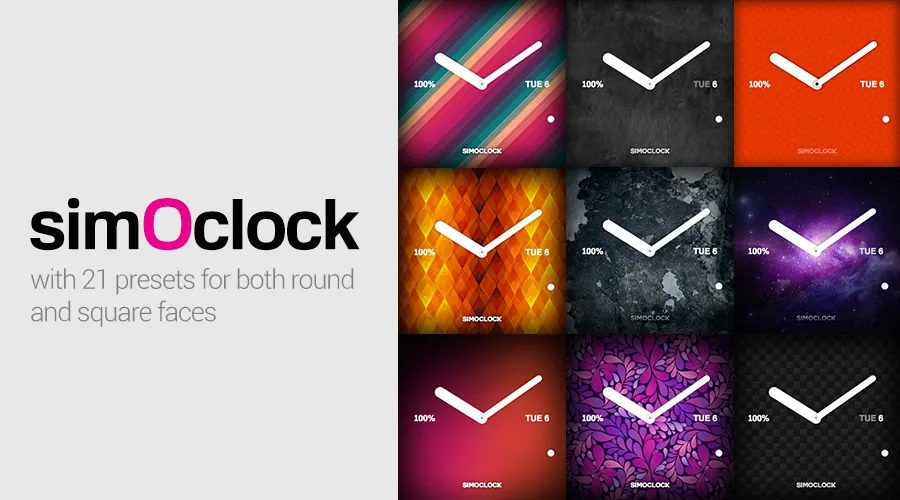
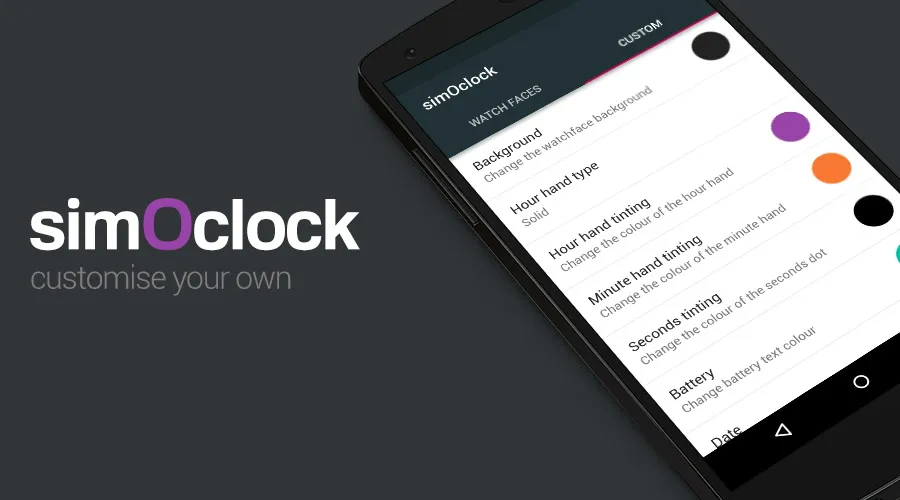
simOclock, the simple watch face, was the first. Two hands, the battery on the left, the day and date on the right. It comes with 21 presets for round and square watches, and the phone app lets you make your own … pick the background, the type of hour hand, and the colour of each hand and of the battery text.
Chronos
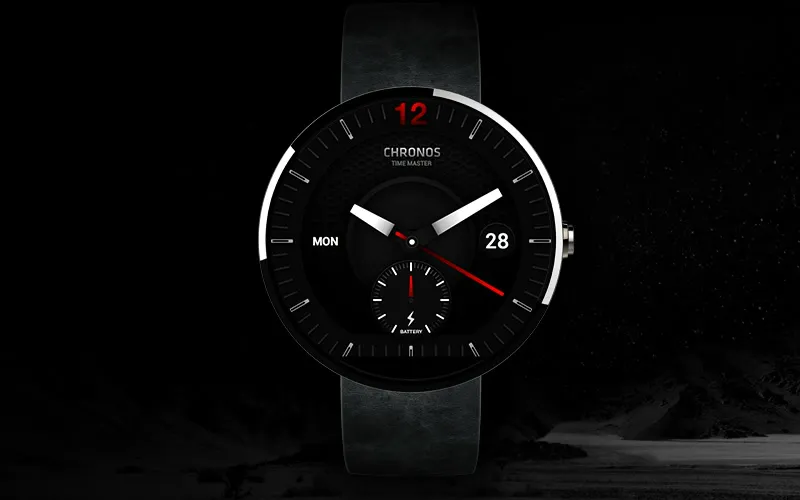
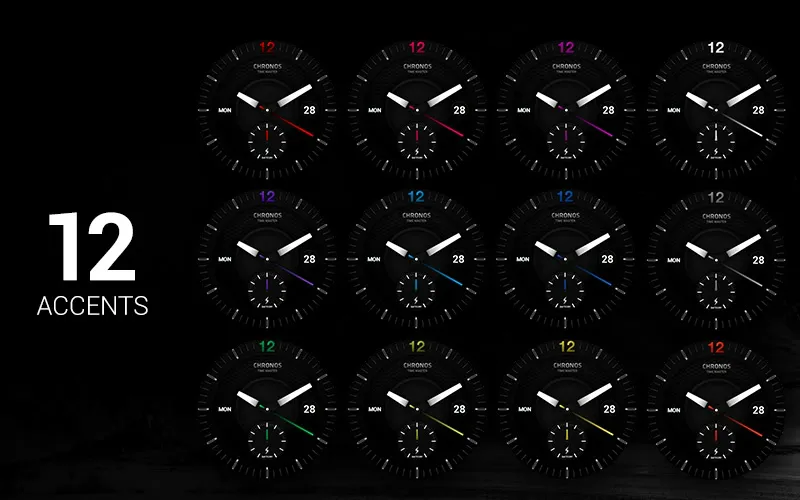
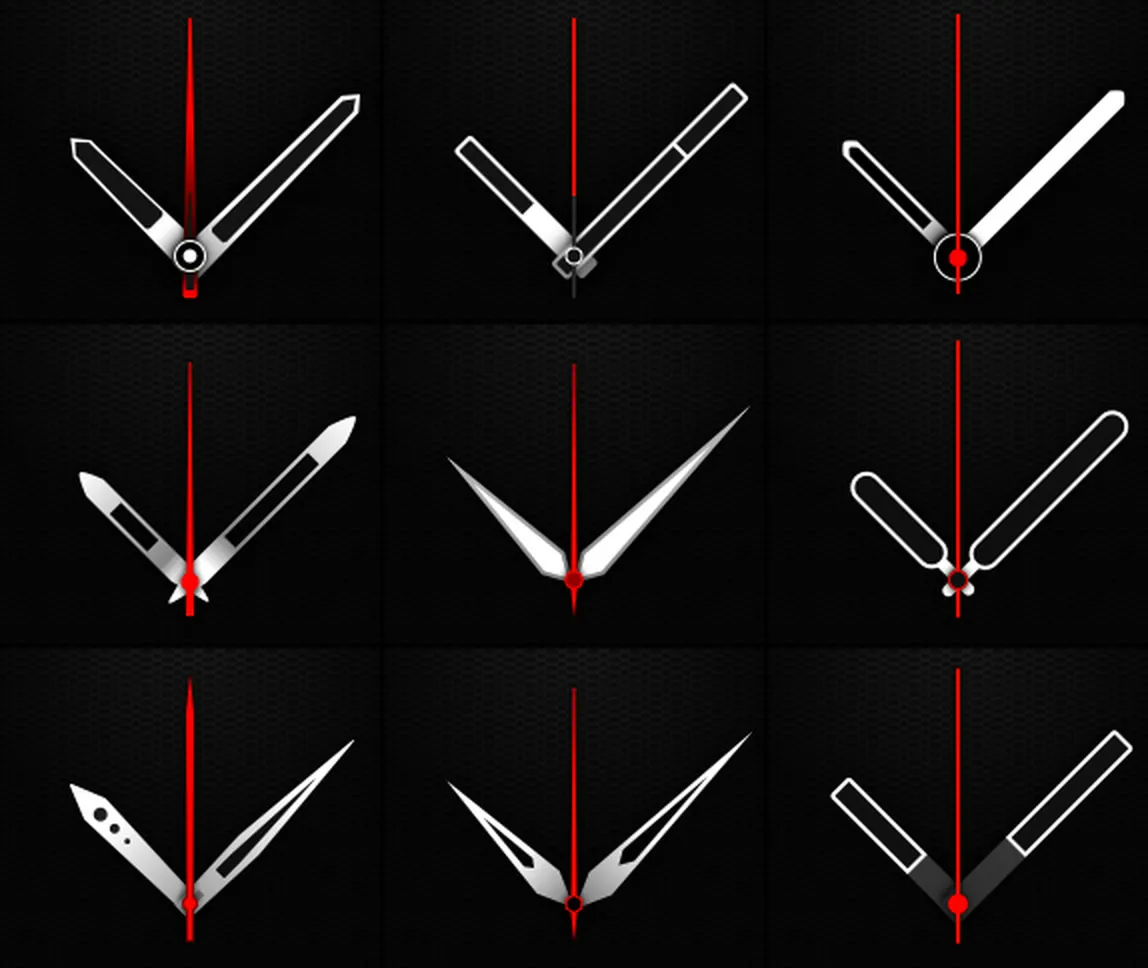
Chronos, the Time Master, is a chronograph. The day is on the left, the date on the right, and the battery has its own subdial at the bottom, where a chronograph has its counters. There are 12 accent colours, and the hands come in nine sets, one free and eight you buy in the app. Chronos is the one I made the preview for.
Digilog
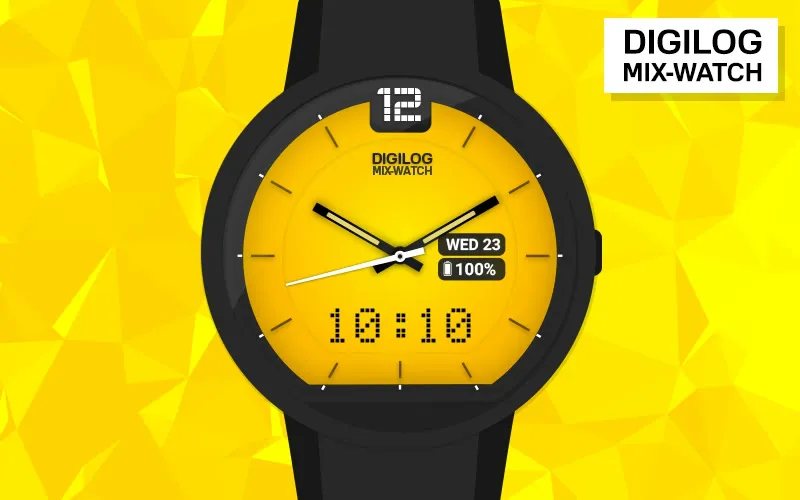
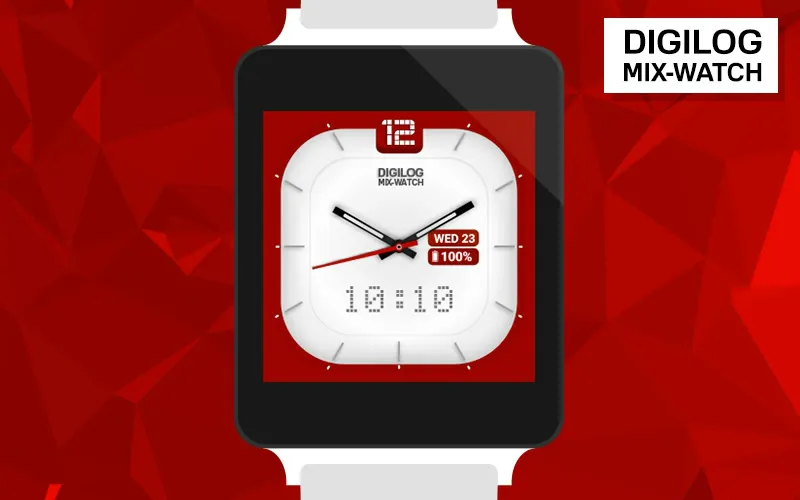
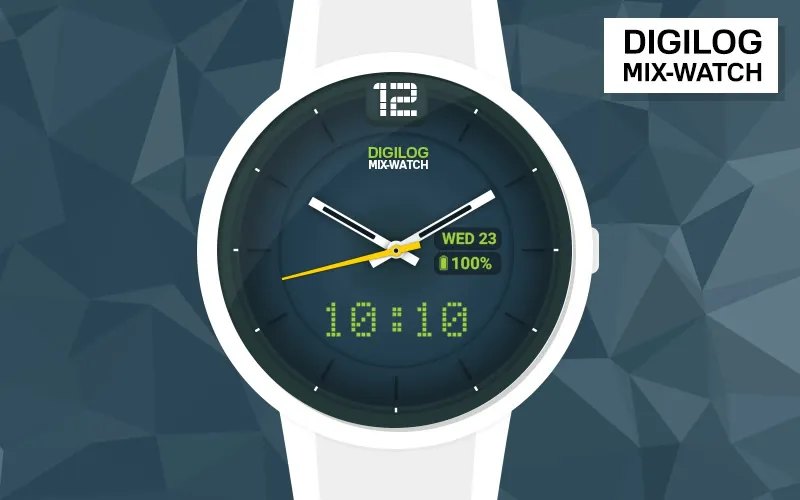
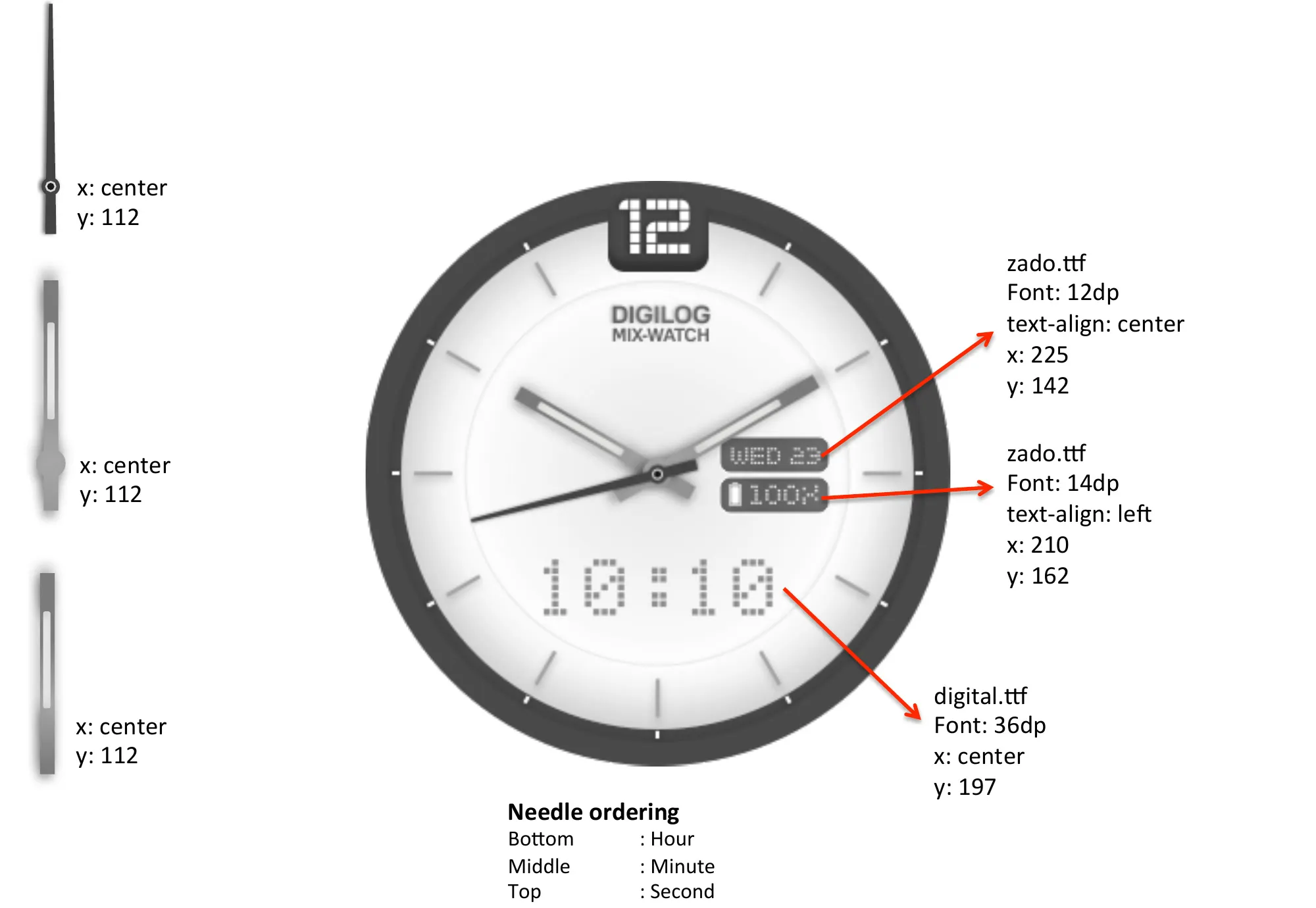
After Chronos came modina, and now Digilog, the mix watch. It’s analogue and digital together … hands on top, the time underneath in a dot-matrix font, and the day, date and battery in two little boxes on the right.
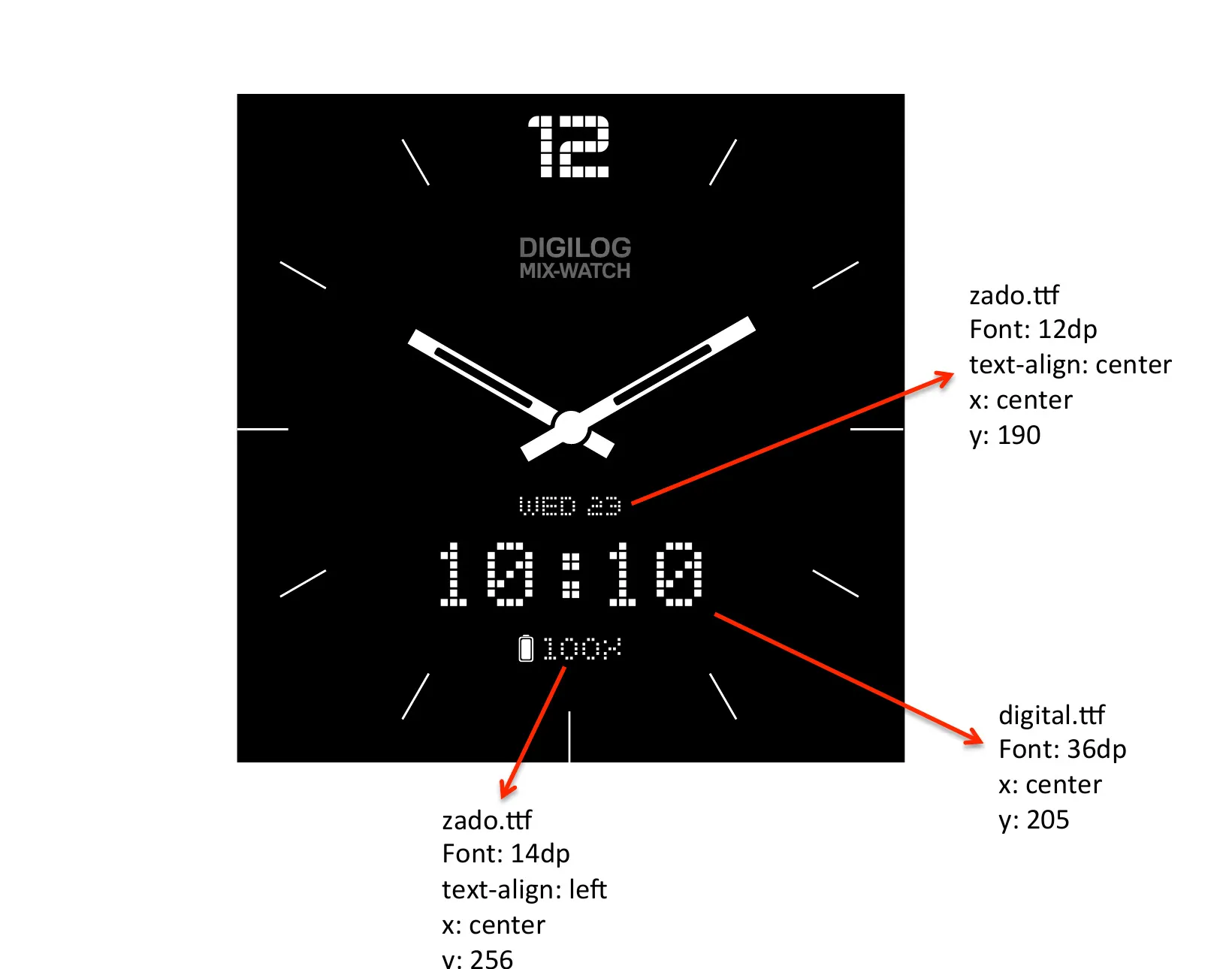
For Digilog I worked out the position, font and size of every element, down to the pixel.
In ambient the boxes go, and the day and date, the time and the battery stack up under the hands.
It comes in six colours.