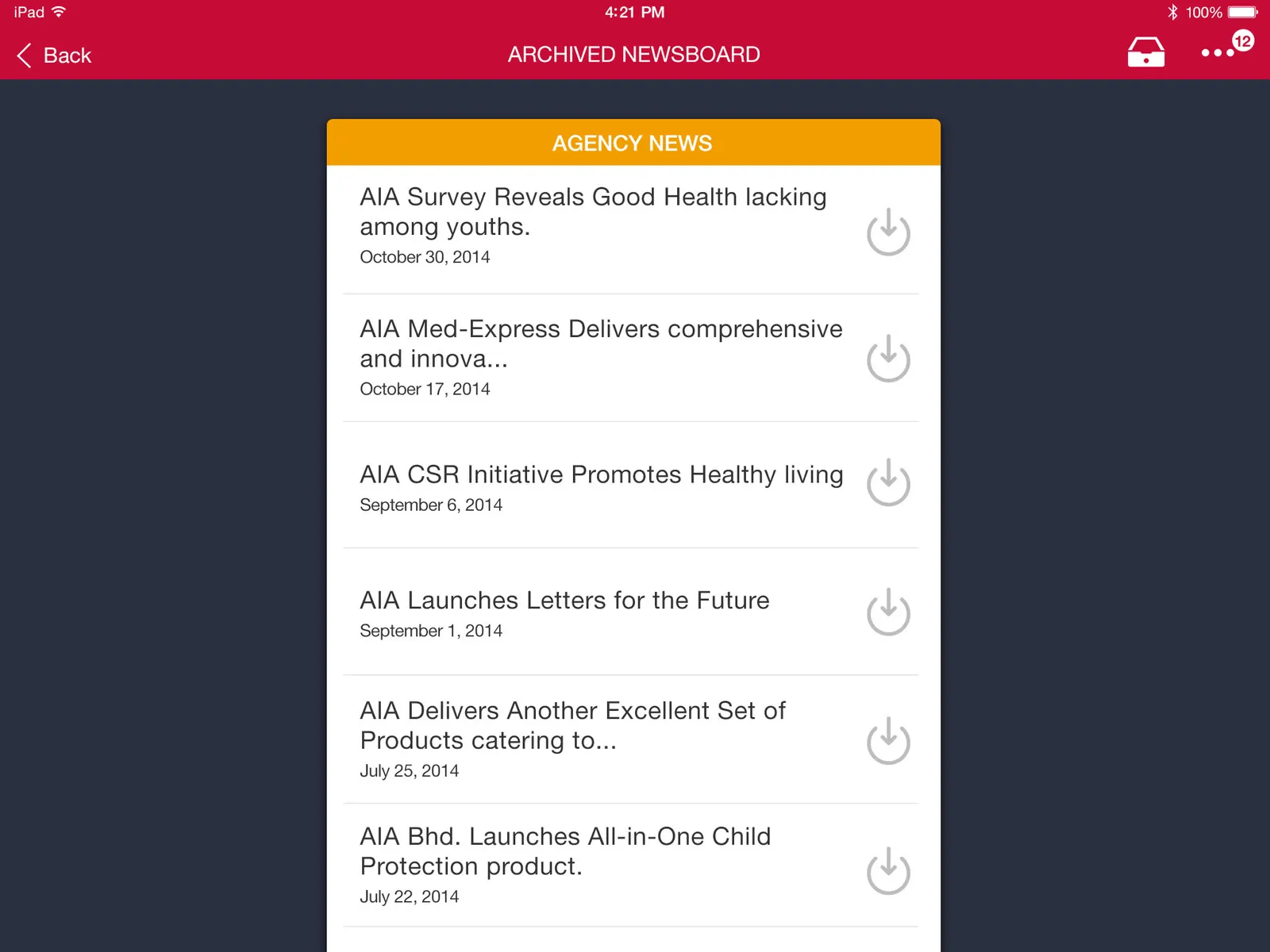
Newsboard for AIA, part 1: the pitch and the board
Newsboard is live inside iMO, the iPad app AIA Malaysia's Life Planners work from. Part 1 is what we pitched for iMO, and the board we ended up doing.
Newsboard is live. It’s the news section of iMO, the iPad app AIA Malaysia’s Life Planners use for their work, and it’s ours. AIA has had its planners on iPads since 2013, when it rolled out iPoS for signing up customers and started giving new recruits one.
I’m writing it up in two parts. This one is the design … what we pitched for iMO and the board we ended up doing, and part 2 is how we built it and the admin AIA uses to run it.
The pitch
iMO is an app with lots of modules. Late last year we pitched a few things for it, mostly about modernising the design, and that meant a lot of screens.
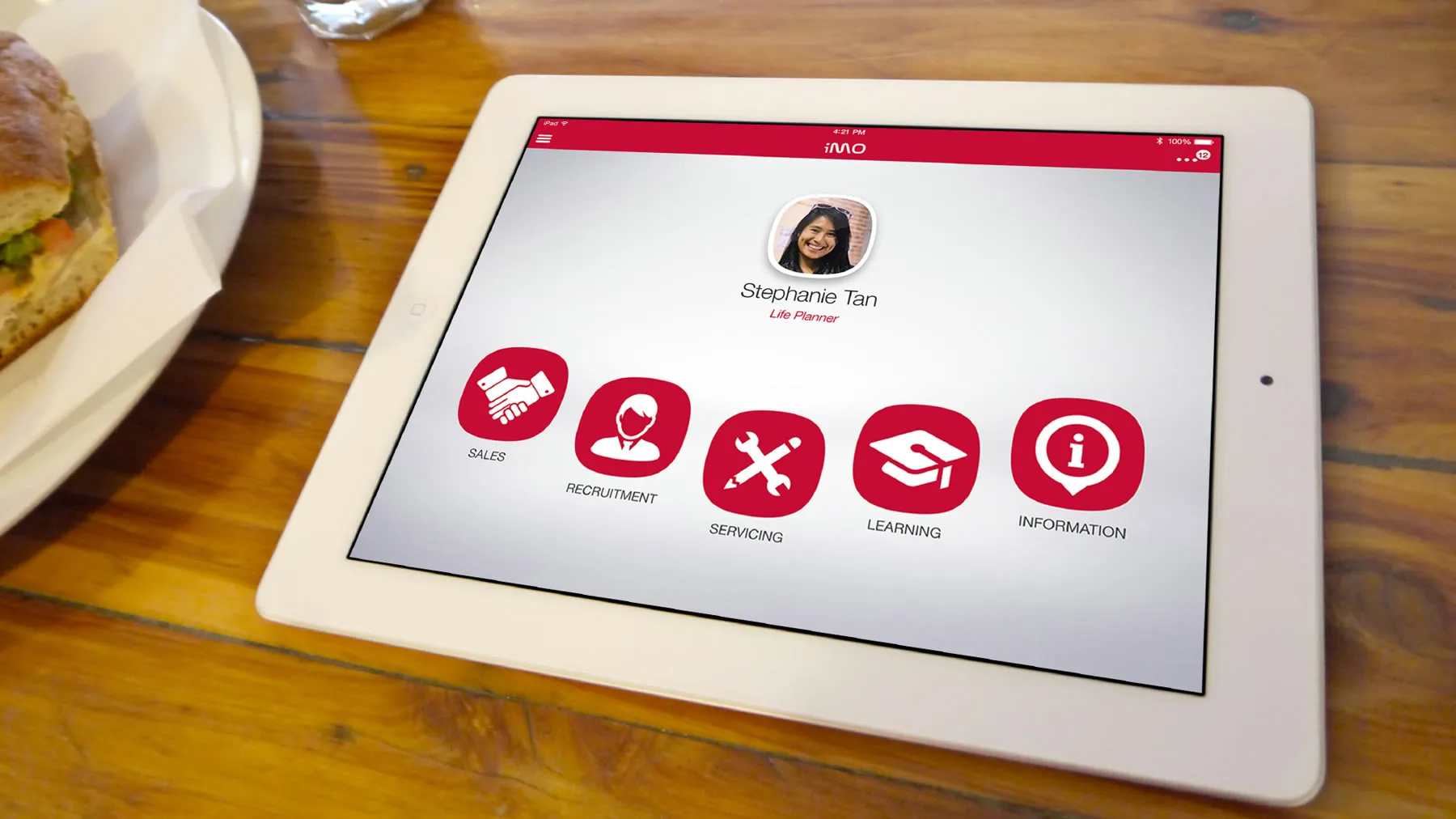
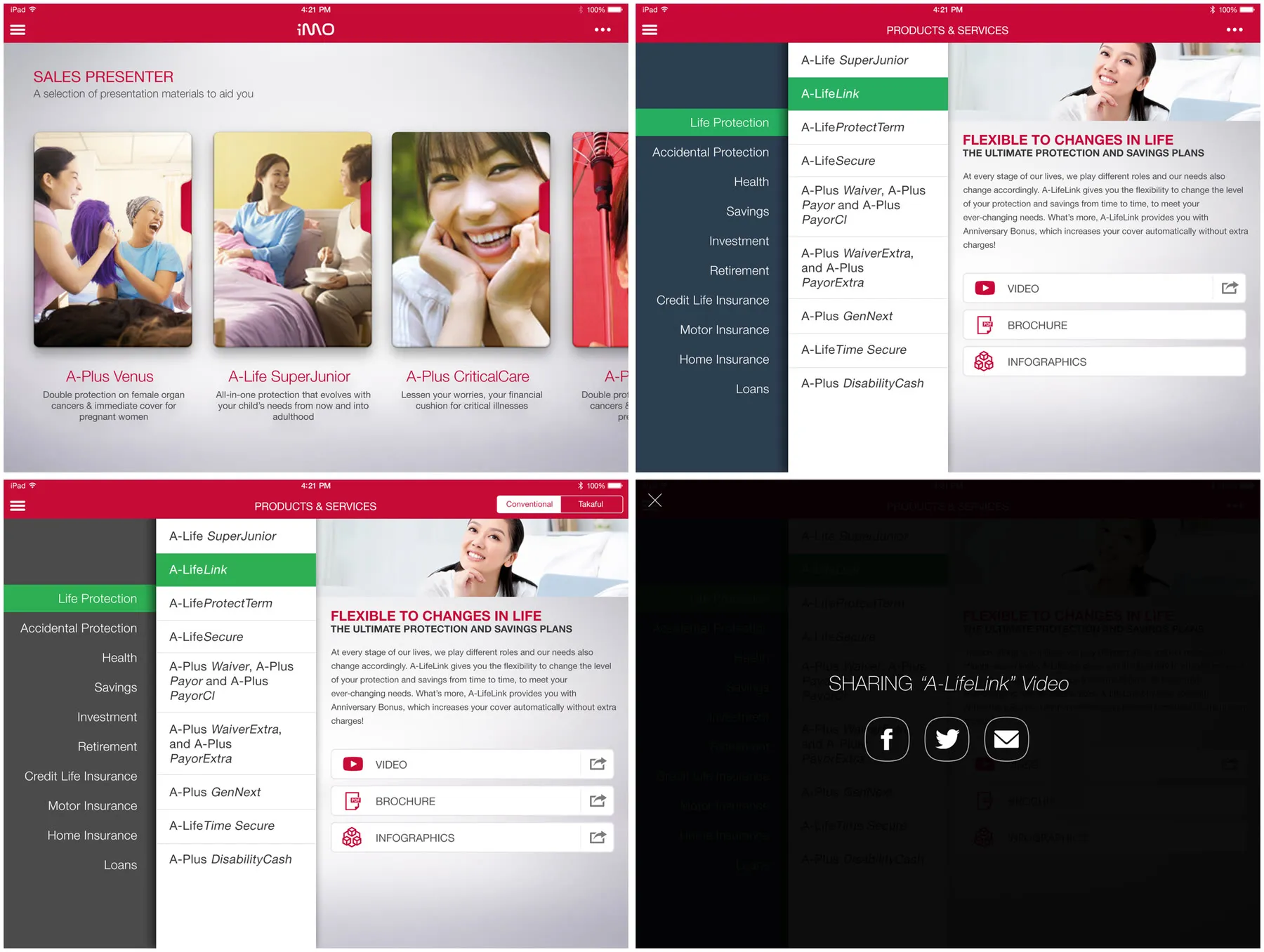
We tried the home screen a few ways, with the sales presenter up front, or a planner’s photo over five big icons for Sales, Recruitment, Servicing, Learning and Information, big so they’re easy to tap. Everything else came off two menus. A More button at the top has the calendar, the task manager and circulars & memos, with a badge on anything unread, and the hamburger menu has the rest.
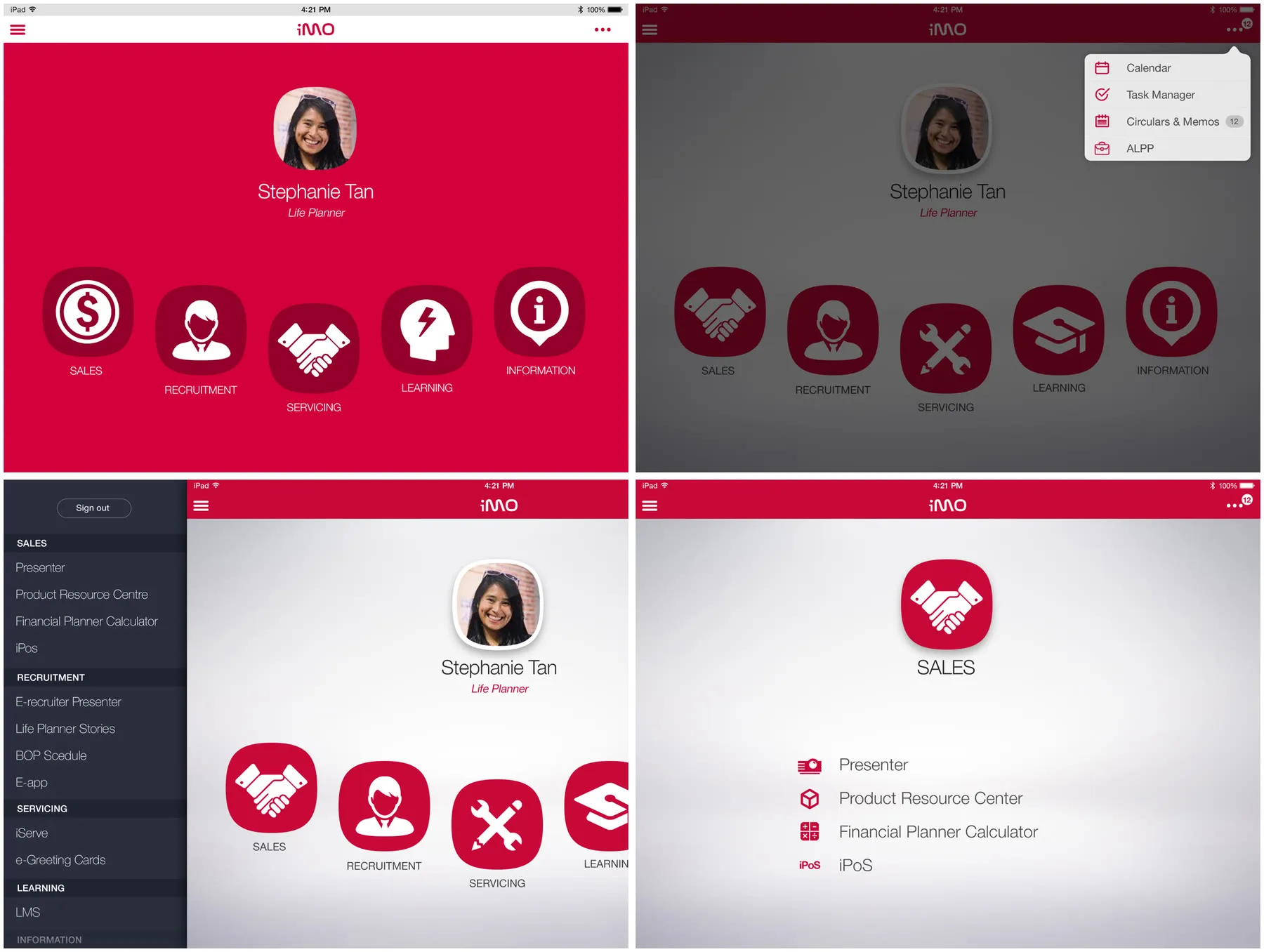
The sales presenter is a set of presentation materials with a card for each plan, and Products & Services has every plan by category, conventional or takaful, each with its video, brochure and infographics. A planner can share any of those to Facebook, Twitter or email.
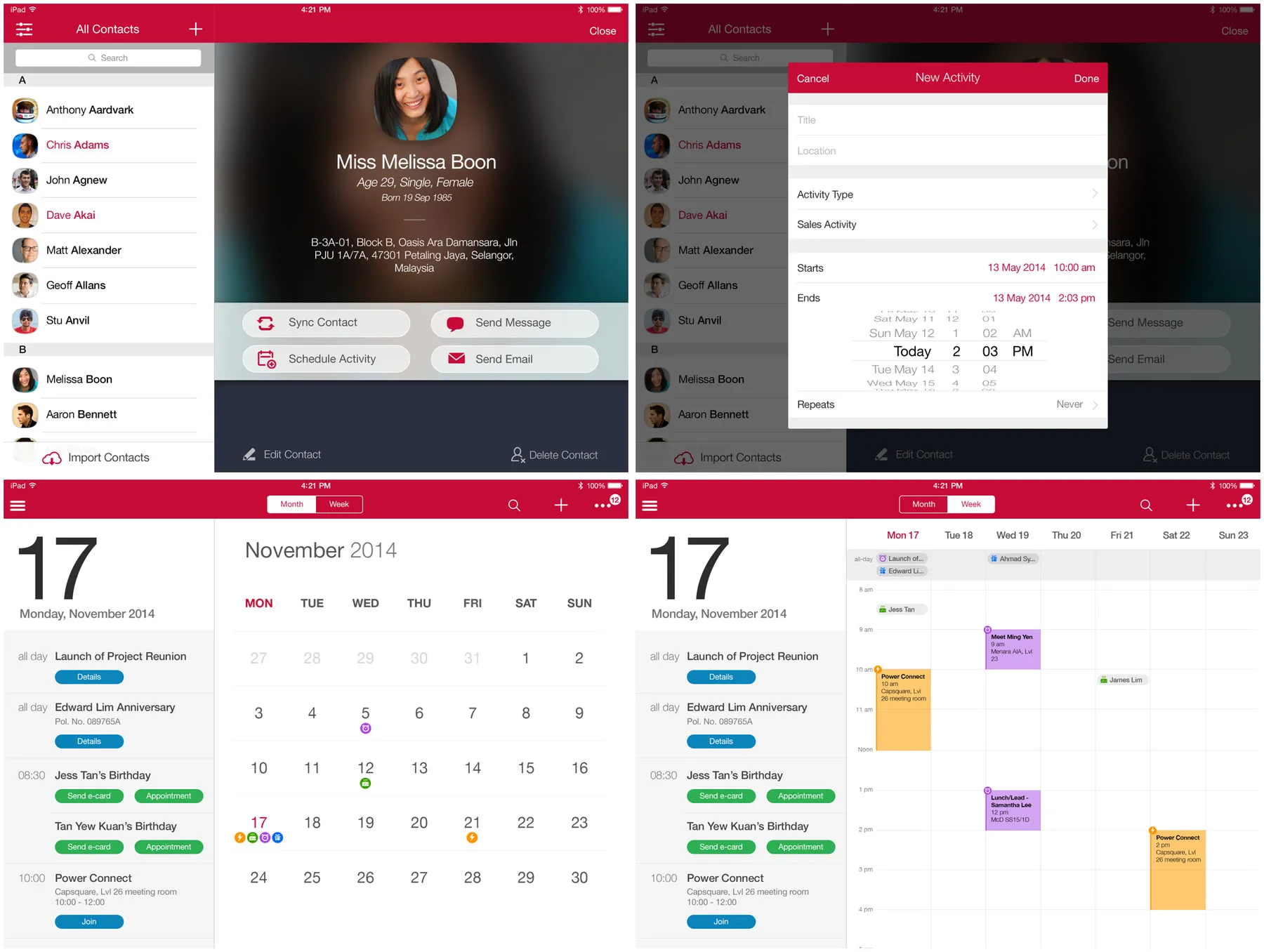
For the address book and the calendar we kept close to Apple’s own Contacts and Calendar, so the planners already know how they work. Imported contacts show up in pink. From a contact you can schedule an activity, send a message or send an email, and a customer’s birthday on the calendar comes with a button to send an e-card.
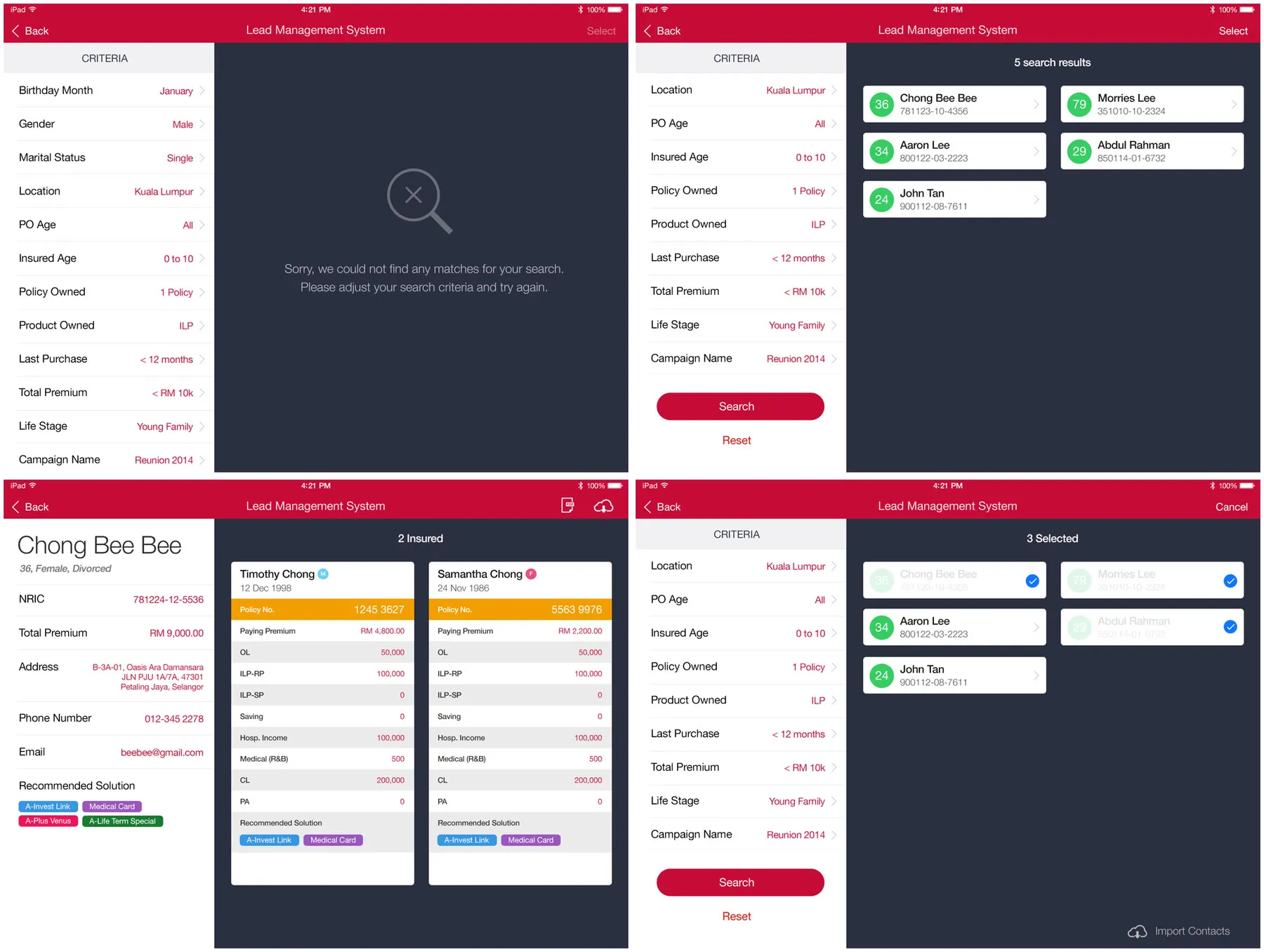
Lead management is a search over a planner’s customers … by location, age, the policies they have, their last purchase, their total premium and their life stage. Open a customer to see their policies side by side, or pick a few and import them into the address book.
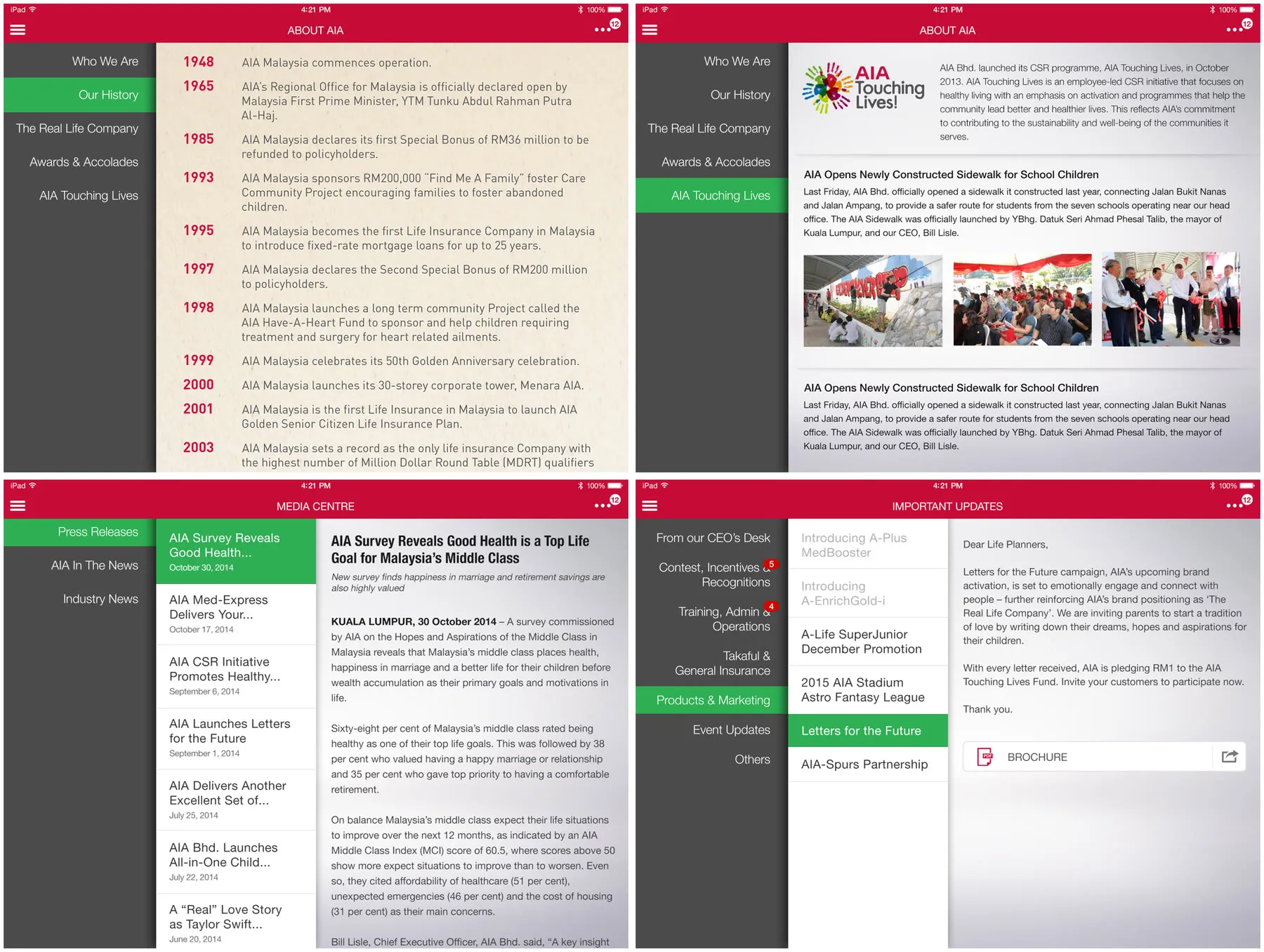
And for information there’s About AIA with the company’s history, AIA Touching Lives, a media centre for press releases, and Important Updates for letters from the CEO’s desk and the like.
In the end we did one module, Newsboard. It was disappointing, but we take any wins.
The board
Newsboard is nine tiles. The big one is a carousel of featured articles that moves on by itself every few seconds, and the other eight are categories … Product, Takaful, Branding & Marketing, iMO, AIA Touching Lives, Industry News, Events and Photo Wall. Each category tile shows its newest article with the date, and anything that’s come in since you last opened Newsboard gets a “new” label.
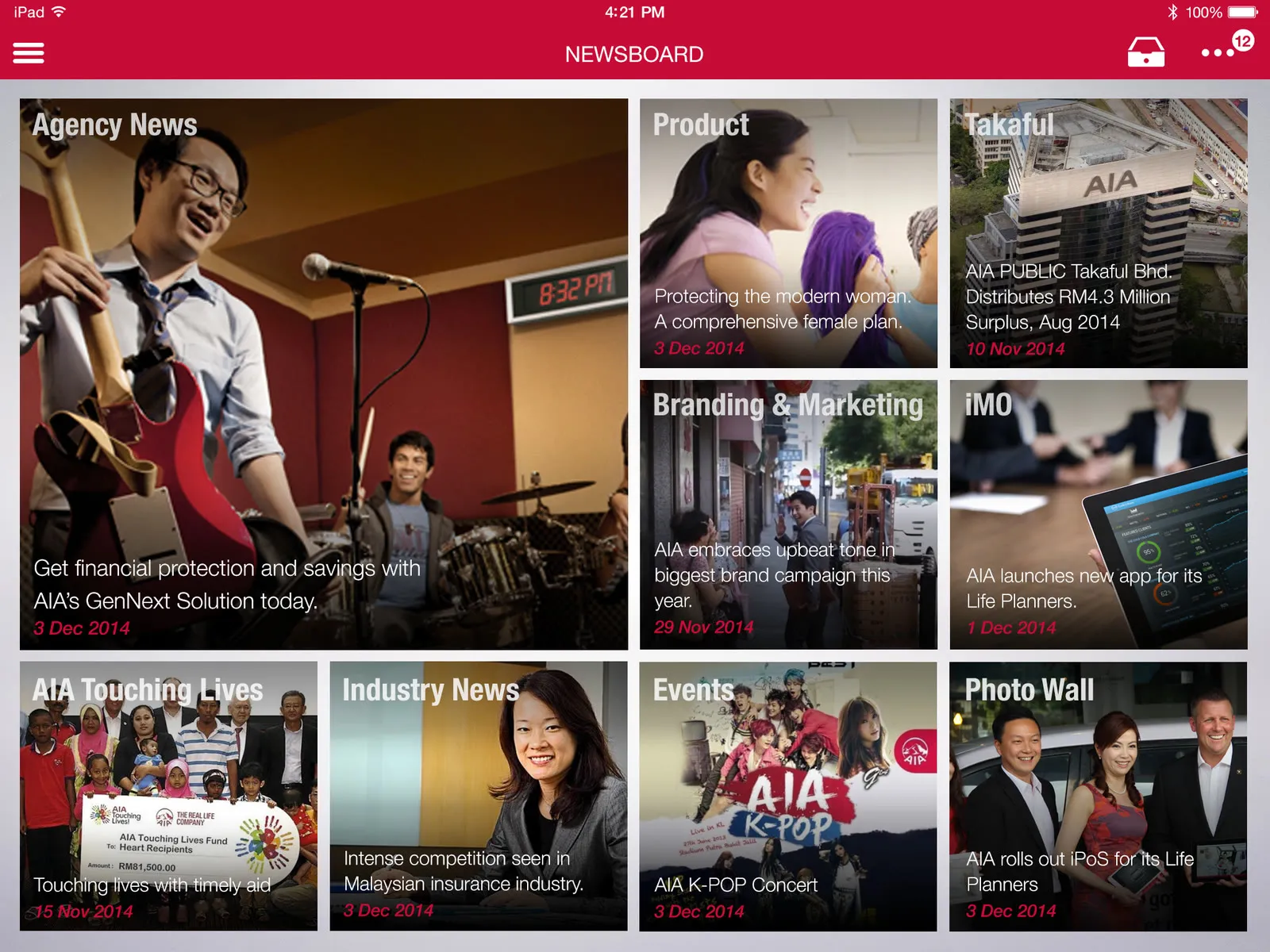
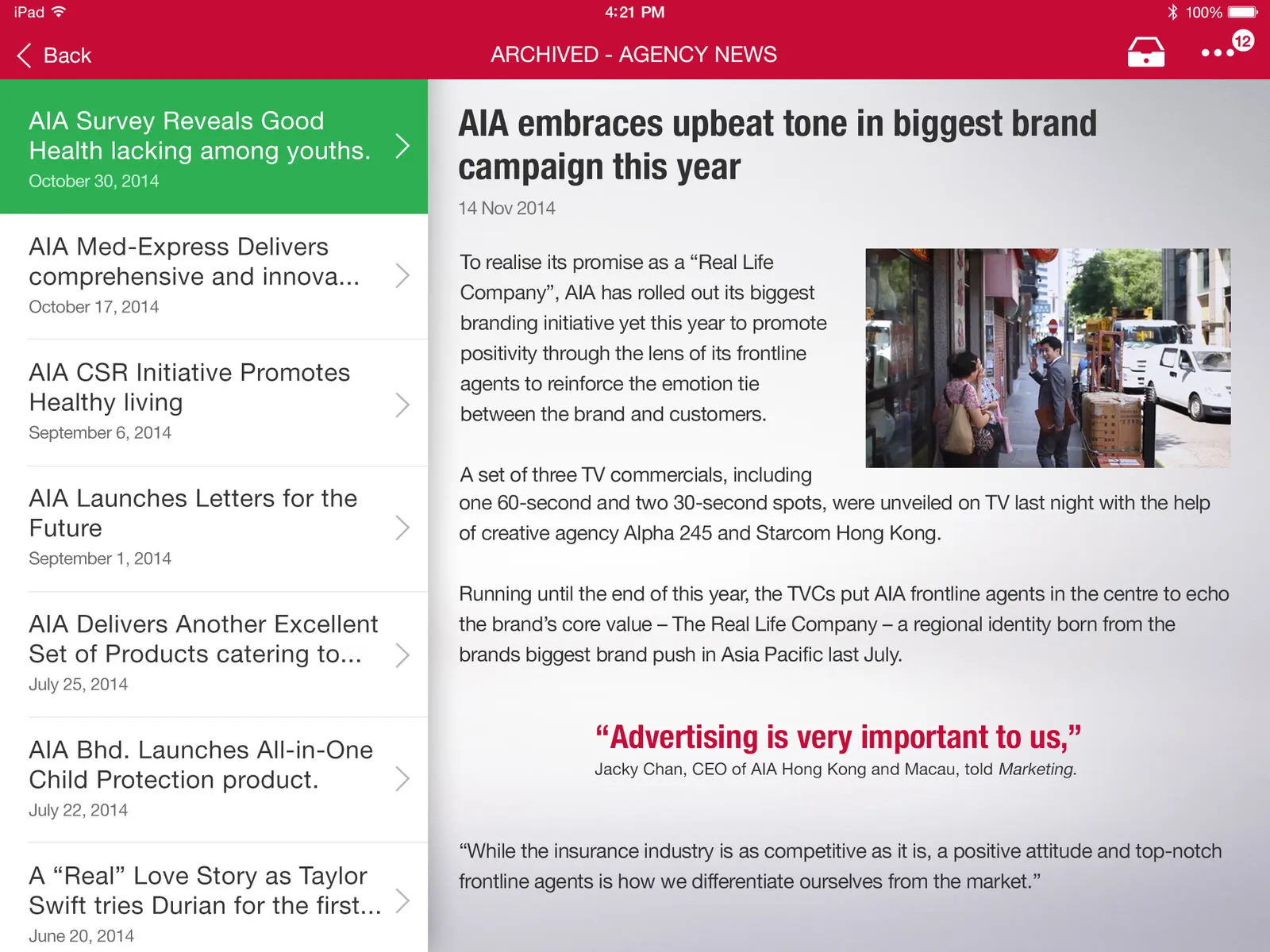
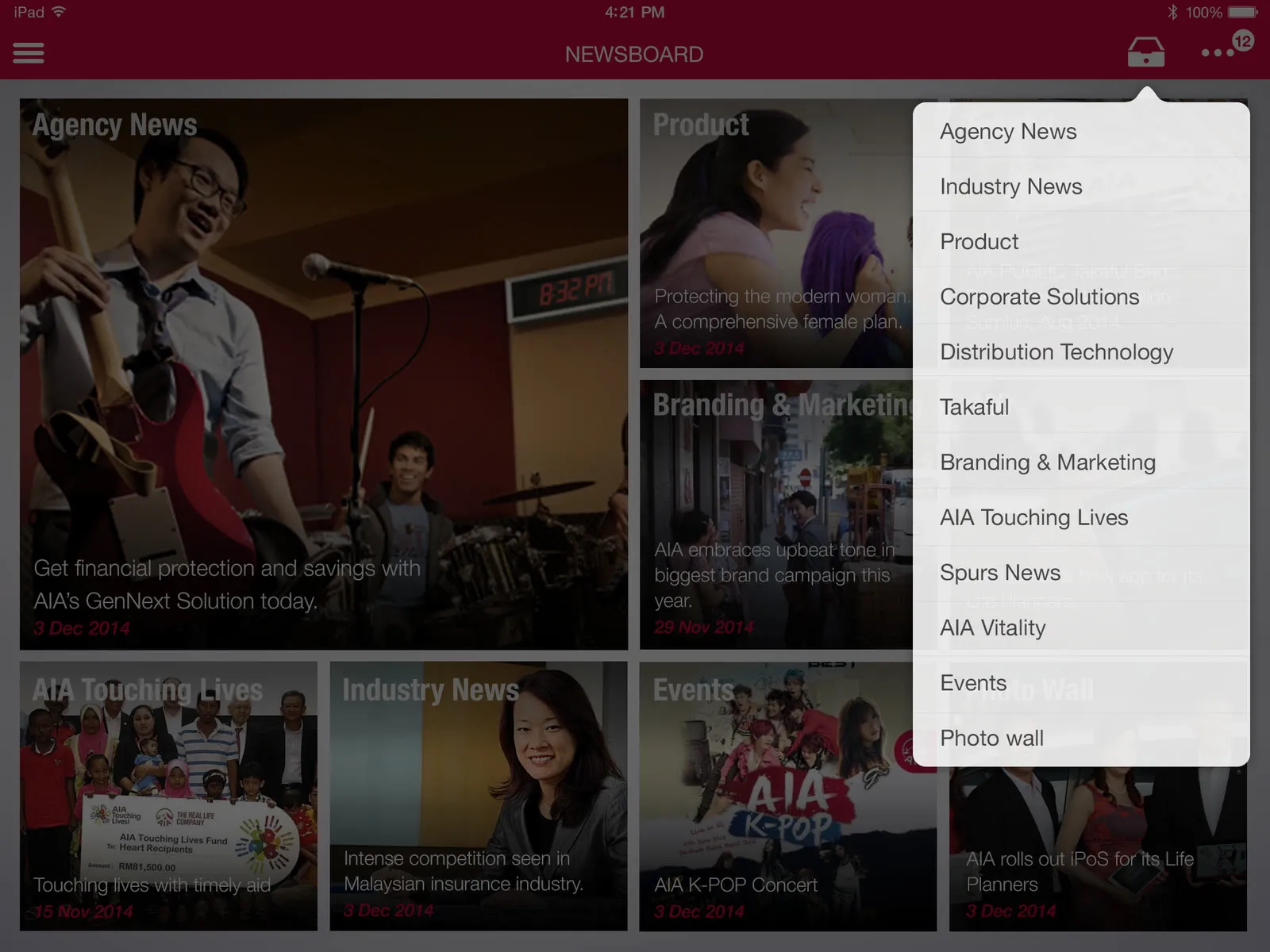
Tap a tile and you get that category, with the article on the right. You can share an article by email, if AIA allows it for that one. The full list of categories is in a popover at the top.

After the first round AIA asked for an archive, and we gave them two ways to do it … older articles coming from the CMS like everything else, or each article as a PDF you download first. They went with the CMS.