Janarayson

Nokia World, and SophieLens HD

Projects6 min read

Back from Nokia World in Abu Dhabi. The Lumia 1520 was announced on the Tuesday, and SophieLens HD went out for it the same week.

Just got back from Abu Dhabi. Nokia invited us to Nokia World this year, so Ow and I flew over for it … welcome dinner on the Monday night, keynote and showcases at the St. Regis on Tuesday, meetings until Wednesday afternoon.
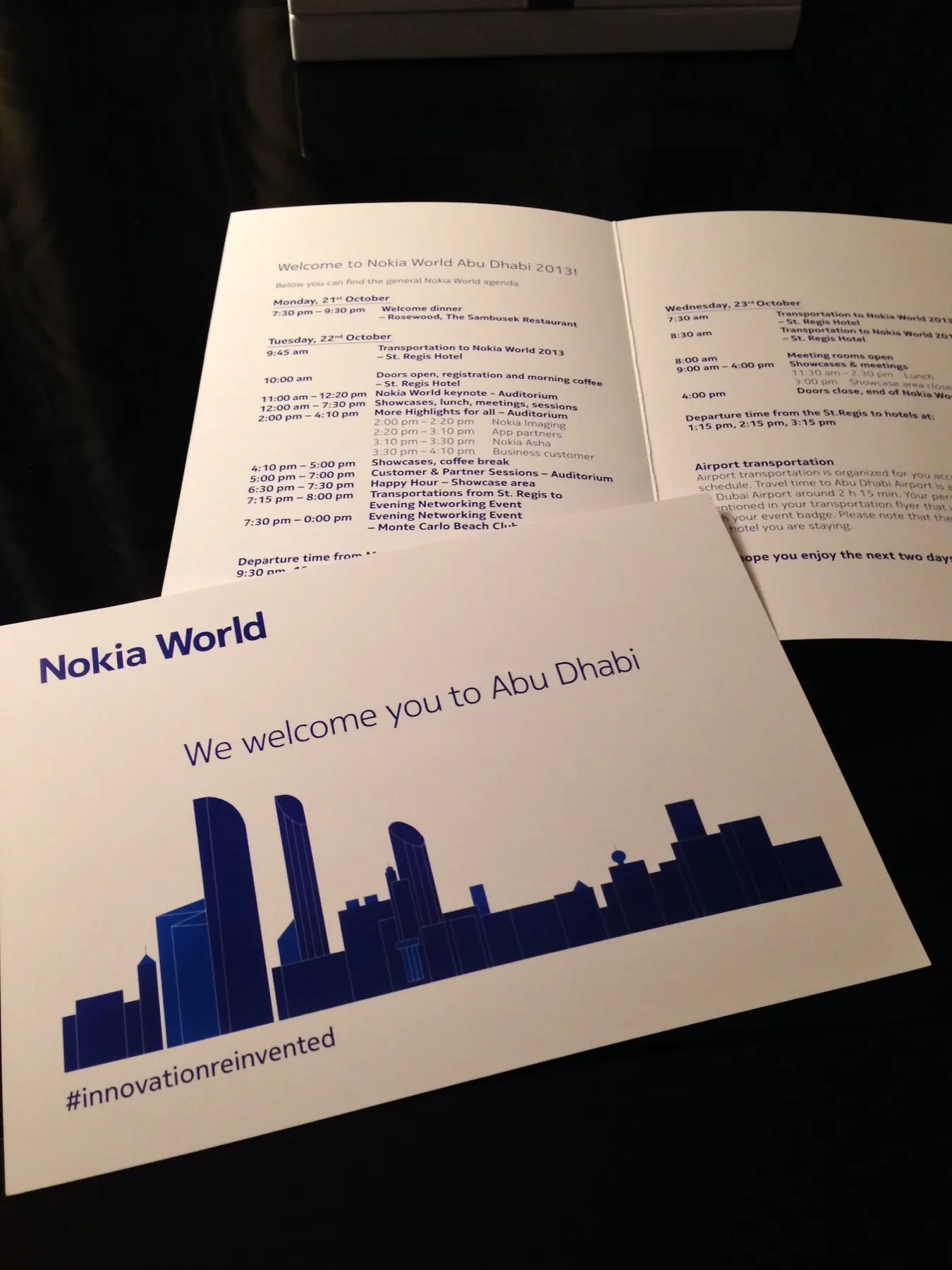
A Nokia World card reading We welcome you to Abu Dhabi over a blue city skyline, on top of the printed agenda for 21 to 23 October
Welcome card and agenda, Nokia World Abu Dhabi.
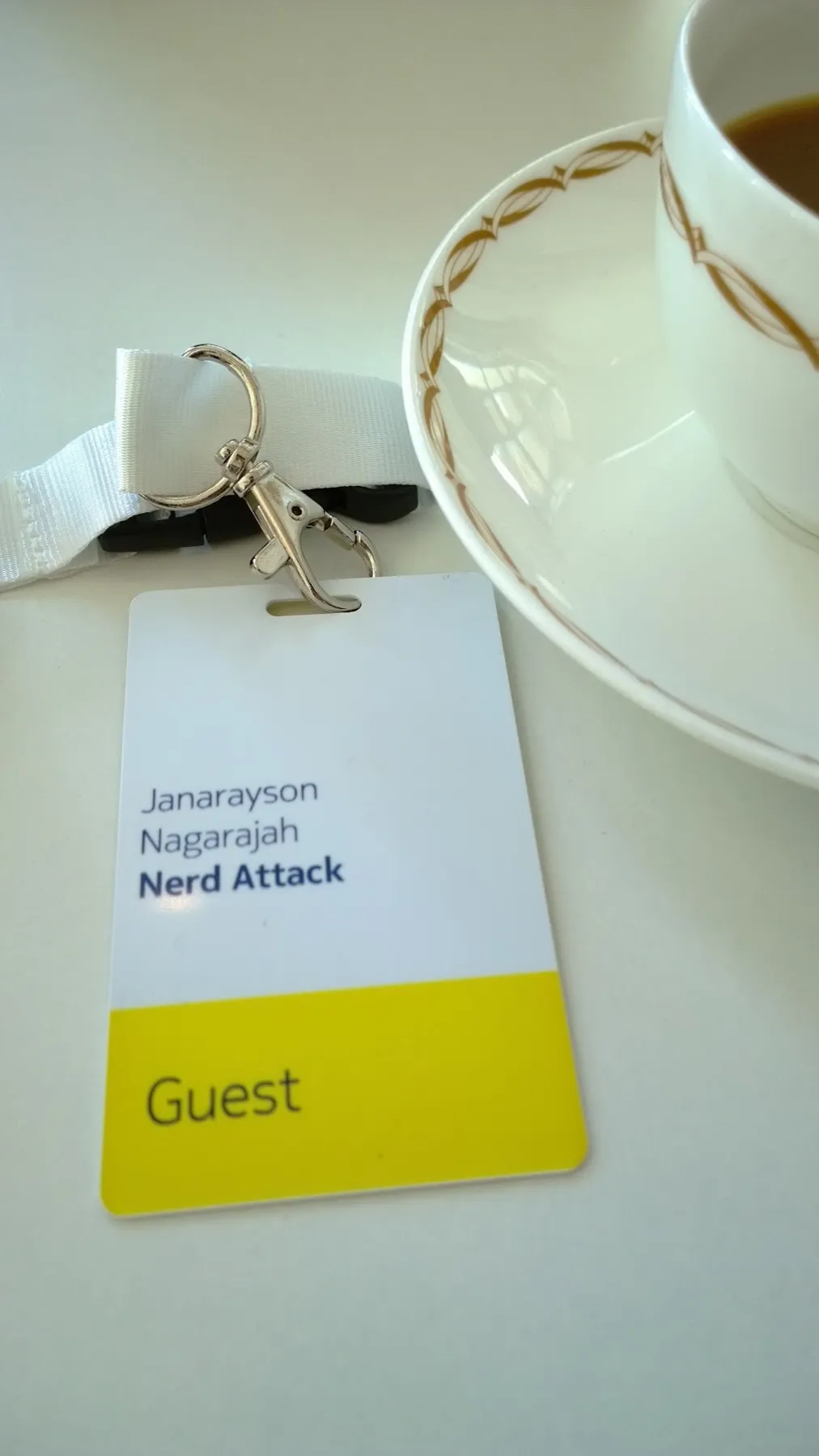
A Nokia World badge on a white lanyard, printed Janarayson Nagarajah, Nerd Attack, with a yellow band reading Guest, next to a cup of coffee
Guest badge.

The keynote

Stephen Elop opened on Tuesday morning. Microsoft is buying Nokia’s phone business, that was announced last month, so this is probably the last Nokia World.

Nokia announced six new devices, the Lumia 1520 and 1320, the Lumia 2520 tablet, and three new Ashas, the 500, 502 and 503. At one point WhatsApp on an Asha was up on the big screen. Instagram is finally coming to Windows Phone too … we built Sophie Cam back in 2011 because there was no Instagram on Nokia, so that one made us laugh a little.
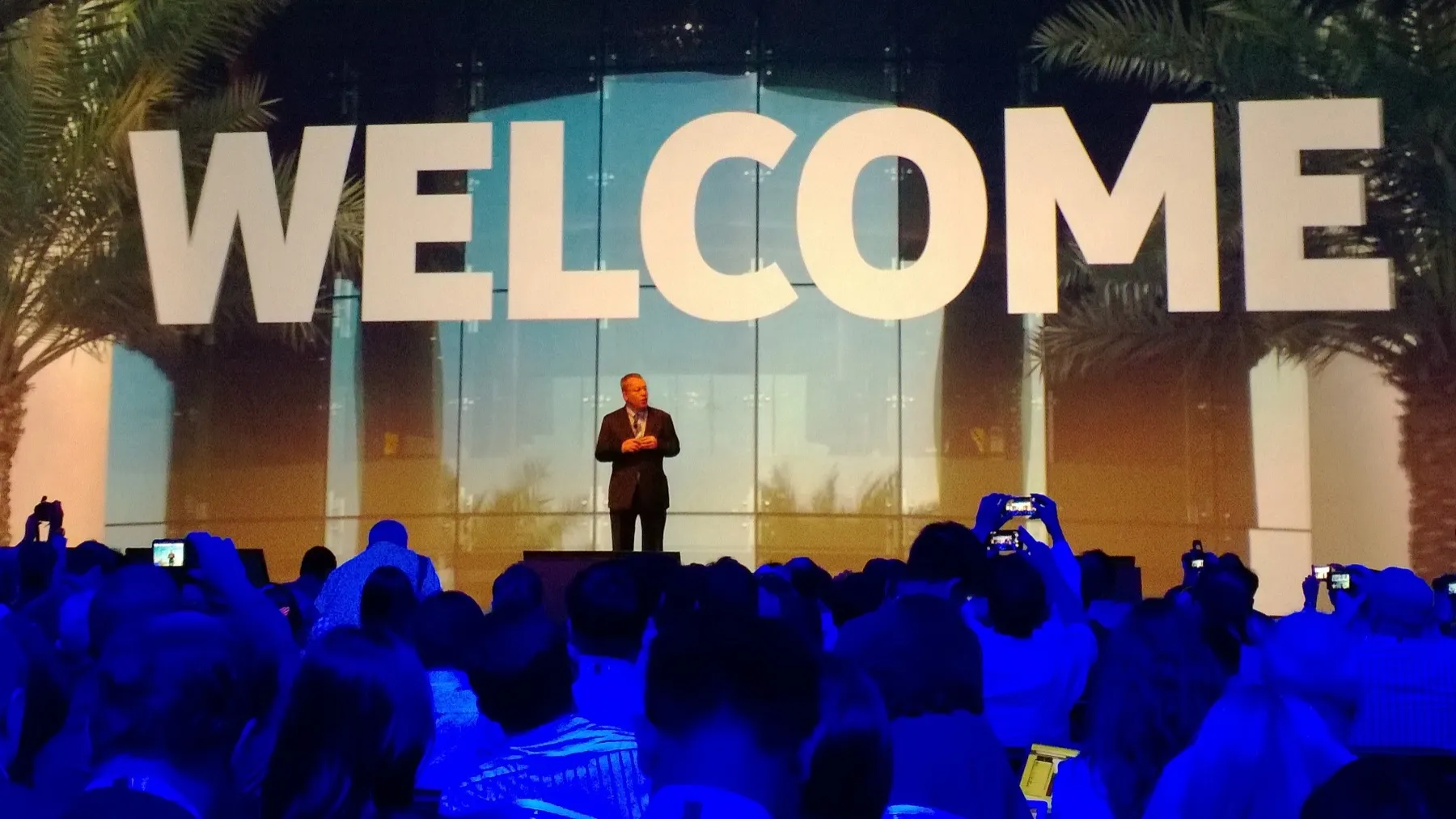
Stephen Elop on stage in front of a huge WELCOME sign and palm trees, with the audience holding up phones to film him
Stephen Elop's keynote, 22 October.
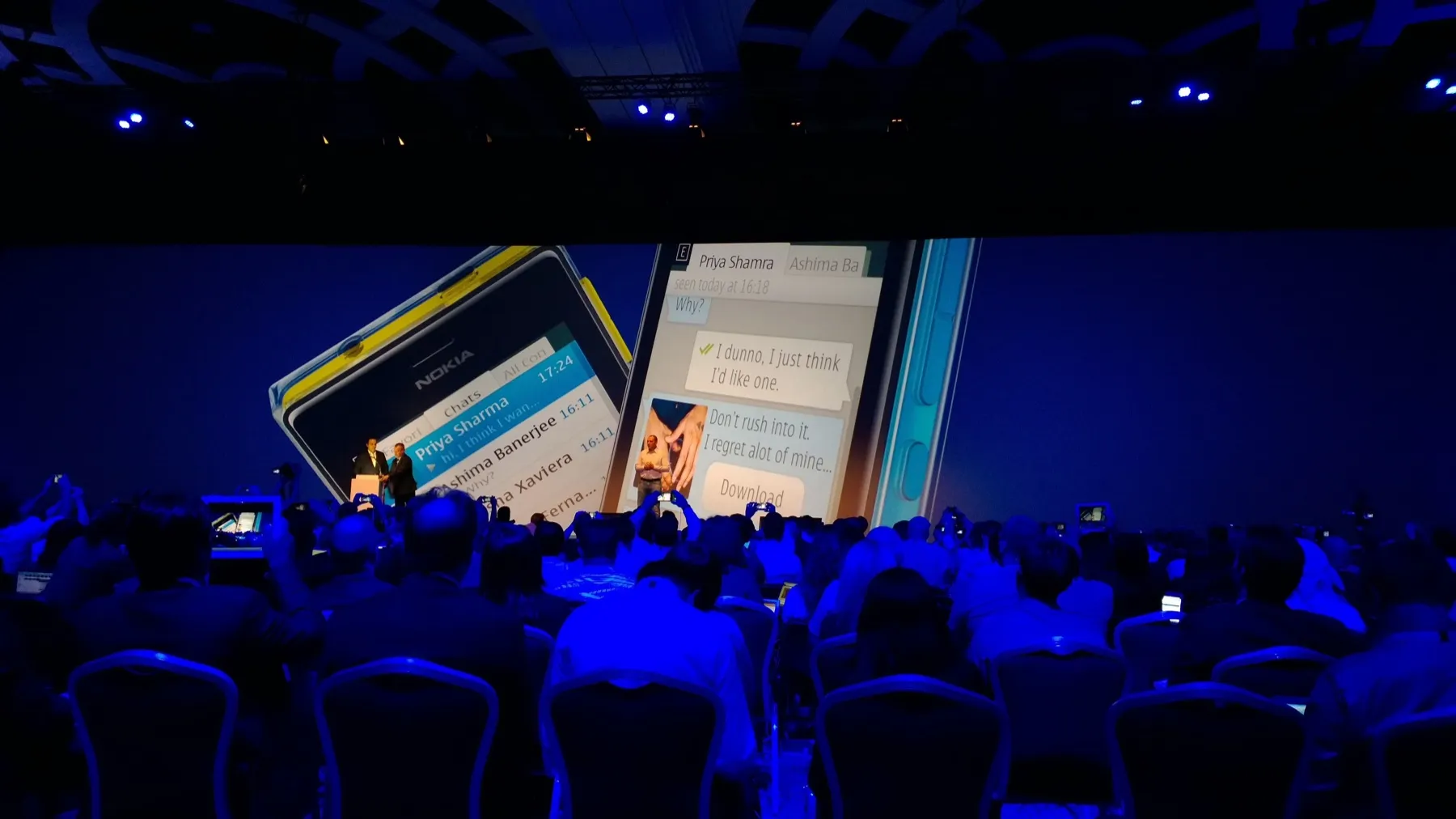
The keynote stage with two people at a lectern and two giant Asha phones on screen showing WhatsApp chats
WhatsApp on Asha, on the keynote screen.

The 1520 has a 6-inch screen at full 1080p, the first Lumia with either. We got our hands on one on the showcase floor after the keynote.
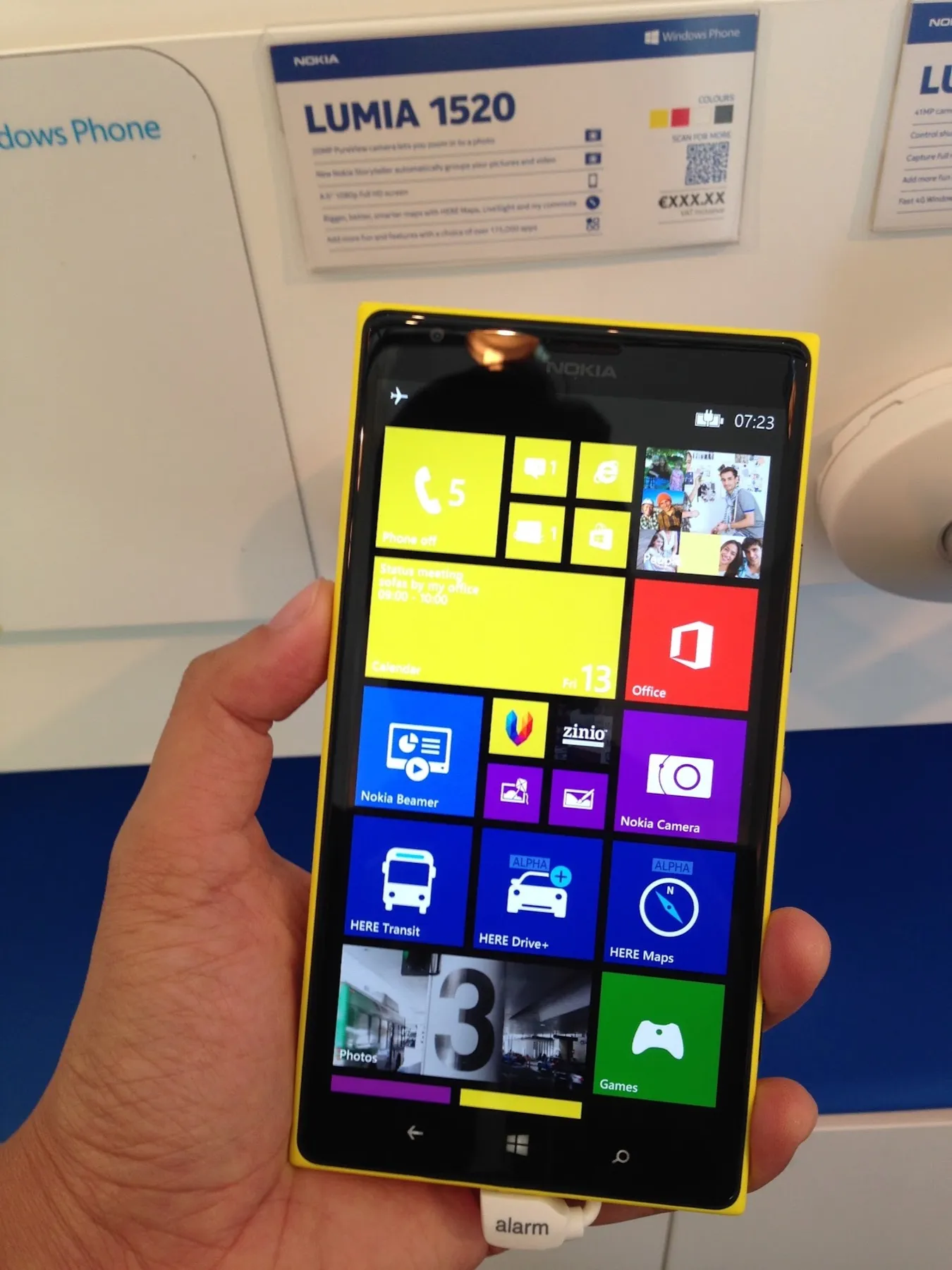
A yellow Lumia 1520 held in a hand on the showcase floor, its Start screen full of tiles, in front of a Lumia 1520 spec card
Lumia 1520 on the showcase floor.
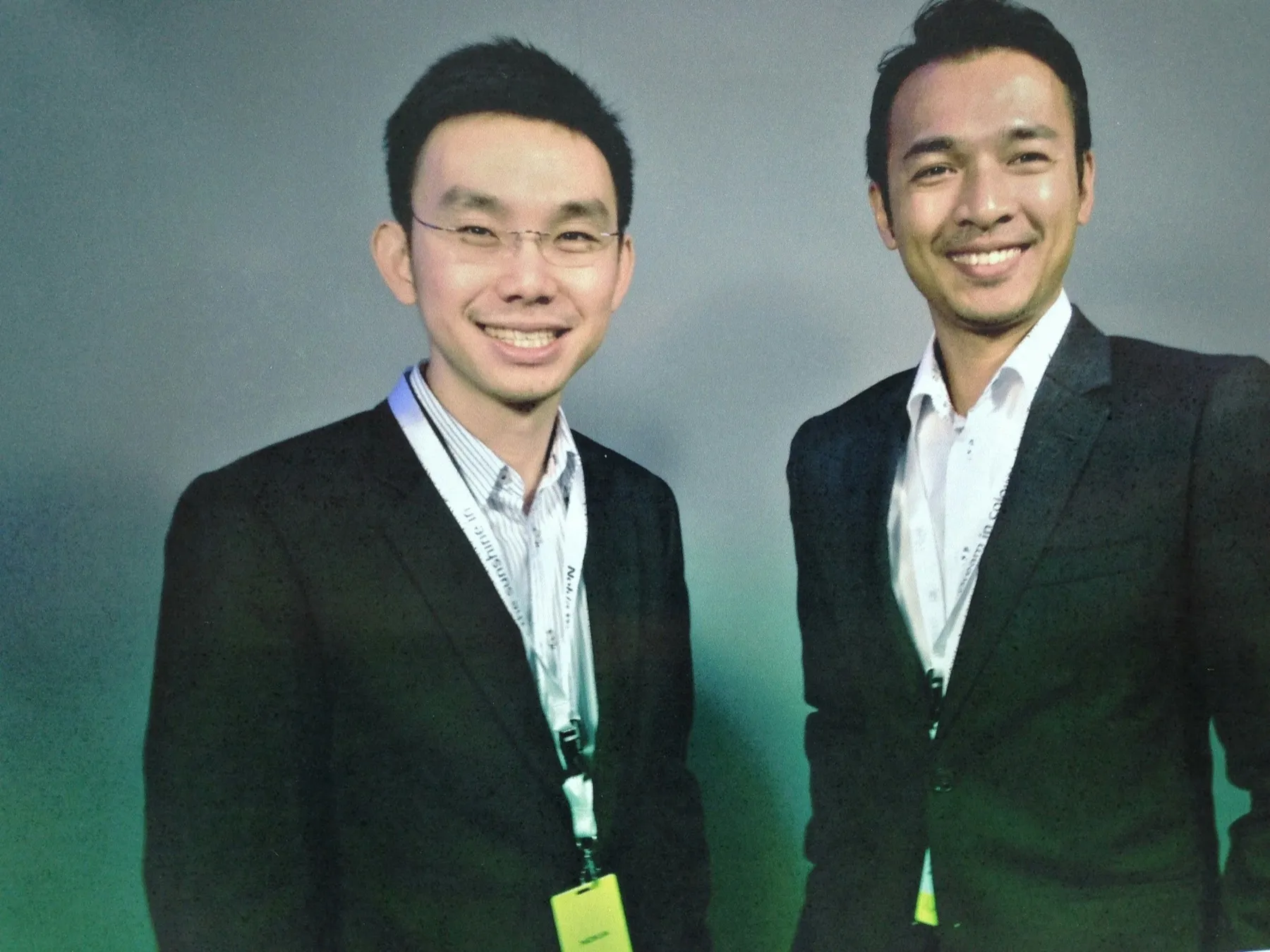
Two men in dark suits with Nokia World lanyards, smiling against a grey and green backdrop
Nerd Attack at Nokia World, October 2013.

SophieLens HD

SophieLens is our camera app where the filter is live in the viewfinder, so you see the photo before you take it. On Lumias it’s in the Nokia Collection, Nokia’s blog wrote it up last month, and it’s past 400k downloads in total now.

With the 1520 coming, we redid the whole thing as SophieLens HD, and it replaces SophieLens Pro. New interface, photos saved at high resolution, front camera support, and a new Fashion pack. All the filter packs are free for a limited time.

Nokia put SophieLens HD in its list of top apps from Nokia World, and All About Windows Phone wrote it up the day after.
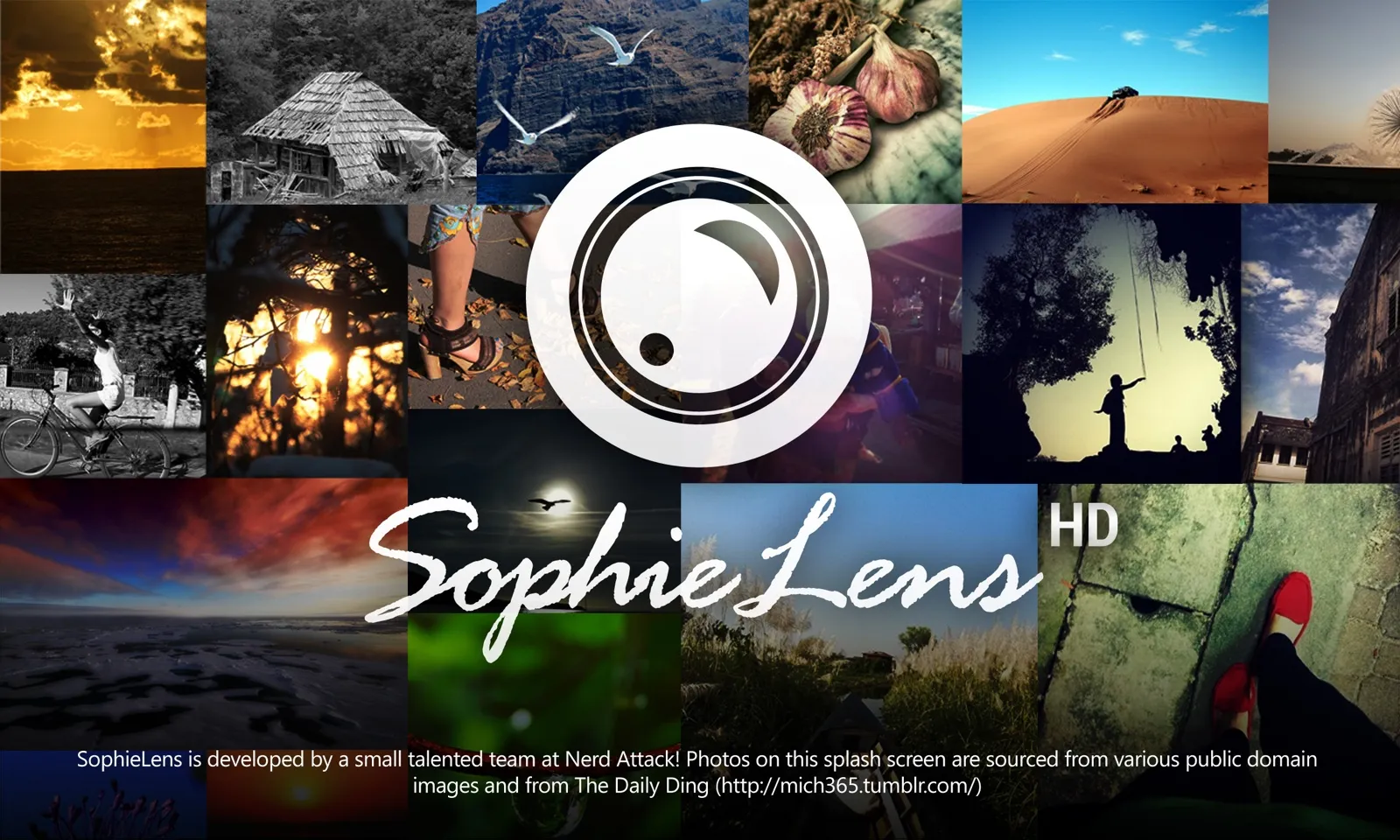
The SophieLens HD splash screen: the round lens logo and the SophieLens HD script over a collage of filtered photos
SophieLens HD splash screen.

The camera screen is mostly viewfinder. Flash and the front camera switch are along the top, the shutter is on the right, and filter packs and the menu are at the bottom. The filter packs open as a list over the viewfinder.
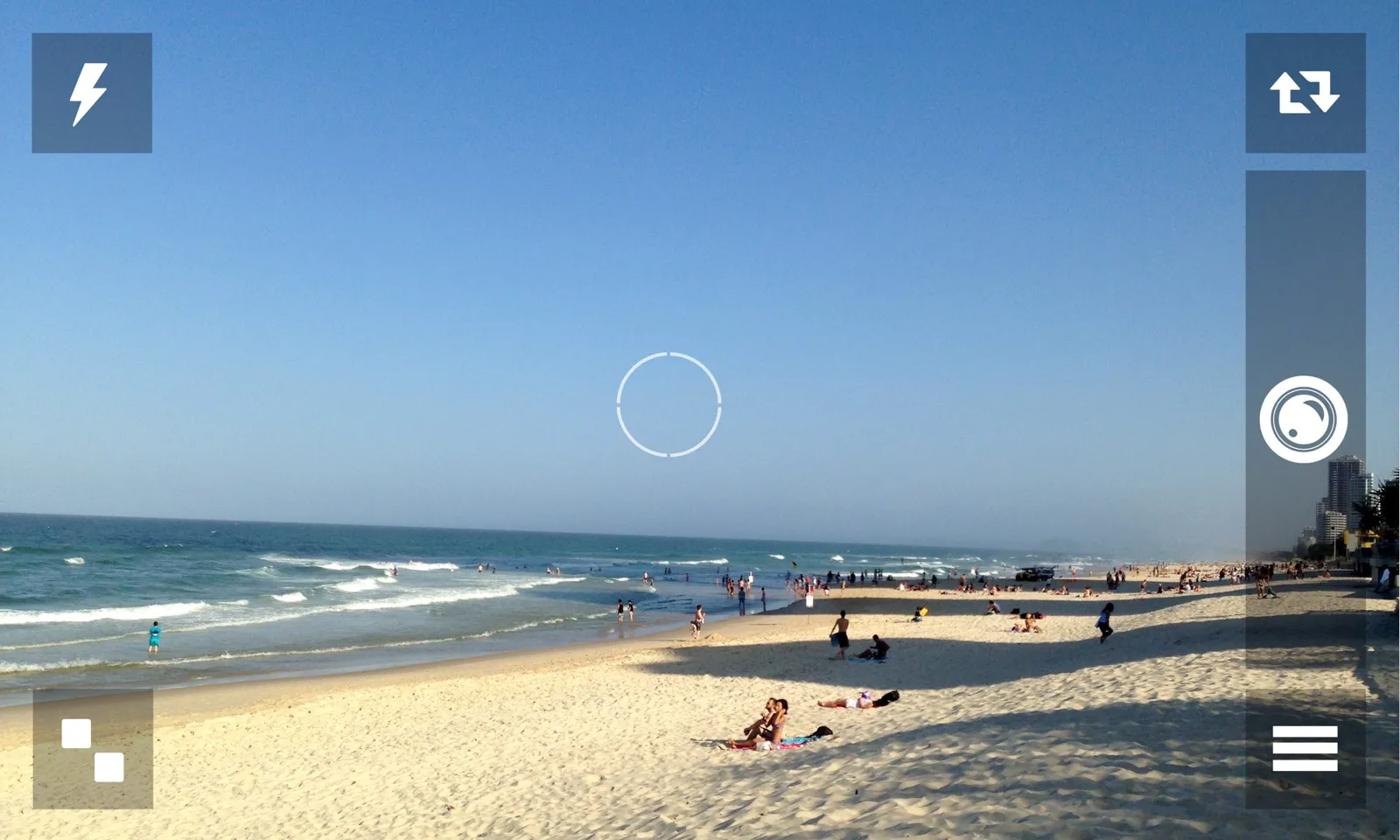
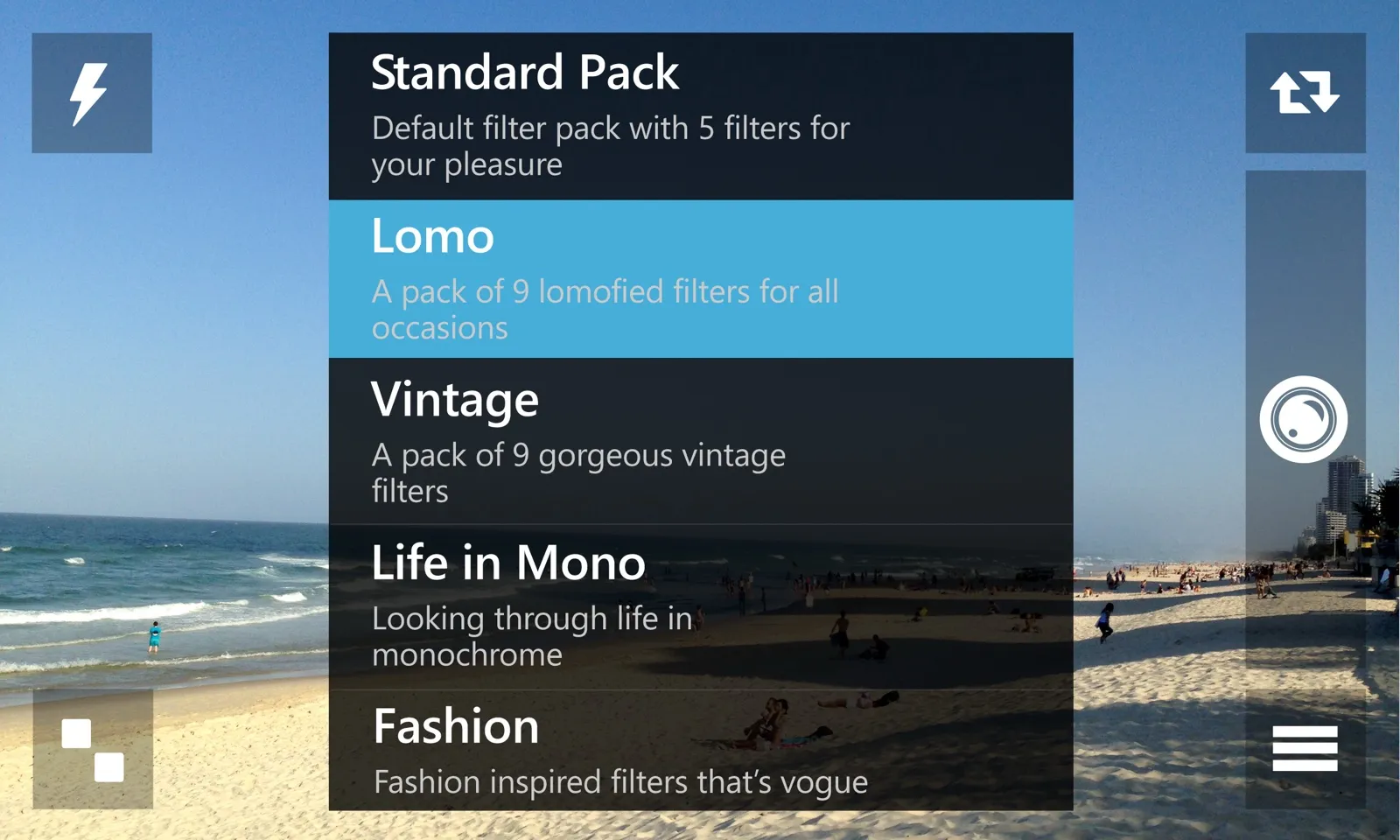
SophieLens HD camera screen over a beach: flash button top left, camera switch top right, a large round shutter on the right, a pack button bottom left and a menu button bottom right
Camera, SophieLens HD.
The filter pack list over the camera: Standard Pack, Lomo (highlighted), Vintage, Life in Mono and Fashion, each with a one-line description
Filter packs, SophieLens HD.

Templates

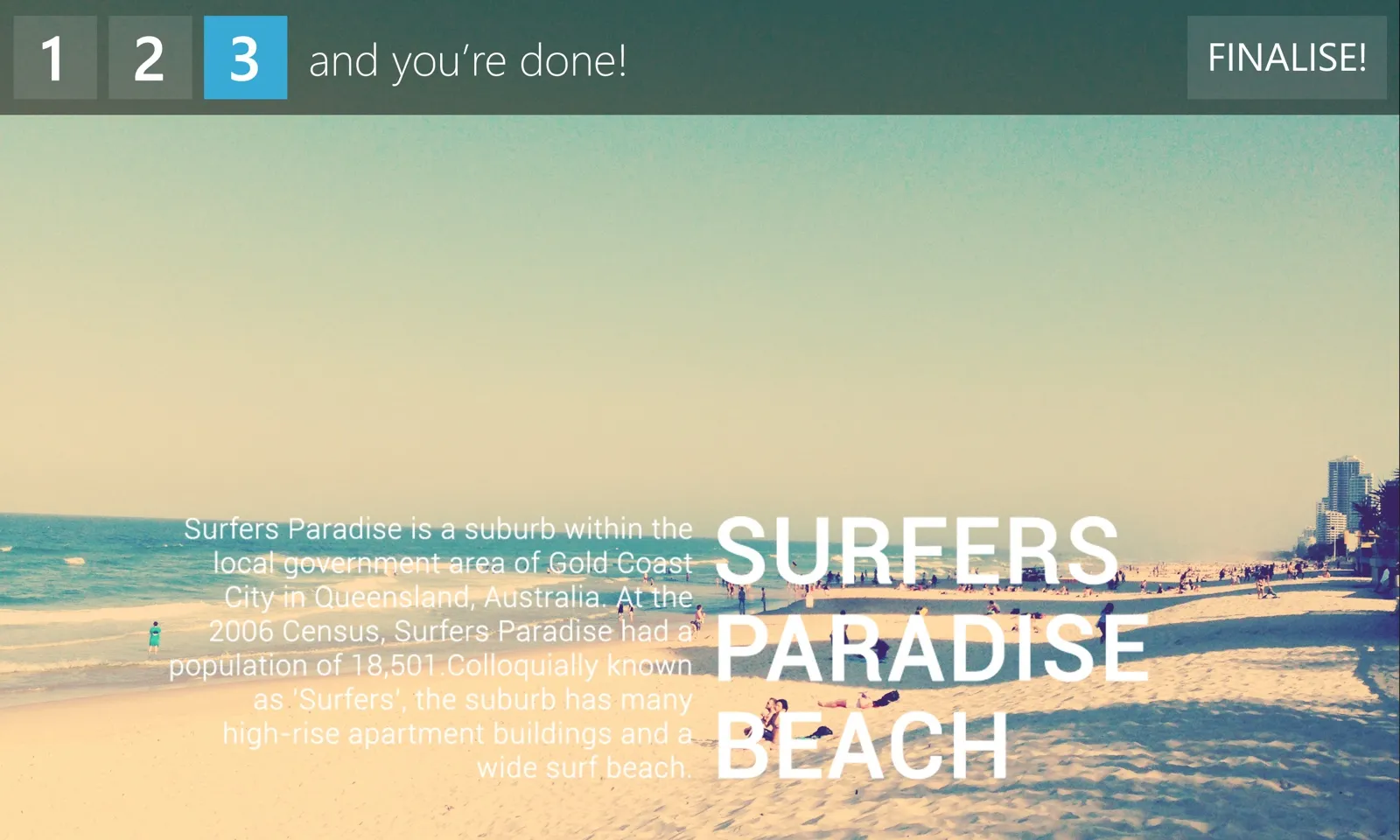
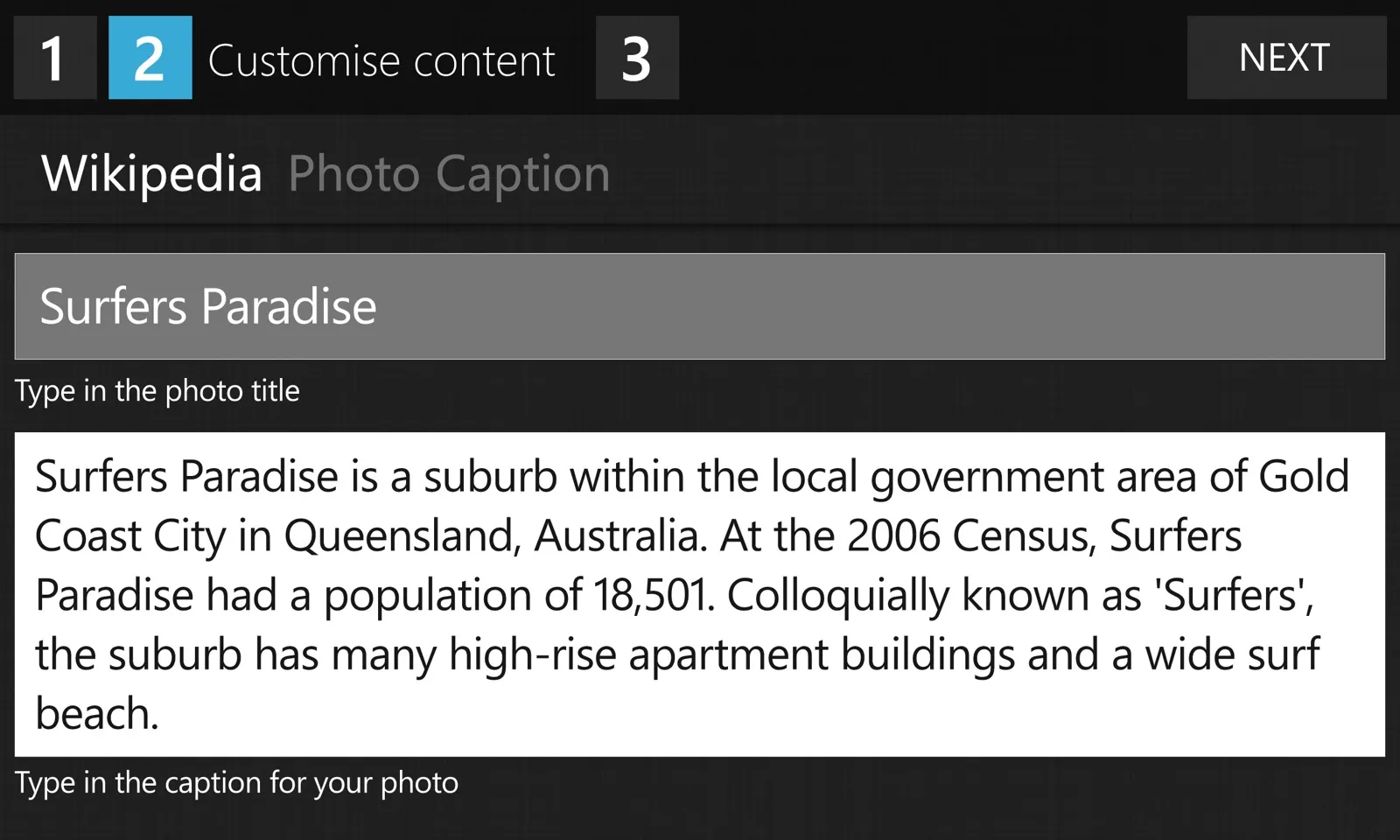
HD also adds templates. After you take a photo, you can put a template over it with the name of the place you’re at from HERE, or a few lines about it from Wikipedia. There are three steps. Choose a template, change the words if you want, and you’re done.
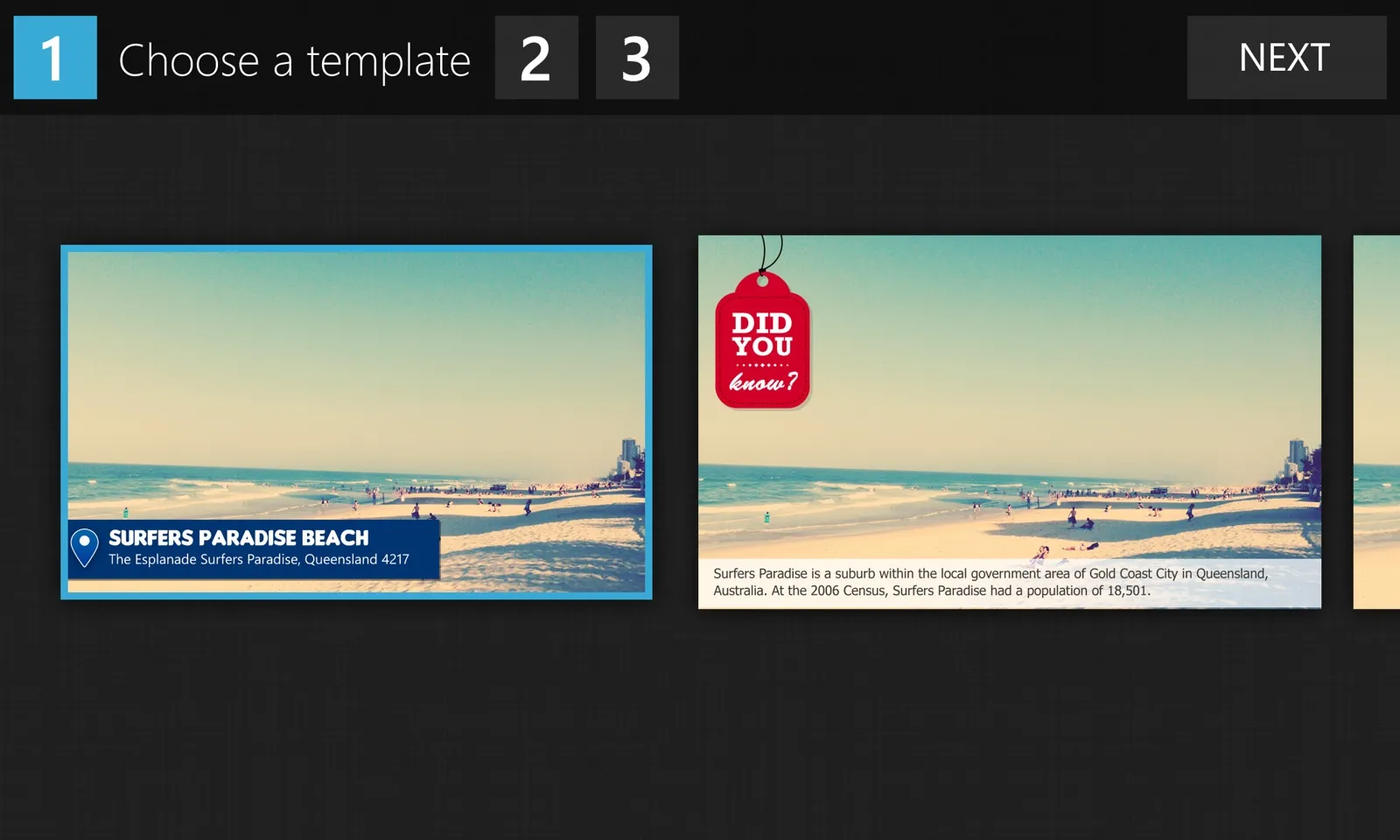
Step 1, Choose a template: a beach photo shown with a HERE place label reading Surfers Paradise Beach, and next to it the same photo with a red Did You Know tag and a Wikipedia caption
Step 1, choose a template.
Step 2, Customise content, on the Wikipedia tab: the title Surfers Paradise and a paragraph about the suburb, both editable
Step 2, customise content.
Step 3, and you're done: the beach photo with the Wikipedia paragraph and SURFERS PARADISE BEACH in large white letters across the sand
Step 3, finalise.

The location is only used to find places near you and fill in the templates that need it. We don’t keep it and we don’t have a server for it … our privacy page ends with “we do not know what you had for lunch”.

We also made three Nokia World templates for the week.
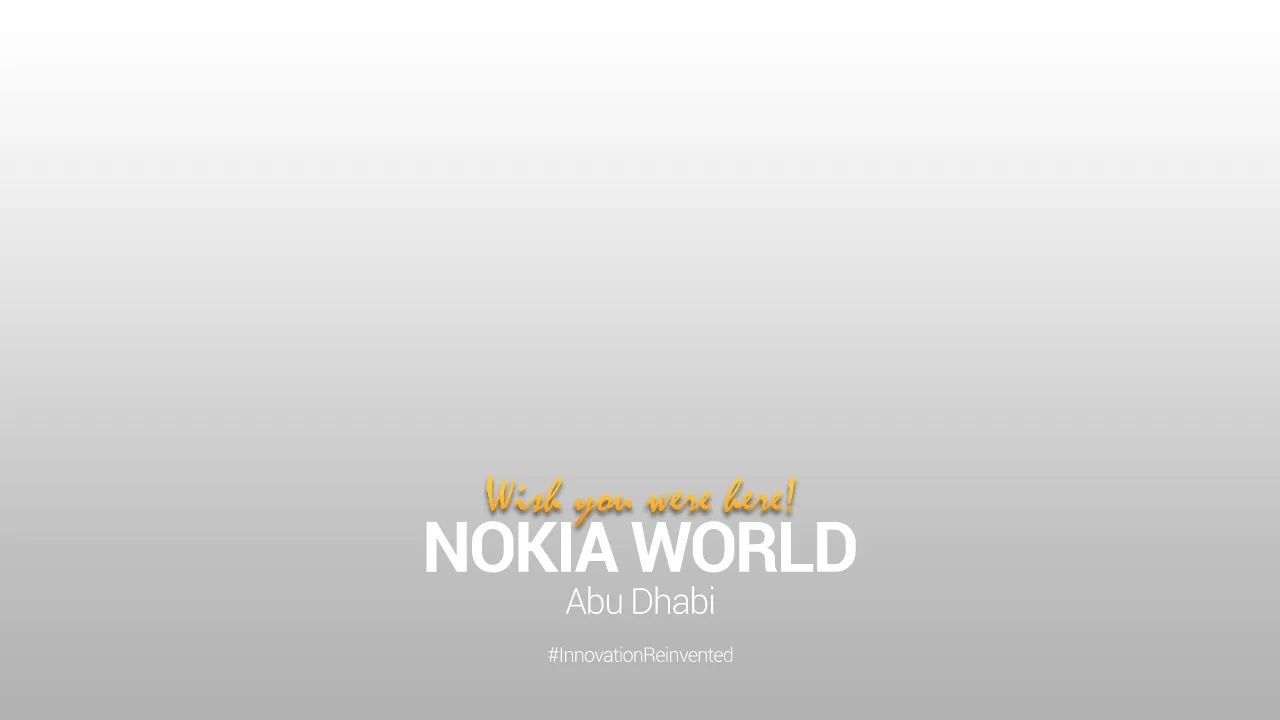
  • Template with Wish you were here! in orange script above NOKIA WORLD Abu Dhabi and #InnovationReinventedWish you were here
  • Template with a yellow thumbs-up map pin and NOKIA WORLD Abu Dhabi #InnovationReinvented in the bottom leftPin
  • Template with a dotted world map and a yellow thumbs-up pin on Abu Dhabi labelled NOKIA WORLD ABU DHABIMap
Nokia World templates.

Fashion

The Fashion pack is nine filters. Each one is a Photoshop curve, and a couple add a shadow layer on top.

  • Fashion pack sample photo with the Dune filterDune
  • Fashion pack sample photo with the Ebba filterEbba
  • Fashion pack sample photo with the Gustav filterGustav
  • Fashion pack sample photo with the Jesper filterJesper
  • Fashion pack sample photo with the Lanvine filterLanvine
  • Fashion pack sample photo with the Sahara filterSahara
  • Fashion pack sample photo with the Tiffany filterTiffany
  • Fashion pack sample photo with the Victoria filterVictoria
  • Fashion pack sample photo with the Vogue filterVogue
The Fashion pack.