Beat the Q on Windows Phone, a mockup
Beat the Q lets you pay for your coffee before you reach the café. They approached us about a Windows Phone version, and yesterday I mocked it up.
Beat the Q is an app from Sydney for ordering and paying for your coffee before you get to the café, so it’s ready when you walk in. It’s on the iPhone and Android, and this month Qantas is trying it out at its Sydney Qantas Club. One of the founders came up with it while stuck in a food queue at a Jack Johnson concert.
Beat the Q approached us about a Windows Phone version, so yesterday I mocked up what it could look like. It’s three screens. Nearby cafés come first, with Favourite and Loyalty beside it as pivots, the way Windows Phone apps work. Pick a café and you choose take-away, dine-in or delivery, then the menu … coffee, cold drinks and food. Pick a cappuccino, set the size, the milk and how many, and tick.
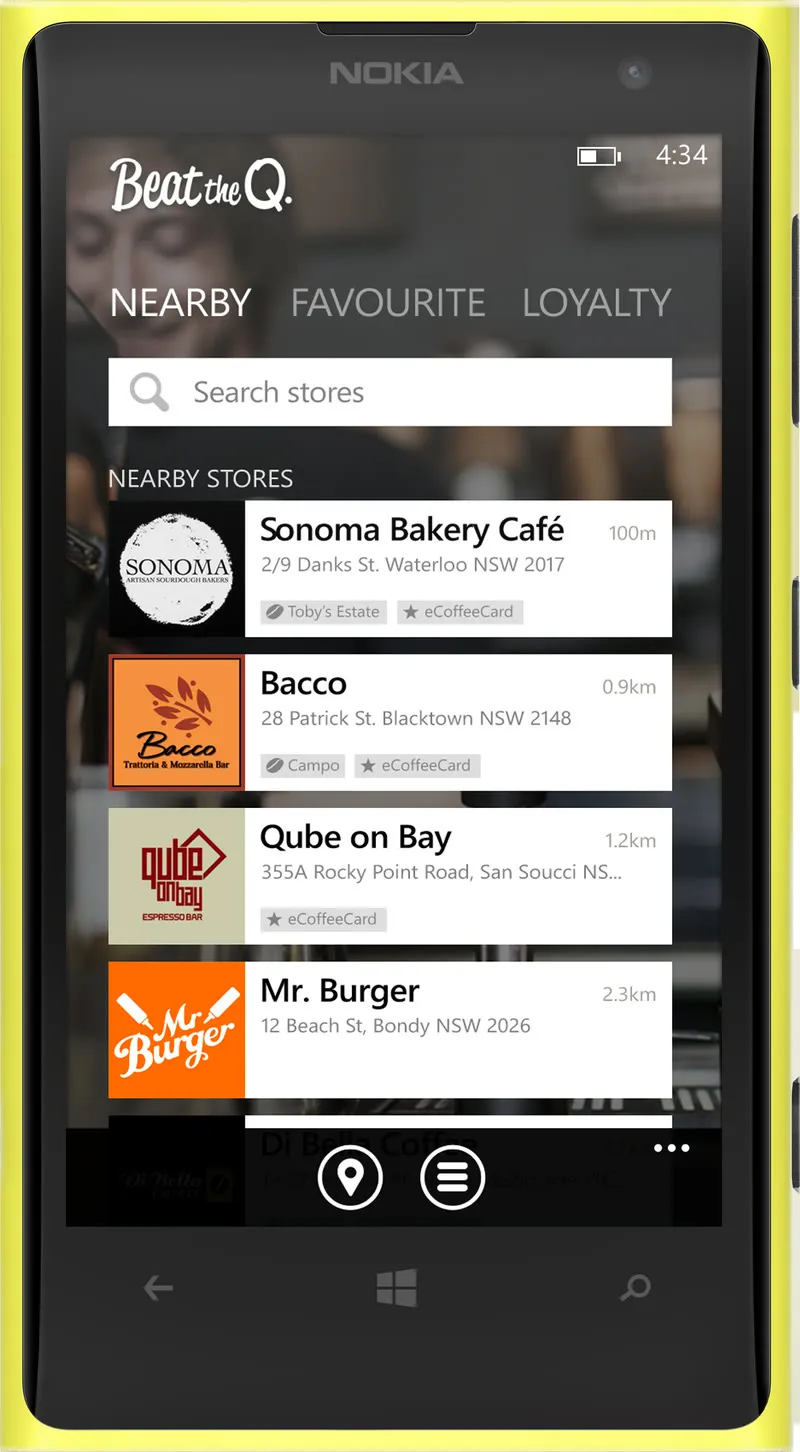
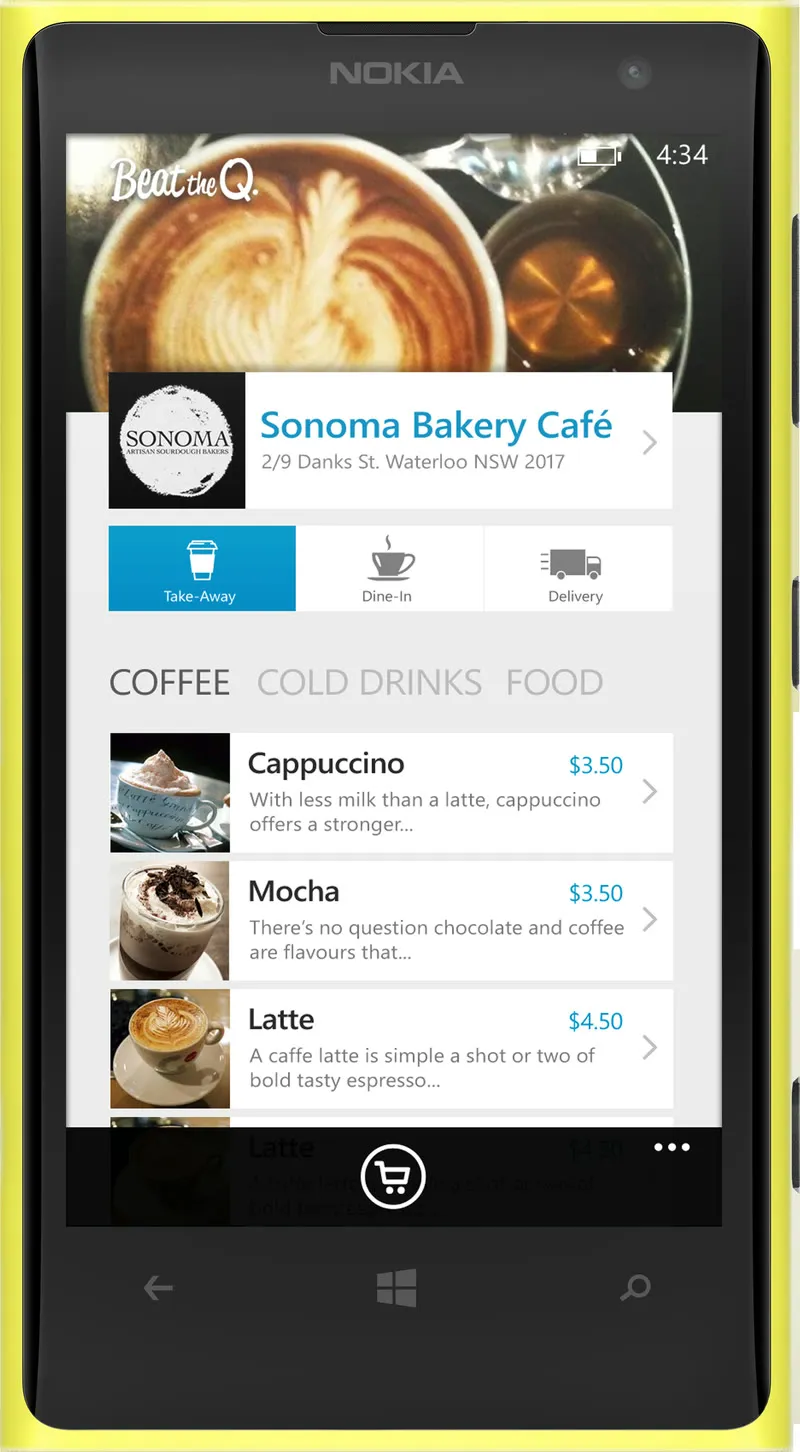
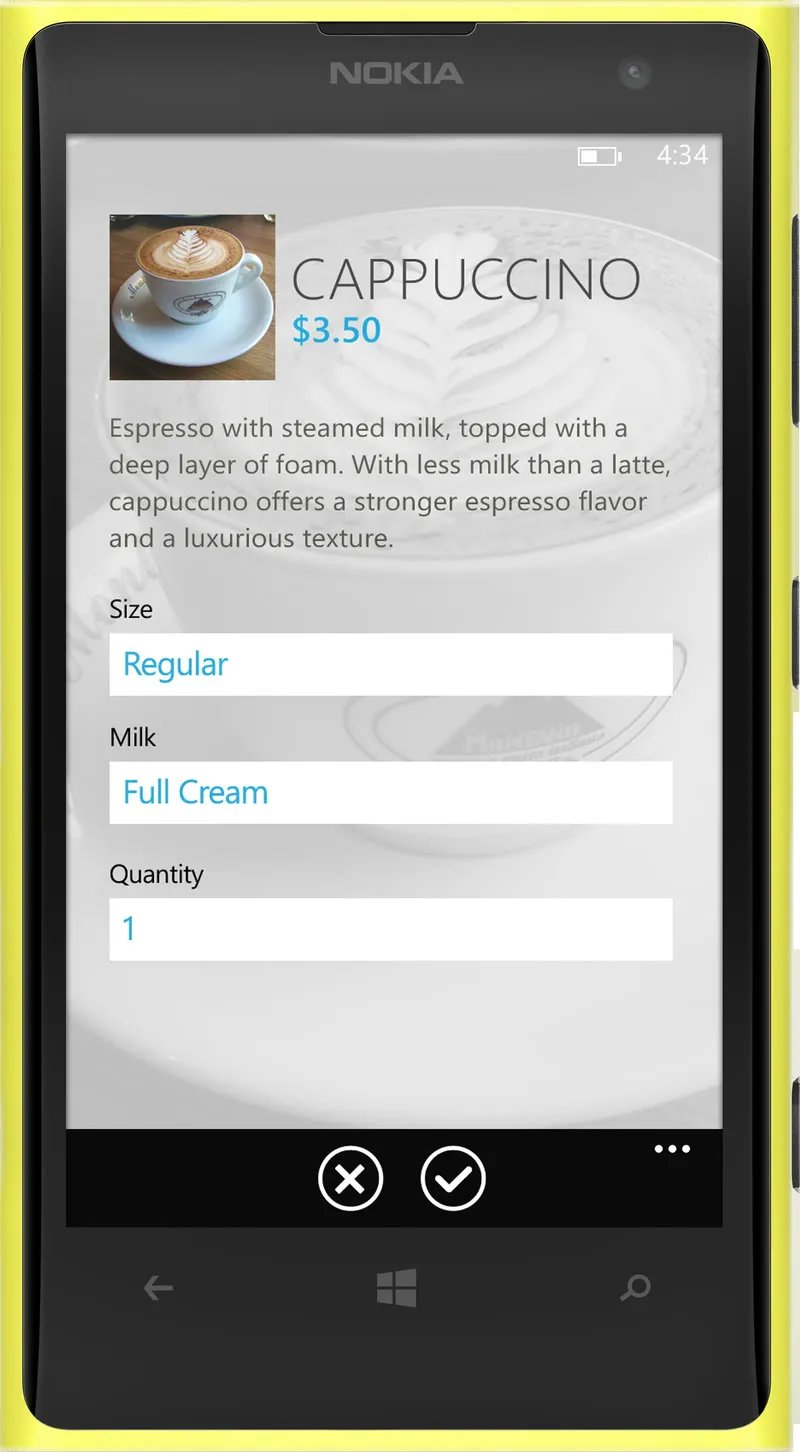
The cafés in it are real ones from Sydney. I built it on Microsoft’s Windows Phone 8 design templates and put it on a yellow Lumia 1020.