Marketing as code, part 2: posts and carousels
The WhatsApp simulator from part 1 now makes our Instagram carousels too, with photos generated from prompts and a Claude Code skill that writes most of each carousel for me.
In part 1, I built a WhatsApp simulator so we could rehearse Mama’s chats and turn them into reels.
Reels are only part of what goes on our Instagram, though. We also post single images and carousels, and a lot of them need a picture of Mama in WhatsApp too.
Before this, a picture like that meant capturing a screenshot, or making edits in a Figma file and exporting it. Now I don’t need either. Since I’m the solo dev, I ended up using the simulator for much more than reels, and code makes this super simple and fast.
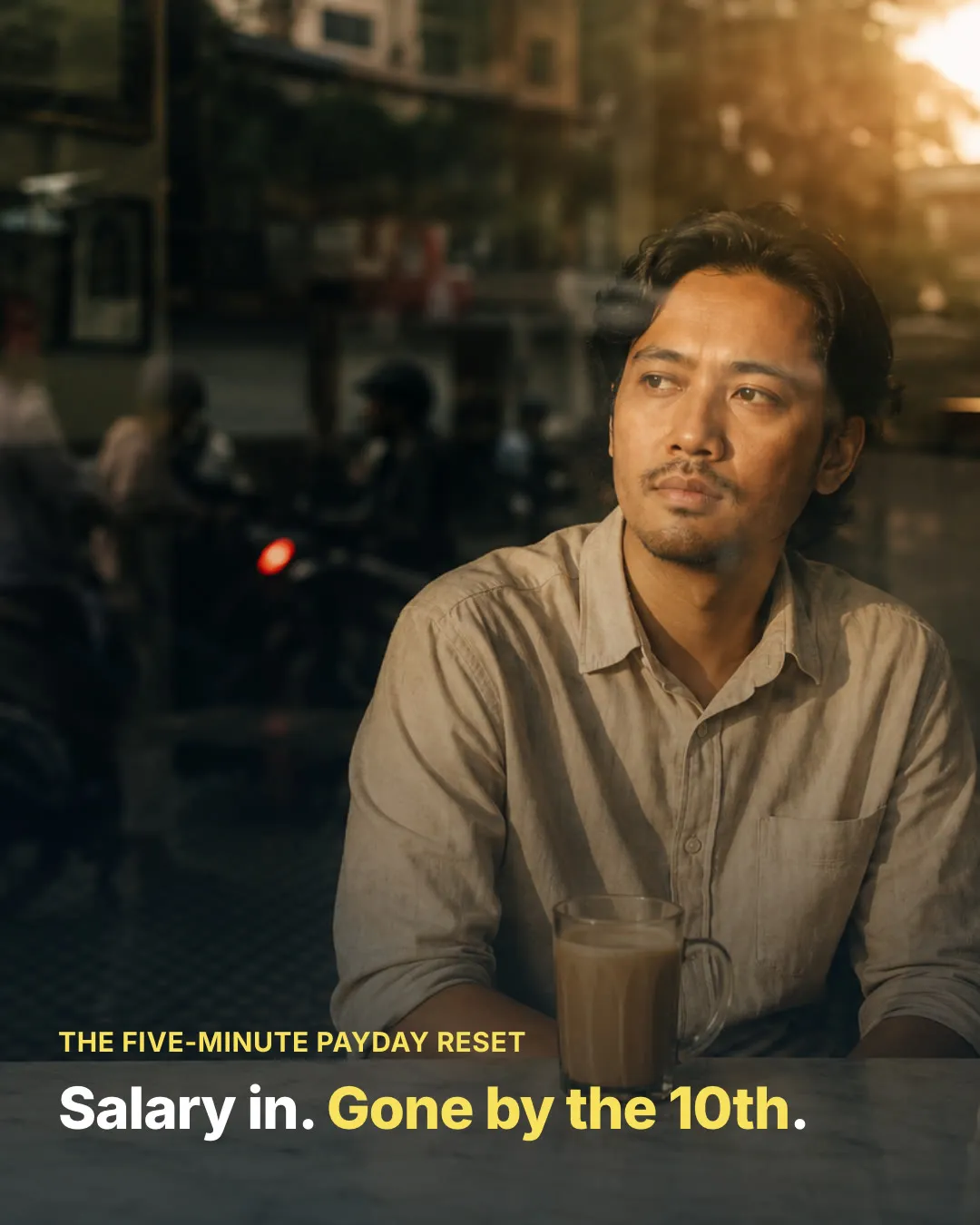
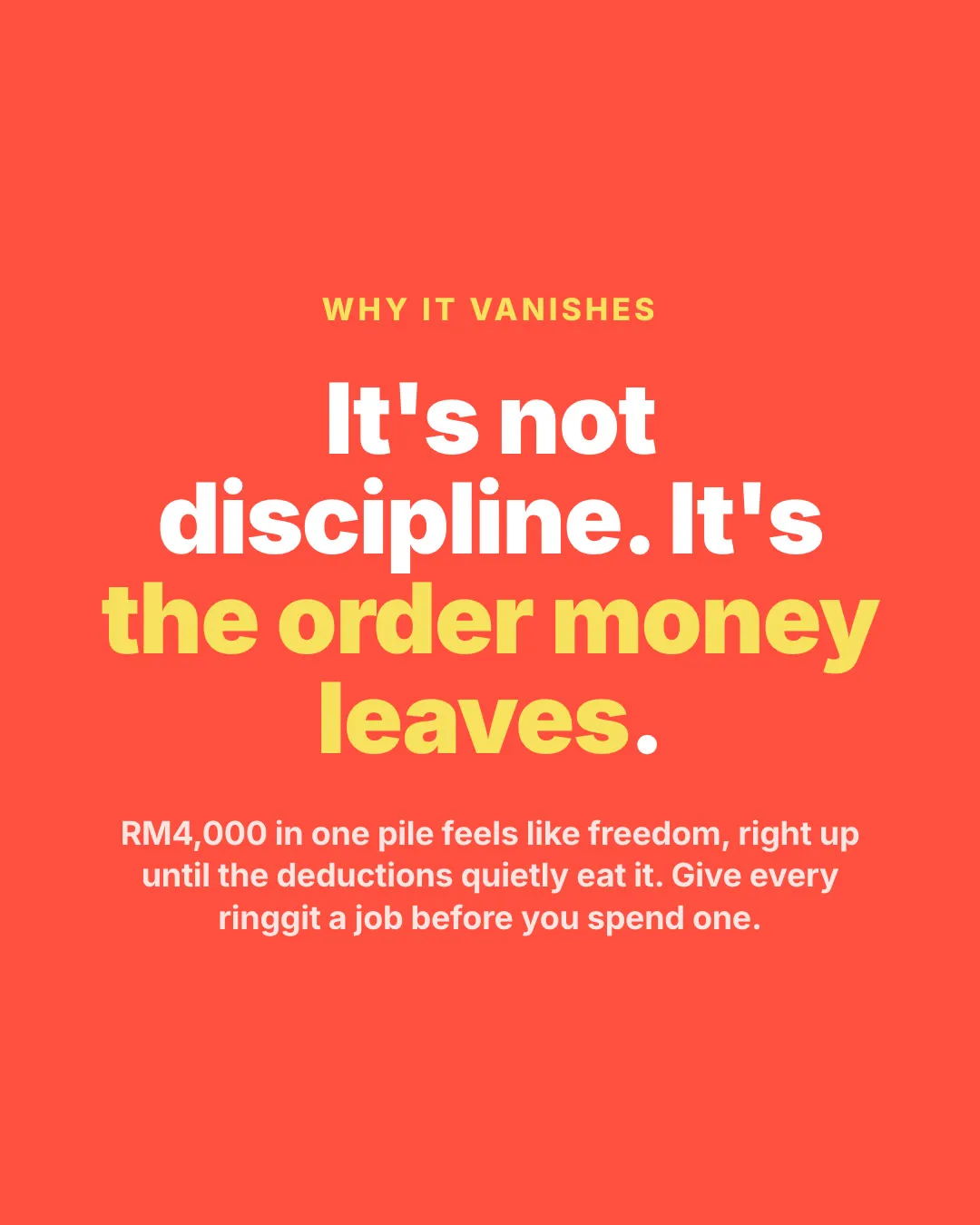
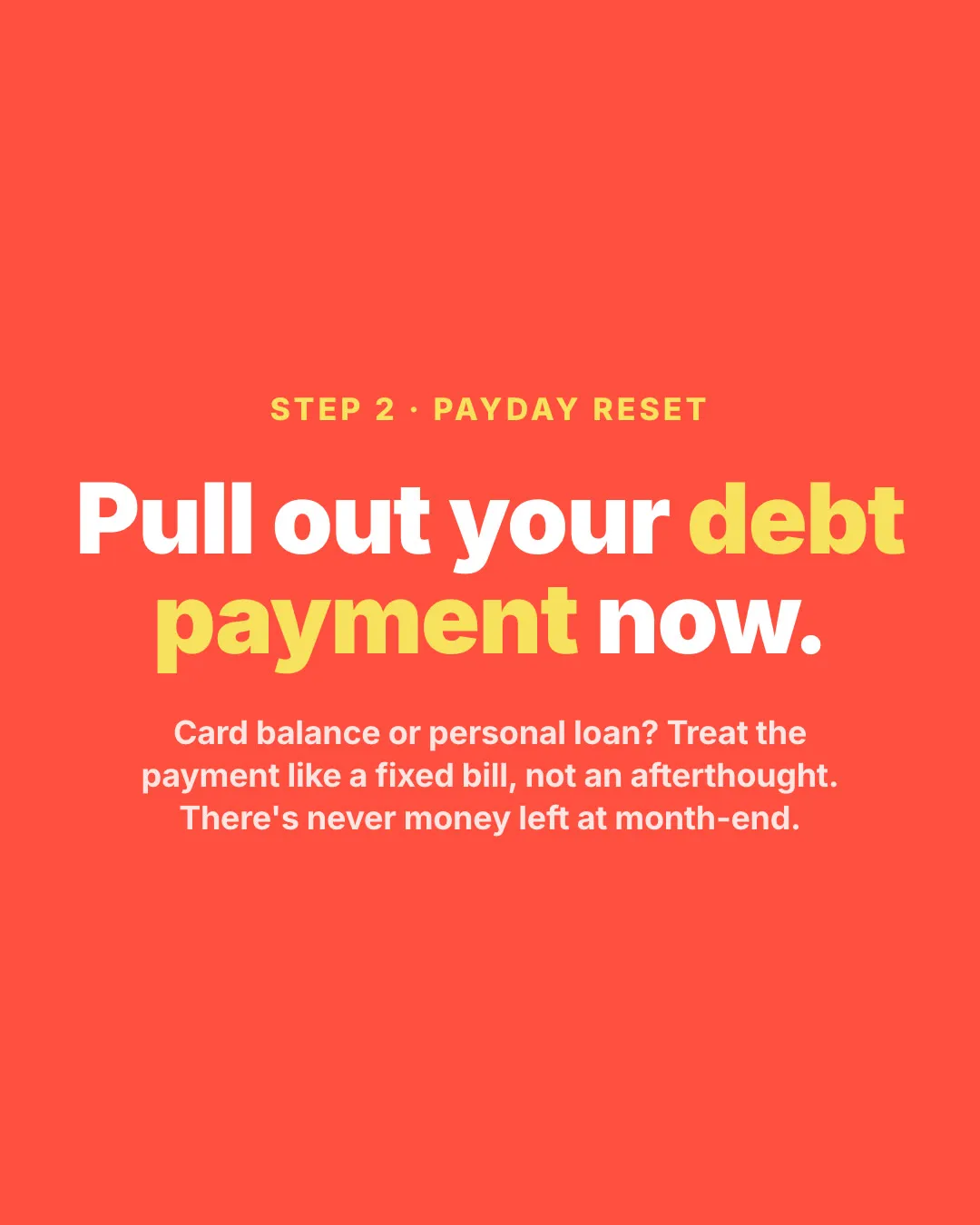
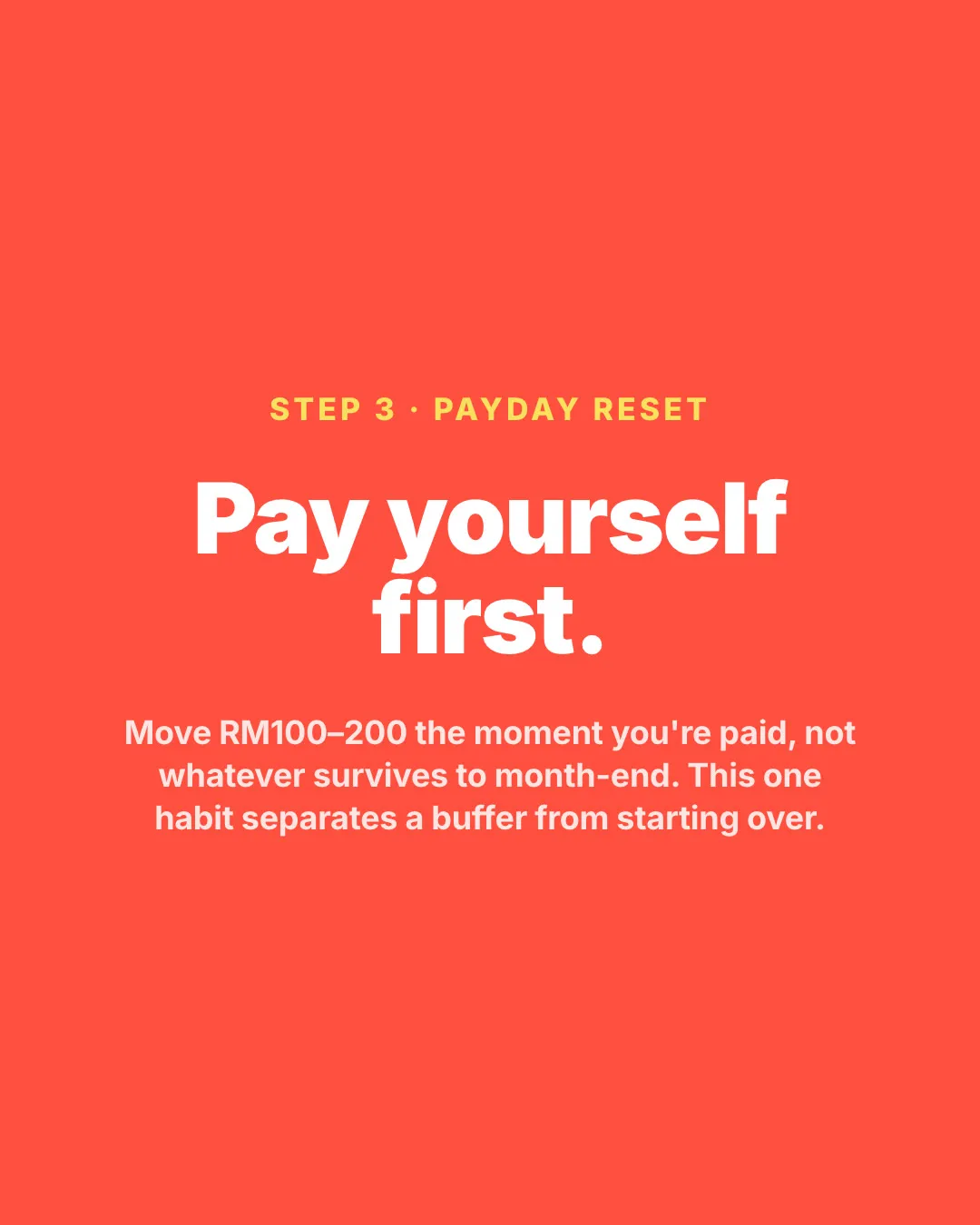
This is one of the carousels it makes, a payday reset in eight slides.
 1. Hook
 2. Insight
 3. Step 1
 4. Step 2
 5. Step 3
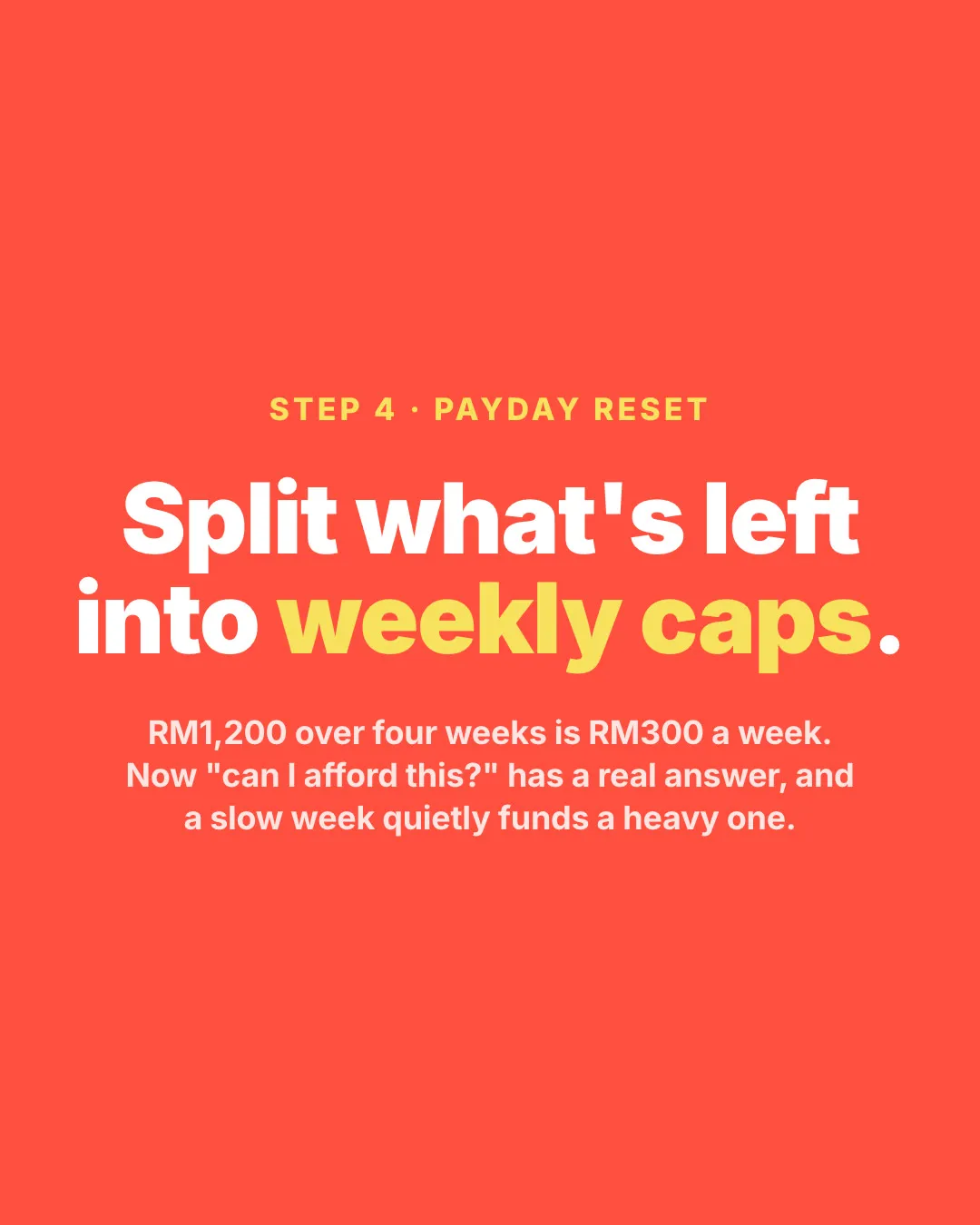 6. Step 4
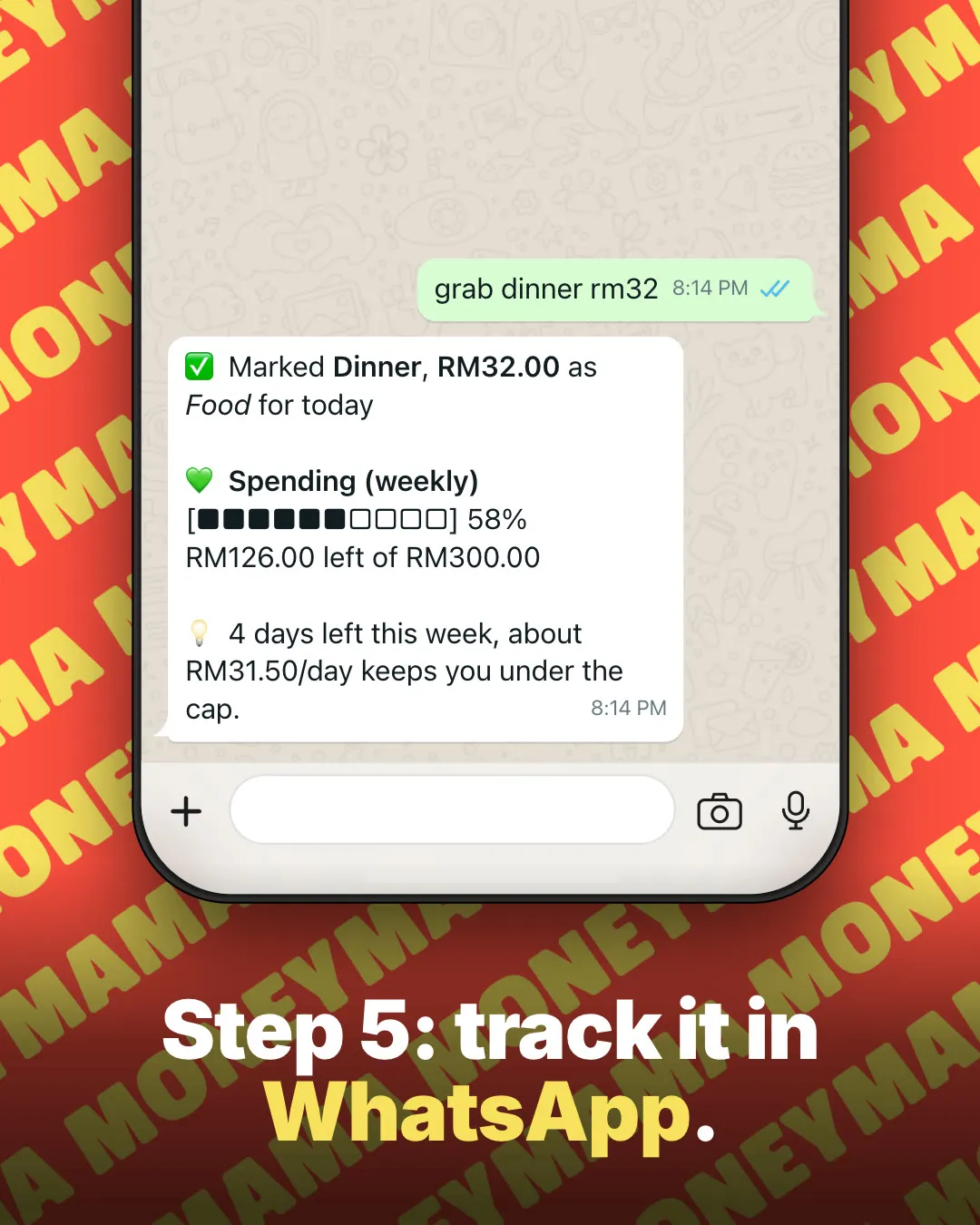 7. Step 5
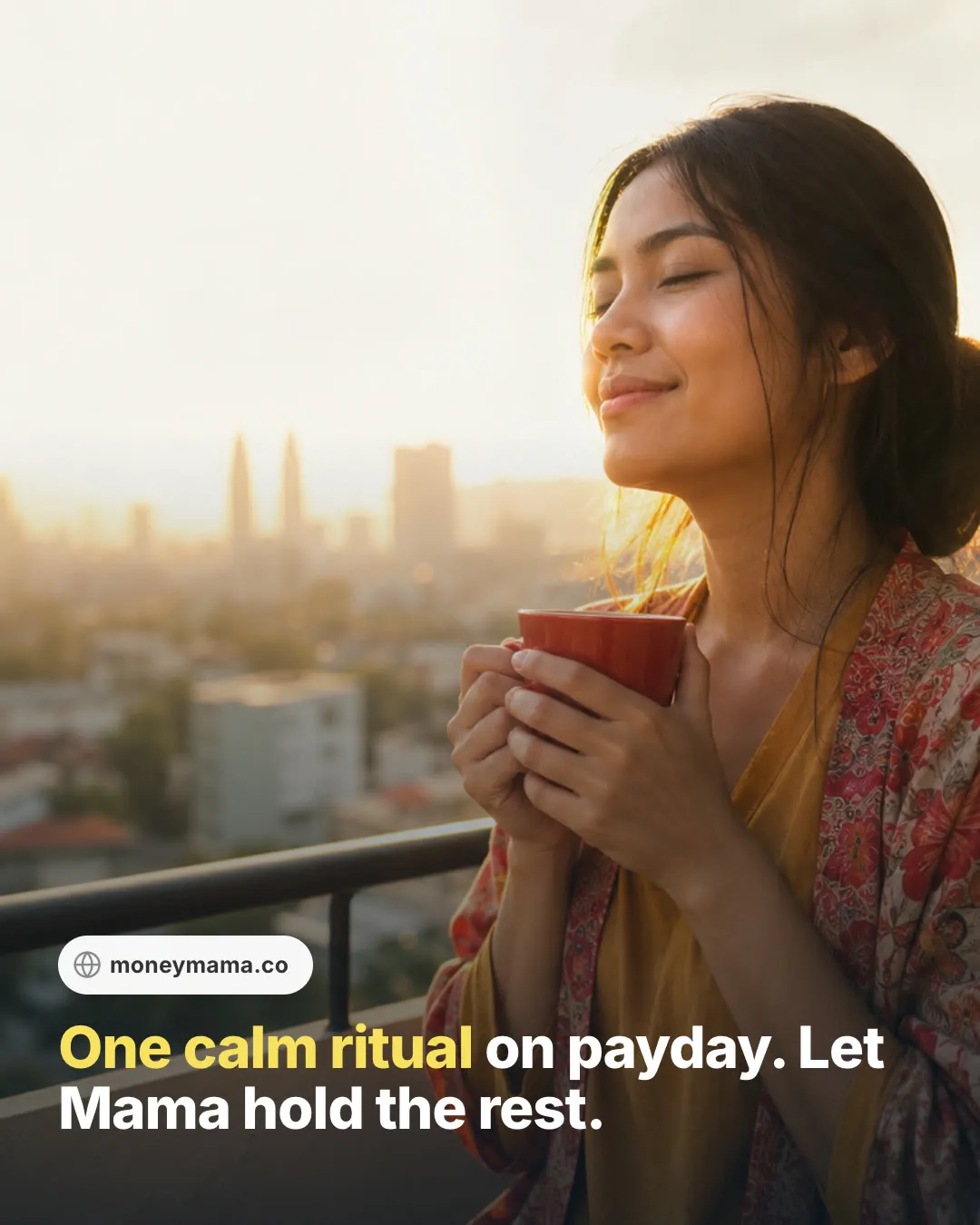 8. CTA
Freezing the simulator
In carousel mode, the same WhatsApp screen from the reels stops moving. Each slide freezes a chat at one point, with the animations switched off so the image comes out the same every time.
A slide can be a chat, a page in the browser, a text slide with a big headline, or a photo, and there’s an intro and an outro in our colours. Each one is 1080×1350 for Instagram’s 4:5 posts, or 1080×1080 for squares.
Export All draws every slide in the browser, captures each one as a PNG and gives me a zip, ready to post.
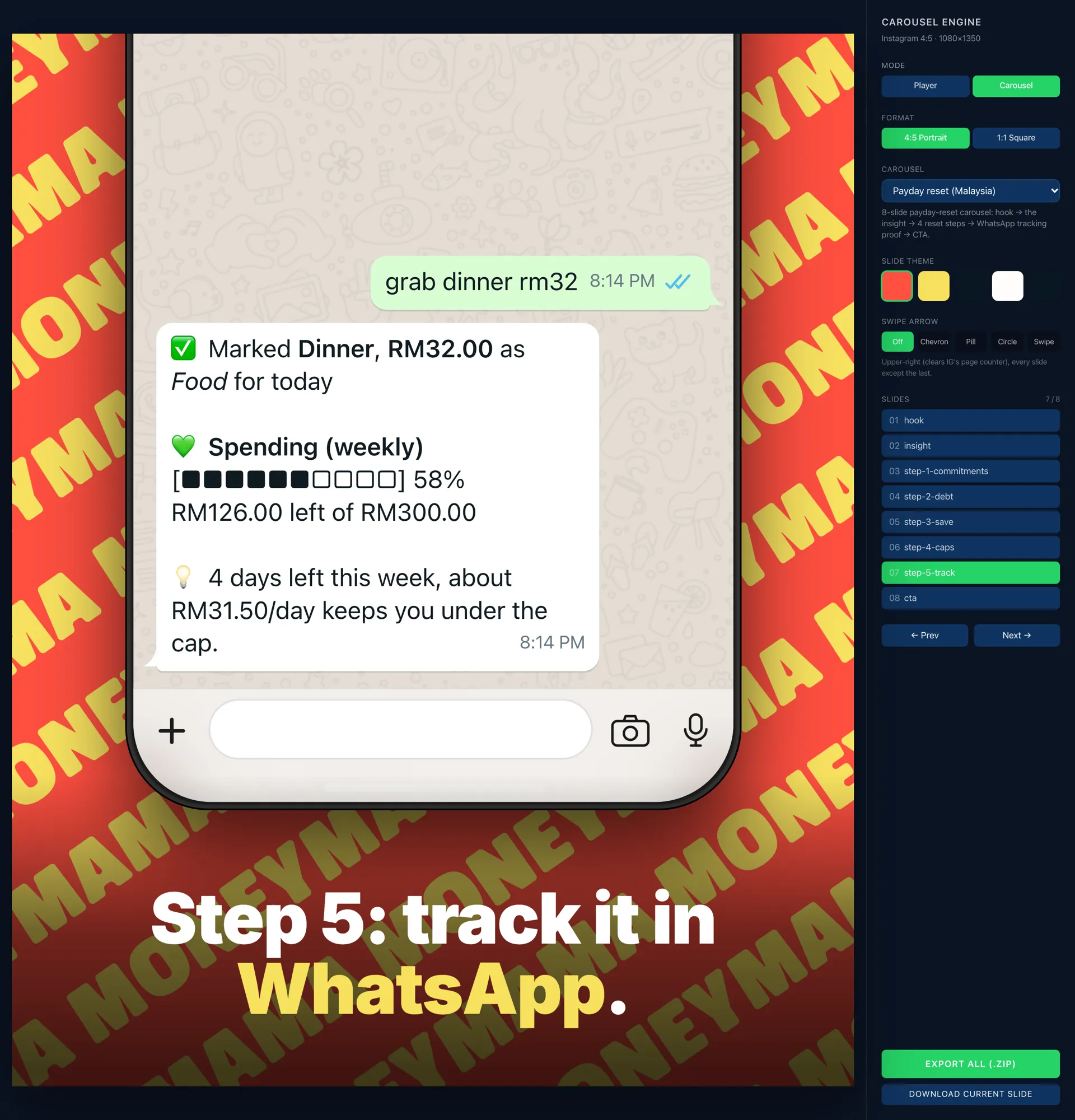
Changing a carousel means changing a file. If Mama’s reply needs a different amount, I change the text and export again.
Photos from prompts
In June we started turning our blog posts into educational carousels: the payday reset, why your card balance barely moves, emergency funds, the M40 squeeze and our seven-step Money-It-Right framework.
Those needed photos as well as chats.
So a photo slide carries its own prompt. When I select one, the tool shows the prompt with two buttons: Copy prompt, to paste into ChatGPT for free, or Generate, which sends it to OpenAI’s gpt-image-2 and saves the photo where the slide expects it. I used both.
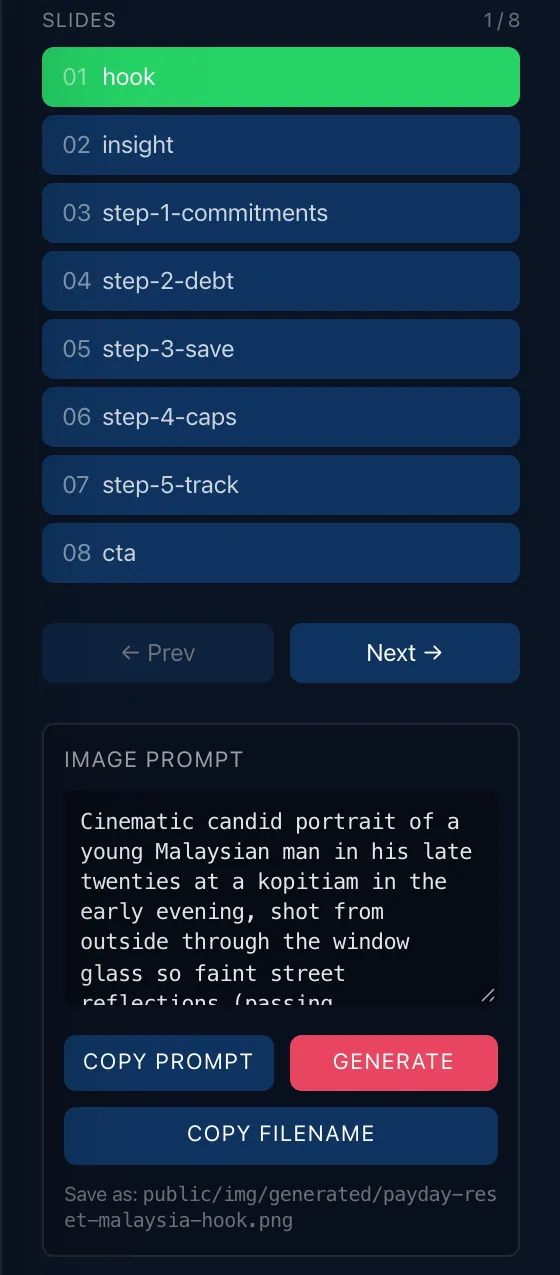
Every prompt follows the same house style: candid Malaysian lifestyle, natural side light, 35mm, a matte finish with fine grain, a touch of our coral or yellow, and room at the bottom for the headline. A few things are banned outright: piggy banks, coins, charts, and any text or logos in the photo.
This is the prompt from that panel, in full:
Cinematic candid portrait of a young Malaysian man in his late twenties at a kopitiam in the early evening, shot from outside through the window glass so faint street reflections (passing motorbikes, a blur of people, soft neon glow) drift across the frame and over him. He sits with a glass of teh tarik, gazing out past the camera in a quiet, far-off payday moment, a little wistful, not distressed. Warm golden-hour light rakes in from the side, moody cinematic color grade, shallow depth of field, 50mm, matte finish, fine film grain, gentle lens flare. Muted warm palette on #FEFDFC tones with one subtle #FF4F40 accent (a sign, a cup, a chair). Authentic Malaysian kopitiam, marble table, mosaic-tiled floor. Keep the lower third calm and uncluttered for a caption. No readable text or signage, no logos, no charts, no coins. Cinematic editorial, not stock-corporate.And this one is for the card balance carousel, a still life instead of a person:
Conceptual editorial still-life photograph, no people, no text, no logos. A classic glass hourglass standing on a warm cream tabletop, almost all of its fine sand still resting in the top bulb with only a thin trickle fallen through, suggesting a lot of time passing but barely any progress. A single plain matte credit card (no readable text or numbers) lies flat on the surface nearby. Bright high-key airy natural side light from the left, soft long shadows, shallow depth of field, 35mm, matte finish, fine film grain. Clean #FEFDFC cream canvas dominating the frame with generous negative space at the bottom for a headline; one gentle #FF4F40 coral accent (a folded linen napkin) and a small hint of #F8E15D. Calm, premium, editorial, not stock-corporate. No coins, no charts, no pigs.
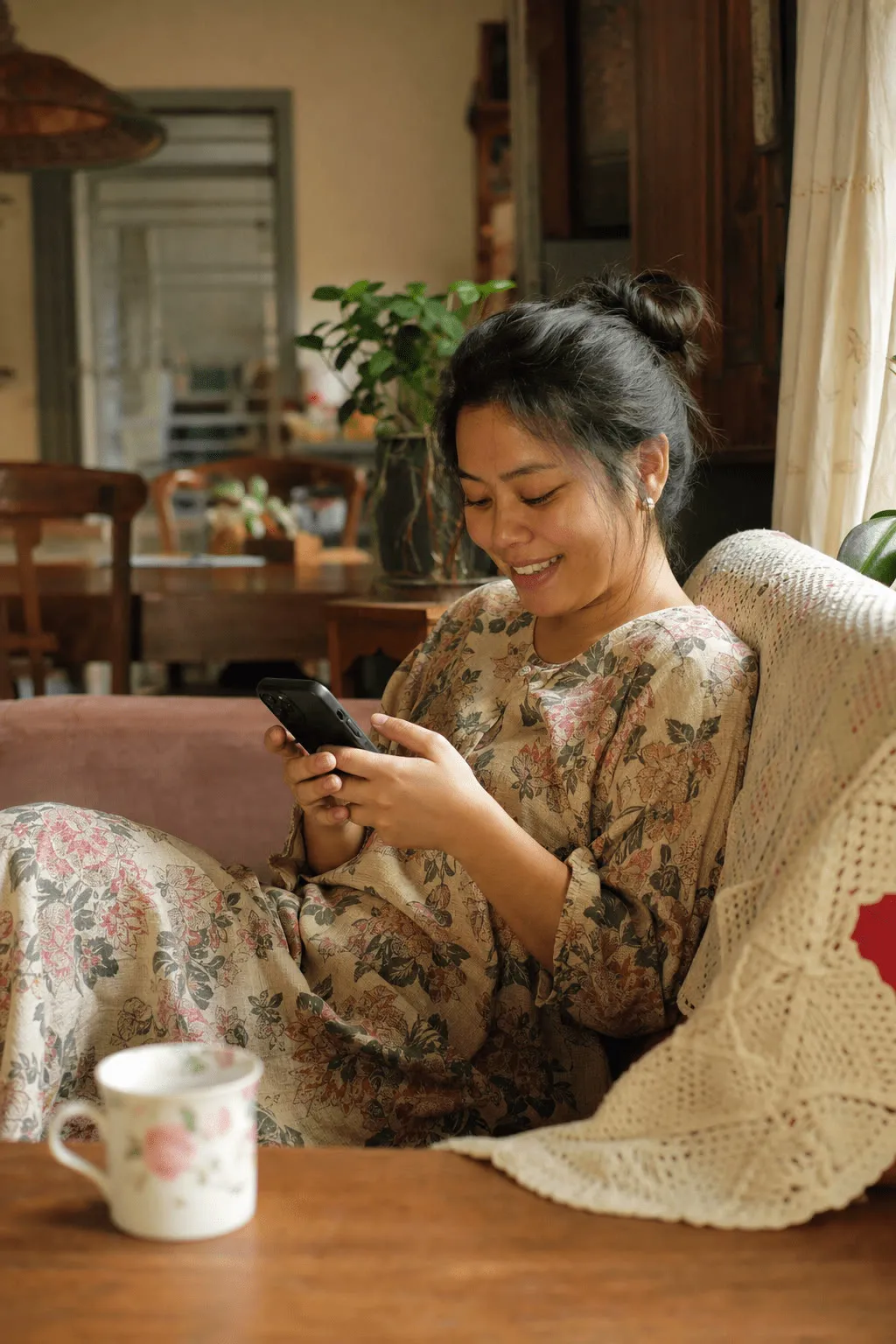
The lifestyle photos on our new website were made the same way.


A skill that writes the carousel
Writing the slides and the prompts by hand still took time, so I wrote a skill for it.
A skill in Claude Code is a markdown file of instructions. It has a name and a description, and Claude Code loads it when a task matches that description. Mine is called mama-ig, and it picks up on things like “make a carousel” or “/mama-ig”.
Give it a topic or one of our blog posts, and it reads the post from disk, proposes the slides and waits for my OK. Then it writes the carousel file, the photo prompts in the house style and the Instagram caption.
The file is laid out in sections. It covers the only correct paths in the repo, the workflow, the carousel’s data model with an example, the house style for photos, the rules for Mama’s voice, the caption format, the common mistakes, and a checklist at the end. For the brand voice, it builds on another skill of mine, mama-blog, and says that when the two disagree, mama-blog wins.
A few of the rules in it:
- “You write content and code; you never fetch or invent images, stats, or handles.” The skill writes; I generate the photos, and nothing gets made up.
- Never name the negative feeling. Words like “shame” and “guilt” are banned from slides and captions, because “saying ‘no shame here’ plants the exact word you’re trying to lift.” It describes a moment instead, like the bill notification you swipe away.
- The caption is Mama talking, in the first person, like “I made you this one because I kept thinking about you.”
- Read the blog post from disk, because “session-compressed copies drop words and mangle the voice.”
This is the checklist it ends with:
- [ ] Source read from disk (if adapting a blog post); structure approved
- [ ] `src/carousel/data/<id>.ts` written + registered in `index.ts`; `npx tsc --noEmit` clean
- [ ] ≤10 slides, 4:5; voice on-brand; no em-dashes; no named feelings (shame/guilt/judgement); light Manglish
- [ ] Caption in Mama's first-person voice ("I"/"me", reader as "you"), not a neutral brand narrator
- [ ] Caption hook opens on a felt moment; heart-led, shows not tells; reader feels seen not lectured
- [ ] Photo prompt(s) in house style; exact `public/img/generated/<carouselId>-<slideId>.png` name(s) given
- [ ] Caption: hook in first 125 chars, swipe-led, collab credited (+ IG handle check), WhatsApp/moneymama.co CTA, save line, hashtags
- [ ] Real sources/handles only; nothing fabricated
Skills for specific tasks
I write custom skills like this for specific tasks, to make things easy. mama-blog writes our blog posts and the prompts for their cover photos, and mama-ig turns those posts into carousels.
I think we should start embracing AI tools more, and for automation too.
All five carousels are scheduled on our Instagram, next to the reels.
Update, September 2026: the blog itself, and how its covers stopped all looking alike, is part 3.