Changing a company address on Google Play, the App Store and D-U-N-S
Our office moved to the next block, and we needed to change the app store addresses, but Dun & Bradstreet's website doesn't accept Malaysian addresses, tsk...
We moved office in August. Not very far, just from block C to block D in the same office park in Kota Damansara.
Same road, same postcode. It was only a letter change! 99% of the address remained the same.
That one letter needed updating on both Google Play and the App Store because the company address is part of our developer accounts. I started looking into it at the beginning of August, before we actually moved.
I thought it would be a matter of updating the address in two places.
Starting with Apple
Apple has a form for changing your organisation’s details.
I signed in to the developer website, answered a few questions about whether the company had been acquired or renamed (no to both), entered the new address and explained that we were moving to another block in the same office park.
Two days later, Developer Support replied with two options.
I could upload an SSM document showing the new address, such as the certificate of incorporation, or update our company record with Dun & Bradstreet (D&B) and let Apple know once that was done.
Apple would then check the D&B record and update our developer account, which they said would take about two business days.
There was a link to D&B in the email, except it didn’t work.
I replied to tell them, and two days later another support representative apologised and sent a working link.
Google Play sent me to D&B too
Google Play handles company details differently.
In Play Console, the organisation name, address and D-U-N-S number are read-only. They’re connected to the Google Payments profile and have to match the company’s details on record with Dun & Bradstreet.
I checked Google Payments, but couldn’t simply change the address there either.
The answer was the same as Apple’s: update D&B first.
A D-U-N-S number is a nine-digit identifier issued by Dun & Bradstreet. Apple and Google use it to verify organisations registering for developer accounts.
So rather than having two addresses to update, I now had a third place to deal with.
D&B’s form only accepts US addresses
Dun & Bradstreet has a D-U-N-S Profile Manager on its website. You can look up your company and request changes to its details.
I found our record without any problem.
The problem was the address form.
The country was fixed to the United States, and there was no way to change it to Malaysia. The form also required a US state and ZIP code before it would let me continue.

I asked ChatGPT what to do. It suggested contacting D&B Malaysia directly instead of trying to get around the form with a fake US address.
It also advised me to prepare our SSM Company Profile, since that’s the document D&B Malaysia asks for.
I went to dnb.com.my, selected D-U-N-S Number in the contact form and explained that the online Profile Manager wouldn’t accept a Malaysian address.
Their customer care team replied in about an hour.
They sent me a list of information to complete by email: our D-U-N-S number, company name, registration number, old and new addresses, telephone number, the most senior person’s name and title, nature of business with its MSIC code, number of employees, email, website and parent company, if any.
They also wanted the latest SSM Company Profile.
I filled everything in and sent it back with our SSM certificate attached.
The next day, they replied. I’d sent the certificate, not the Company Profile. They also pointed out that I’d left the telephone number blank.

Fair enough. My mistake. I sent the Company Profile over with the missing number.
An hour later, D&B Malaysia replied:
We have updated as below in our local database. Kindly allow minimum 7 working days for the update to be reflected in global database.
So that part was actually quite quick. D&B Malaysia took about a day and a half, with most of the delay coming from me sending the wrong PDF.
Now I just had to wait for the change to reach Apple and Google.
Both stores noticed, and Google gave us a deadline
Two days later, on Sunday, Apple sent an automated email.
Dun & Bradstreet had informed them that our primary address had changed. Could I please submit an address change request to confirm it?
The same request I’d already submitted five days earlier.
The email did include a line saying that if I’d already informed Apple, I could disregard it. So I did.
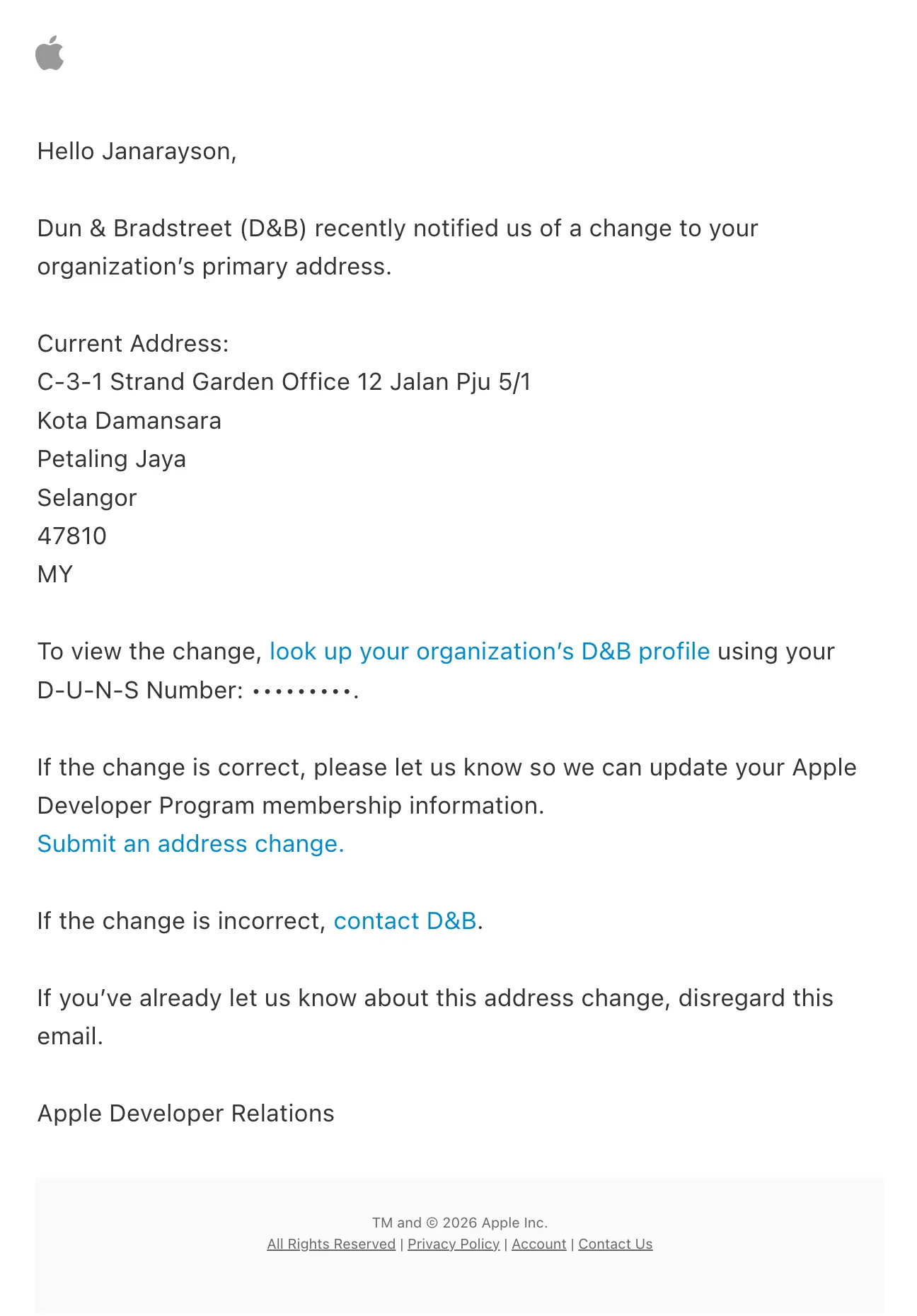
The following Monday, Google Play noticed too.
There was a notification in Play Console, and an email to go with it:
Your organization name or address is no longer verified.
Our account details no longer matched the D&B record, and Google wanted us to verify the organisation again.
If we didn’t complete verification by 7 September, our developer profile and apps would be removed from Google Play.
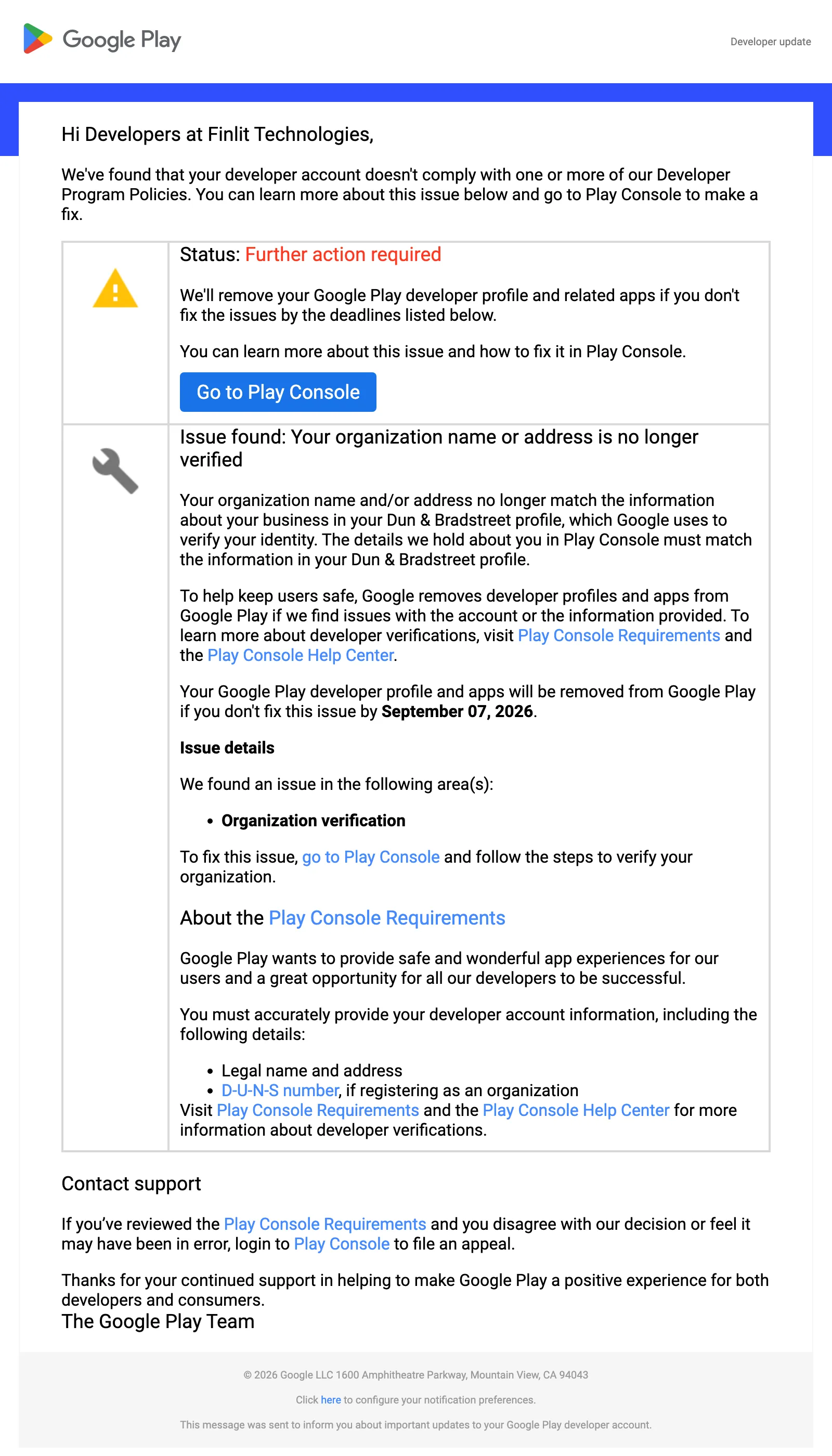
All we’d done was move from block C to block D.
I went through the verification process in Play Console using the updated company details. Google Payments also sent several emails asking us to verify our identity.
I raised a ticket with Play Developer Support to make sure everything was in order.
Two days later, they confirmed that our account had met all verification requirements and was in good standing.
They also warned that any future changes to the account details might trigger another verification.
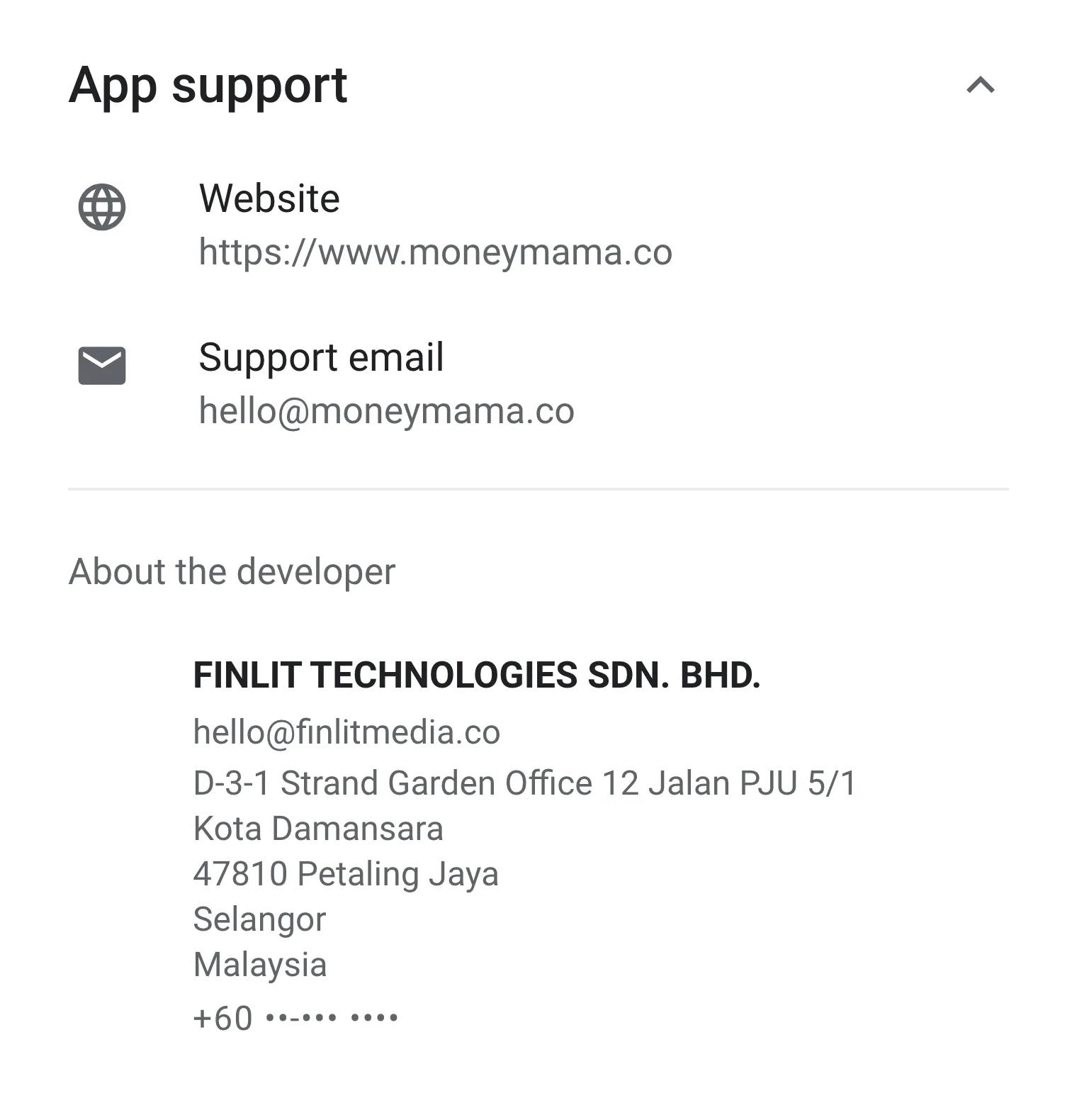
At least Google Play was sorted. The new address now appears publicly in the About the developer section at the bottom of MoneyMama’s Play Store listing.
Apple went quiet
With D&B updated and Google Play happy, I went back to my Apple Developer Support thread.
I told them the address had been updated with Dun & Bradstreet and asked if they could update our developer account too.
A third support representative replied:
After reviewing the D&B information, it still doesn’t display the updated address. Once it does, we can update it.
That was nearly two weeks after D&B Malaysia had updated our record.
It was also eleven days after Apple’s own system had emailed me to say that Dun & Bradstreet had reported an address change.
Apple apparently knew something had changed, but its support team still couldn’t see the new address.
The alternative of submitting SSM documents directly was still available, although I’d already gone through D&B as Apple had suggested. That was the last of the thread, and there’s been no issue with Apple since.
On Google Play, the company address is publicly visible in the About the developer panel. On the App Store, the listing’s information section only shows the provider name, not the address.
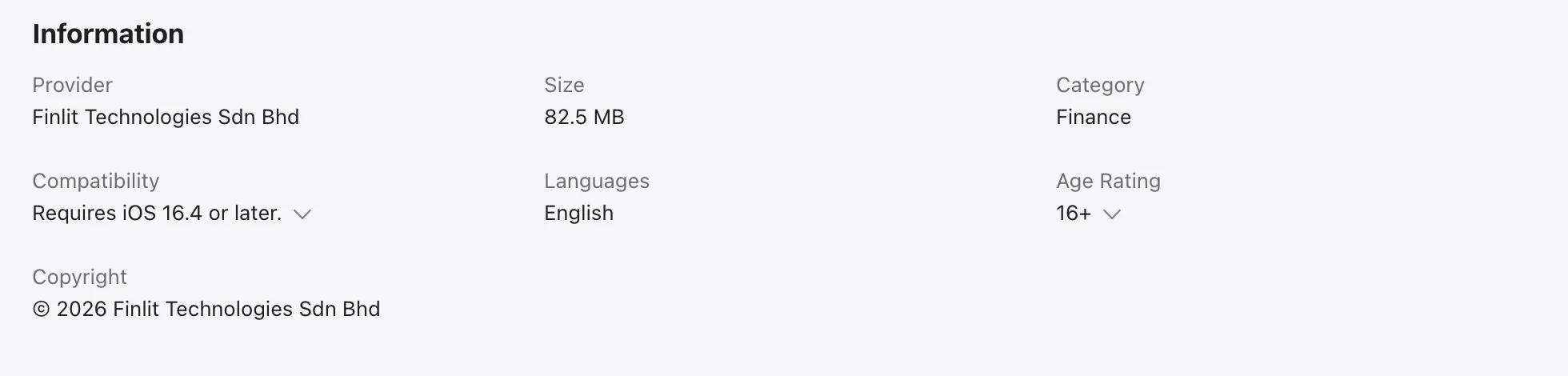
So the store that publicly displays our address was the one that threatened to remove our apps when we changed it. The one that doesn’t show it never did.