Four minutes of Tech Bites with an AI presenter
I used ChatGPT and Synthesia to make an AI presenter deliver part of our quarterly tech town hall, then took over for the closing.
Every quarter, each head of department at Intrack presents what their team has been working on and what’s coming next. I call the tech department’s section Tech Bites.
Normally, I’d stand in front of everyone and go through the slides myself. This quarter, I decided to let someone else present the first four minutes.
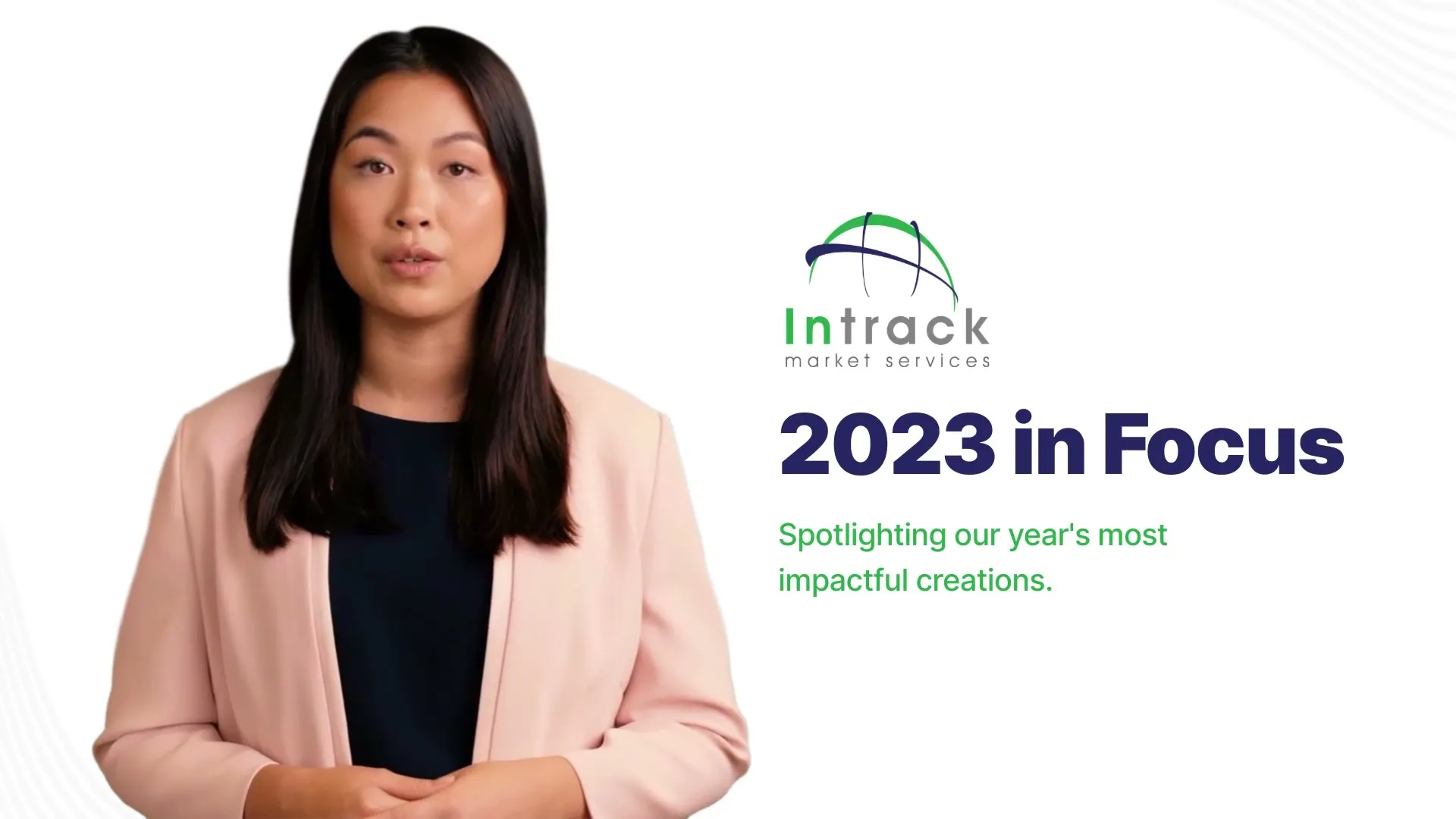
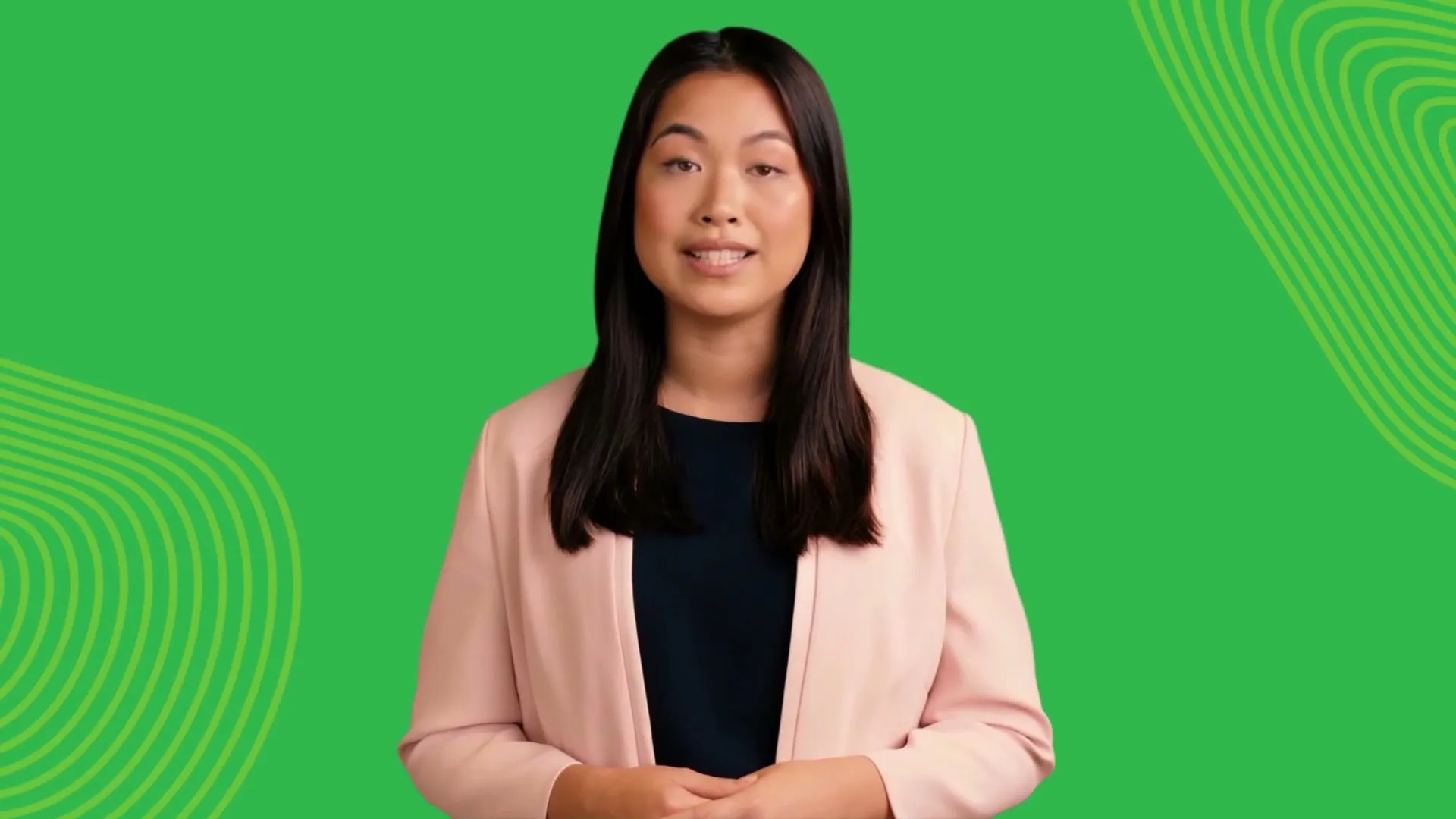
Her name is Lisa, and she’s one of the stock AI avatars in Synthesia. I generated a video of her presenting our 2023 recap and plans for Q1, then played it during the town hall before taking over for the wrap-up.
Why I tried it
The practical reason was saving myself some presenting time. Our quarterly tech update is mostly a rundown of systems, completed projects and upcoming releases, which isn’t necessarily the most interesting part of a company town hall.
I’d also been looking at Synthesia and wanted to try it on something real rather than make another demo that nobody would use.
And I’ve been encouraging the company to adopt AI in our work. I figured showing everyone something made with AI during the town hall would be a better demonstration than another presentation about what AI could do.
So I decided to give the first part of Tech Bites to an AI presenter.
Making the video
Synthesia lets you create a video from a script. You choose a presenter, write what they should say and arrange the content into scenes. It generates the voice and animates the presenter’s face and lips to match.
I started with ChatGPT.
I gave it my notes for the town hall, covering five projects we’d worked on in 2023 and what we had planned for Q1, then asked it to turn those notes into a presentation script.
From there, I arranged the script into scenes in Synthesia. Lisa appears beside screenshots of the different tools, with title cards introducing each project. There’s a calendar for the upcoming Q1 releases, followed by a closing slide asking the team to help keep testing on schedule.
She opens with “Hello everyone, I’m Lisa” and finishes by handing the presentation back to me.
The script itself sounds very much like ChatGPT.
Every project seems to “mark a significant step forward”, and one of the tools is described as “not just about handling data more efficiently; it’s about transforming our internal processes to work smarter”.
Not quite how I’d normally explain our work, but those were the words in the generated script.
I rendered the video twice. The first version used a different presenter, a woman wearing a mauve dress. I wasn’t entirely happy with how she looked, so I switched to Lisa, who looked more pleasant, and generated another version.
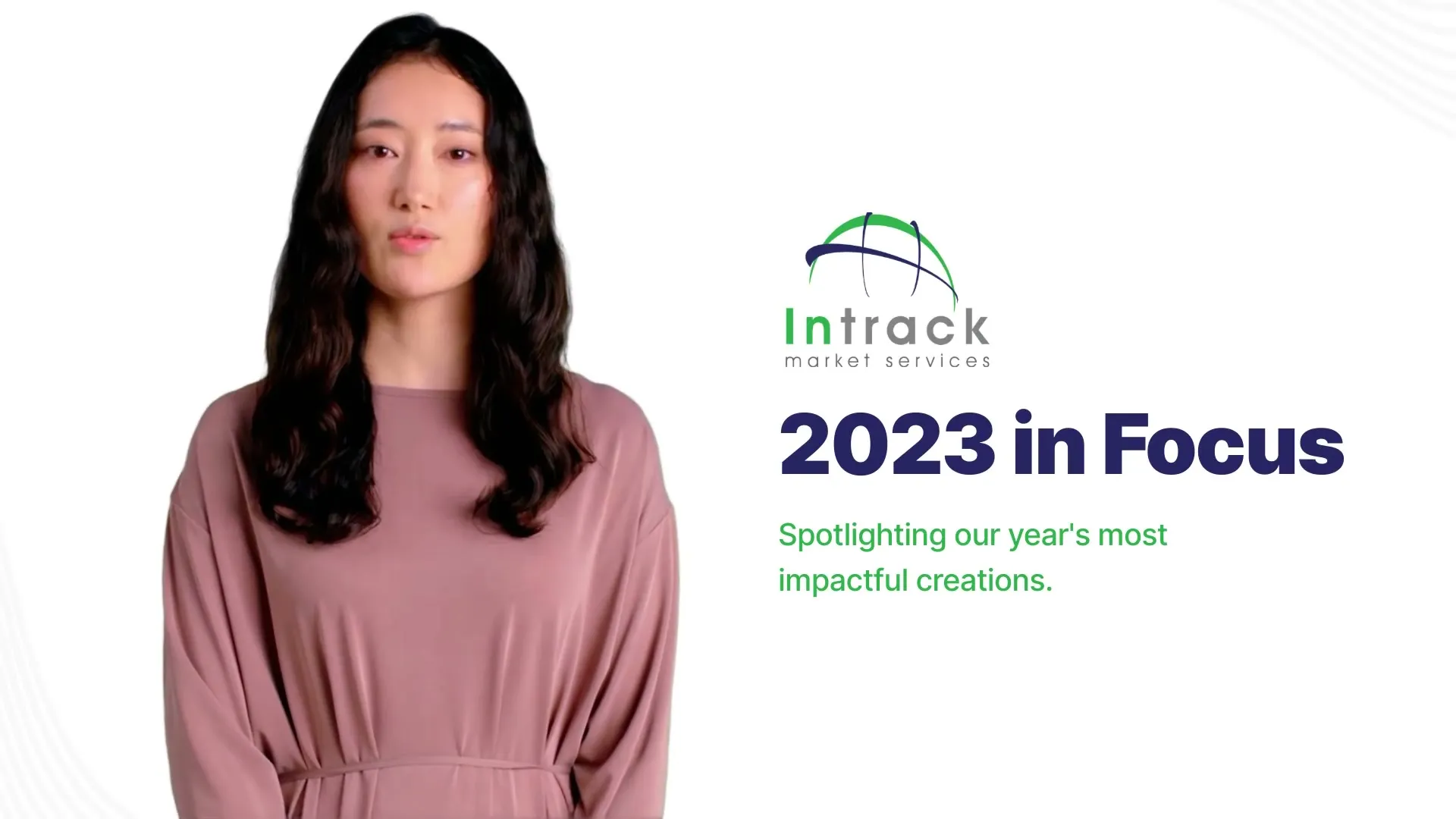
Both versions were ready on the same evening, about an hour and a half apart.
Letting Lisa present
At the town hall, we played the video on the screen in the room.
Lisa went through the projects and Q1 plans, then handed the presentation back to me for the closing. I only had to present the remaining part myself.
The comment I heard most afterwards was how real she looked.
I’m now looking at whether we could do something similar with the reports we produce for clients.