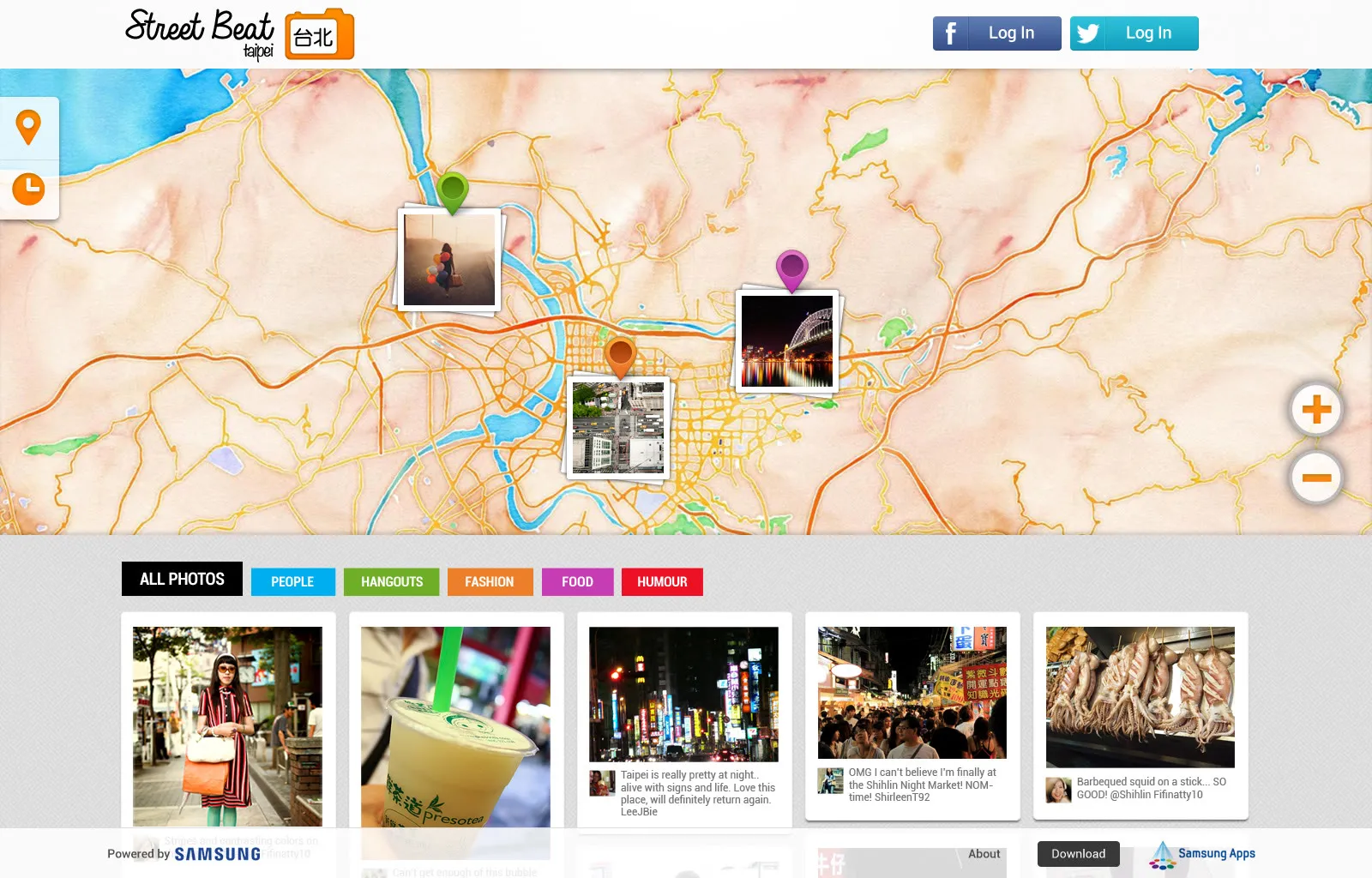
Street Beat, a street photography app for Samsung
For Samsung we designed Street Beat, a street photography app for the Galaxy Camera and the Galaxy S3. Street Beat Singapore and Street Beat Taipei went to Samsung Apps this month, after eight versions of the design and a lot of feedback.
Street Beat Singapore and Street Beat Taipei went to Samsung Apps at the start of the month, and this week we did the onboarding screens for Taipei, in Chinese. Street Beat is a street photography app we designed for Samsung, for the Galaxy Camera and the Galaxy S3, with a website alongside it. You take photos around the city, and you browse everyone else’s on a map, in a list, or by the hour they were taken.
The Galaxy Camera is Samsung’s camera that runs Android. It has Jelly Bean, a 4.8-inch screen, a 21x zoom and 3G, so it’s really a phone with a big lens. Samsung showed it at IFA last August, and here it’s RM1,899. Street Beat is one of the apps made to show off what it can do.
The proposal
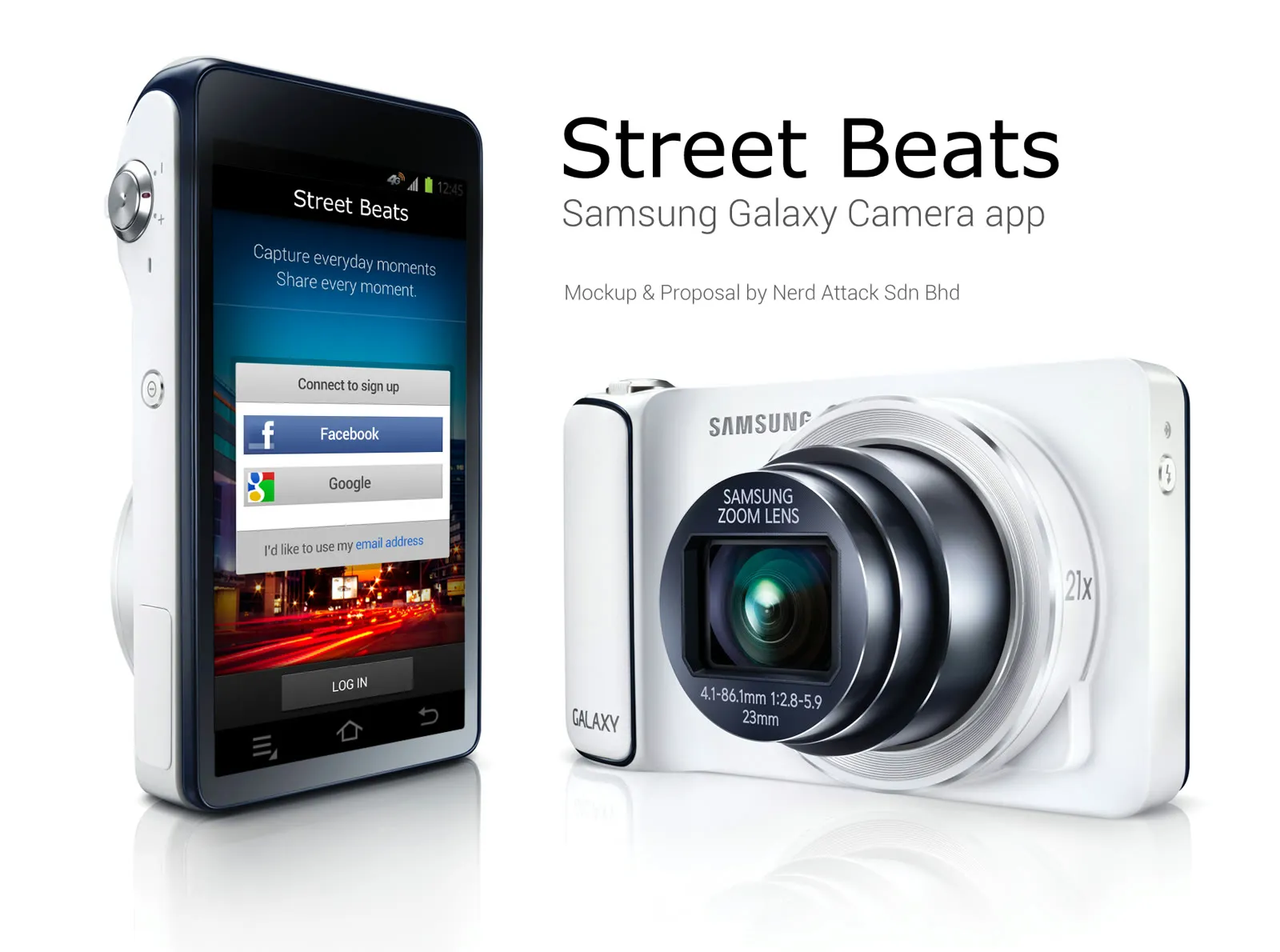
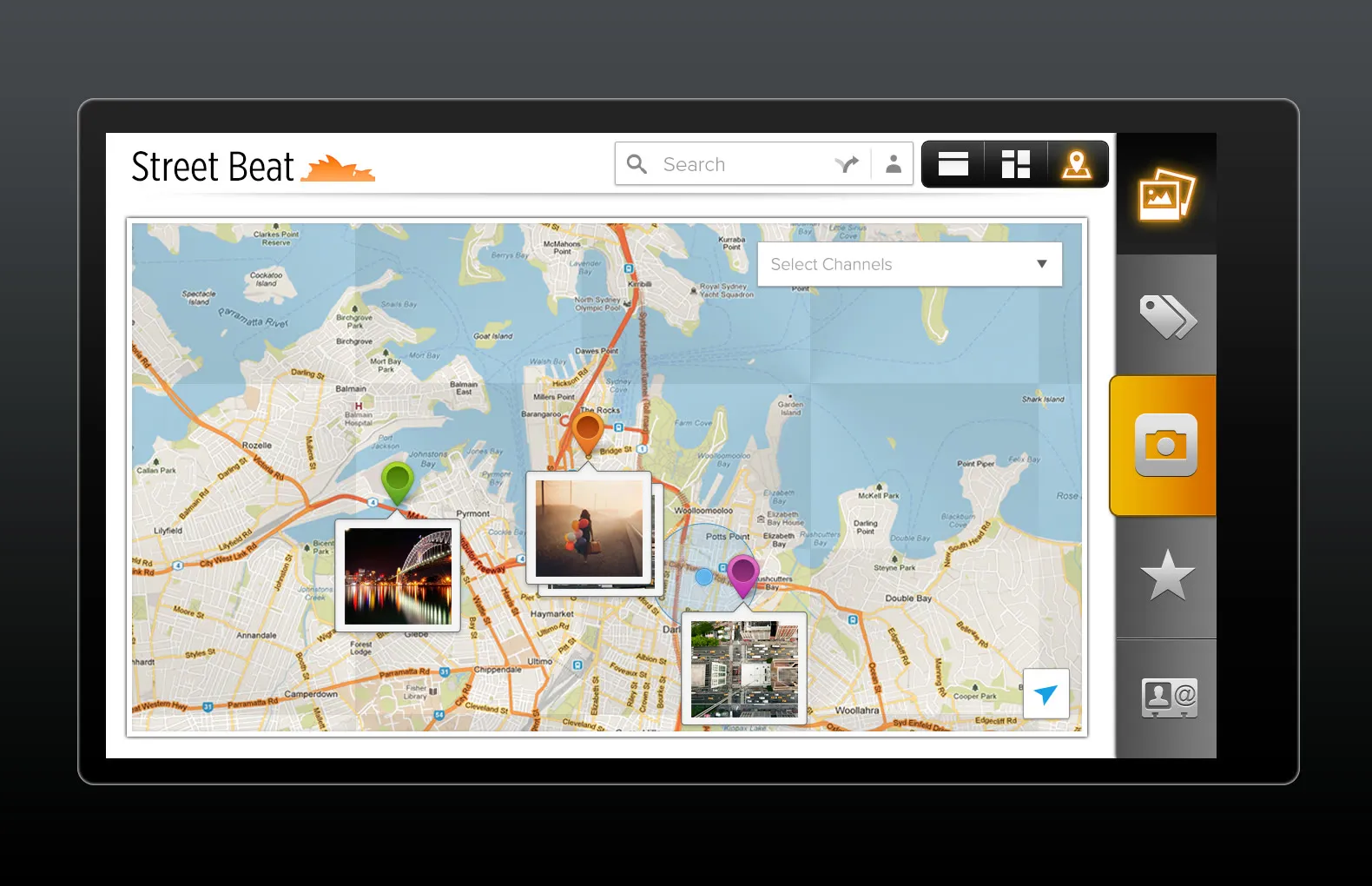
We sent Samsung the proposal on 22 February. Back then it was Street Beats, with an s … capture everyday moments, share every moment. You’d sign in with Facebook or Google, take a photo with a bare camera screen, add a caption, tags and a category, and share it to Facebook, Twitter and Flickr. A few days later we tried a second direction, landscape, with the tabs down the side.
The first design
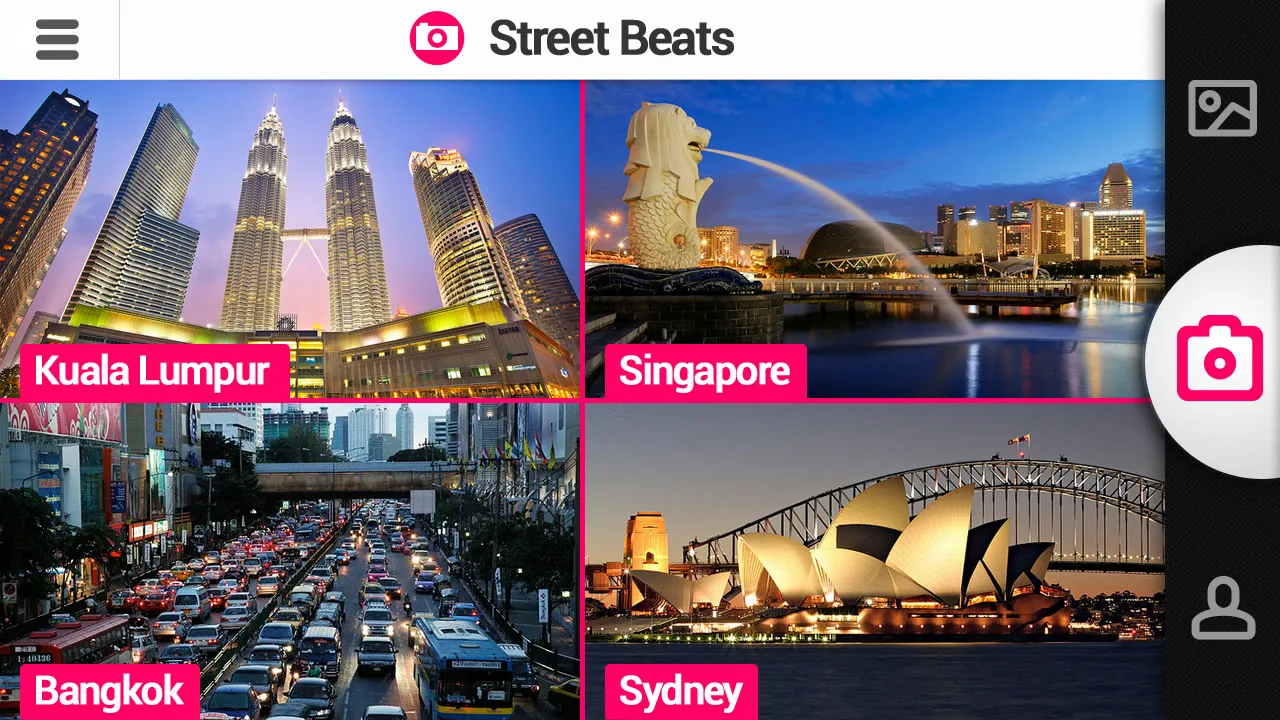
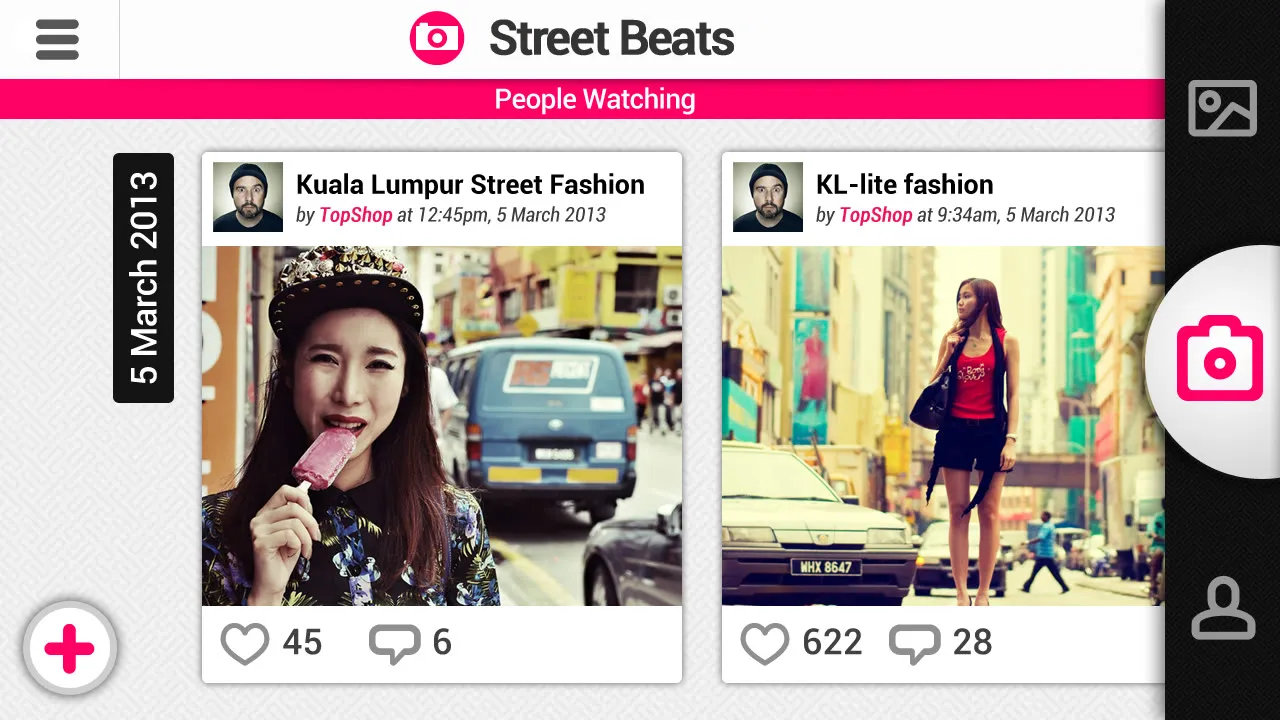
The first full design went to Samsung on 6 March. It was pink, and it opened on four cities, Kuala Lumpur, Singapore, Bangkok and Sydney. Pick one and you get a map full of photos, and you can switch to a Pinterest style list or a timeline of photo cards. Photos are sorted into channels … People Watching, Hip Hangouts, Street Fashion, Signboards & Graffiti, and Street Food.
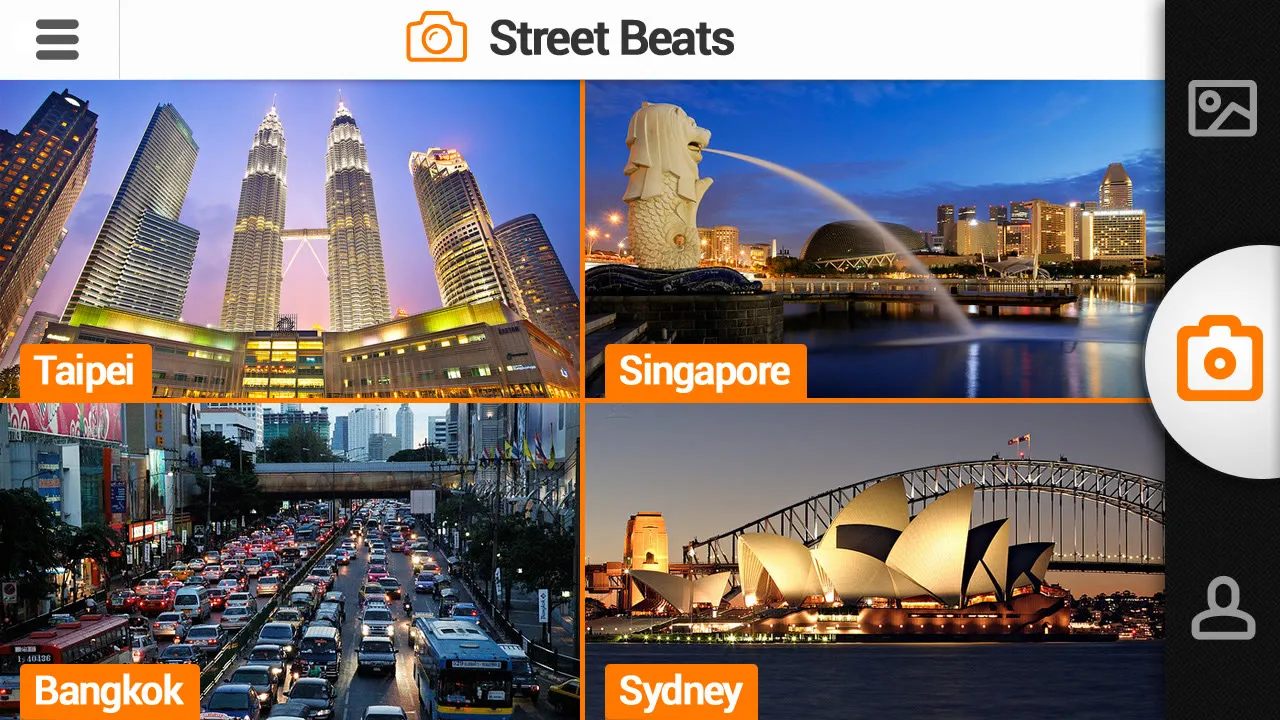
The feedback came back on 11 March, and it was a long list. The name is Street Beat, not Street Beats, and the colours are orange, grey and black. The cities are Singapore, Taipei, Bangkok and Sydney, with a local photo behind each. The list should have three columns instead of five, with the popular photos shown bigger, and search can wait. They also asked for a more creative way to show the channels, and on that one we pushed back. There are three views, and you can switch channels in each of them, which is how it should be.
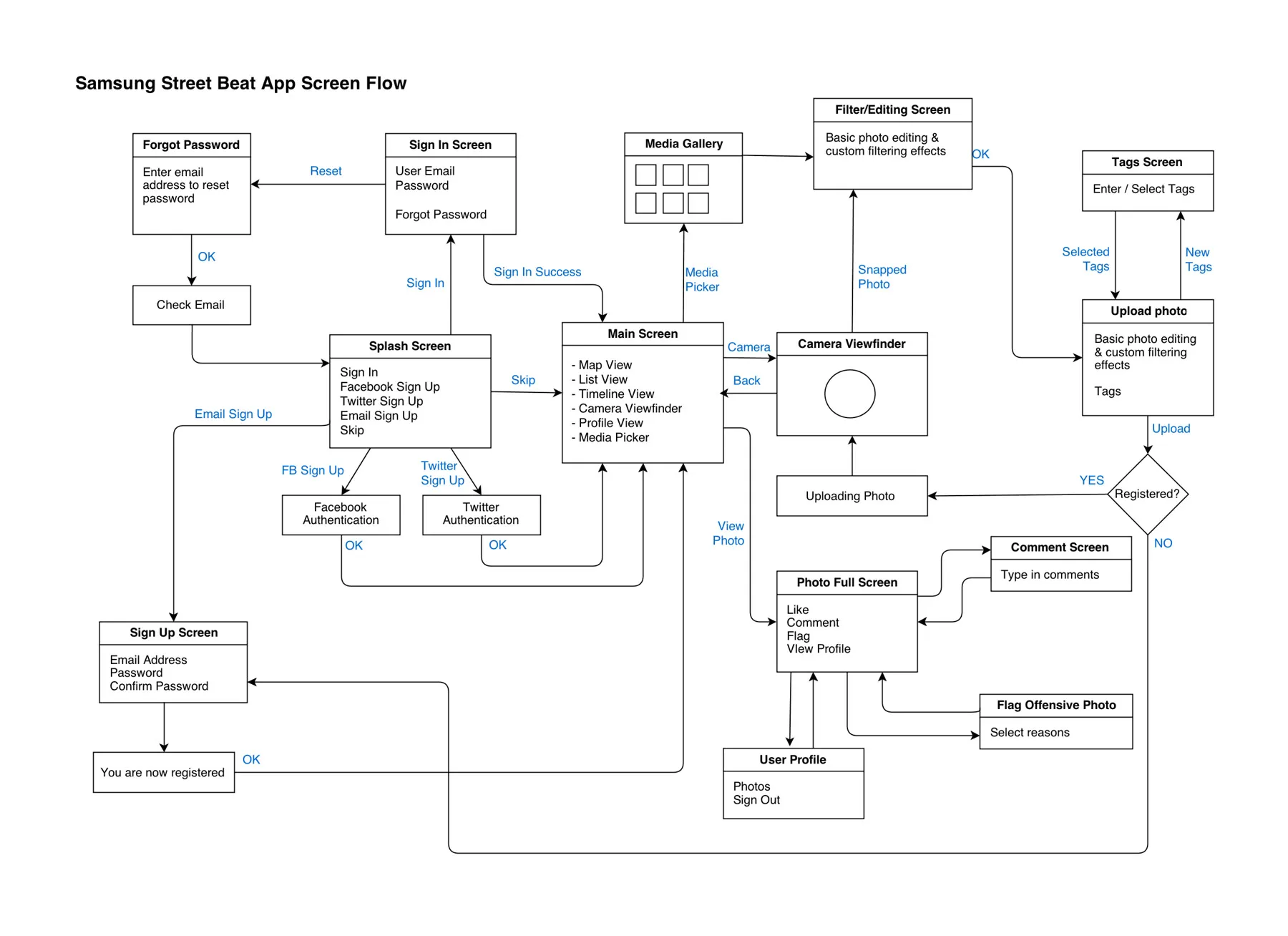
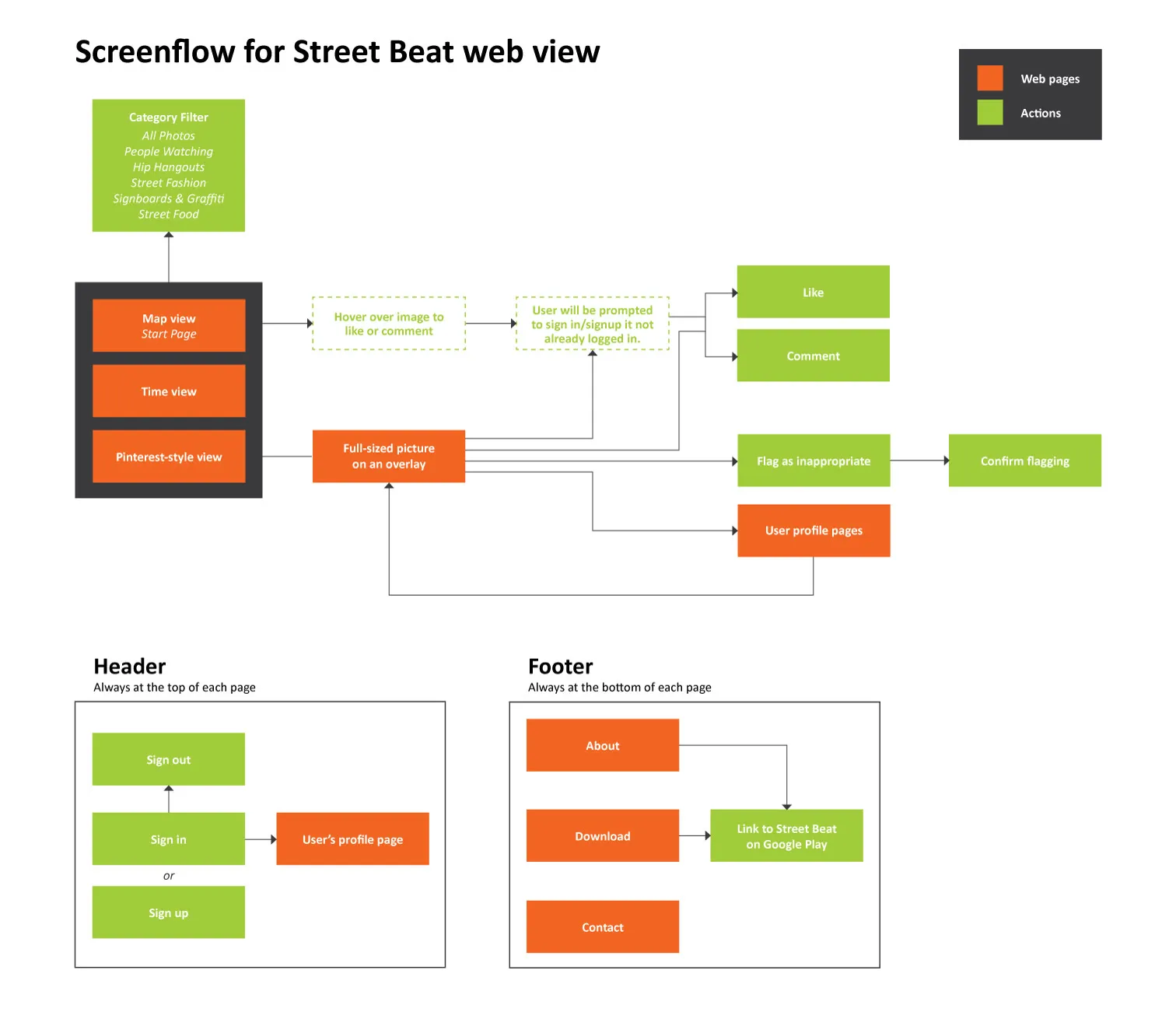
By the end of March we drew up the screen flows, one for the app and one for the website. In the app you can sign up with Facebook, Twitter or your email, or skip it and just browse. It only asks you to register when you upload a photo. On any photo you can like it, comment, or flag it as offensive.
The clock
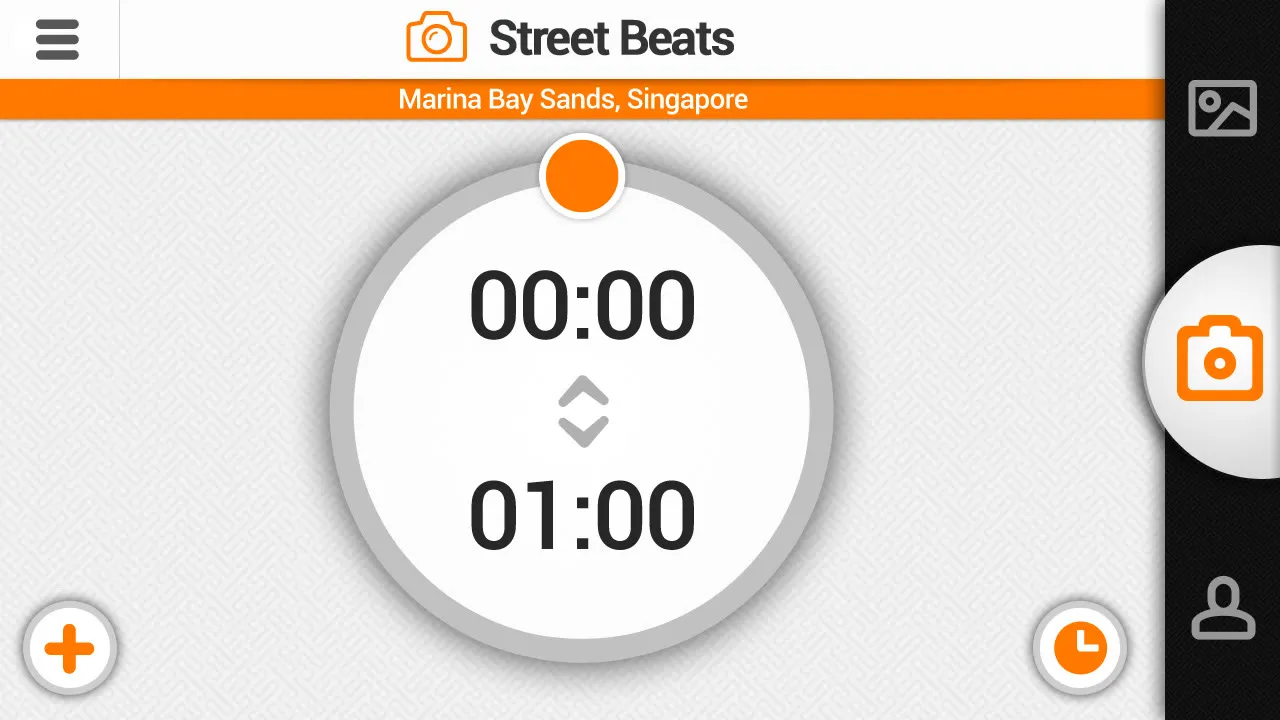
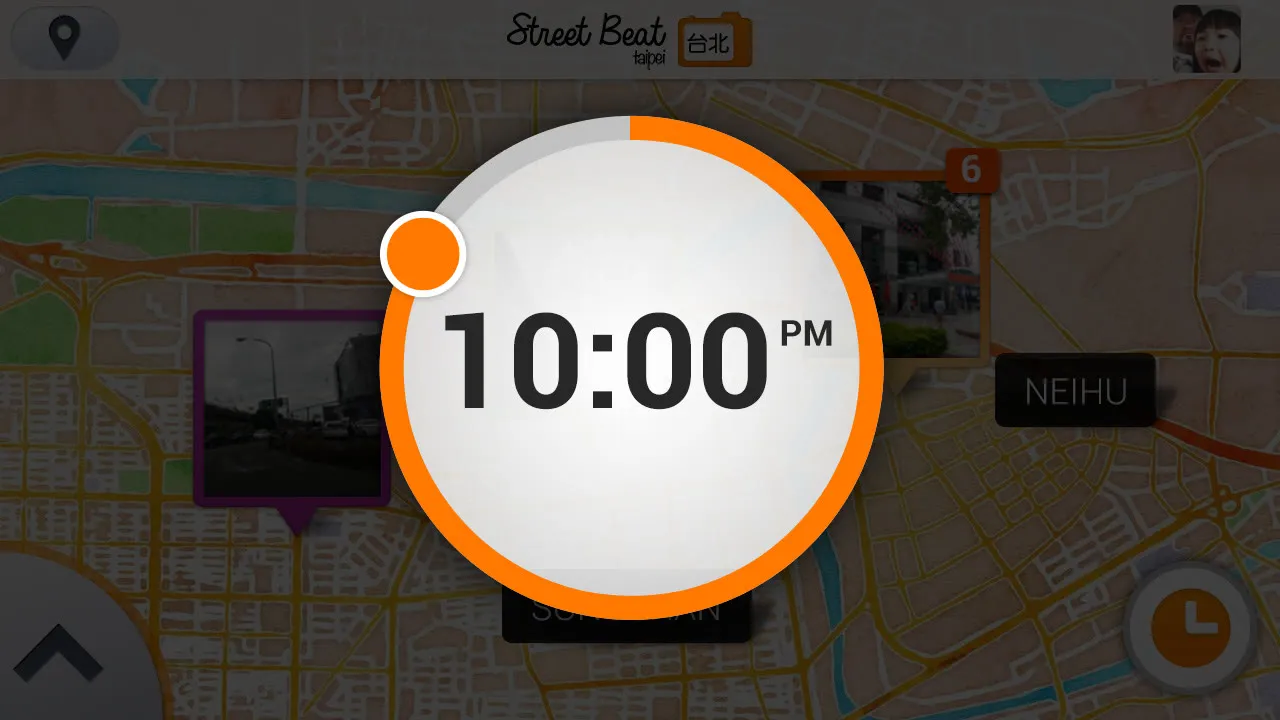
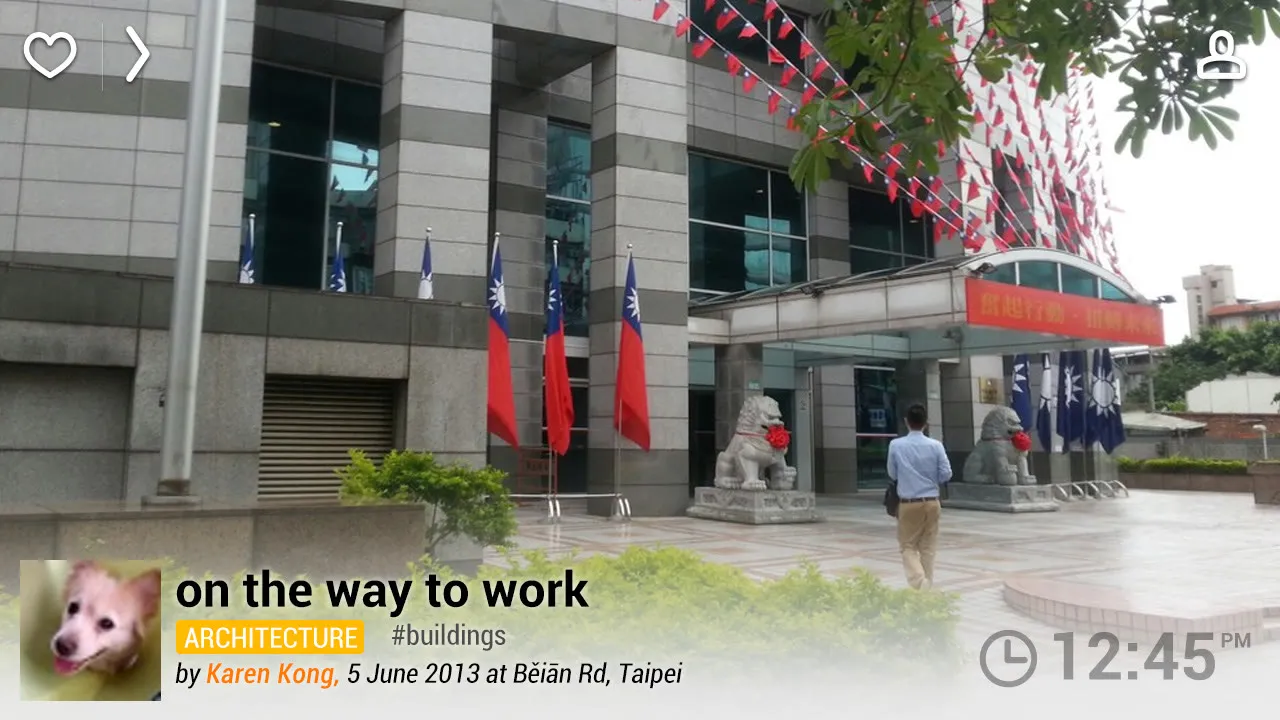
The timeline changed the most. Samsung didn’t want dates, they wanted the time of day … a minimal clock where you move the hands, so you could see Marina Bay Sands at 6 in the morning, from any day. We made it a dial that picks an hour, not a minute. A search for 12:34pm could easily come back empty, and it’s an expensive query on the database too.
It went through a few more rounds after that … digital numbers, then a clock face with am and pm, and in the end the background behind the dial changes with the time you pick.
Two cities
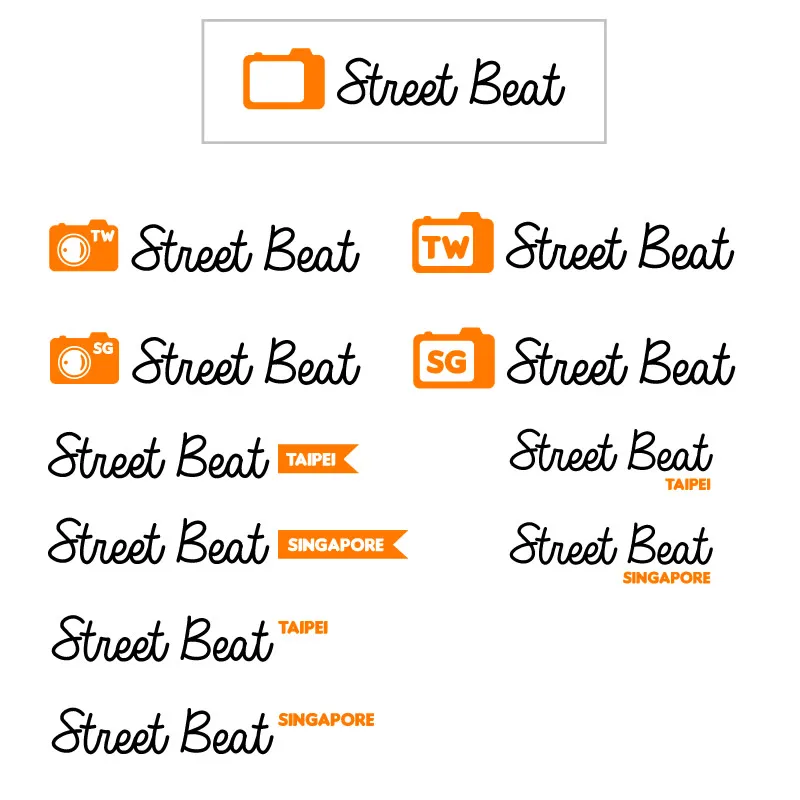
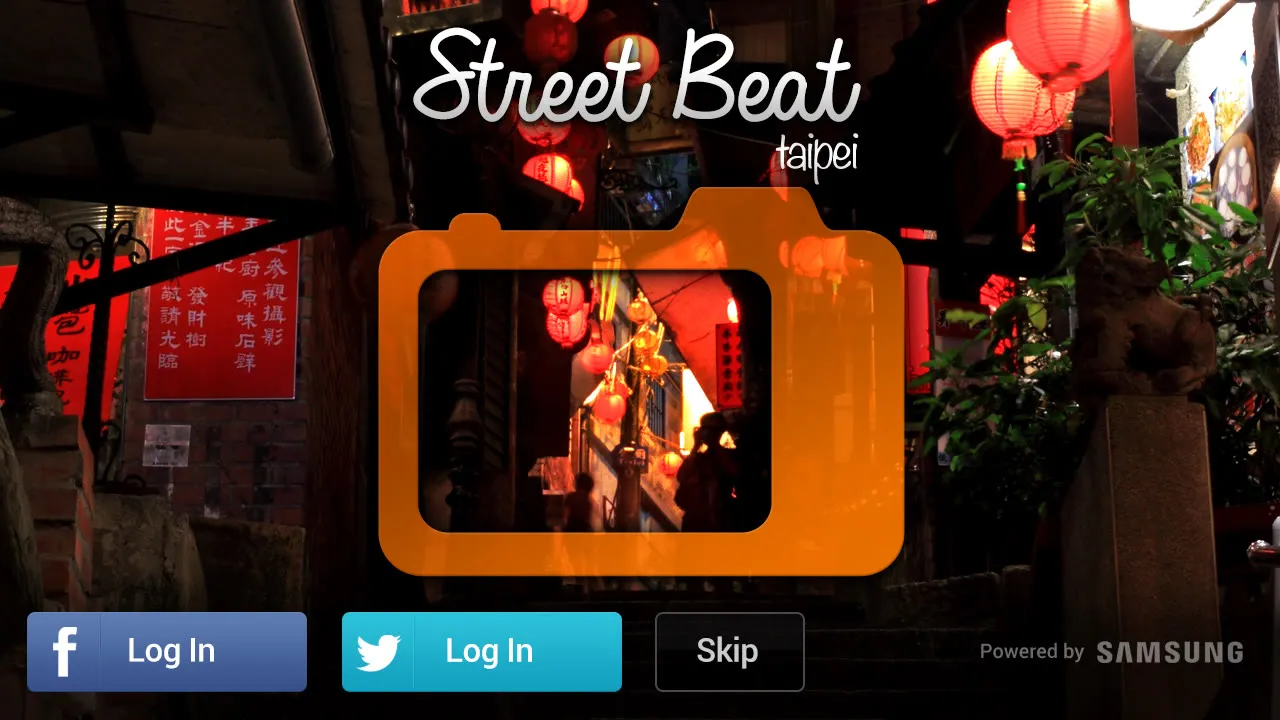
The logo took a couple of weeks of options. It ended up as a handwritten Street Beat next to an orange camera, with the city inside the camera … SG for Singapore, and TW or 台北 for Taipei.
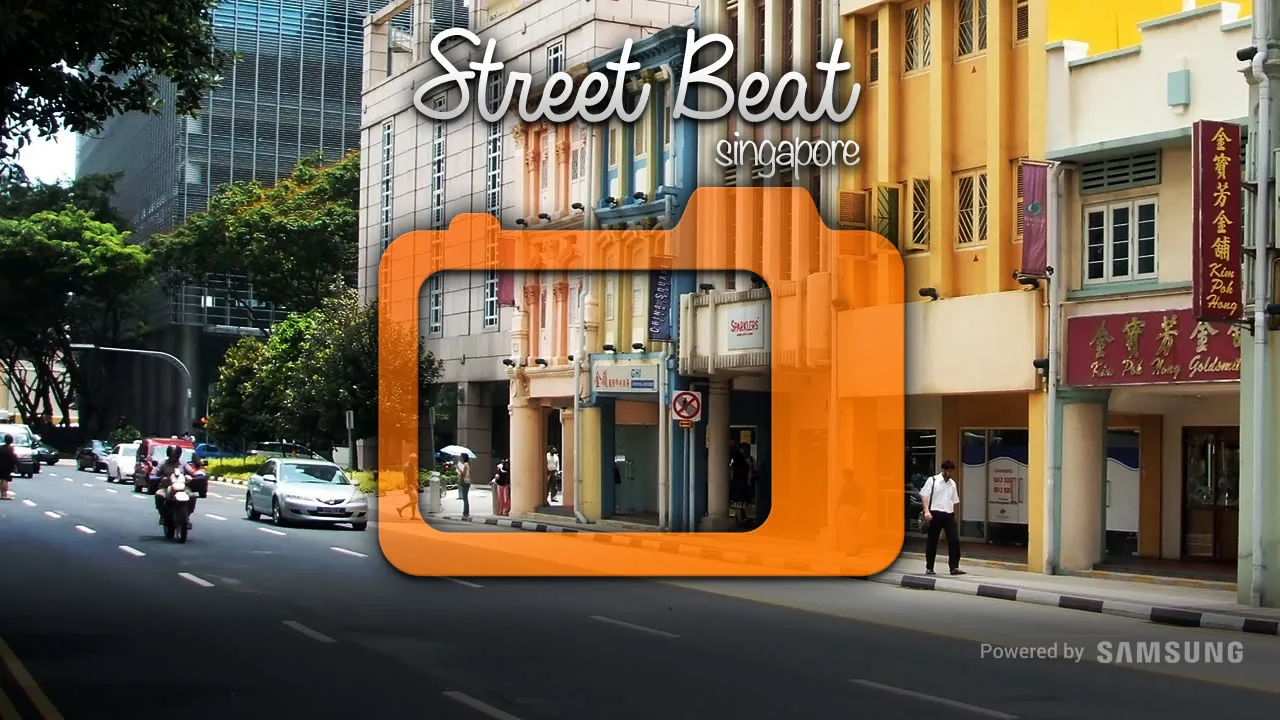
In the end it’s two apps, Street Beat Singapore and Street Beat Taipei, each with its own splash screen and its own web address on the watermark, streetbeat.com.sg and streetbeat.com.tw.
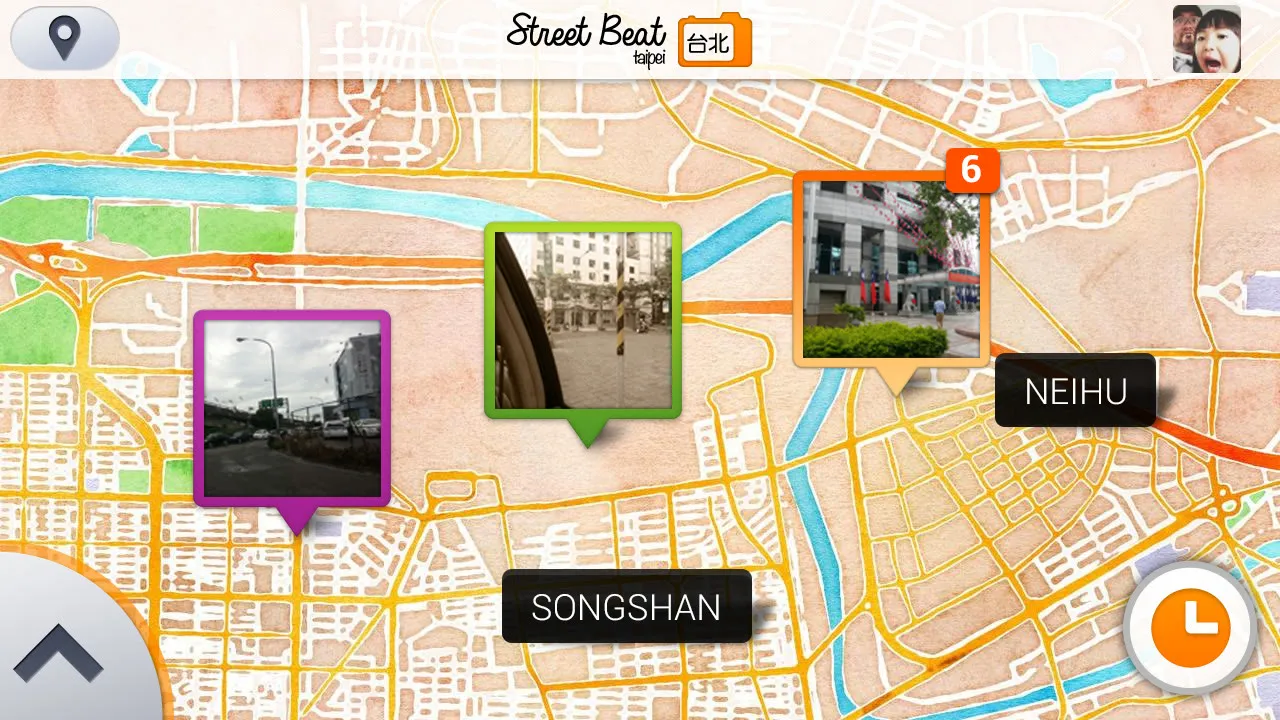
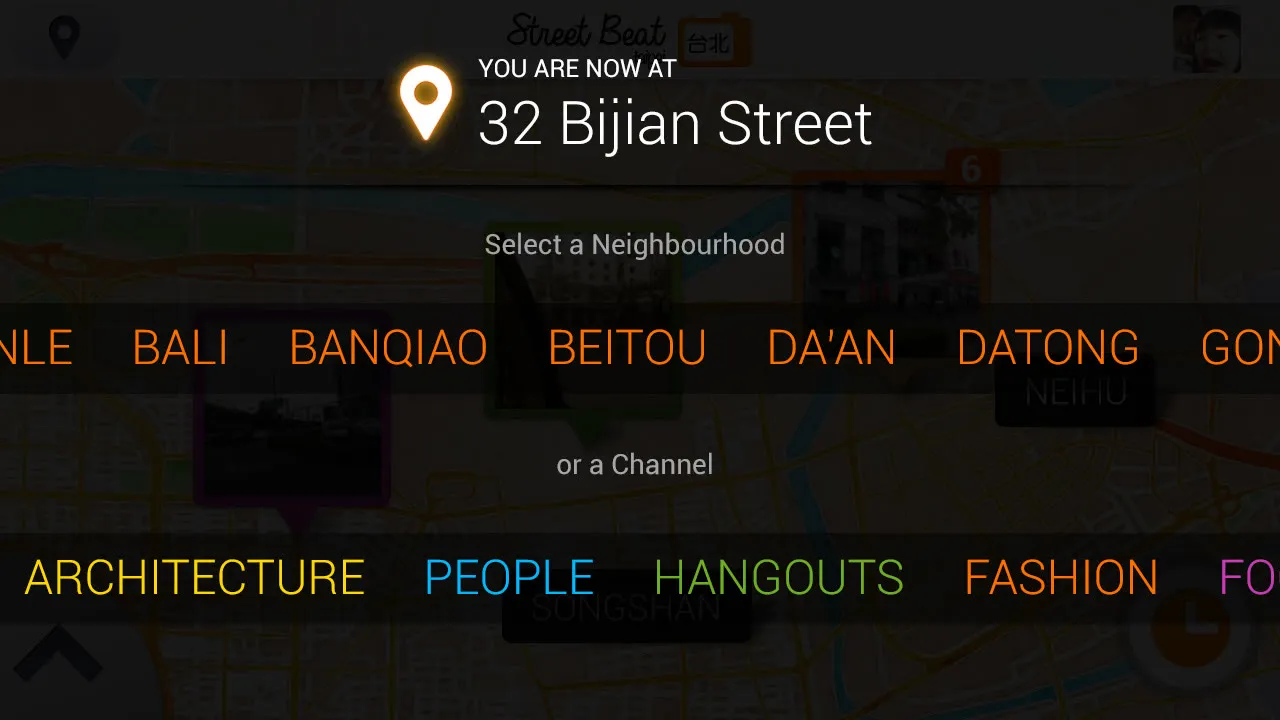
At the end of May a change request came in. Each city is now split into neighbourhoods, and the button at the top left, which used to switch channels, now picks a neighbourhood or a channel. The map labels the neighbourhoods, and every photo shows the time it was taken … tap it to see every photo taken in that hour.
The camera
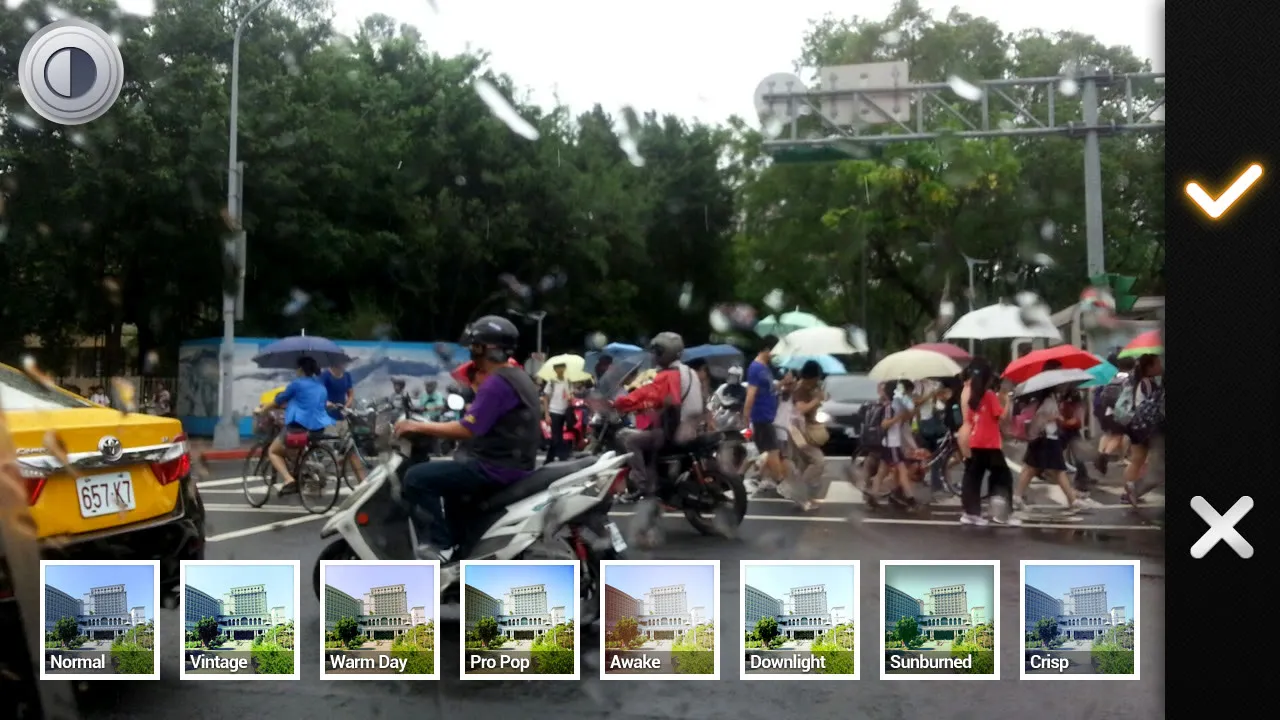
The camera screen is simple, with the flash, the shutter and the gallery. After you take a photo you can adjust the brightness and contrast and pick one of ten filters … 80’s, Awake, Crisp, DownLight, Grayscale, ProPop, Sepia, Vintage, Warm and Sunburned. Then you add a caption, a channel and tags, and it goes to Street Beat, and to Facebook and Twitter if you want.
There’s a website too, with the same map, the same channels and a slider for the hour, and it’s run by Samsung Asia.